-
 CARST
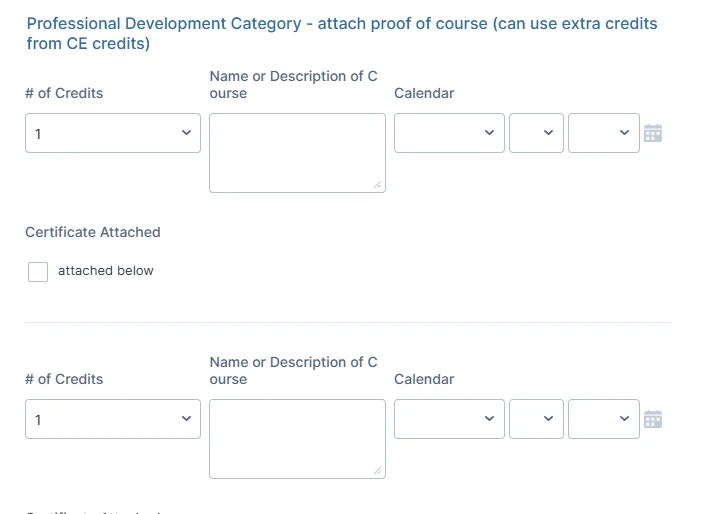
CARSTYou will see in the screen shots that it is in a couple sections.
 Page URL: https://form.jotform.com/260356611930251
 -
 Aries JotForm Support
Hi CARST,
Thanks for reaching out to Jotform Support. To better align the label in your Configurable List widget, you can apply custom CSS to adjust and reduce the font size within the widget. Let me show you how:
1. First, copy this code:
span.configurable-list-field-label{

font-size: 12px;

}
2. Open your form in Form Builder, scroll down, and select the Configurable List widget.
3. Click on the Wand icon on the right side of the widget to open Widget Settings.
4. Under the Custom CSS tab, paste the code into the CSS Code box.
Here's the sample result:
Give it a try and let us know how it goes.


Your Reply
Something Went Wrong
An error occurred while generating the AI response. Please try again!