-
 AAETEACHERS
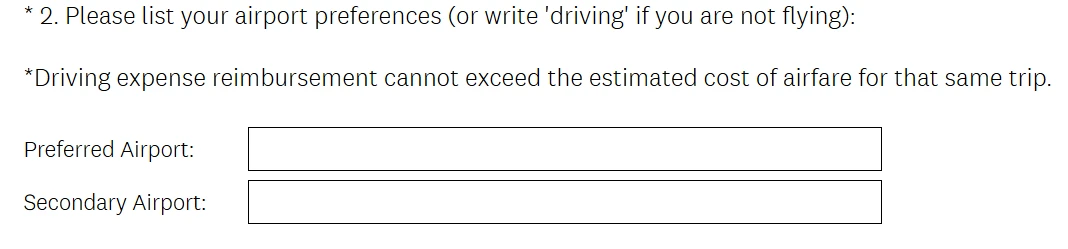
I would like to create a question on my form that has two answer boxes. How do I do that?

-
 Podo: Support Specialist
Hi Megan,
Thanks for reaching out to Jotform Support. I'm an AI assistant here to assist you.
Let me help you with that:
To create a question on your form that has two answer boxes, you can add two separate input fields side by side or one after the other. Here’s how to do it:
- Open your form in Form Builder.
- Click on Add Form Element on the left side of the page.
- Add two Short Text Entry fields (or any other input fields you want) to your form. You can place them one after the other or use the Shrink feature to place them side by side.
- To place fields side by side, click the gear icon on each field to open its properties, then toggle the Shrink option to On.
- Label each field according to the answers you want to collect.
This way, you have a question with two answer boxes for respondents to fill out.
Give it a try and let us know how it goes.
-
 Keenly JotForm Support
Hi Megan,
You can achieve it by using a Multiple Text Fields widget. Let me show you how:
1. In Form Builder, click on Add Element on the left side of the page.
2. In the menu on the left, click on the Widgets tab.
3. Under the Widgets tab, drag and drop Multiple Text Fields widget to your form.
4. Now, in the menu on the right, under the Fields section of the General tab, remove the default sub-field names.
5. Next, enter the desired sub-field names in separate lines.
6. Then, name the Multiple Text Fields widget as desired.
Your Reply
Something Went Wrong
An error occurred while generating the AI response. Please try again!