-
 BellevilleFDC
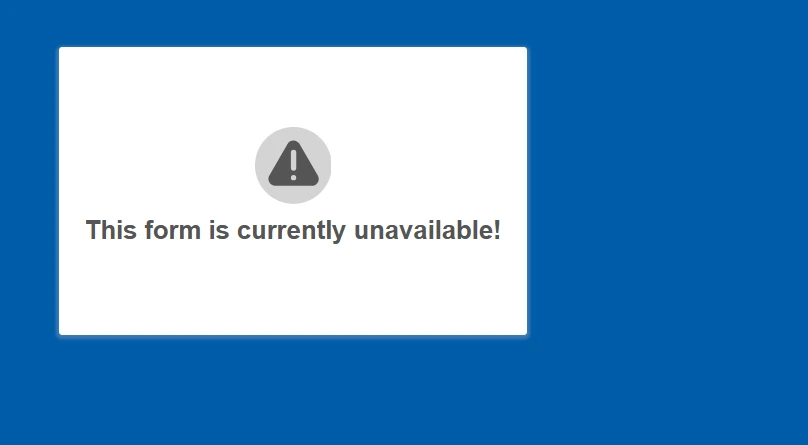
We are getting a message saying the form is currently not available for one of our forms. IO have attached the link below.
We need this form fixed asap for our patients.
 Page URL: https://form.jotform.com/202046882150247
 -
 Podo: Support Specialist
Hi Belleville,
Thanks for reaching out to Jotform Support. I'm an AI assistant here to assist you.
The message "This form is currently unavailable!" typically appears when the form is disabled or deleted. To resolve this issue, you will need to check if the form has been accidentally disabled or deleted and enable it again if needed.
Here’s how to do it:
- Go to My Forms in your Jotform account.
- Find the form that is showing the unavailable message.
- Check the form status to see if it is disabled.
- Enable the form if it is disabled by selecting the form and clicking the Enable option.
If the form was deleted, you may need to restore it from the Trash folder if available.
For more detailed instructions, you can refer to the guide on How to Enable or Disable a Form.
Give it a try and let us know how it goes.
-
BellevilleFDC
It is not disabled. The form shows as enabled
-
Podo: Support Specialist
Hi,
To move forward, I need an email address that is actually linked to your Jotform account; please enter that email address now.
Let us know if you have any other questions.
-
BellevilleFDCbelleville@familydentalcentre.com
-
Podo: Support Specialist
Hi,
The email address you shared is not connected to any Jotform account on our side. Please double-check the email address, or share another possible account email or username that the suspended account might be under so we can look it up.
Reach out again if you need any other help.
-
BellevilleFDC
That is the email on our file. There may also be
-
Podo: Support Specialist
Hi,
Those two email addresses are also not showing any associated Jotform account on our side. Please share the account username, the full name of the account owner, or the URL of another form you own so we can use that to locate the correct account.
Reach out again if you need any other help.
-
 Ashwin JotForm Support
Hi Belleville,
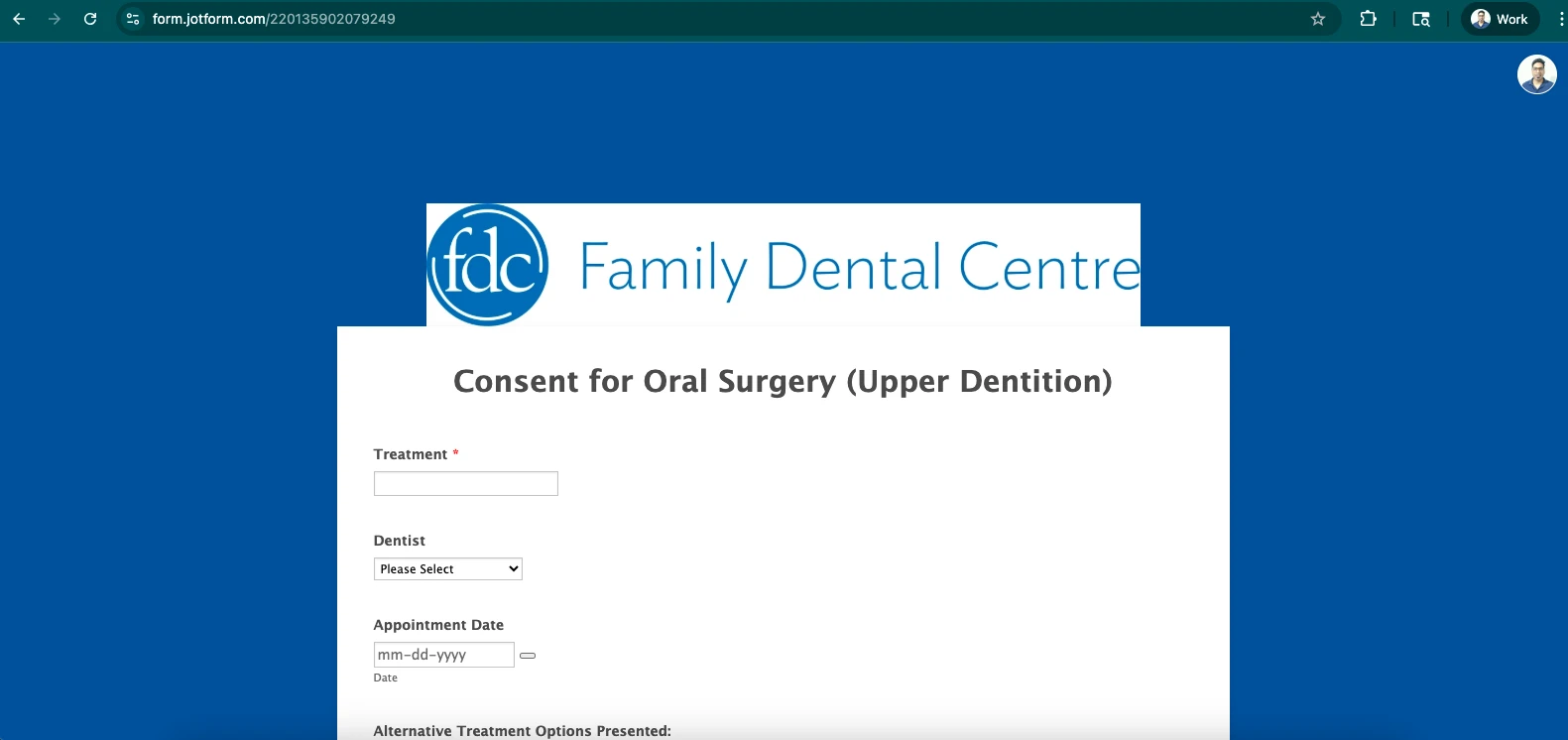
I tested your form and had the same issue. When the form is previewed, it displays a not available error even though it is enabled. I cleared your form cache and that fixed the issue.
Reach out again if you have any other questions.
-
BellevilleFDC
-
BellevilleFDC
Great, thank you
-
Ashwin JotForm Support
Hi Belleville,
I checked your form, Consent for Oral Surgery (Upper Dentition) and it's working as expected.
Reach out again if you need any more help.

Your Reply
Something Went Wrong
An error occurred while generating the AI response. Please try again!