-
 joannepope
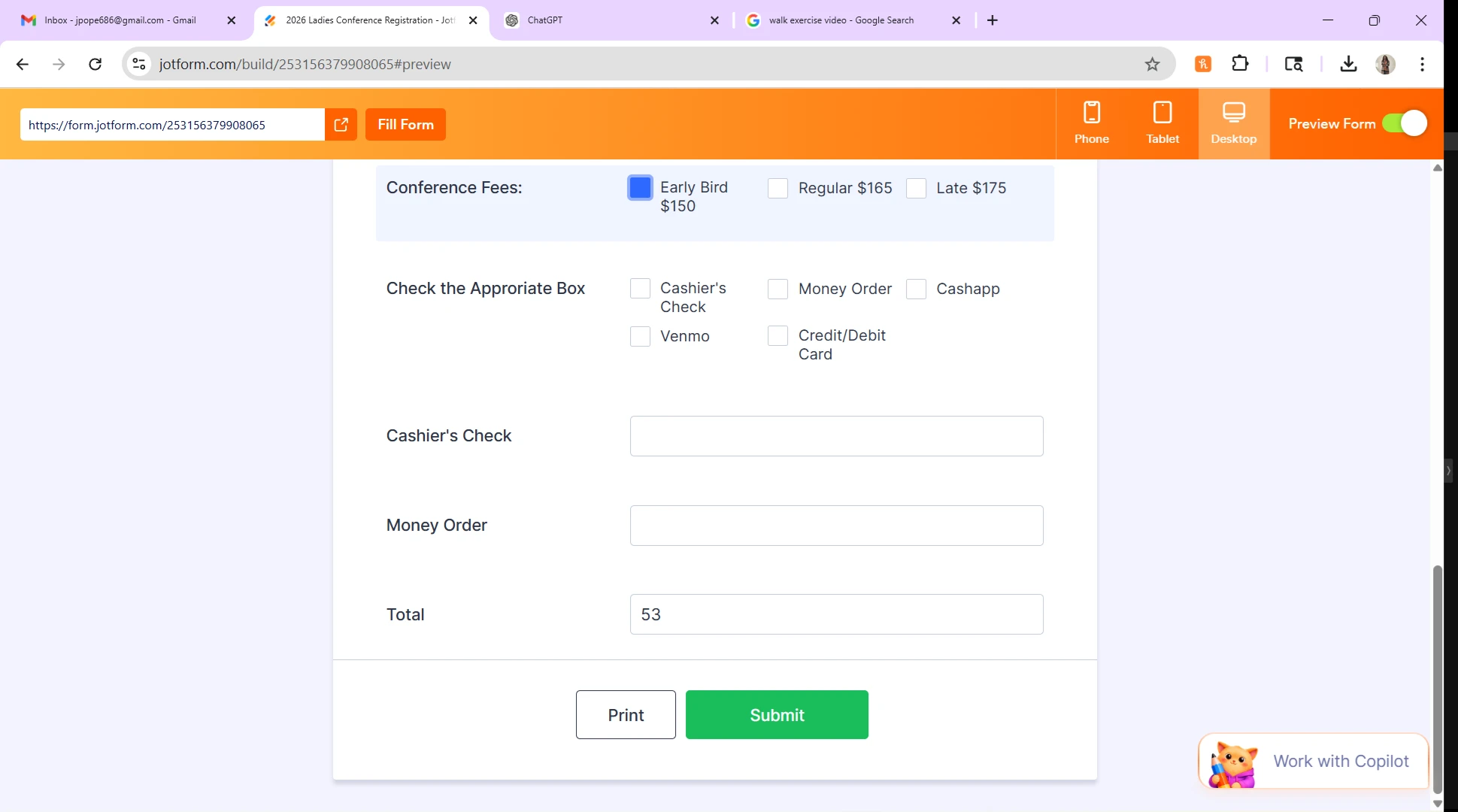
Having problems with the conferece fees showing on the total line. Can you help

-
 Podo: Support Specialist
Hi Joanne,
Thanks for reaching out to Jotform Support. I'm an AI assistant here to assist you.
Let me help you with the issue of conference fees not showing correctly on the total line in your form.
If you are using a calculation widget to sum up fees and want this total to appear in the payment field, here’s how to ensure it works properly:
- Add a Form Calculation Widget to your form and set it up to calculate the total conference fees.
- Use one calculation widget to sum all fees if you have multiple calculation widgets, then hide this widget if you don't want it displayed.
- Add a Payment Field with your preferred payment gateway and set the Payment Type to User Defined Amount.
- Open the Payment Properties by clicking the green coin icon on the payment field.
- Under the "Get Price From" option, select your Form Calculation Widget that calculates the total fees.
This setup will pass the calculated total from your calculation widget to the payment field, so the total line will show the correct conference fees.
If you have already set this up and still face issues, please check if the calculation widget is correctly summing all fees and that the payment field is properly linked to it.
Give it a try and let us know how it goes.
Your Reply
Something Went Wrong
An error occurred while generating the AI response. Please try again!