-
 STCEvent
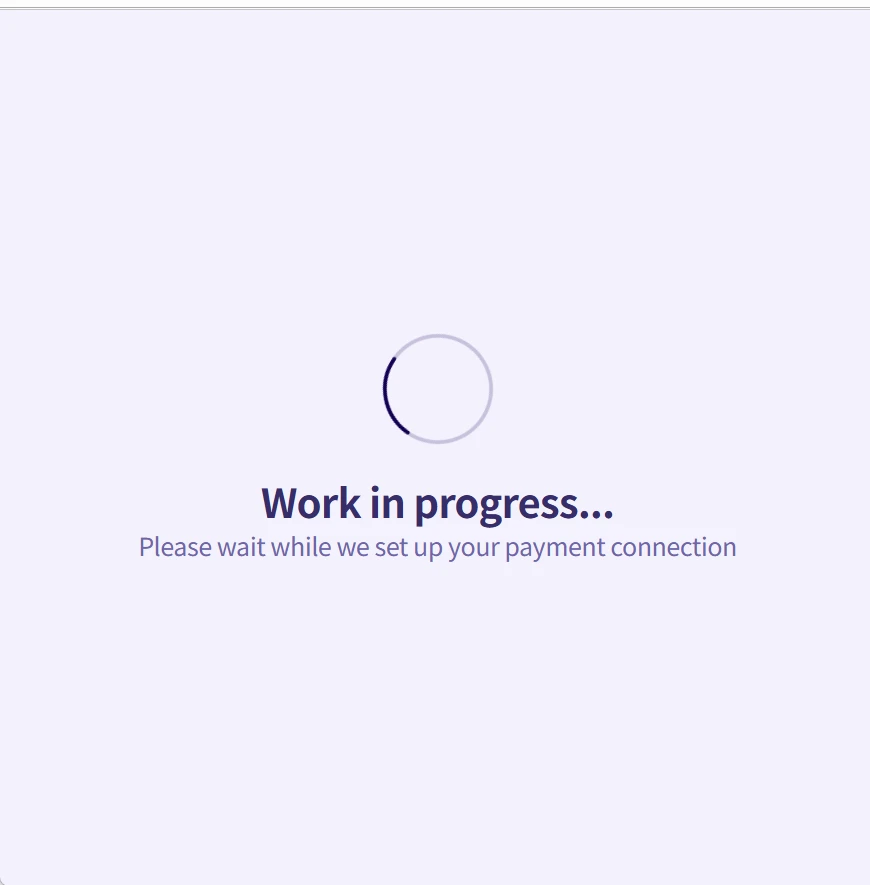
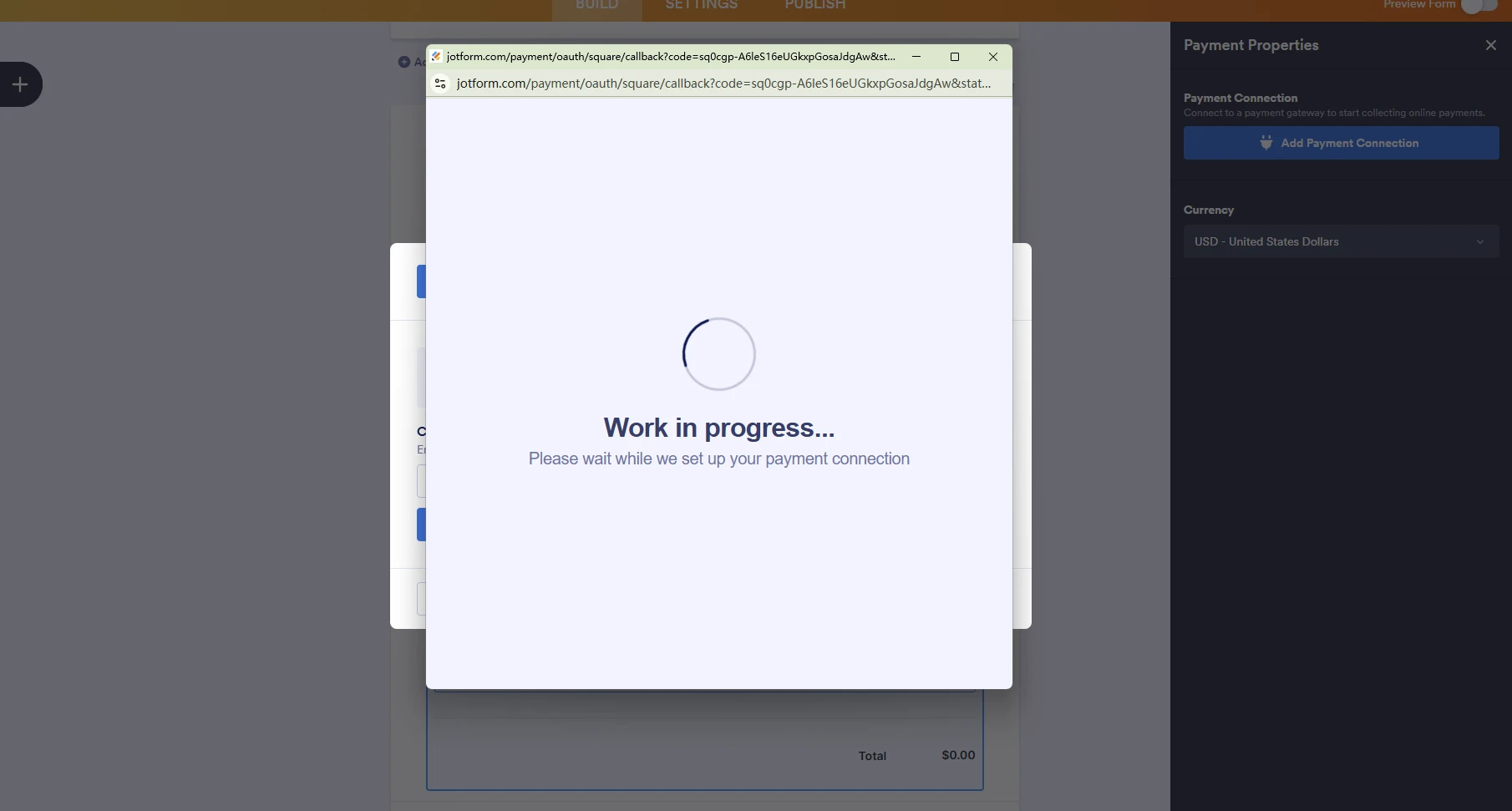
When I try to link square to my form, it shows work in progress for more than 2 hrs

-
 Podo: Support Specialist
Thanks for letting me know, that definitely shouldn’t stay on “work in progress” that long.
To check what’s going on with your Square integration, could you please share the form’s direct link or the form URL you’re working on? Once I have that, I’ll review the form’s Square connection settings for you.
-
STCEvent
-
Podo: Support Specialist
Hi STCEvent,
Regarding your Square integration showing "work in progress" for more than 2 hours, here are some common causes and solutions to check:
- Ensure your browser allows pop-ups and redirects for Jotform, as blocking these can cause the integration to hang.
- Verify that you have selected the correct business location in your Square integration settings. If you have multiple locations, you may need to create or select the appropriate one in your Square dashboard and reconnect.
- Check that your Square account is fully activated and verified. Incomplete identity verification in Square can prevent payment acceptance.
- If you are using sandbox mode for testing, confirm that the payment mode matches your Square application settings (Sandbox or Live).
- Try disconnecting and reconnecting the Square integration on your form to refresh the connection.
To reconnect or adjust settings:
- In your form builder, open the Payment Settings for Square.
- Check the connection status and business location.
- Disconnect and reconnect your Square account if needed, ensuring you complete all authentication steps.
If these steps do not resolve the issue, removing and re-adding the Square integration might help:
- Go to Settings > Integrations in your form builder.
- Find the Square integration, click the three dots, and select Delete Action.
- Confirm deletion, then re-add the Square integration and complete the setup.
Give it a try and let us know how it goes.
-
STCEvent
Still cannot work
-
Podo: Support Specialist
Hi STCEvent,
One of our Support Team members will take it from here to follow up shortly.
-
 Jerlan JotForm Support
Hi STCEvent,
I have checked your form, and it shows that your Square account isn't connected. Take a look at the screenshot below:
I have cleared your form caches. Can you try to connect your Square account again and then submit a test submission?
Give it a try and let us know how it goes.
-
STCEvent
-
STCEvent
Still cannot proceed
-
 Ronald JotForm Support
Hi STCEvent,
I tested your form and had the same issue, so I created a ticket and escalated this to our Developers. Although we don't know exactly when it'll be fixed, we’ll circle back to this thread when we have an update.
-
STCEvent
Thank you
-
STCEvent
May I have this fixed ASAP please?
-
 Kris JotForm Support
Hi STCEvent,
There are no updates from our developers. We'll reach out to you as soon as there's an update from the team.
Thank you for your patience and understanding, we appreciate it.
-
STCEvent
Still nothing?
-
 Myla_T
Hi STCEvent,
It’s taking a little longer than expected to get a reply from the team, but rest assured, we’re on it. I’ll update you as soon as I have news.



Your Reply
Something Went Wrong
An error occurred while generating the AI response. Please try again!