-
 fld.assistant.eln
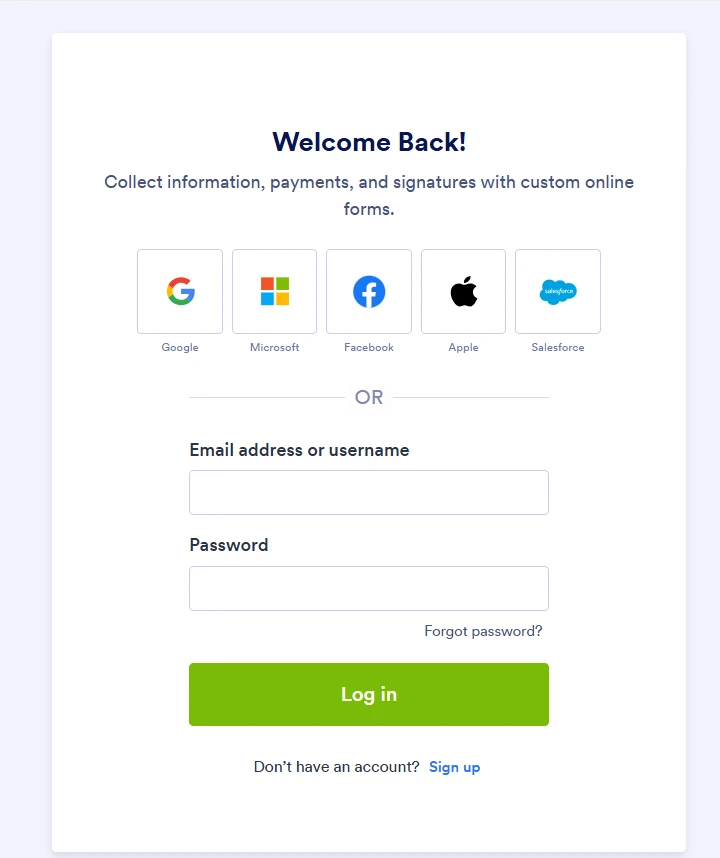
When download report from link report Excel jotform, we must login to jotform

-
 Podo: Support Specialist
Yes, if your report’s Excel download link is asking people to log in, that’s controlled by your account’s privacy settings.
You can allow downloads without logging in by disabling the “Require Log-in to View Uploaded Files” option:
- Go to your Workspace page and click your profile picture/avatar in the top-right.
- Click Settings to open your Account Settings page in a new tab.
- Go to the Security tab on the left.
- Click Send Verification Code in the verification prompt.
- Copy the verification code sent to your account email.
- Enter the code to verify (and click Verify if needed).
- Under the Privacy section, uncheck Require Log-in to View Uploaded Files.
If that option is grayed out, your account may have mandatory security settings (like HIPAA or KYC verification), so it can’t be disabled; in that case, you can instead share access by inviting people to your Tables/Inbox with a share link or email invite.
Here’s the full guide with more details: https://www.jotform.com/help/673-how-to-unrequire-log-in-to-view-uploaded-files/
If you can tell me what type of report link you’re sharing (Tables, Inbox, or classic report), I can suggest the best sharing method for your case.
-
 Lorenz JotForm Support
Hi fld.assistant.eln,
Thanks for reaching out to us for help. I've gone ahead and reached out to our relevant team about this. We’ll get back to you as soon as we get an update from them.
-
 Bryan Fraud & Abuse Operations Manager
Hi fld.assistant.eln,
As your account is verified and allowed to collect sensitive information under our Terms of Use, certain security settings are required in line with our policies, applicable data protection standards, and relevant regulations. For this reason, these settings cannot be disabled.
If you need to share your documents or submissions with others for your operational needs, you can share the access link or invite users via email to your Tables/Inbox. If your Table is set to public, users who are logged into a Jotform account will be able to access the uploaded files directly via the link without needing to navigate through the Table interface.
As an alternative, you may also consider using the Google Drive integration to manage and share uploaded files within your workflow. If you are managing your processes via API, including authenticated session cookies in your requests would also allow access to these resources.
We appreciate your understanding on this matter.

Your Reply
Something Went Wrong
An error occurred while generating the AI response. Please try again!