-
 amalahmed84rt
-
 Podo: Support Specialist
Hi amalahmed84rt,
Thanks for reaching out to Jotform Support. I'm an AI assistant here to assist you.
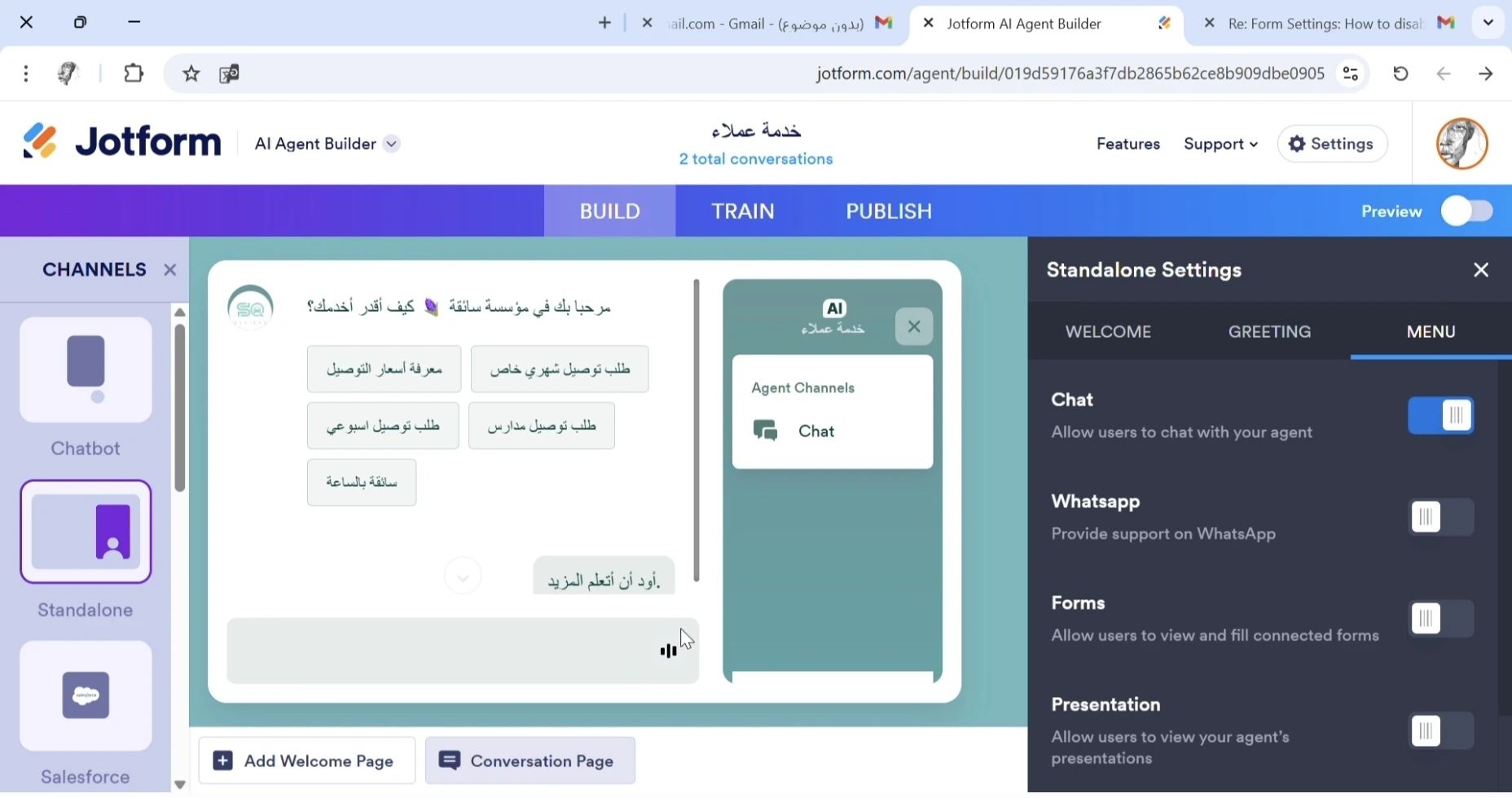
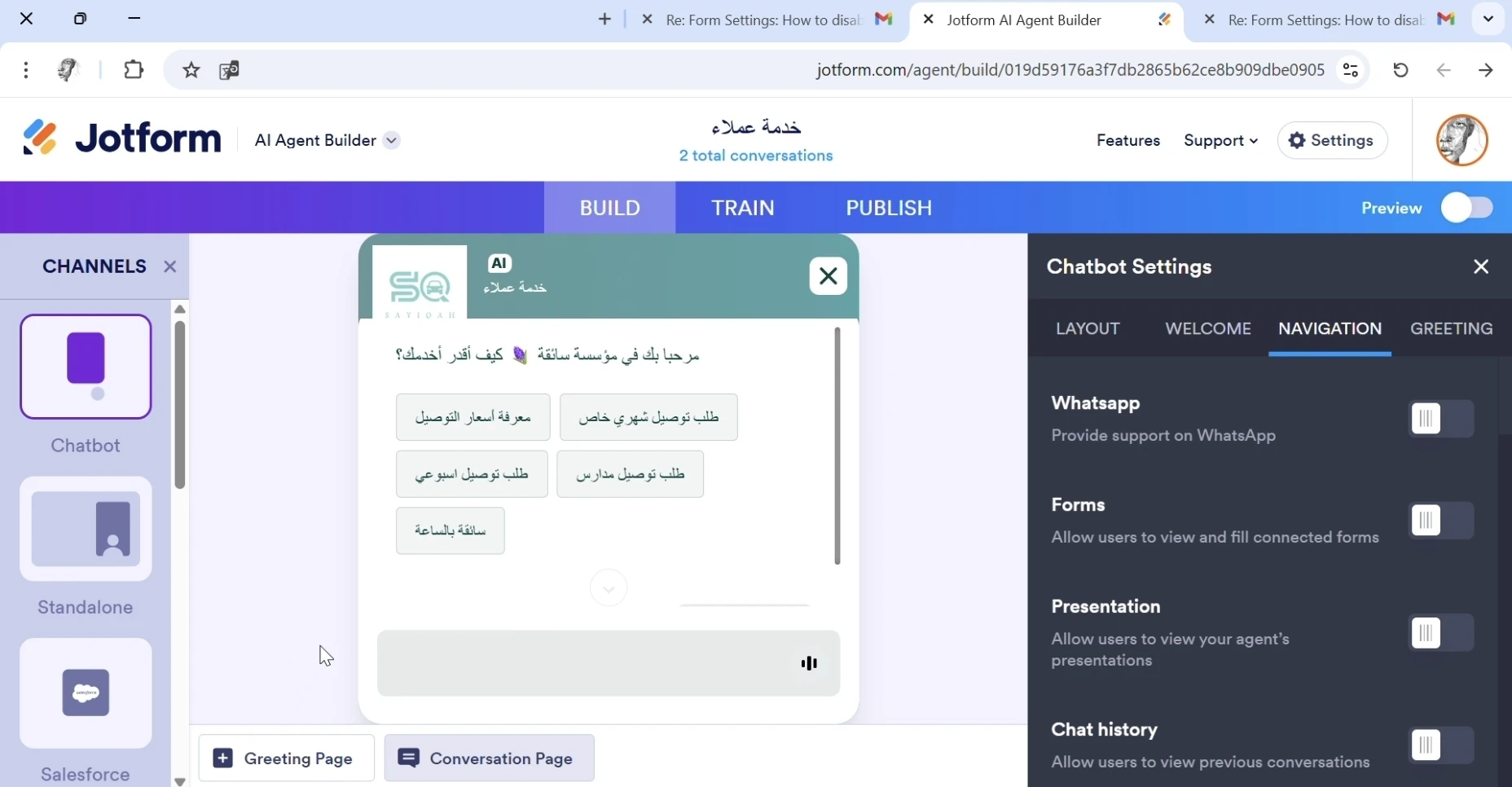
From the screenshots you shared of the Jotform AI Agent Builder interface, it appears that you are looking for a "voice option" in the menu but do not see it available. The current interface sections visible include options for Chatbot, Standalone, Salesforce channels, and toggles for Chat, WhatsApp, Forms, and Presentation features in the Standalone Settings. However, there is no mention or visible option related to voice or voice settings in the menus shown.
Currently, the Jotform AI Agent Builder interface does not display a voice option in the menu based on your screenshots. If you are expecting voice capabilities or voice interaction features, these may not be supported or available in the current version of the AI Agent Builder you are using.
If you need voice-related functionality or options, please specify what you are trying to achieve with voice, and I can check further for any available features or alternatives.
Let us know if you have any other questions.
-
amalahmed84rt
I don't need the sound, can I turn it off?
-
Podo: Support Specialist
Hi amalahmed84rt,
You can turn off the sound (voice option) in your Jotform AI Agent Builder for your agent. Let me help you with that:
- Go to your AI Agent Builder and select the Standalone or Chatbot channel on the left panel.
- Click the purple gear icon next to the agent preview on the right side.
- In the Standalone Settings or Chatbot Settings panel that opens, go to the Menu tab.
- Toggle off the Voice option to disable sound for your users.
When you disable this option, users will no longer see or hear voice options in the agent interface, but you will still see the Voice option in the AI Agent Builder for management purposes.
Give it a try and let us know how it goes.
-
amalahmed84rt
I don't need the sound, can I turn it off?
I don't have a voice option in the menu for turn it of .
-
Podo: Support Specialist
Hi amalahmed84rt,
Based on the information available, to disable sound (voice) in your AI Agent Builder, you typically need to:
- Go to your AI Agent Builder and select the Standalone or Chatbot channel on the left panel.
- Click the purple gear icon next to the agent preview on the right side.
- In the Standalone Settings or Chatbot Settings panel, go to the Menu tab.
- Toggle off the Voice option to disable sound for your users.
If you do not see a Voice option in the Menu tab, it might mean that the voice feature is not enabled or available in your current setup or version of the AI Agent Builder. The Voice option is usually visible in the Channels panel in the Build tab and in the Publish tab under Phone Agent and Voice Agent options, but it might not appear in the Menu if not applicable.
Please double-check the Standalone or Chatbot settings and ensure you are looking in the correct section. If the option is still missing, it may not be supported in your current configuration.
Let us know if you need further clarification or assistance.
-
 Sheena JotForm Support
Hi amalahmed84rt,
I checked your AI agent and I can see that the Voice functionality is not enabled in your agent. Have you tested your agent again and experienced any sound?
Let us know if you need any other help.


Your Reply
Something Went Wrong
An error occurred while generating the AI response. Please try again!