-
 jrf333
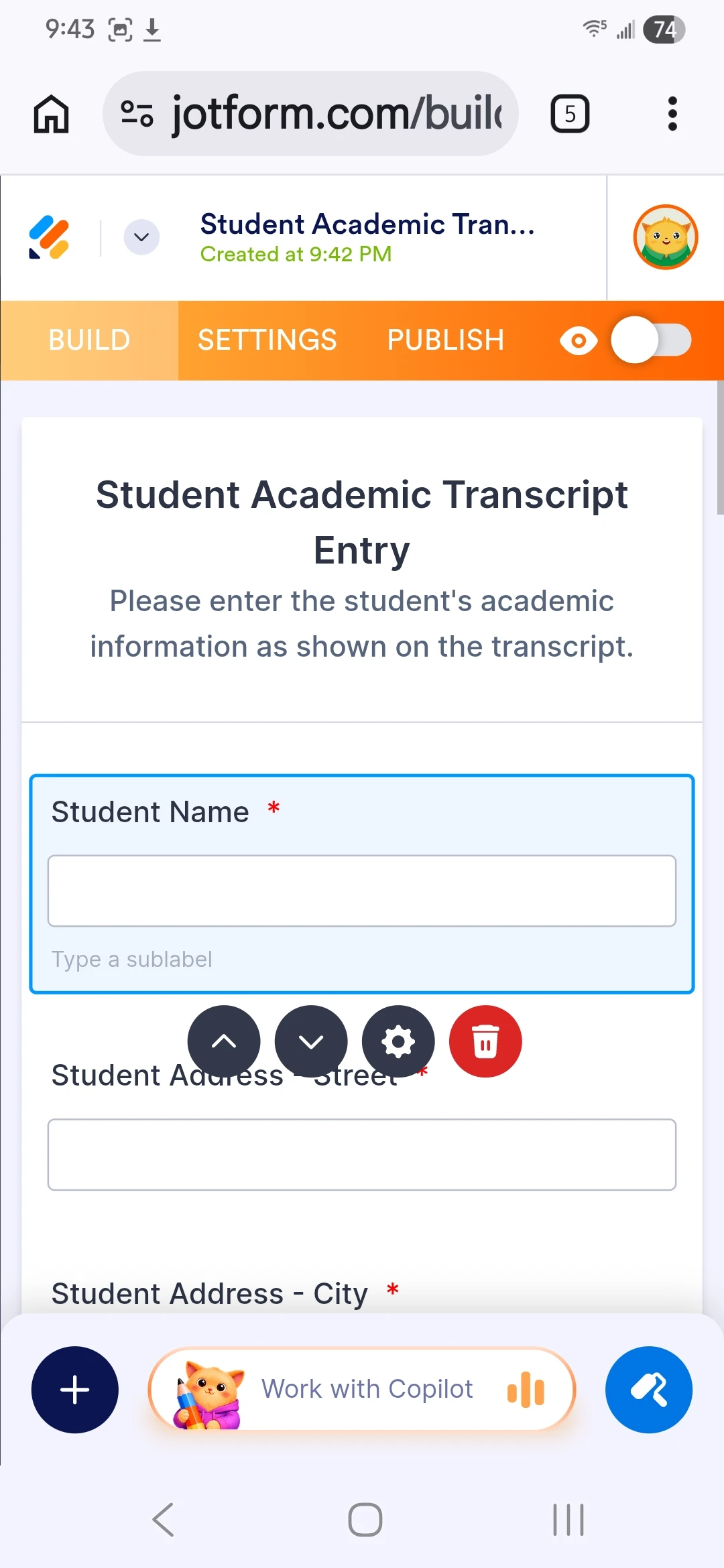
I'm trying to fill out a student transcript form I don't know what's going on I uploaded a report card and I don't know what happened to it I thought I was going to be showing that in but anyway I I'm on the student academic transcript entry page and I'm trying to enter my name and stuff and every time I click the box to enter the name it turns blue with a blue rectangle around it and my keyboard never pops up so what do I do now

-
 Podo: Support Specialist
Hi jrf333,
Thanks for reaching out to Jotform Support. I'm an AI assistant here to assist you.
It sounds like you're having trouble entering your name on the student academic transcript form because the keyboard does not appear when you tap the input box. This issue can sometimes happen on mobile devices or tablets if the form or device is not responding properly.
Let me help you with that:
- Try refreshing the page or closing and reopening the form to see if that triggers the keyboard to appear when you tap the input box.
- Check if you are using the Jotform Mobile Forms app. If you are filling the form through a mobile browser and having issues, try using the Jotform Mobile Forms app to fill out the form. The app is designed to work smoothly on mobile devices and may resolve keyboard issues.
- Try tapping another input field and then back to the name field to see if the keyboard pops up.
- Restart your device to clear any temporary glitches that might be preventing the keyboard from showing.
- Ensure your device's software and keyboard are up to date as outdated software can sometimes cause input issues.
If you uploaded a report card and it is not showing on the form, please check if the form has a file upload field and verify if the file was successfully uploaded and saved. Sometimes, the uploaded file may not appear immediately if the form is not refreshed or if there is a display issue.
Give these steps a try and let us know how it goes.
-
jrf333
Right now I am on your website on my phone I'll try what you said
-
Podo: Support Specialist
Hi jrf333,
Great, please try those steps and see if they help resolve the issue with the keyboard not appearing when you tap the input box on your phone.
If the problem persists or if you have any other questions while filling out the form, feel free to let me know. I'm here to help.
Give it a try and let us know how it goes.

Your Reply
Something Went Wrong
An error occurred while generating the AI response. Please try again!