-
 iCater
I created a form for Church Street, but when I test it by sending to myself, it opens up as the Holy Family's form which is different. Not quite sure what is happening.
Page URL: https://www.chef@icaterboston.com -
 Podo: Support Specialist
Hi iCater,
Thanks for reaching out to Jotform Support. I'm an AI assistant here to assist you.
It sounds like the form you are testing is opening a different form than intended. Let me show you how to check which form you are working on:
1. Open your form in the PDF Editor or Form Builder.
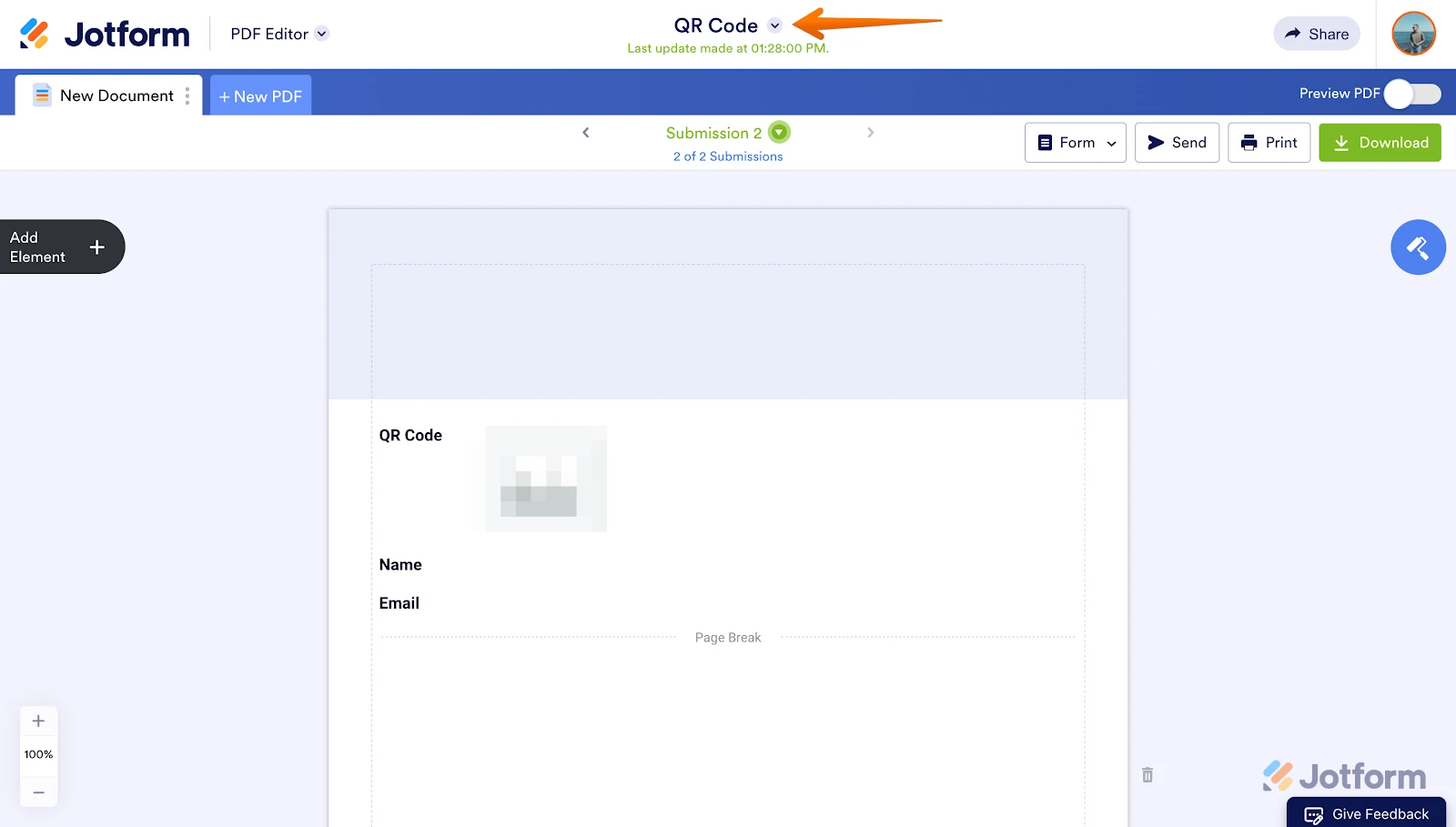
2. Look at the top-center of the page to see the form heading. This indicates which form is currently open.

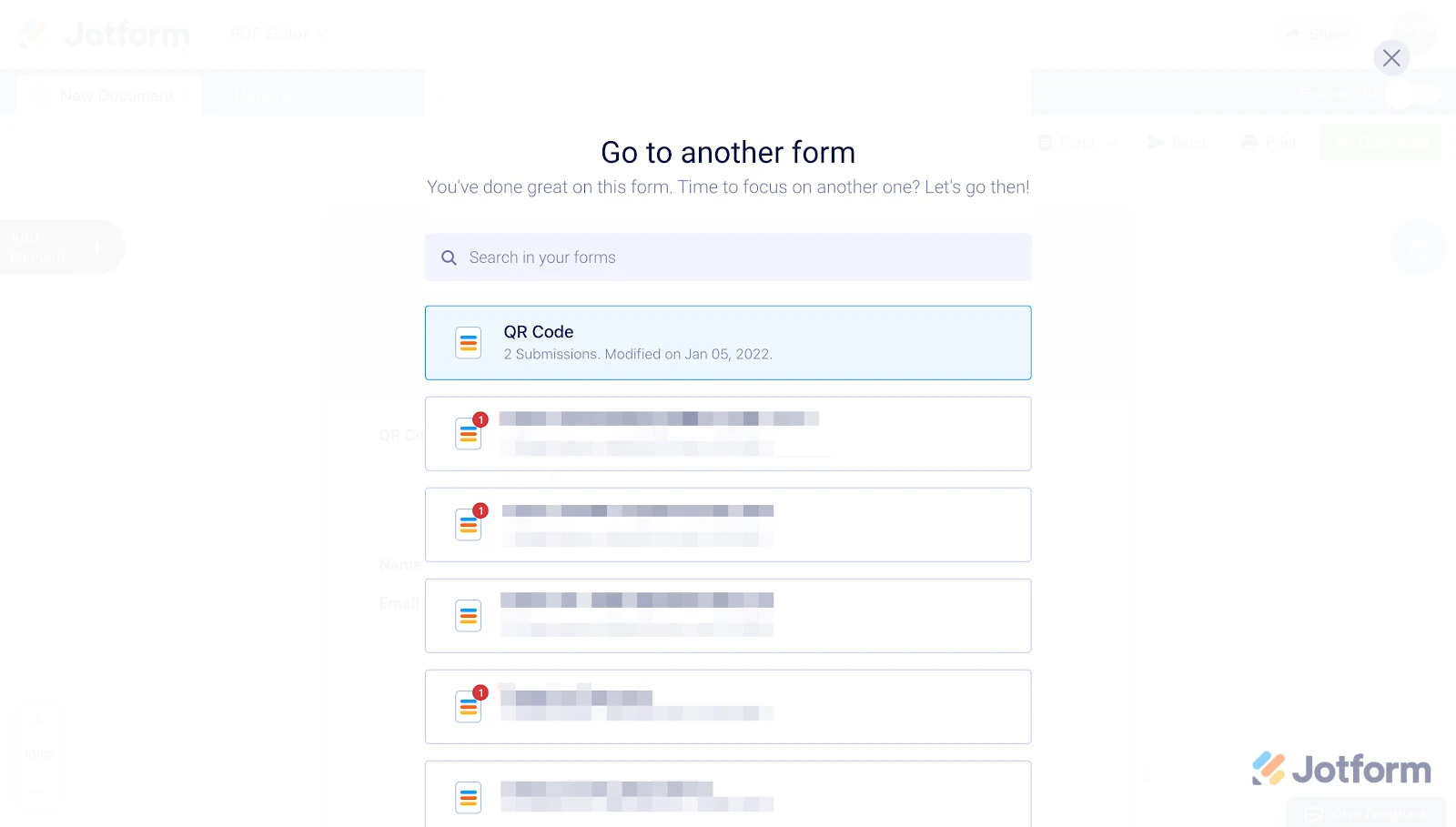
3. Click on the downward arrow icon next to the form heading to see a list of all your forms. Confirm that you have the correct form selected.
This will help you verify if you are sending the correct form link to yourself for testing.
Reach out again if you need any other help.
-
 Ronald JotForm Support
Hi iCater,
I checked the link you shared and I was unable to locate any form. Can you share with us the link to the form you are testing or the page link where the form is embedded so I can check on it?
Once we hear back from you, we can help you sort this out.
-
iCater
below link that I created is correct for Church Street Weekly Order.
https://form.jotform.com/260884504339160
But when I send it as a reminder email, it says
"A form is waiting for you to fill out.
Hi there,
Just a friendly reminder for you. Please click the button below to fill out the ‘Church Street Weekly Order’,
but when I click onto the "View Form", it opens up the HFI Weekly Order form as seen below
HFI Weekly Order
- Please fill out and submit the below ordering form by 6pm on Tuesday. All meal changes will take place on Sunday. All weekly supplies that are ordered, will be delivered on Thursday. Any items needed for your program that fall outside of the below list can be added to the "Other items/Requests for the Week" box. and will be charged to your program.
-
Ronald JotForm Support
Hi iCater,
Can you try to remove the Reminder email and recreate it? It's really easy to delete. Let me show you how:
- In Form Builder, in the orange navigation bar at the top of the page, click on Publish.
- Click on Emails on the left side of the screen, and select the Schedule A Reminder Email option.
- Hover your mouse on the Reminder email and click the Trash icon.

Your Reply
Something Went Wrong
An error occurred while generating the AI response. Please try again!