-
 mitchellkyu
Hey Support Team,
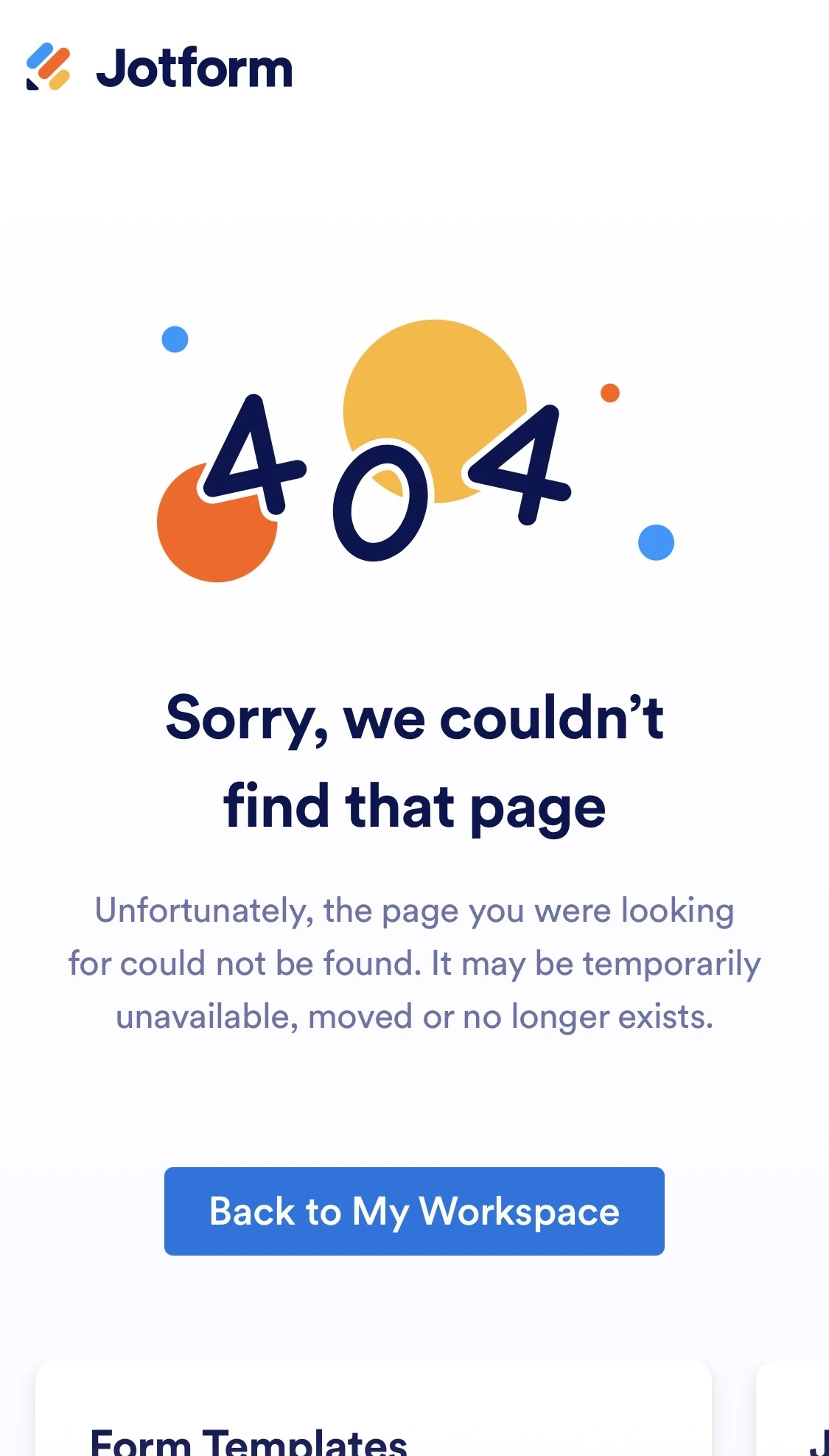
when I clicked the link in Jotform for downloading the picture send by customer, message pop up instead of customer’s picture. It was working a few days ago. Please review and advise. I attached a screenshot. This screenshot message pop up instead of picture when I clicked the link.
Thank you

-
 Podo: Support Specialist
Hi Mitchell,
Thanks for reaching out to Jotform Support. I'm an AI assistant here to assist you.
When you click a link in Jotform to download a picture sent by a customer and instead see a message pop up, this issue can sometimes be related to privacy settings or login requirements for viewing uploaded files.
Let me help you with that:
- Check if the "Require log-in to view uploaded files" setting is enabled in your account security settings. If this setting is enabled, users must be logged into Jotform to download files, which can cause a message to appear instead of the image.
- To disable this login requirement, go to your Jotform account's Security settings, verify your identity with a verification code, and uncheck the option "Require log-in to view uploaded files." This will allow anyone with the link to download the file without logging in.
- If you are using email notifications with file links, ensure that the links are correctly formatted and that the files have not been deleted or moved.
If you want to see how to download form submissions including files, there's a helpful video guide that walks through the process of accessing and downloading submissions and attached files in Jotform. You can watch it starting at 0:09 to see how to navigate to submissions and download files.
Give it a try and let us know how it goes.
-
 Jeric_T
Hi Mitchell,
It could be related to your Jotform security settings. To prevent our system from asking you to log in before viewing or downloading submission attachments, you can Disable the Requirement to Login to View Uploaded Files. It only takes a few simple steps. Here’s how:
1. On your Workspace page, click on your Avatar/Profile Image in the top-right corner of the screen.
2. In the Dropdown menu that comes up, click on Settings.
3. Next, click on the Security tab on the left side of the page.
4. Then, click on Send Verification Code.
5. In the Confirmation window that opens, enter the Authentication Code sent to your email and click on Verify.
6. Now, uncheck the box next to Require Log-in to View Uploaded Files. That’s it. You’re done.
Reach out again if there’s anything else we can help you with.
-
mitchellkyu
I tried this step. I unchecked all the required login as mentioned. However, it is still not working. The same screenshot page I send you earlier pop up again.
-
 Gian_D JotForm Support
Hi Mitchell,
I saw that you don't have a form on your Jotform account. Can you send us the link to the form you're referring to for us to investigate it?
As soon as we hear back from you, we can work on getting you a solution for this.
-
mitchellkyu
-
 Eduardo_Ca
Hi Mitchell,
I clicked on the link you sent and I got the same 404 error. This probably happened either because the related submission was deleted or no permission was granted to view it. Can you ask the form owner to share the Tables view with you so you can view the image? Let me show you how:
1. On your Jotform Submissions Table, click on the Share button on the top-right side of the page.
2. Click on Share Settings and set your Table’s privacy options.
3. Now, click on Go Back in the top-right corner of the panel and use the Generated Link or the Invite by Email feature to invite people.
You can easily revoke the invites you’ve sent to others. Let me walk you through it:
1. While in Tables, click on the Share button to open Share Table.
2. Now, click on the avatars/icons of the people you invited next to the Shared with section.
3. Select the users that you want to revoke the access to by checking the boxes on the left, and click on Revoke.
4. Then, click on the Yes, Delete button. That’s it, you’re done.
Reach out again if you have any other questions.



Your Reply
Something Went Wrong
An error occurred while generating the AI response. Please try again!