-
 SecuredWithRSA2048
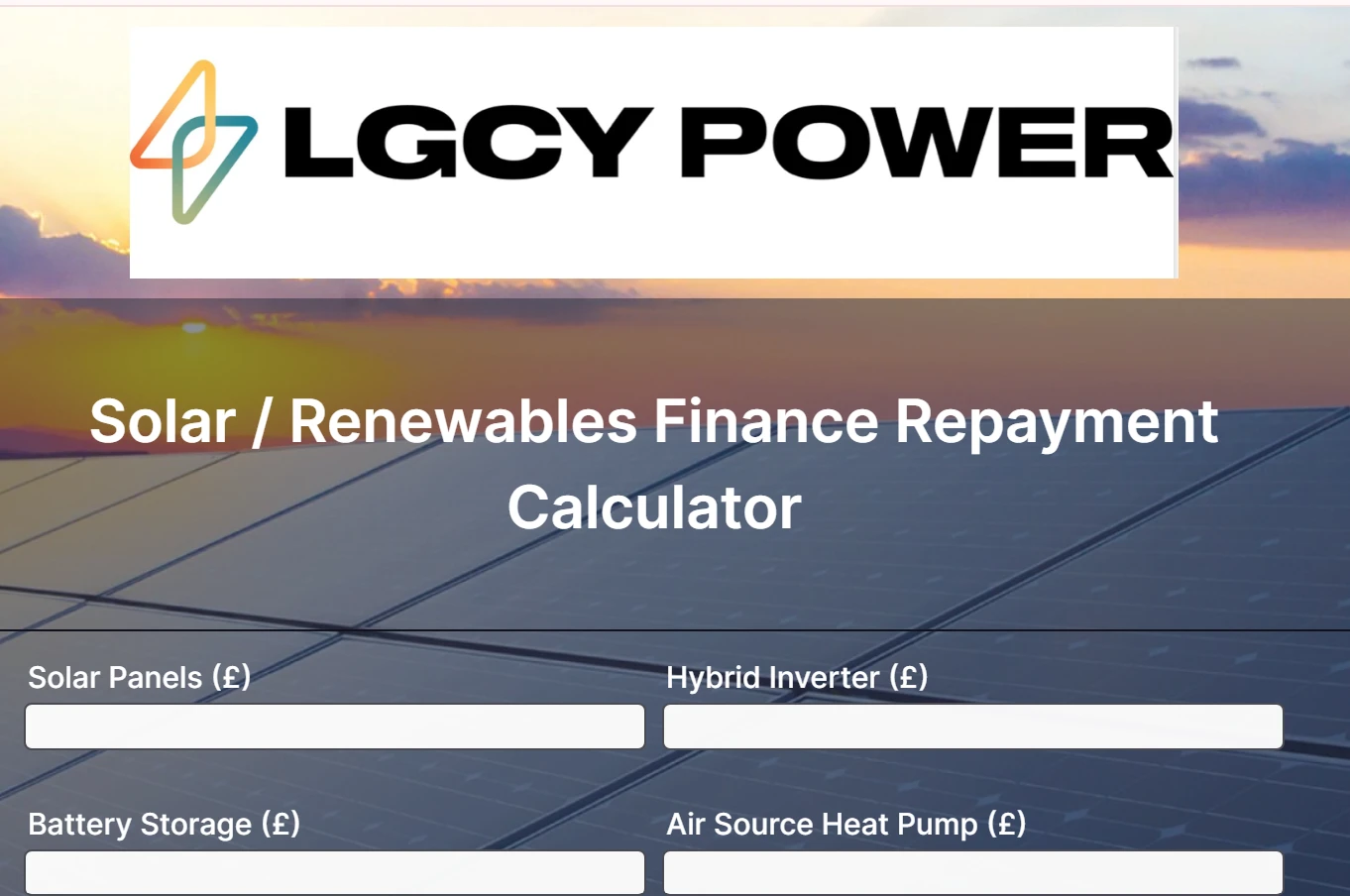
Your AI helper: I've prepared a summary for you to submit to technical support about the rogue "LGCY POWER LOGO" appearing on your published form at https://form.jotform.com/260921846119359. You can use the button below to go to the Support page and send this issue directly to the team for investigation and resolution.

-
SecuredWithRSA2048
This is an American company and its logo is in your template! Please remove it. I am a UK business and pay for uncorrupted forms and templates!!"
-
 Kris JotForm Support
Hi Dave,
Thanks for reaching out to Jotform Support. To clarify, when you create a form from a template, the logo is shown by default, or did you ask for help from Podo, our AI, and did it add the logo? We can request the removal of the logo from our developers if we confirm what you're referring to.
Once we hear back from you, we can help you sort this out.
-
SecuredWithRSA2048
Hi Kris,
thanks for getting back to me,
This logo issue is embedded in your template. It is there when I publish.
It is a rogue. Your AI has nothing to do with it.
Thank you, Dave
-
 Lorenz JotForm Support
Hi Dave,
To clarify, did you create that form from our template gallery here. Keep in mind that, all Jotform users have the ability to upload templates to our template gallery and share them to the public. I cannot verify if they have an account with us, but if they do have, it might be them that published the template.
I'm unable to locate that specific form template here. Can you share with us the direct link to the form template, so we can check?
Let us know if you have any other questions.
-
SecuredWithRSA2048
That is unclear, you need to check these uploads as they may be advertising on your platform.
The published form template is
https://form.jotform.com/260921846119359
-
 Nikola JotForm Support
Hi Dave,
I inspected your form, and that logo is shown because of the Form Theme you used. The theme name is Solar, and it appears it was created by one of our users. Keep in mind that anyone can create a Theme and share it in our Theme Gallery. If you want to use that theme but remove that Logo, you can remove it by Injecting CSS Codes into your form. Let me show you how:
1. First, copy this code:
.form-all:before {

    background-image: none;

}
2. In Form Builder, click on the Paint Roller icon on the upper-right side of the page.
3. Then, in the Form Designer menu on the right, go to the Styles tab.
4. Finally, paste the CSS code into the Inject Custom CSS code field.
You can also upload your own logo. Let me show you how:
- In Form Builder, hover above the form and click on the Add Logo button.
- Then, in the Styles tab, click on the Upload File button, and upload a logo from your computer.
Another option is to use a different Form Theme. We have a guide on How to Apply a Theme to Your Form that you can check out.
Let us know if you have any other questions.
Your Reply
Something Went Wrong
An error occurred while generating the AI response. Please try again!