-
 Cable_Rail
 -
 Podo: Support Specialist
Hi Cable,
Thanks for reaching out to Jotform Support. I'm an AI assistant here to assist you.
I see you have shared a link to a fillable PDF form. If you are experiencing issues with loading or using this form within Jotform, please provide more details about the issue you are facing. For example, is the form not loading correctly in Jotform's PDF Editor or when embedded on a website? Any specific error messages or behaviors you observe will help me assist you better.
Once we hear back from you, we'll be able to move forward with a solution.
Reach out again if you need any other help.
-
Cable_Rail
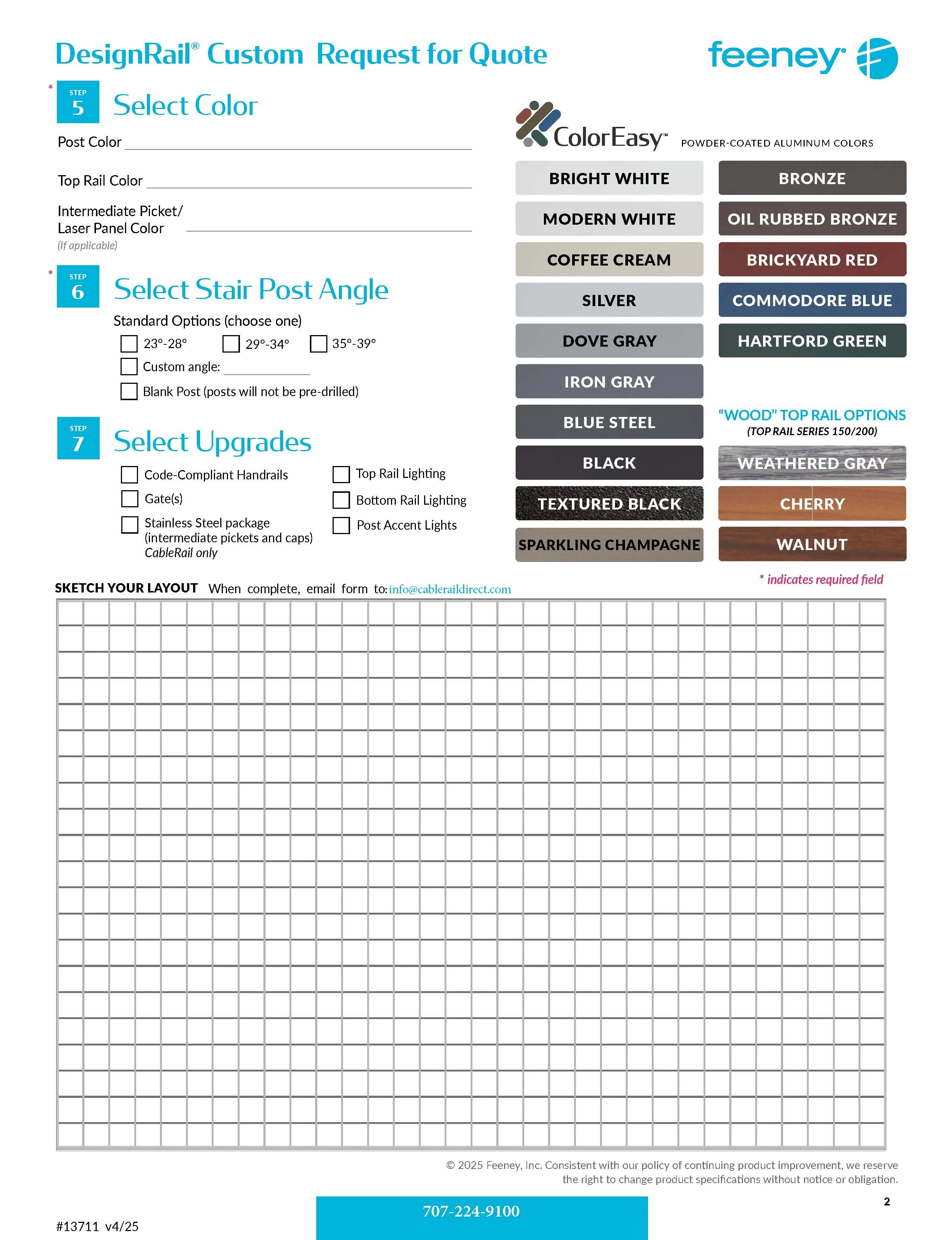
it's not loading the images correctly
-
Podo: Support Specialist
Hi Cable,
Regarding the issue with images not loading correctly in your fillable PDF form on Jotform, here are some helpful points and steps to consider:
How to properly add and display images in your form:
- Use the Image element: In Form Builder, click on Add Element, then select the Image element under the Basic tab. You can upload images from your device, select from your saved images, or enter an image URL.
- Set image size and alignment: Adjust the width, height, and alignment to ensure images fit well within your form layout.
- Use the Paragraph element for embedded images: You can add images along with formatted text using the Paragraph element, which supports image embedding.
- Consider Image Widgets: For multiple images, use widgets like Image Gallery or Image Slider to display images neatly and interactively.
If you are working with Smart PDF Forms, ensure the original PDF connection settings are properly configured to display images and that the images are embedded correctly in the PDF template.
For more detailed guidance, you can refer to Jotform's support articles on adding images and using widgets:
- How to Create Your First Web Form
- Image Picker Widget
- Image Gallery Widget Setup
- Image Slider Widget Setup
If the images still do not load correctly, please check the image file URLs or upload status, and ensure there are no restrictions or broken links causing the issue.
Give it a try and let us know how it goes.

Your Reply
Something Went Wrong
An error occurred while generating the AI response. Please try again!