-
 azdvs
azdvshttps://form.jotform.com/azdvs/advs-mfrf-grant-request
Please fix or provide information.

-
 Podo: Support Specialist
Hi ADVS,
Thanks for reaching out to Jotform Support. I'm an AI assistant here to assist you.
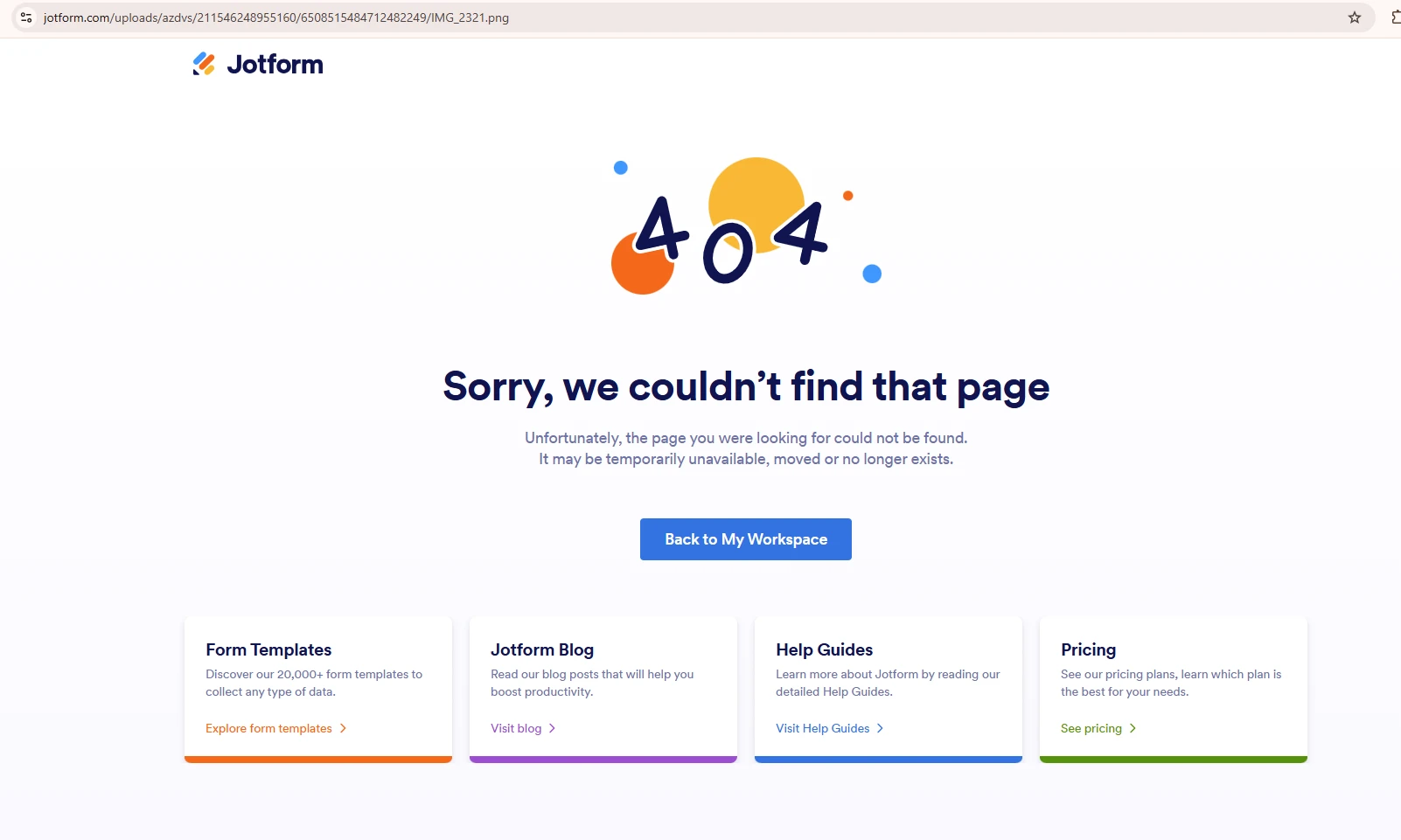
Regarding the 404 error when opening attachments in your form ADVS MFRF Grant Request, this issue usually happens because the system requires users to log in to view or download uploaded files.
To fix this and allow approvers or users to view attachments without logging in, you need to disable the login requirement for viewing uploaded files. This setting can only be changed on the desktop version of Jotform. Here’s how to do it:
- Go to your Workspace page and hover your mouse over your Avatar/Profile picture on the right side of the screen.
- Click on Settings from the dropdown menu.
- Navigate to the Security tab and under the Privacy section, uncheck the box next to "Require Login to View Uploaded Files".
After disabling this setting, users will be able to view and download attachments without encountering the 404 error or needing to log in.
If you want to download attachments individually or in bulk from Jotform Inbox, you can do the following:
- Go to My Workspace and hover over the form.
- Click the Inbox option.
- Select the submissions you want or select all.
- Hover over Download All and click Download Attachments.
- You will receive an email with a download link for your attachments.
For more details, you can also add a PDF submission download link in your email notifications using the {pdf-link} tag, which avoids attachment size limits and login requirements.
Give it a try and let us know how it goes.
Your Reply
Something Went Wrong
An error occurred while generating the AI response. Please try again!