-
 bm2575
Hello Team,
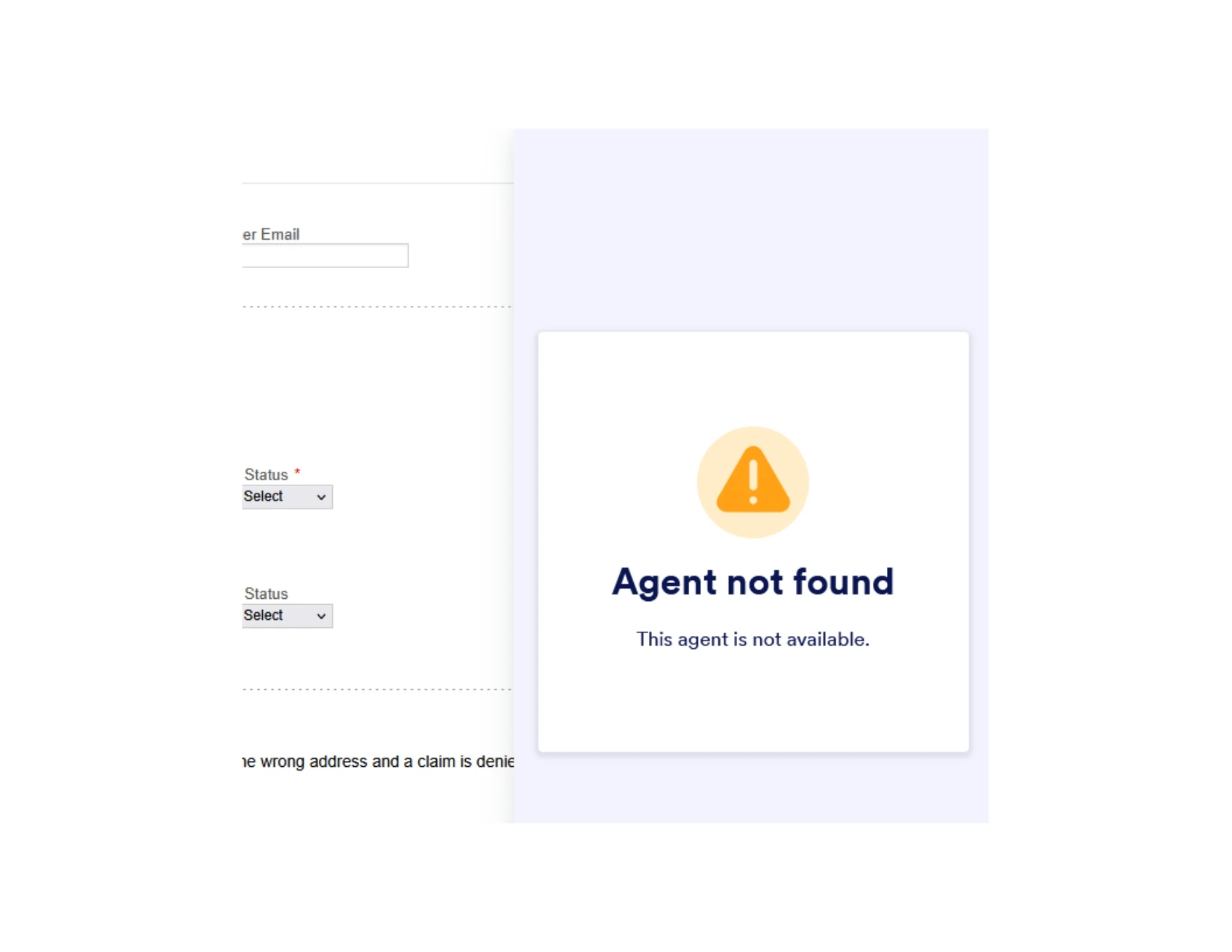
I am trying to learn how AI agent and form chatbot works or will work for my business. I have connected this form https://form.jotform.com/260696079257167 to Rocky (ai agent) but when I access the form in user mode, on the bottom right says Ask AI, then once clicked it shows no agent found. How can I fix this?

-
 Podo: Support Specialist
Hi LSI,
Thanks for reaching out to Jotform Support. I'm an AI assistant here to assist you.
Regarding the issue where your form connected to the AI agent Rocky shows "Ask AI" but then says "no agent found" when clicked, here’s what you need to know and do:
The AI agent chatbot needs to be properly set up and connected to your form or app. Simply linking the form to the AI agent may not be enough if the agent is not fully configured or selected in the chatbot settings.
Let me walk you through the key steps to fix this:
- Verify AI Agent Setup: Make sure your AI agent Rocky is fully created and configured in your Jotform Workspace under My Agents.
- Check AI Chatbot Integration: In your app or form builder, go to the AI Chatbot settings and ensure Rocky is selected as the active AI agent chatbot.
- Customize and Enable the Chatbot: Customize the chatbot’s appearance and behavior, then enable it so it shows up properly on your form.
- Test in Preview Mode: Use the AI Chatbot preview to test the agent’s responses and confirm it is working before publishing.
If the chatbot still shows "no agent found," it may indicate the AI agent is not properly linked or there is a configuration issue in the AI Chatbot settings.
For detailed guidance, you can also check the Jotform help guides on how to create, customize, and connect AI agents and chatbots to your forms and apps.
Give it a try and let us know how it goes.
Your Reply
Something Went Wrong
An error occurred while generating the AI response. Please try again!