-
 rexhostteacherallotments
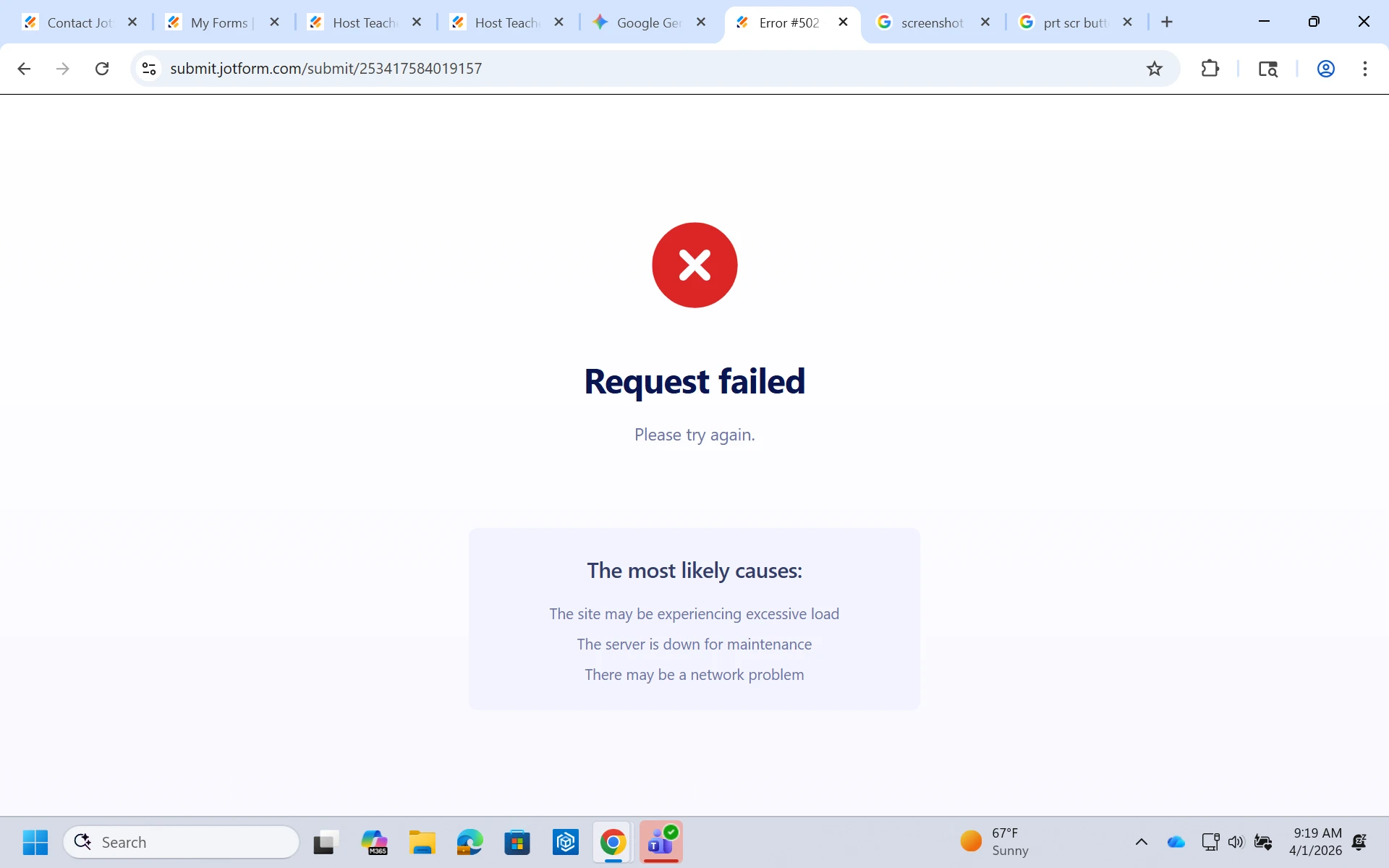
I sent the link to people to submit orders on and it keeps saying error: request failed
 Page URL: https://form.jotform.com/253417584019157
 -
 Podo: Support Specialist
Hi rexhostteacherallotments,
Thanks for reaching out to Jotform Support. I'm an AI assistant here to assist you.
When you see an error message like "request failed" after submitting a form, it usually indicates a problem with the form submission process. Let me help you with that:
- Check your internet connection to ensure it is stable and working properly.
- Verify the form's settings to make sure there are no restrictions or conditions that might block submissions.
- Review any integrations or payment gateways connected to the form, as issues there can cause submission errors.
- Clear your browser cache and cookies or try submitting the form from a different browser or device.
- Check if the form has reached its submission limit or if your account has any restrictions.
If the issue persists, please provide more details such as a screenshot of the error or the exact message shown, so we can assist you further.
Give it a try and let us know how it goes.
-
rexhostteacherallotments
how to Review any integrations or payment gateways or Check if the form has reached its submission limit
-
Podo: Support Specialist
Hi rexhostteacherallotments,
Let me help you with that:
To review integrations or payment gateways on your form:
- In Form Builder, click on Add Element on the left side of the page.
- Under the Payments tab, you will see the payment integrations added to your form.
- You can click on the Three Dots icon next to your payment method and select Switch to Another Gateway if you want to change it without deleting your product fields.
To check if your form has reached its submission limit:
- Go to your My Forms page.
- Select the form in question and click on More or Settings.
- Look for any submission limits set under the Form Settings or Limits section.
- If a limit is set and reached, the form will stop accepting new submissions.
If you want to view payment details submitted through your form, you can also View Payment Details on Your Conversations Page. Here’s how:
- On your My Agents page, select the AI Agent connected to your payment form.
- Click on Conversations on the right side.
- Click on a conversation and then on Show Data to see payment details.
Give it a try and let us know if you need any help.
-
 Otto JotForm Support
Hi rexhostteacherallotments,
Thank you for reaching out to Jotform Support. I cloned your form and tested it to see if I could replicate the issue, but I haven't encountered the same situation. Also, you don't have any limit restrictions in your form. If you continue facing the same issue, I would suggest you clear the form cache and check again. Although Clearing Your Form Caches isn't done automatically, it's easy to do it manually. Let me show you how:
- On your Workspace page, click on your Avatar/Profile Image icon.
- In the dropdown menu, click on Settings.
3. In the Settings menu, click on Clear Cache. And that's it, you're done.
Give it a try and let us know if you need any other help. -
rexhostteacherallotments
Thank you, I tried it and it went through!
-
Podo: Support Specialist
Hi WU Rex Inst,
Your request has been answered and the thread is closed.
If you have another question or need more help, feel free to reply here and we'll assist you right away.