-
 ShipyardTrust
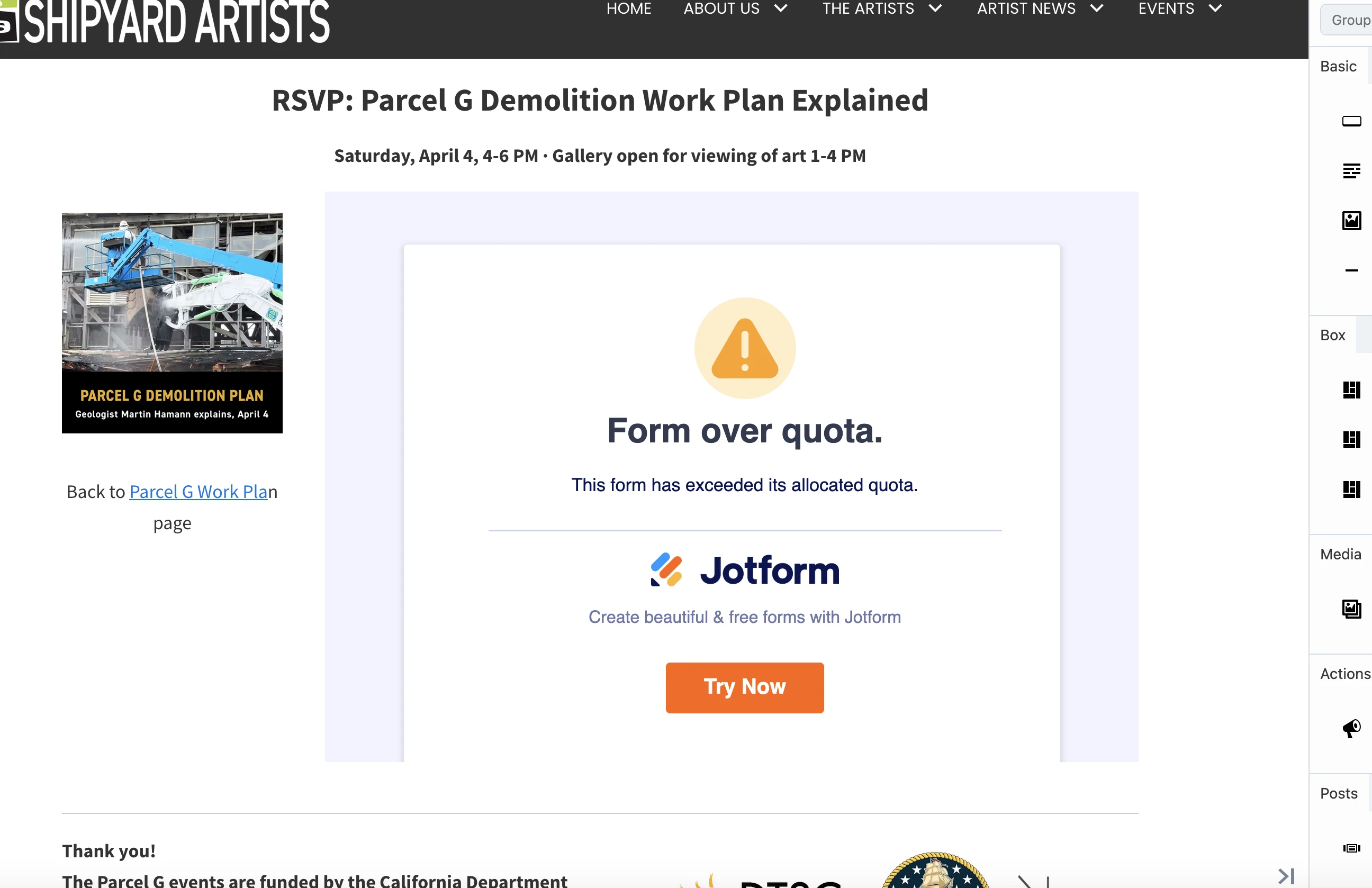
This form is giving an error message saying limit has ben reahed. Can you please make it work again? I have reached the payment submission limit, but there is no payment on this form:
https://pci.jotform.com/form/260776207455159
-
 Podo: Support Specialist
Form 'The Parcel G Demolition Work Plan | April 4, 4-6PM' (ID: 260776207455159). It appears your payment form's Stripe connection is successfully completed. We cleared your form caches. Please retry, and if access issues persist, please let me know with the details.
-
ShipyardTrust
Still the same problem
-
Podo: Support Specialist
Hi Barbara,
Since clearing the form cache did not resolve the issue, here are some additional steps you can try to address the payment submission limit error:
Clear the form cache manually:
- Go to your Workspace page and click on your Avatar/Profile Image icon.
- In the dropdown menu, click on Settings.
- In the Settings menu, click on Clear Cache.
If the issue persists, you might want to consider increasing your monthly submission limit permanently without upgrading your plan by completing some tasks:
- On your Workspace page, click on your Profile Image/Avatar in the top-right.
- In the menu that opens, click on Settings.
- Go to the Increase Limits page on the left side of the screen, and complete the tasks to increase your submission limits.
Give these steps a try and let us know if you need any other help.
-
ShipyardTrust
I should not have to increase my limit, I am well below all limits besides payments. How to I unenable Stripe for this form, maybe that's the problem?
-
Podo: Support Specialist
Hi Barbara,
To disable or unenable Stripe for your form, you need to remove or disconnect the Stripe payment integration from the form. Here’s how you can do it:
- Open your form in the Form Builder.
- Click on the Stripe payment field in your form.
- Click on the green Payment Properties icon on the left side.
- Look for the option to disconnect or remove the Stripe payment integration. You can either delete the Stripe payment field from the form or disconnect the Stripe connection by clicking the plug icon and removing the connection.
This will disable Stripe payments on your form and may resolve the payment submission limit issue if it is related to Stripe.
If you want to keep the payment field but stop charging immediately, you can toggle off the "Charge Customer Immediately" option in the Stripe payment settings.
Give it a try and let us know if you need any other help.
-
ShipyardTrust
I don't even have a Stripe payment field on this form. IT's just a registration form
-
Podo: Support Specialist
Hi Barbara,
Since your form is just a registration form and does not have a Stripe payment field, the payment submission limit error might be caused by another issue.
To clarify and help you better, could you please confirm if there are any payment integrations or widgets connected to this form? Sometimes, payment limits can be triggered by connected payment gateways even if no payment field is visible.
If you want to check or add a payment integration like Stripe, here’s how you would do it:
- In Form Builder, click on Add Form Element on the top-left side of the page, then click on the Payments tab.
- Under the Payments tab, click on Stripe to add it to your form.
- In the menu on the right side, click on Connect to connect your Stripe account.
Let us know if you find any payment integration on your form or if you need help investigating this further.
-
ShipyardTrust
I do not want to add payments, I want the free registraion form to work and not be impacted by a payment limit, whenthere are no payments. PLEASE!
-
Podo: Support Specialist
Hi Barbara,
Your account is currently on the Silver Plan and has reached the monthly payment submission limits associated with that plan. This is why your free registration form is being impacted by the payment submission limit, even though it does not have payment fields.
To resolve this, you would need to upgrade your plan to increase your account's monthly payment submission limits. You can upgrade your plan at any time, and your limits will increase immediately. The unused time on your previous plan will be applied to your new plan, and you will pay a prorated subscription rate.
Accepted payment methods for upgrading your account currently include credit/debit cards and PayPal. More payment methods will be added soon.
If you want to avoid this issue without upgrading, unfortunately, you would need to wait for your monthly limits to reset on the first day of your monthly usage cycle.
Let us know if you have any other questions.
-
ShipyardTrust
This is unacceptable and was not previously communicated. I do not generally need that many payments per month. I need to be able to use the form NOW.
You are not correct, can I please get a human to talk to. I have another form https://submit.jotform.com/260688451599171 that actually includes a payment link but th efree signup still works! -
Podo: Support Specialist
Hi Barbara,
One of our Support Team members will take it from here to follow up shortly.
-
 Joseph Christian JotForm Support
Hi Barbara,
Thanks for reaching out to Jotform Support. I checked your account and saw that you've already reached your Monthly Payment Submissions limit, which is currently at 253/250. Those completed submissions that you received through your forms using Jotform's payment integrations were counted against your Payment Submissions limit.
You can either upgrade your account to increase the limits or wait for your limits to reset on tomorrow, April 1, 2026. You can also check out this guide about Understanding Your Jotform Account Usage and Limits to know more.
Reach out anytime if more questions come to mind.
-
ShipyardTrust
I got this standard response from you, pasted below. the question is why I cannot receive additional submissions on a form that involves no payments. Can you actually take a look at this form? Because I have other forms that are still working just fine.
This standard response below is NOT acceptable, and it does not make sense since my form does not have a payment component.There’s a new response on your question:Form says limit has been reachedHi Barbara,
Thanks for reaching out to Jotform Support. I checked your account and saw that you've already reached your Monthly Payment Submissions limit, which is currently at 253/250. Those completed submissions that you received through your forms using Jotform's payment integrations were counted against your Payment Submissions limit.
You can either upgrade your account to increase the limits or wait for your limits to reset on tomorrow, April 1, 2026. You can also check out this guide about Understanding Your Jotform Account Usage and Limits to know more.
Reach out anytime if more questions come to mind.
-
 Raymond JotForm Support
Hi Barbara,
I checked the form in question and see that it's integrated with Stripe for collecting donations. As you've reached your monthly payment limits, this form is disabled until your monthly limits reset, which is the first of each month in EST.
If you need your forms activated sooner, I suggest upgrading your account to increase your limits immediately. Upgrading your account is easy. Let me show you how:
1. Log in to your Jotform account, go to the Pricing page, and click on Upgrade under the subscription plan you want.
2. In the Choose Your Payment Schedule section, select Yearly or Monthly.
3. Then, enter your billing details in the Billing details section.
4. In the Choose your Payment Method section, select Credit/Debit Card or PayPal.
5. If you choose Credit/Debit Card, you can enter your Credit/Debit Card information below the Credit/Debit Card option.
6. Next, in the top-right corner of the page, in the Summary section, tick the box next to I’ve read and agree to the Terms of Service, and click on Pay.
But, if you select PayPal as the payment, a PayPal Payment window will open, where you can log in and complete your payment after clicking on the Pay with PayPal button. Check out this screenshot below:After the subscription is successfully paid, the features and limits for the chosen subscription plan will be applied to your account right away.Reach out again if you have any other questions.