-
 Emma_Sheth
Hello,
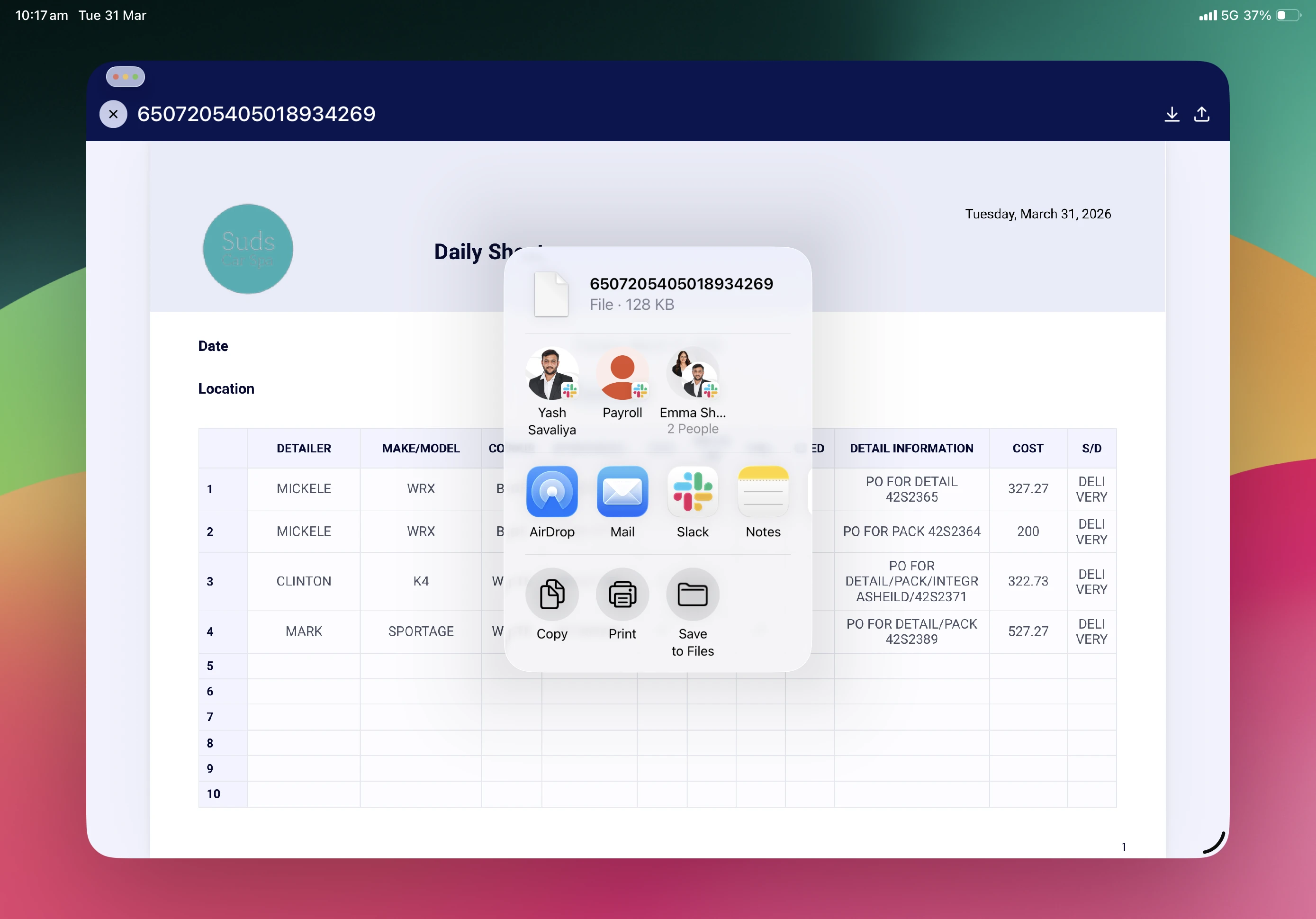
I try to share my file in to pdf formate from my iPad but its not working properly so can you please give me solution about it other wise can you please do that from you side. I attach some screen short about problem like I save file in to pdf but when I open in to preview and share that time it’s show me in text file.
Thankyou
-
 Podo: Support Specialist
Hi Emma,
Thanks for reaching out to Jotform Support. I'm an AI assistant here to assist you.
It seems you are trying to share your file as a PDF from your iPad, but when you open it in preview and share, it shows as a text file instead. This issue is not directly related to Jotform features, but I can guide you on how to save submission data as a PDF using the Jotform Mac app if that helps:
How to save submission data as PDF:
- Open the Jotform Mac app and select File in the upper-left corner.
- Select Print from the menu.
- In the Print dialog, open the menu at the bottom and select Save as PDF.
If you want to share a PDF document created in Jotform, you can do so by:
- Going to your PDF Editor in the Form Builder.
- Clicking Share at the top-right corner to open the Share PDF Documents section.
- Clicking Settings to set permissions and select documents to share.
- Creating a link and copying it to share with collaborators who can then view and download the PDFs.
Unfortunately, I cannot directly convert or share files from your iPad on your behalf.
Give it a try and let us know how it goes.