-
 danavpalmer22
Hi,
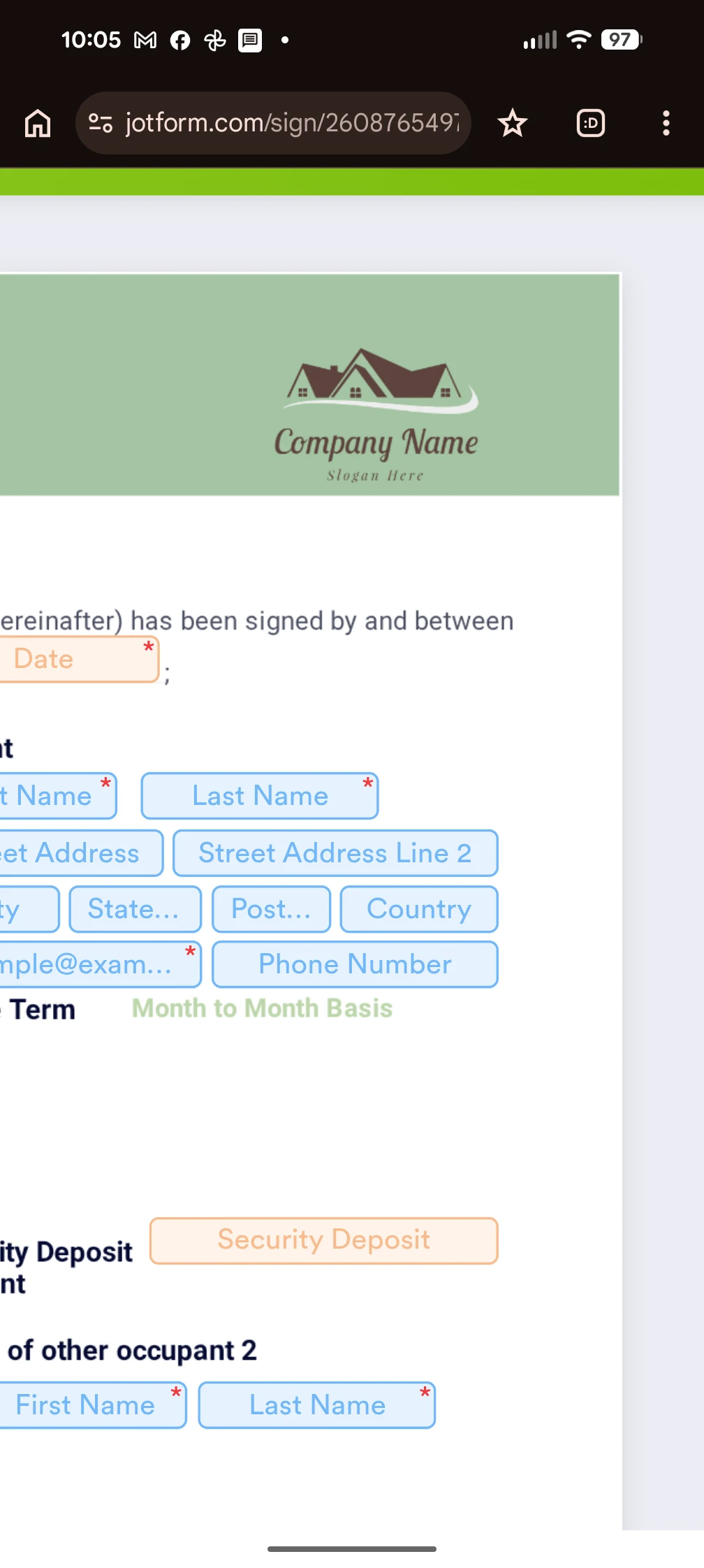
How can I change the company name and slogan in the upper right corner of this form?

-
 Lorenz JotForm Support
Hi Dana,
Thanks for reaching out to us for help. From your screenshot, it looks like the word Company Name and Slogan here is part of the image, but you can check by editing the template. Let me show you how to do it:
1. In Sign Builder, click on the Edit Template button on the right side of the page.
2. Next, in the edit mode of template, click the Logo and click on the Gear icon.
3. Next, in the settings on the right, check if it offers an option to customize the text.
If it don't give you any option to customize the texts, it only means that the text was part of the image, and updating it directly from the Sign Builder is not possible. You will need to build your own logo with your preferred text and upload it in to your Sign Document.
Let us know if you have any other questions.