-
 jwozen
Hello,
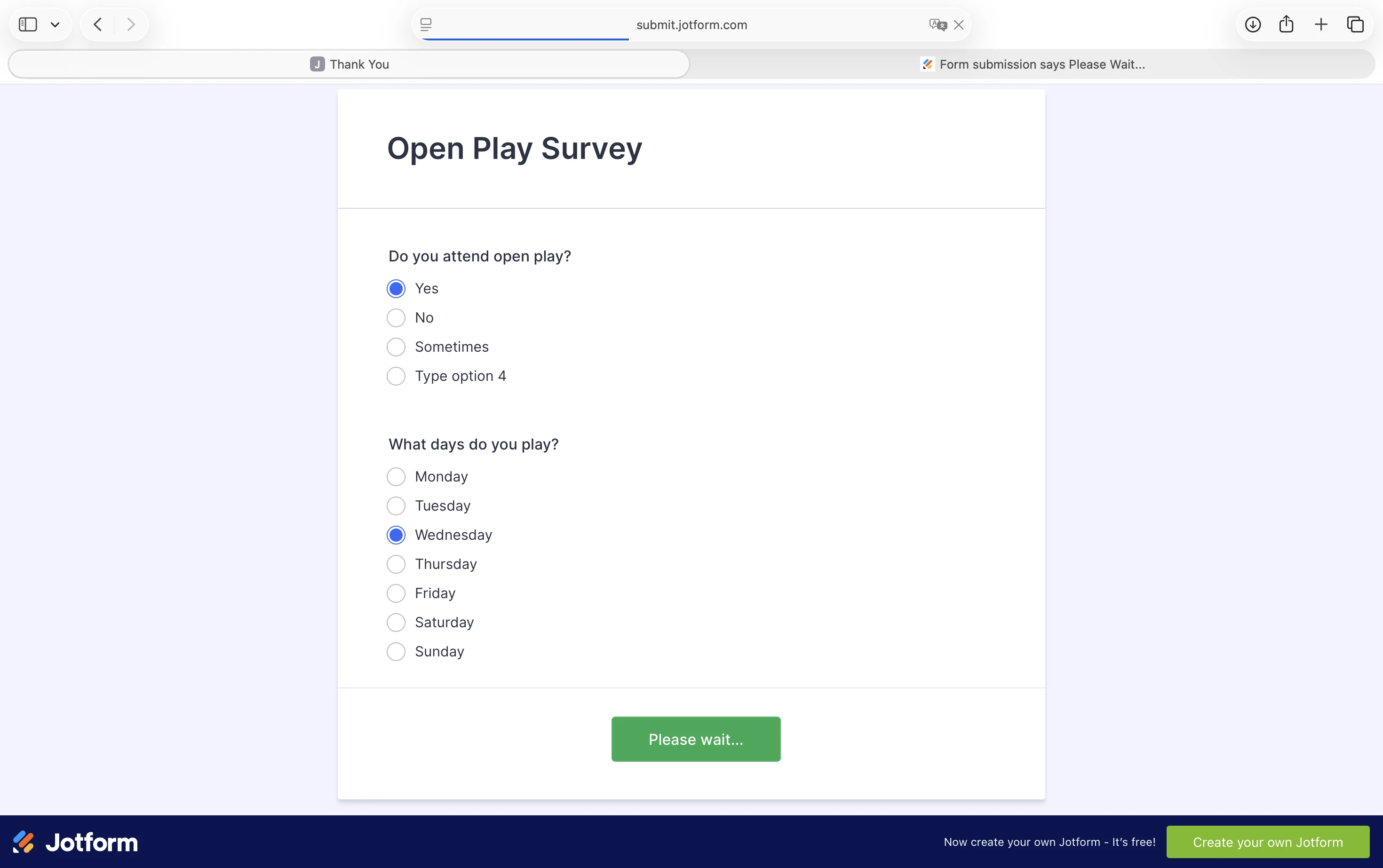
I tried my first Jotform survey. Three people who filled it out all had the same problem: after clicking Submit, the button changes to Please Wait... and then nothing happens. There is no feedback that the form it get submitted. One person did it twice because there was no way to know if it worked. So I got 4 submissions, with one being a duplicate.
What can we do to fix this?
Thanks,
John
-
 Podo: Support Specialist
Hi John,
Thanks for reaching out to Jotform Support. I'm an AI assistant here to assist you.
It sounds like your form's Submit button changes to "Please Wait..." but does not provide feedback or complete the submission process, causing confusion and duplicate submissions.
Let me help you with that:
- Check if there are any conditions hiding the Submit button until certain fields are completed. Sometimes conditional logic can interfere with submission feedback.
- Ensure your form has a proper Submit button. If the Submit button is missing or incorrectly configured, it can cause this issue.
- Test your form in different browsers or devices to rule out browser-specific issues or script blockers that might prevent the form from submitting properly.
Here’s a useful guide on how to use Conditional Logic to show or hide the Submit button based on user input, which might help you troubleshoot the issue:

If these steps don’t resolve the issue, please provide more details such as the form URL or screenshots of your form settings, so we can assist further.
Give it a try and let us know how it goes.
-
jwozen
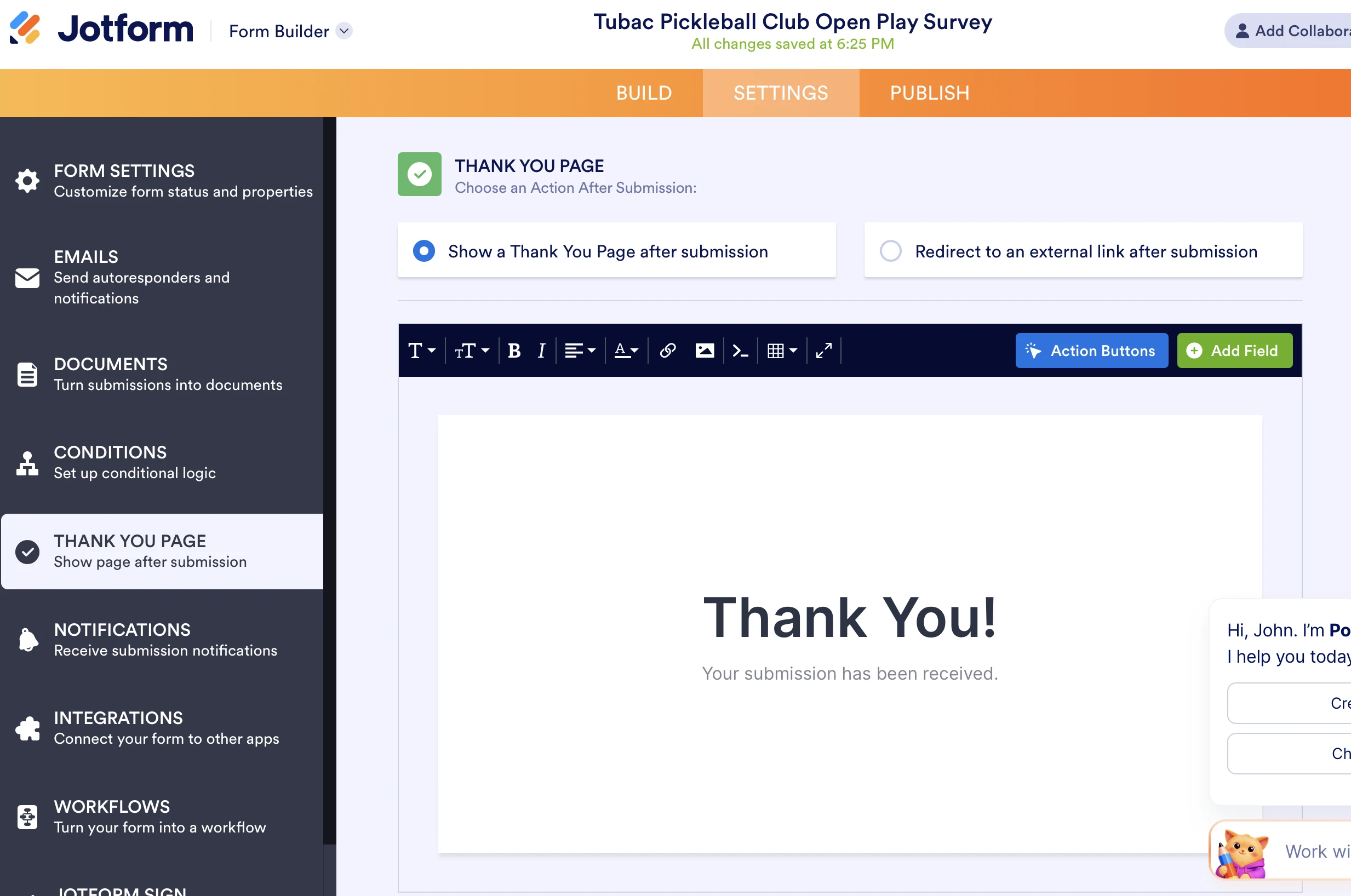
The settings show a thank you page, but it didn't work
-
Podo: Support Specialist
Hi John,
Since the thank you page settings did not resolve the issue, one of our Support Team members will take over from here and follow up with you shortly.
Thank you for your patience.
-
 Mary JotForm Support
Hi John,
I made a test on a cloned form and did not have any issues, I was able to submit the form:
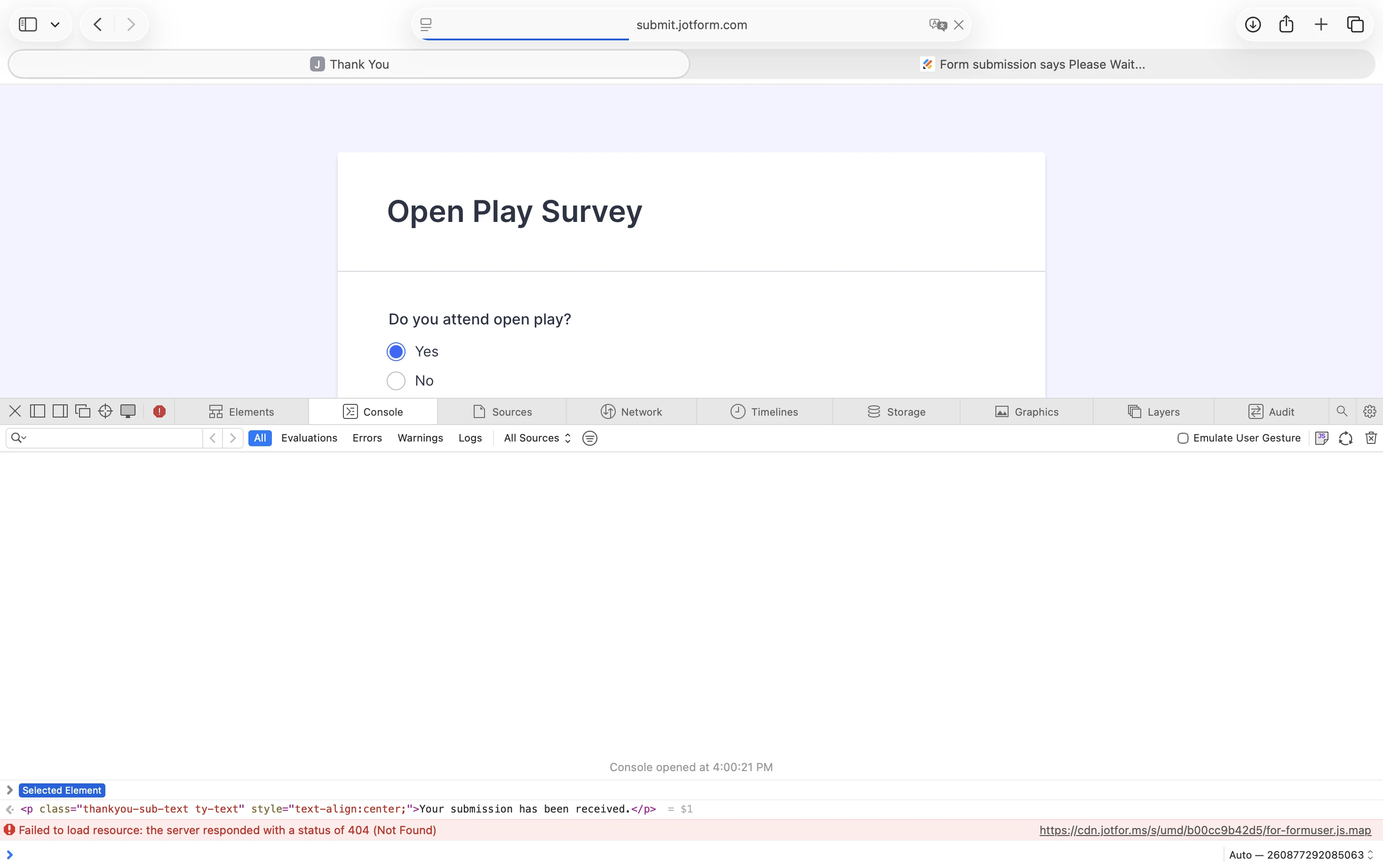
Can you share a screenshot of your console log so we can check?Once we hear back from you, we can get moving on a solution.
-
jwozen
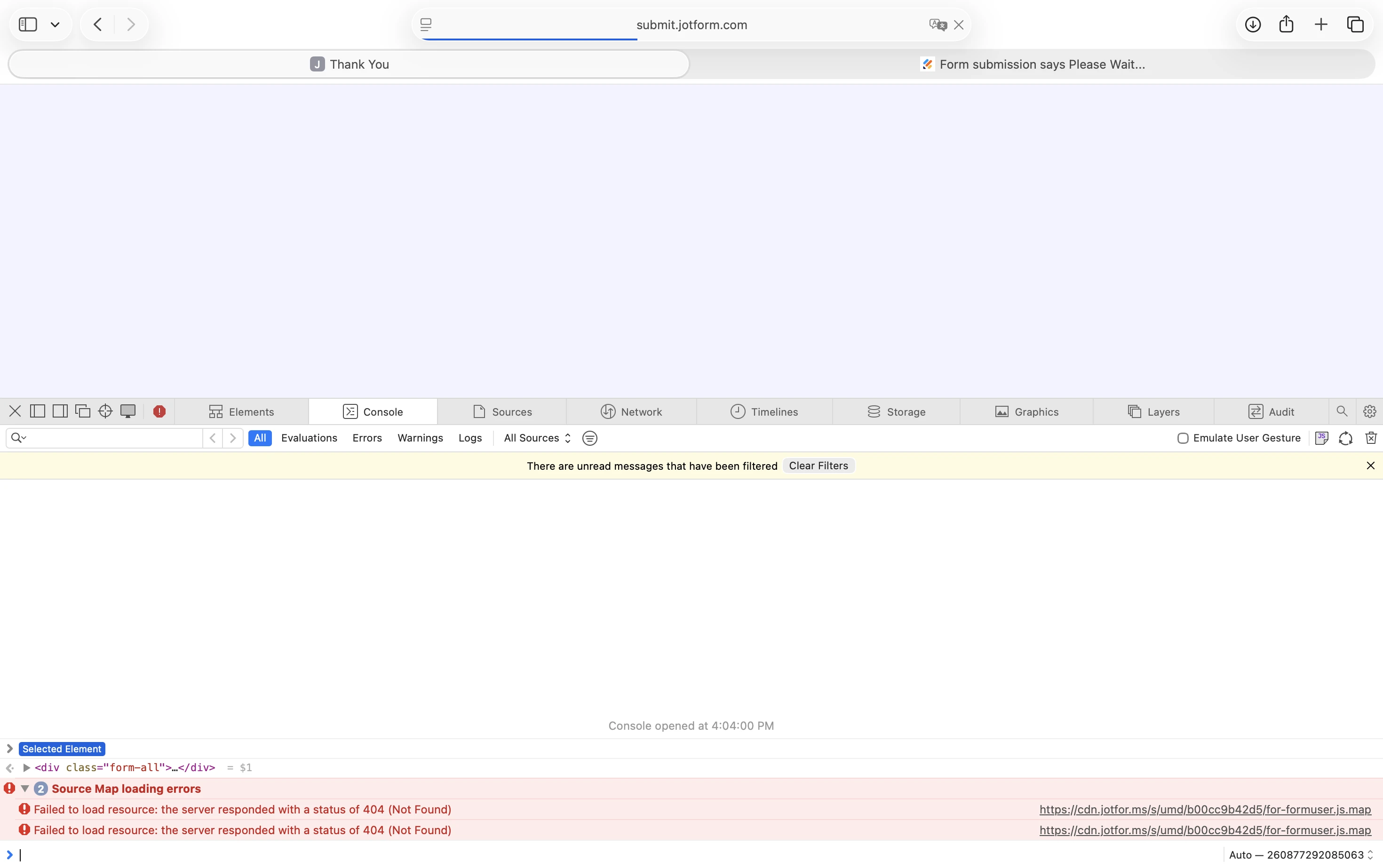
I created a new form from scratch and on the publish tab, invited myself by email. In the email I clicked View Form and filled out the form, and clicked Submit. It changed to Please Wait... and stayed there for quite a while. I did Inspect Element. Then after several minutes the page went blank, and did Inspect Element again. Notice the progress bar in incomplete, never finished loading the page, timed out and went blank.
-
Mary JotForm Support
Hi John,
I cloned your form and followed the same steps, but still could not replicate the issue. I submitted the form and was able to receive the Thank You Page.
Give it a try and let us know how it goes.
-
jwozenSo I just tried on my phone. I don't have a different browser loaded on
either my phone or laptop (both Apple). But the link on my phone didn't
work at all. When I clicked View Form from the email invite, it takes me to
a sign in screen, rather than the survey...
... -
 Raymond JotForm Support
Hi John,
So that we can investigate the issue further, can we try and make a test submission on your form? In the meantime, I cleared your form's cache which should help. Can you try re-submitting your form using its direct form URL and see how it goes?
Keep us updated and let us know how it goes.
-
jwozenThanks.
I tried on the iPhone from a fresh link, and it submitted and I got the
thank you screen. Made some more edits and it worked again. But then tried
... -
 Aries JotForm Support
Hi John,
Since we are unable to replicate the issue on our end using the cloned form, would you allow us to submit your form?
After we hear back from you, we’ll know what’s going on and how to help.

 Can you share a screenshot of your