-
 KristinaSarro
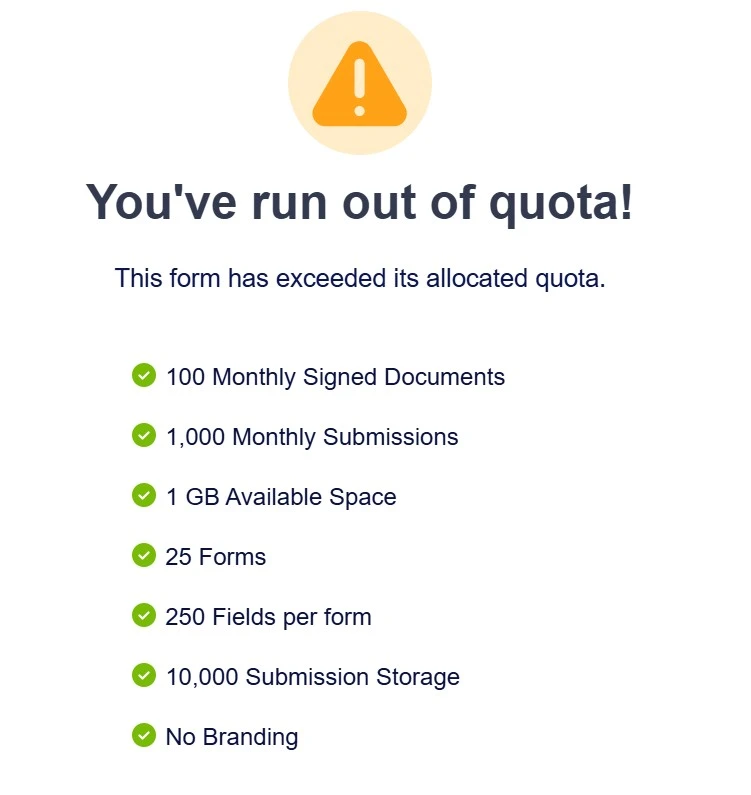
My usage is under all Free limits, and I've emptied trash + cleared cache, and the over-quota error appears on all forms (preview + public URL).
Ex: form.jotform.com/252035972694061
I'm in Central Time Zone and I need this solved ASAP today as this error is affecting an important program.
 Page URL: https://form.jotform.com/252035972694061
 -
 Podo: Support Specialist
Hi Kristina,
Thanks for reaching out to Jotform Support. I'm an AI assistant here to assist you.
I see that your usage is under all Free limits, and you've already emptied trash and cleared cache, yet the over-quota error appears on all your forms. Here's a summary of your current account usage and limits:
Submissions 100 1 Payments 10 0 Uploads 100.00 MB 0.00 B Form Views 1,000 11 Forms Count 5 3 Total Submissions 500 9 Signed Documents 10 0 Since your usage is within limits, the over-quota error might be caused by a caching issue or a system delay in updating your usage.
Let me show you how to clear your form caches again to ensure the system recalculates your usage properly:
- Go to your Workspace page and hover over your account avatar at the top-right corner.
- Click on Settings from the dropdown menu.
- Click the Clear Cache button next to the Form Caches option.
- Clear your browser cache and log in to your account again.
If after these steps the issue persists, it may require further investigation by our support team.
Give it a try and let us know how it goes.
-
KristinaSarro
I've already done all of that. Please connect me to your support team.
-
Podo: Support Specialist
Hi Kristina,
One of our Support Team members will take it from here to follow up shortly.
-
 Mark_S
Hi Kristina,
I checked your account limits and can see the Over Limit flag, despite your usage being within the allowed limits. I’ve gone ahead and removed the Over Limit flag from your account, and it should now work normally. Log out of your account, clear your browser cache, and then log back in to refresh your session.
Let us know if you need any more help.