-
 gwgforms
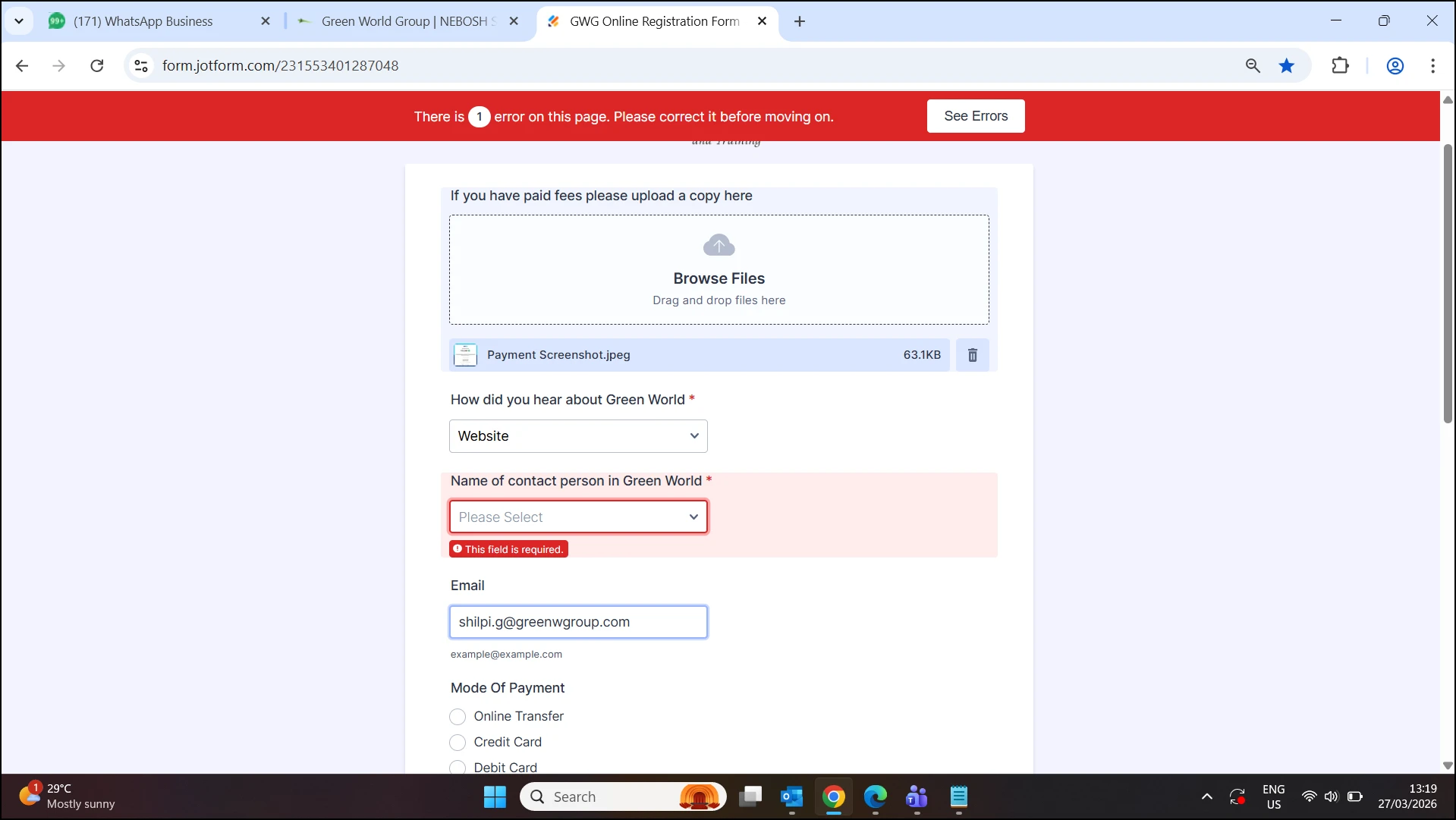
while selecting a name for drop down list , its not displaying , showing error
 Page URL: https://form.jotform.com/231553401287048
 -
 Podo: Support Specialist
Hi gwgforms,
Thanks for reaching out to Jotform Support. I'm an AI assistant here to assist you.
Regarding the issue where selecting a name for a dropdown list is not displaying and showing an error, here are some points to consider:
- In Jotform Tables, when creating a dropdown list column, you need to add or insert a new column, select Single Selection, enter your desired column name, and then choose or enter your dropdown options before creating the column.
- If you encounter an error, it might be related to how the dropdown options or column name are entered or a temporary glitch.
- Make sure you are following the proper steps to create or edit dropdown lists as outlined in Jotform's guide for dropdown lists in Tables.
- If the error persists, try clearing your form's cache, as caching issues can sometimes cause display errors.
If you can provide the exact error message or a screenshot, I can assist you further.
Give it a try and let us know how it goes.
-
 Kris JotForm Support
Hi gwgforms,
I've cloned your form and had the same issue. Then, I found out what's causing this. One of the conditions has an incorrect output field to show. Let me show you which you should update for the form to work as expected:
1. In Form Builder, select the Name of contact person in the Green World field and click on the Conditional Branch icon on the right side.
2. You'll be redirected to the conditions connected to the field. Update the condition shown in the screenshot below and add the correct field in the Summary section:
3. Finally, click on the Save button.
Here's a screencast showing the Dropdown element working as expected:
Let us know if you have any other questions.