-
 eastcobb
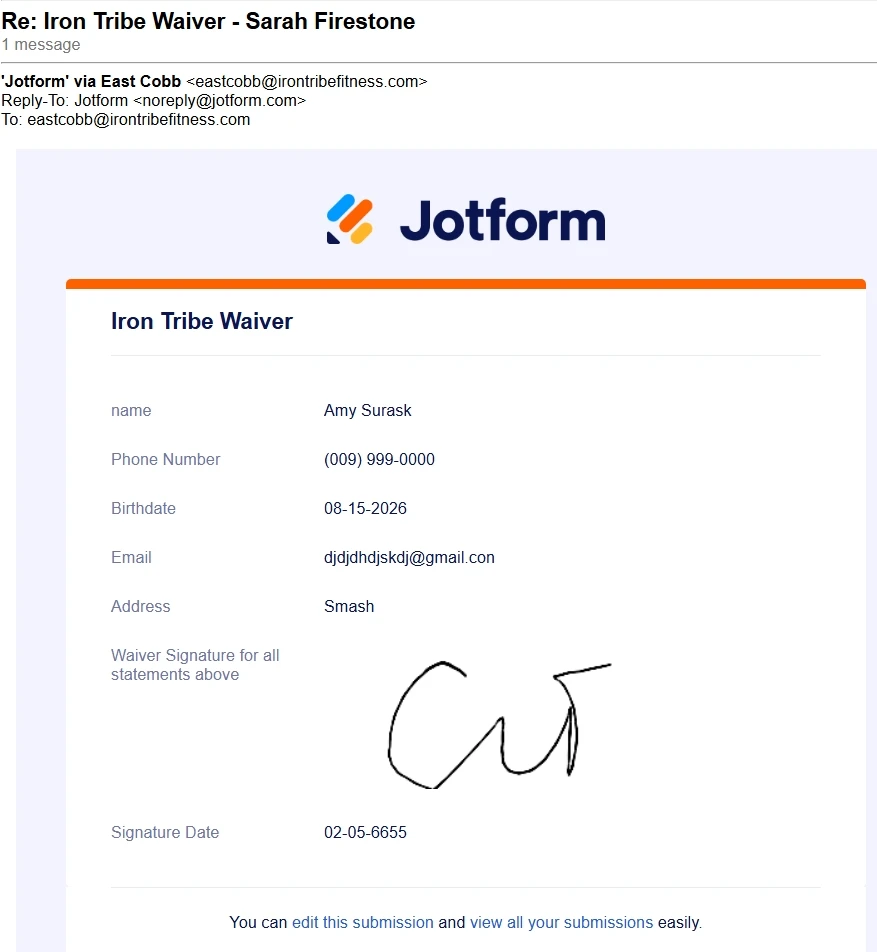
Our old manager's name continues to fill in the name area of every form that comes in. How do we change this or get this fixed over to fill in the athlete's name?
The only way I know who the athlete is is that their name comes up in the subject line in the email that comes through.

-
 Podo: Support Specialist
Hi Sarah,
Thanks for reaching out to Jotform Support. I'm an AI assistant here to assist you.
Let me help you with that:
- Open your form in Form Builder.
- Go to the Settings tab in the top orange navigation bar.
- Click on Emails from the menu on the left side.
- Find your Notification Email, hover over it, and click Edit.
- Under the Recipients tab, look for the Sender Name field and change it from the old manager's name to the desired name or a form field that captures the athlete's name.
- Save your changes.
This will update the name that appears on each form submission notification. If you want the athlete's name to appear automatically, make sure the form has a field for the athlete's name and use that field as the Sender Name in the notification settings.
Give it a try and let us know how it goes.
-
 Kris Ann JotForm Support
Hi Sarah,
When I checked the form, I found out that the old manager's name is added on the Notification Email instead of the Unique Name of the field. Let me show you how to update it:
1. In Form Builder, click on the Name field, then click on the Gear icon.
2. Go to Advanced tab, then click on the Field Details Downward Arrow icon.
3. Copy the Unique Name value.
4. Now, click on the Settings tab at the top of the page.
5. Then go to Emails tab on the left side panel and hover over your mouse on the Pencil icon.
6. Under Email Content, paste the Unique Name value and add Curly brackets to replace your manager name.
7. Once done, click on the Save Email button.