-
 BethlehemSeamless
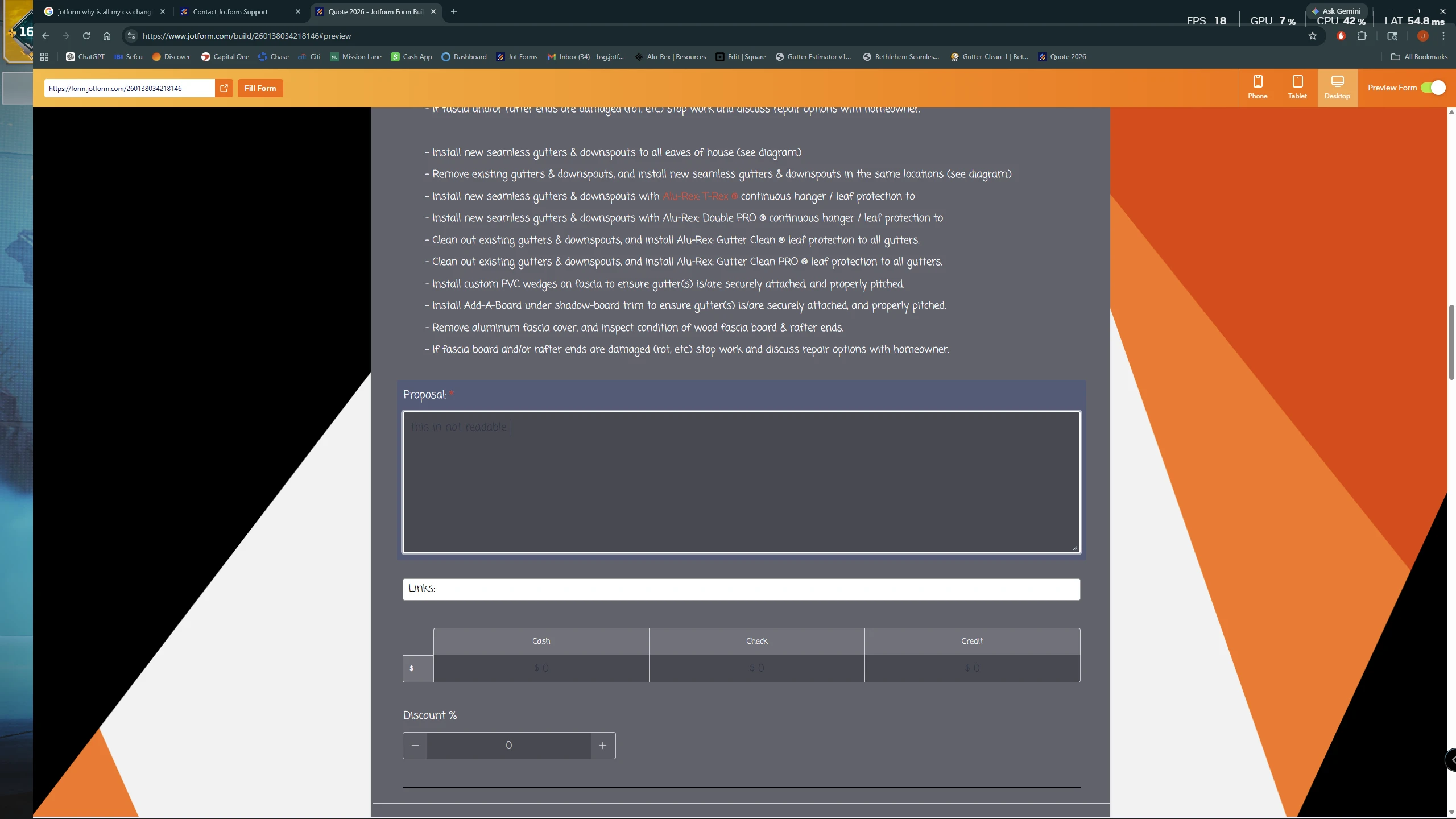
my input boxes and various other stylings are being changed on there own... is this a bug or going to fix itself. its happening to forms i haven used in a year

-
BethlehemSeamless
all input boxes were/should be white
-
 Rehan Support Team Lead
Hi John,
Thanks for reaching out to Jotform Support. I've checked your form and all input boxes are already white. As you can see in the screenshot below:
If you encounter the issue again, you can try clearing your form cache. Although Clearing Your Form Caches isn't done automatically, it's easy to do it manually. Let me show you how:
1. On your Workspace page, click on your Avatar/Profile Image icon.
2. In the dropdown menu, click on Settings.
3. In the Settings menu, click on Clear Cache. And that's it, you're done.
Reach out again if you need any other help.


 Reach out again if you need any other help.