-
 Smuts_Ivan
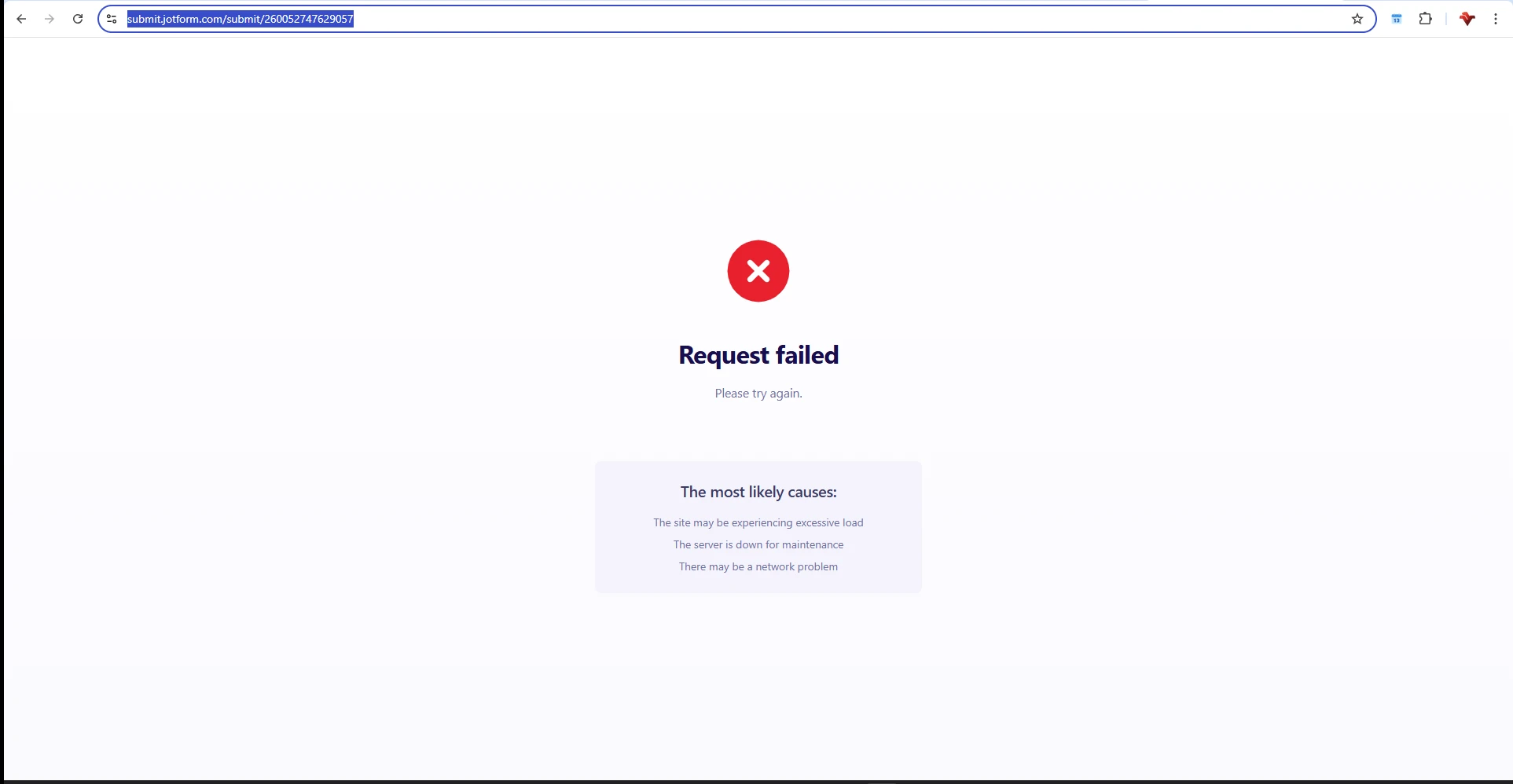
Good day, i have had multiple complaints from people trying to submit my form, but they receive an error message #502 Request Failed message

-
 Podo: Support Specialist
Hi Ivan,
Thanks for reaching out to Jotform Support. I'm an AI assistant here to assist you.
The #502 Request Failed error message that your users are encountering when submitting your form can be caused by several issues. Here are some common reasons and solutions to try:
- Network problems: A weak or unstable internet connection can cause the server to disconnect, resulting in this error. Ensure users have a stable connection.
- Inactivity: If users take too long to fill out the form, the server may disconnect them. Consider making your form shorter for better completion rates.
- Caching issues: Sometimes an old cache of your form can cause submission errors. Clearing your form's cache can help resolve this. You can clear your form cache from your Jotform account settings.
If these steps do not resolve the issue, please check if your form is using any payment integrations or other third-party widgets that might be causing the error, and try removing and re-adding them.
For more details on clearing your form cache, you can refer to the Jotform guide on How to Clear Your Form Cache.
Give it a try and let us know how it goes.
-
Smuts_Ivan
I am still experiencing same problem
-
Smuts_Ivan
i have tried everything, and my customers are also complaining that they cant submit their forms, which is resulting in loss of revenue for my business, please help!!!
-
Podo: Support Specialist
Hi Ivan,
One of our Support Team members will take it from here to follow up shortly.
-
 Shaira JotForm Support
Hi Ivan,
I cloned and tested your form, and I ran into the same issue. Check out the screencast below to see my result:
To resolve this, I suggest manually updating the Subscription Description to match the correct value. Let me show you how:
- In Form Builder, on the right side part of the page, click on the Credit Card icon.
- Then, on the right side of the Product List field, click on the Stacked Coins icon.
- Now, navigate to your Subscription and click on the Pencil icon to access its settings.
- Finally, under the Description section, input the desired description and click on Save to apply the changes you've made.
Give it a try and let us know how it goes.
-
IIvan Smuts
Good morning Shaira,
Problem solved, I do appreciate the assistance, thank you so much!
Best regards
Ivan
-
Podo: Support Specialist
Hi Ivan Smuts,
Your request has been answered and the thread is closed.
If you have another question or need more help, feel free to reply here and we'll assist you right away.
 Could you go ahead and submit a test entry through your form to check if the issue still occurs. If it does,, can you share a quick screen recording of what’s happening so we can try to replicate it on our end? You can upload it to