-
 aibworld
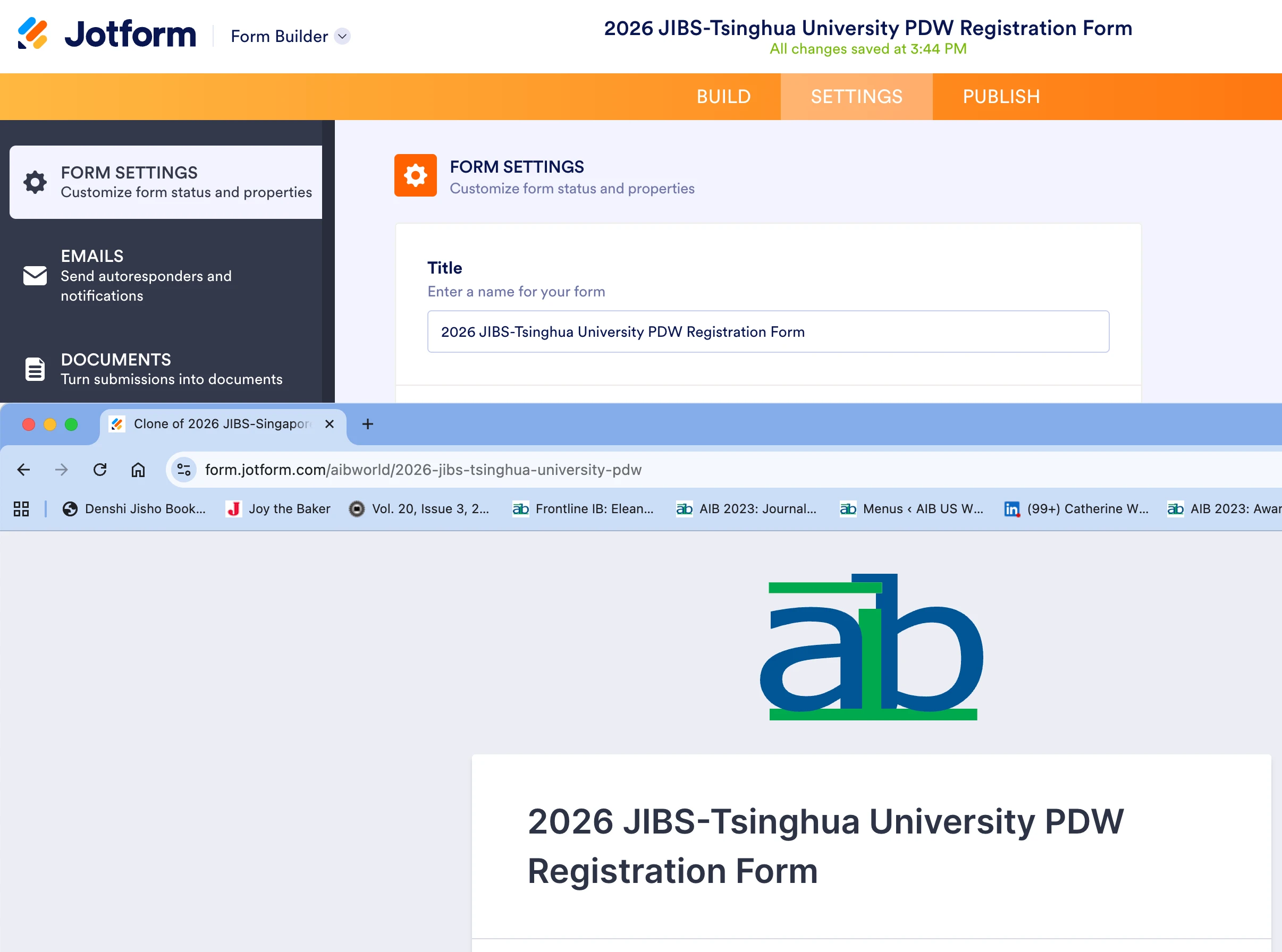
This form was cloned and adapted from another. For some reason, the tab still displays a title calling it a clone even though I have updated the title field under settings. The tab should display this title instead: 2026 JIBS-Tsinghua University PDW Registration Form
Can you please tell me how to fix this issue or correct it on our behalf?

-
 Podo: Support Specialist
Hi aibworld,
It's easy to change the text that appears on the browser tab. We'll just edit the Page Title in Form Builder. Let me show you how:
- In Form Builder, in the orange navigation bar at the top of the page, click on Settings.
- Now, click on Show More Options to expand the Form Settings.
- Scroll down and enter the title to be displayed on pages in the Page Title section.
 Reach out again if you have any other questions.