-
EEman Dalili
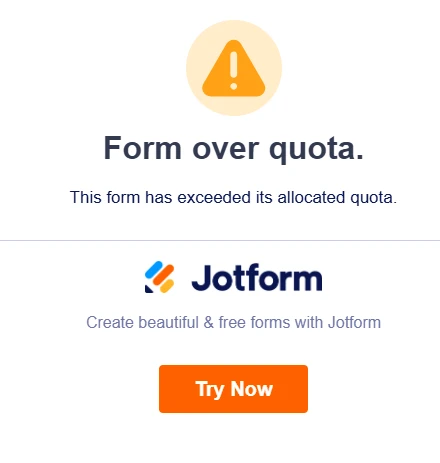
We are getting Form over quota message when accessing Jotform. All the steps provided by AI were all done. We need a live agent to assist. We need it ASAP please.
URL error: Over Quota | Jotform

-
 Podo: Support Specialist
Hi,
One of our Support Team members will take it from here to follow up shortly.
-
 Anna JotForm Support
Hi Eman,
Thanks for reaching out to Jotform Support. I checked your form, and I was unable to replicate the issue. Check out the screenshot below for the result:
Can you clear your browser's cache and cookies? Then open the form on a new browser session or a different browser/device and try again. I also suggest Clearing Your Form Caches to refresh the status of your forms. Let me show you how:
1. On your Workspace page, click on your Avatar/Profile Image icon.
2. In the dropdown menu, click on Settings.
3. In the Settings menu, click on Clear Cache. And that's it, you're done.
Give it a try and let us know if you need any other help.