-
 Autolimpe_Car_Care
-
 Podo: Support Specialist
Hi Lara,
Thanks for reaching out to Jotform Support. I'm an AI assistant here to assist you.
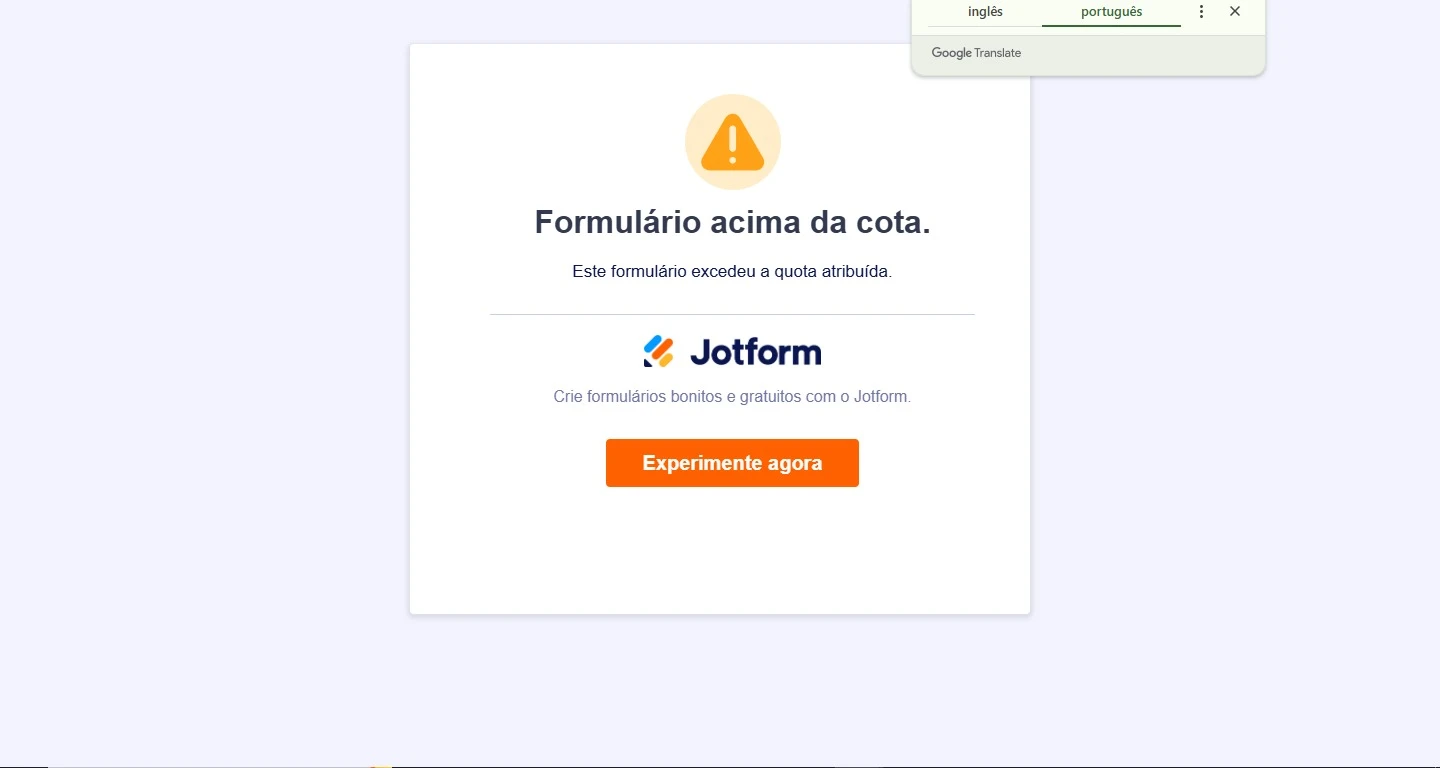
The message you are seeing, "This form has exceeded its allocated quota," means that your form has reached a usage limit set by your Jotform plan. This could be due to exceeding monthly submission limits, payment submissions, form views, upload space, or other quotas associated with your account.
Here’s how to resolve this issue:
- Check your account usage and limits: Go to your Workspace page, click your profile picture/avatar at the top-right, then select Settings. Under Usage, you can see your current limits and when they reset.
- Wait for the monthly quota reset: Limits reset on a fixed day each month, so you can wait until then for your form to become active again.
- Upgrade your account: Consider upgrading to a paid plan (Bronze, Silver, or Gold) to increase your limits and immediately re-enable your forms.
- Free up space: If the issue is related to upload space, you can delete and purge submissions with uploaded files to free up storage.
- Clear form cache: Sometimes clearing your form cache can help if you are below limits but still see the error. You can do this from your Workspace page under Settings by clicking the Clear Cache button next to Form Caches.
For more detailed guidance, you can visit the Understanding Your Account Usage and Limits page and the Jotform Pricing page.
Give it a try and let us know how it goes.
-
Autolimpe_Car_Care
Teria a possibilidade de falar com um atendente?
-
Autolimpe_Car_Care
Ok, fico no aguardo para conversar com um humano. Obrigada pelo atendimento prestado.
-
Podo: Support Specialist
Hi Lara,
One of our Support Team members will take it from here to follow up shortly.
-
Autolimpe_Car_Care
Ok, agradeço.
-
 Lauren
Hi Lara_Lauane,
Thanks for reaching out to Jotform Support. It looks like your form has reached a usage limit set by your Jotform plan. This could be due to exceeding monthly submission limits, payment submissions, form views, upload space, or other quotas associated with your account.
You can visit the Understanding Your Account Usage and Limits page and the Jotform Pricing page for more detailed guidance.
Try that and reach out again if you need more help.