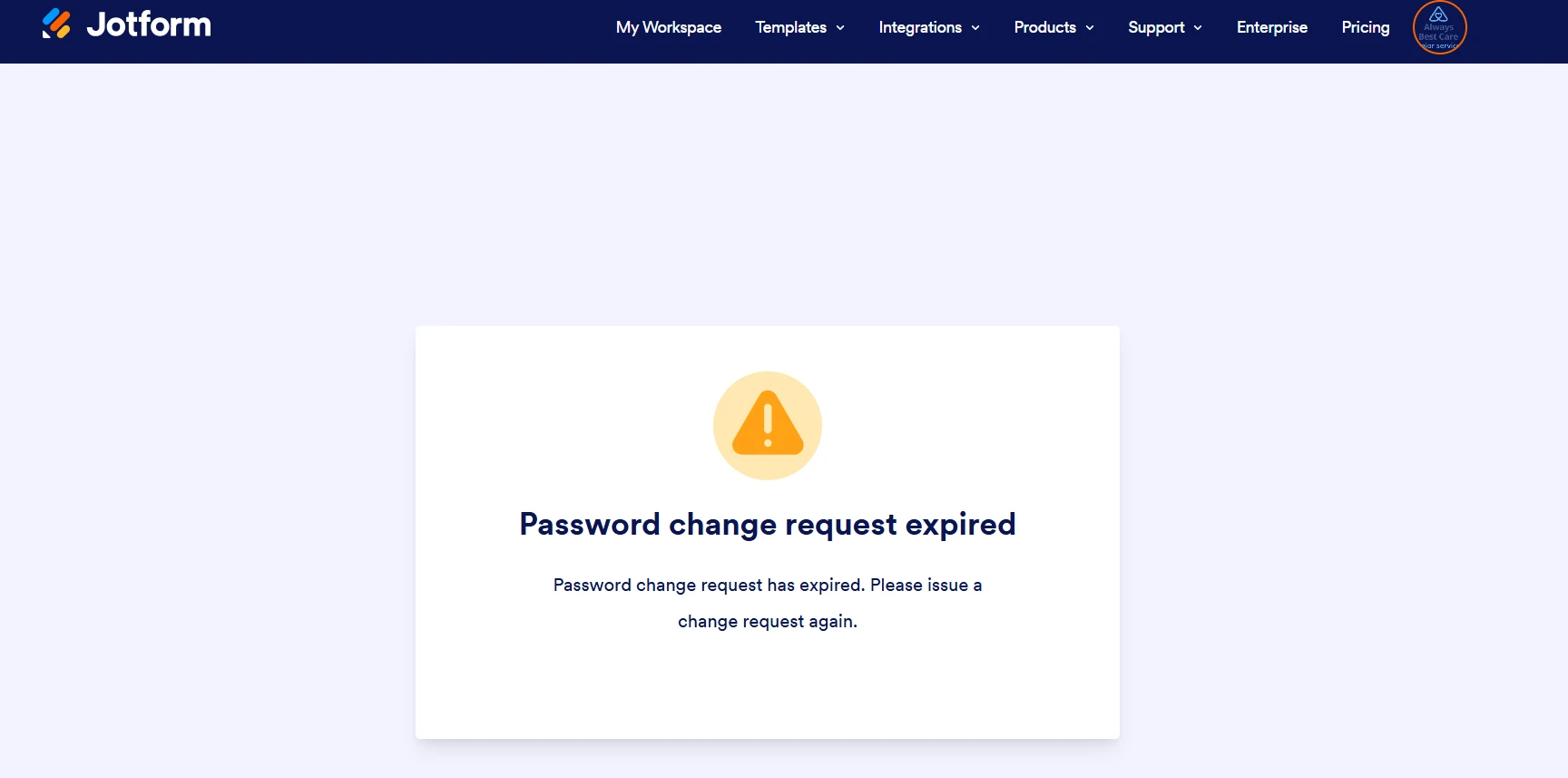
-
 ABCShreve
We are currently experiencing an issue where the password request box will not close. Although we are able to view our forms, the password prompt remains on the screen and does not disappear, which is affecting usability.
Could you please assist us in resolving this issue as soon as possible?
Thank you for your support.

-
 Podo: Support Specialist
Hi ABC,
Thanks for reaching out to Jotform Support. I'm an AI assistant here to assist you.
Regarding the issue where the password request box will not close and remains on the screen, here are some steps that might help resolve this:
- In Form Builder, go to Settings in the orange navigation bar at the top of the page.
- Click on Show More Options.
- Scroll down to the Password Protection section and check if the password protection is enabled. You can try to reset the password or remove the password protection by unchecking the Enable password protection option.
If you want to change or update the password, you can follow these steps:
- In Form Builder, click on Settings.
- Click on Show More Options.
- Scroll down to the Password Protection section and click on Reset Password to enter your new password.
These steps should help resolve the issue with the password request box not closing properly.
Let us know if you need any other help.
-
ABCShreve
We are currently experiencing an issue with the account password request popup. The password request box appears but will not close, even after entering the required information. While we can still see and access our forms in the background, the popup remains on the screen and interferes with normal use of the platform.
This issue does not seem to be related to any individual form, but rather to the account-level password request.
-
Podo: Support Specialist
Hi ABC,
Thanks for reaching out to Jotform Support. I'm an AI assistant here to assist you.
Since the issue is related to the account-level password request popup not closing even after entering the required information, the best way to resolve this is to reset your account password. Let me show you how:
- Go to the Jotform Login page and click on Forgot Password.
- Enter your username or email associated with your Jotform account, then click on Send Reset Instructions.
- Check your email for the password reset instructions and click on the Reset Password button in the email.
- Enter your new password in the New Password and Verify Password fields, then click on Create A New Password.
After resetting your password, try logging in again. This should clear the password request popup issue.
Let us know if you need any other help.