-
 rick.conejorv
Hi I want to change the form url on both my forms. I do not want the form named with a long number instead would like to use a custom url is that possible and how do i change it,
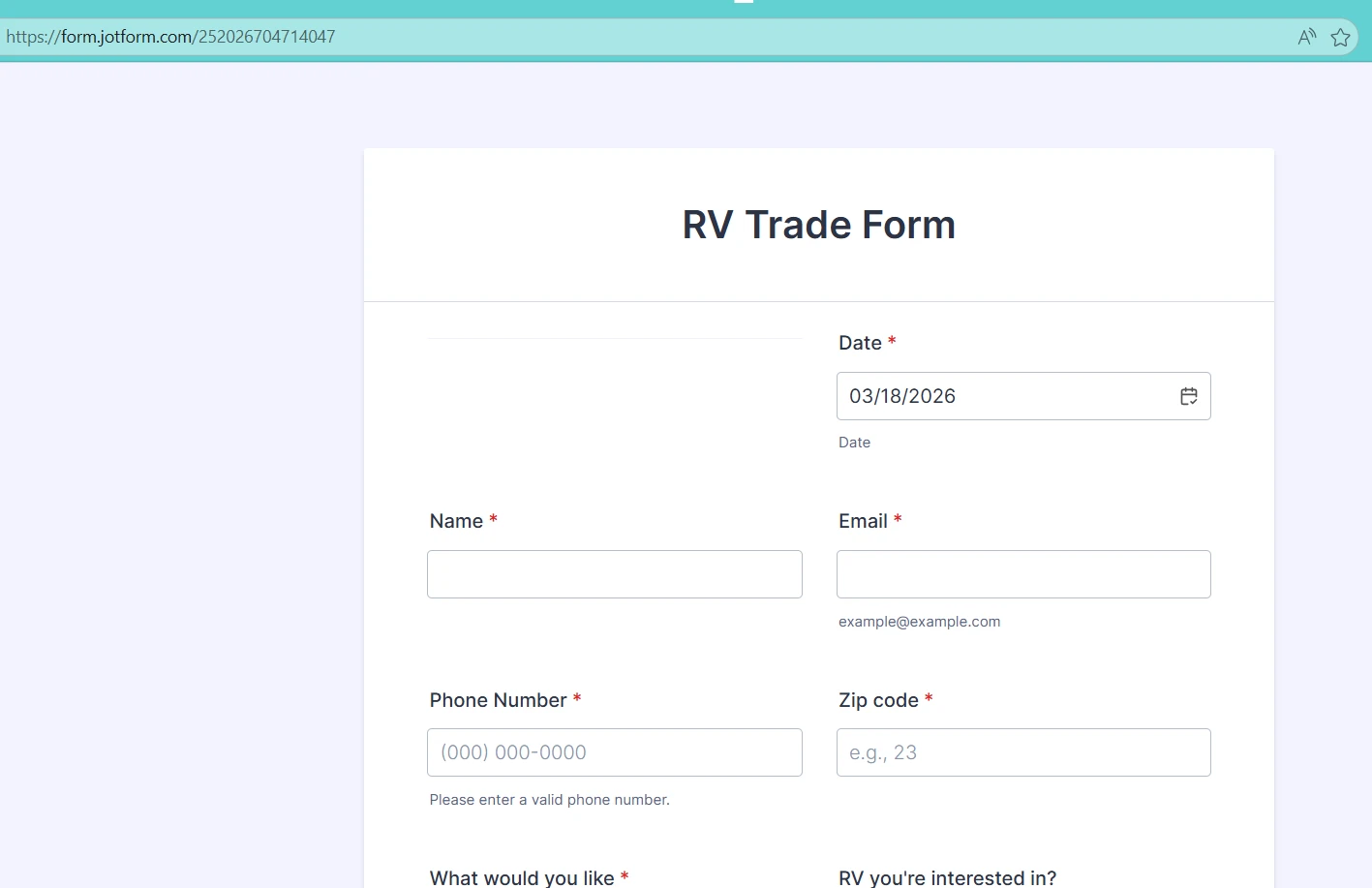
 Page URL: https://form.jotform.com/252026704714047
 -
 Podo: Support Specialist
Hi Rick,
Thanks for reaching out to Jotform Support. I'm an AI assistant here to assist you.
You can change your form URL to a custom URL instead of the default long number by creating a custom slug for your form's URL. This makes the link easier to remember and share.
Here’s how to do it:
- Go to your Form Builder and open the form you want to customize.
- Click on the Publish tab at the top.
- Under Share With Link, click the pencil icon next to your form URL.
- Enter your desired custom URL slug (the part that will appear after your username in the URL) and click Apply.
Your form URL will now look like this: https://form.jotform.com/{yourUsername}/{your-custom-url-slug}.
Notes:
- Changing the form’s slug will invalidate the old custom URL.
- Changing your Jotform username will invalidate all custom URLs with your old username.
- The original form URL with the long number will still work regardless of these changes.
- If you want to use a fully custom domain (not just the slug), that feature is available only with Jotform Enterprise plans.
Give it a try and let us know how it goes.
-
 Eliza Enterprise Support
Hi Rick,
Using your domain in your form link, like the one below, is only available with Jotform Enterprise:
https://yourcompanydomain.com/formId
But, you can add a Custom URL to your form. Here’s how to set it up:
- In Form Builder, in the orange navigation bar at the top of the page, click on Publish.
- Next, click on the Pencil icon under the Settings button.
- Edit your form link, and click on Apply.
Now, your form link will look like the one below:
https://form.jotform.com/yourusername/yourformname
Let us know if you have any other questions.