-
 tsengland
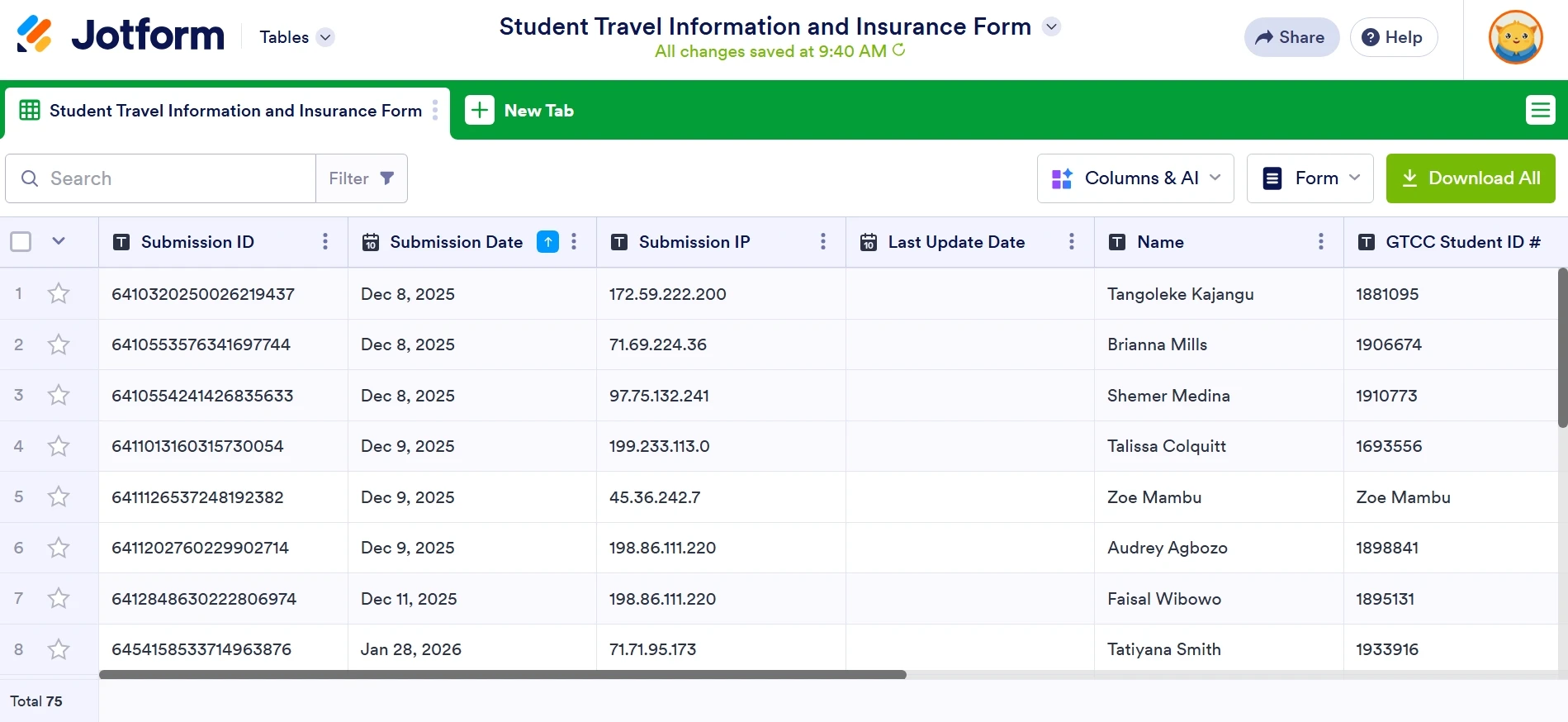
Previously, JotForm automatically grouped my activities by activity name in the tables section. Now it groups them all, and I have to filter out each activity.

-
 Podo: Support Specialist
Hi Tonya,
Thanks for reaching out to Jotform Support. I'm an AI assistant here to assist you.
Regarding your question about grouping activities by default in the tables section, Jotform Tables allows you to group entries by answers to get a structured view of your form data. To group entries by activity name or any other column, you can do the following:
- Open Jotform Tables and go to the column you want to group by (e.g., Activity Name).
- Click on the column's menu at the top of that column.
- Select "Group by" from the menu. This will group the entries based on the answers in that column.
You will see a "Grouped by" message at the top indicating the entries are grouped. You can manage and download entries or create tabs based on these groups. To remove grouping, click the group's remove icon.
If you want this grouping to be the default view when you open the tables, currently Jotform does not have an automatic default grouping setting saved for all sessions. You may need to apply the grouping each time you access the table or create a board view with custom groups for easier management.
Let me know if you want guidance on creating boards with custom groups or any other specific setup.
Give it a try and let us know how it goes.