-
 RoseRx
We are using classic form using page breaks to create multi-page step form. Can we add Save and Continue Later as single button without having save and continue as separate buttons. Below is the screenshot of what i am referring to.
Additionally, we would like to know if it is possible to capture and save user-entered data automatically when the user clicks “Continue” (without clicking “Save”), and trigger an email with the partially filled data, even if the form is not fully submitted.
-
 Podo: Support Specialist
Hi RoseRx,
Thanks for reaching out to Jotform Support. I'm an AI assistant here to assist you.
Regarding your questions about the Save and Continue Later feature in classic multi-page forms:
1. Single Button for Save and Continue Later: Jotform's Save and Continue Later feature adds a separate Save button to your form. This button allows users to save their progress and get a draft link. The Continue button remains separate for moving forward in the form. Currently, it is not possible to combine the Save and Continue Later functionality into a single button that acts as both Save and Continue simultaneously.
2. Automatic Data Capture on Continue Click: The Save and Continue Later feature requires users to explicitly click the Save button to save their progress and generate a draft link. Clicking the Continue button alone does not automatically save the partially filled data or trigger an email with the partial submission. Partial data is only saved and emailed when the Save button is used.
To summarize, you cannot merge Save and Continue into one button, and partial data is not automatically saved or emailed when users click Continue without saving.
If you want to customize the Save and Continue Later email or manage drafts, Jotform provides options to do so in the form settings.
Give it a try and let us know how it goes.
-
 Eliza Enterprise Support
Hi RoseRx,
I checked your form and it looks like you've already updated the button name from Save and Continue Later button to Save. Take a look at the screenshot below:
Currently, it's not possible to make the Save button and the Continue/Next button as one. This is because the only option for the form fillers to save their form progress is to click on the Save button. Thus, there's no option to save the form progress by just going to the next page.While the feature you're looking for isn't available at Jotform right now, we've gone ahead and escalated your request to our developers. Exactly when or if it's developed depends on their workload, how viable it is, and how many other users also request it. If there are any updates, we’ll circle back to this thread and let you know.
Thanks for your patience and understanding, we appreciate it.
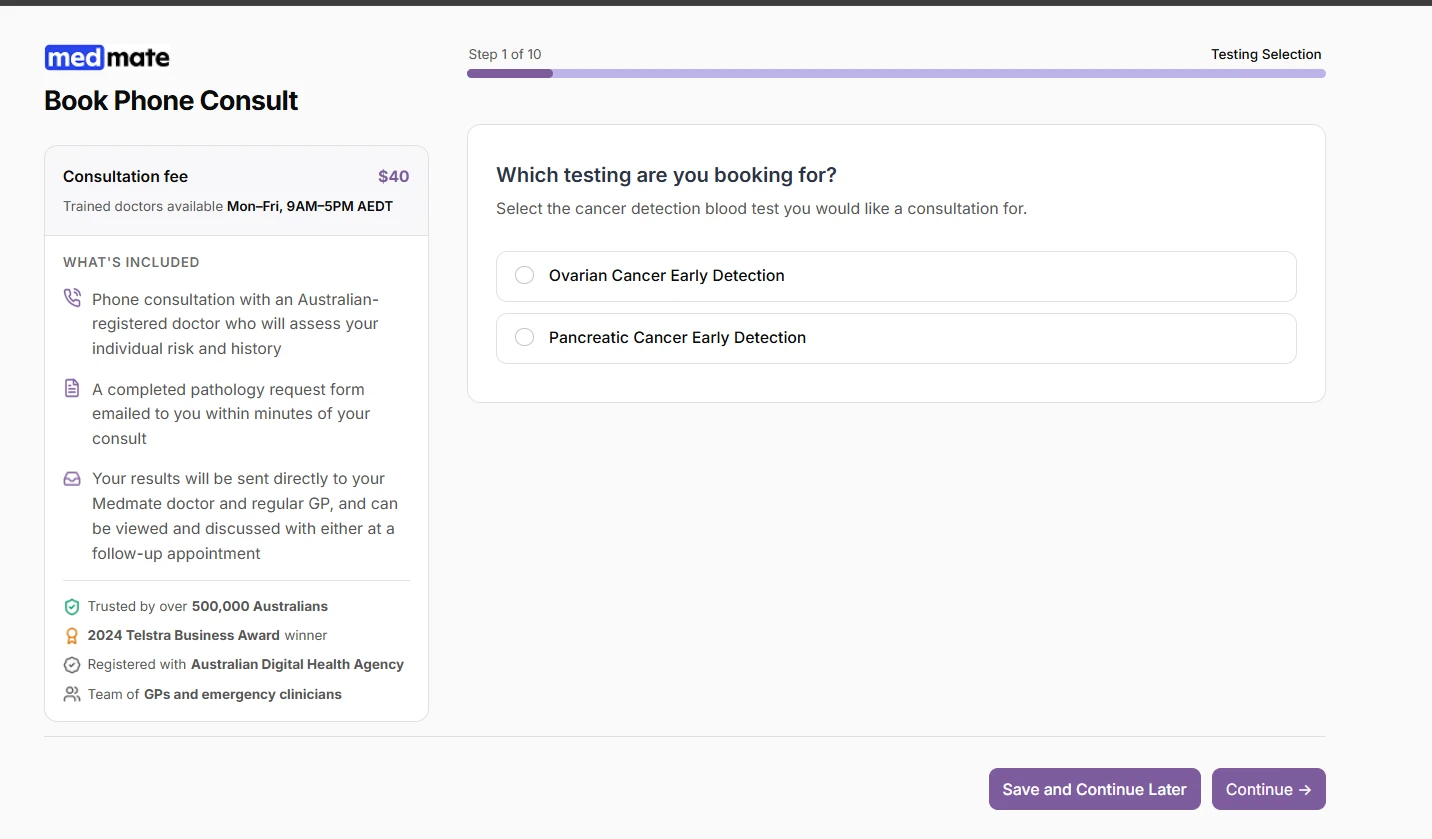
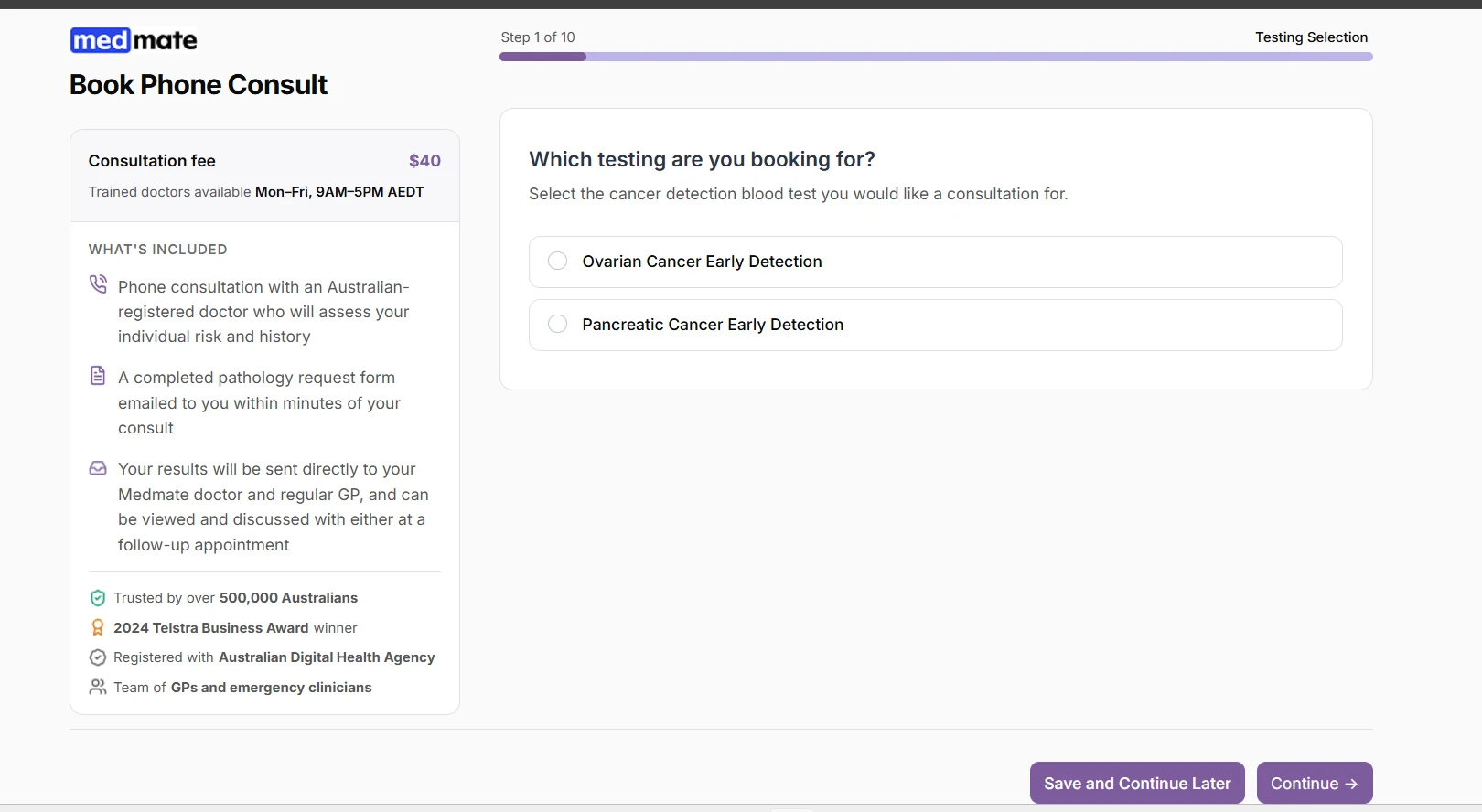
 Currently, it's not possible to make the Save button and the Continue/Next button as one. This is because the only option for the form fillers to save their form progress is to click on the Save button. Thus, there's no option to save the form progress by just going to the next page.
Your Reply
Something Went Wrong
An error occurred while generating the AI response. Please try again!