-
 Sallie_Smith
I’m unable to see completed forms in the app, but I’m still receiving them via email.
-
 Podo: Support Specialist
Hi Sallie,
Thanks for reaching out to Jotform Support. I'm an AI assistant here to assist you.
If you are unable to see completed forms in the Jotform app but are still receiving them via email, here are some important points and steps to consider:
Viewing submissions in the app:
- As the form owner, you can view your form submissions by going to the Submissions option for your form on the My Forms page or within the app's Tables view.
- If you created an app with multiple forms, you can view submissions for each form from a single Table in the app builder or Workspace page.
- In the Workspace page, you can filter to show only Apps or Tables to find your form submissions easily.
For mobile app users:
- Make sure you have enabled the forms to be available offline in the Jotform Mobile Forms app by going to your Profile Picture > Offline Forms and selecting the forms.
- Offline submissions are saved on your device and sync when you connect online, so ensure your device is connected to the internet to sync new submissions.
If you filled out a form using a direct URL and are not the form owner, you may not see the submissions in the app or workspace; in that case, you would need to contact the form owner.
Let me know if you need detailed steps on any of these points or if you are using a specific Jotform app version.
Give it a try and let us know how it goes.
-
 Jeric_T
Hi Sallie,
If you can take a screenshot of what’s happening, that'll help us to understand better what’s going on. Let me show you how to post a screenshot to our Help Center:
1. On the Help Center page, scroll down to the Your Answer section and click on the Image icon.
2. Drag and drop your image into the Upload box, or click on it and select your file.
3. Then, click on the Add button in the bottom-right corner of the window.

4. To resize it, click on your screenshot and then click on one of the boxes in the corners, and drag it inward.
5. Once you're finished, click on the Post Answer button at the bottom right of the Your Answer section.
-
Sallie_Smith
I logged out and back in. I also synced my data. Neither worked,
so I’m still having the same issue. -
 Rica Support Team Lead
Hi Sallie,
Is this happening on all your forms or just one specific form? If it's the latter, can you share the form URL in question? Also, can you check whether there’s a filter applied on the Submissions page in your Jotform Mobile app? You can check it by clicking the Filter icon on the upper right corner.
If no filter is applied and you’re still unable to see the submissions, I suggest uninstalling and reinstalling the app, then trying to search for the submission using the name, email, or submission ID. If you have any unsynced offline submissions, there’s no need to do this, as you may lose the data. If the issue persists, could you share the missing submission ID?
Give it a try and let us know how it goes.
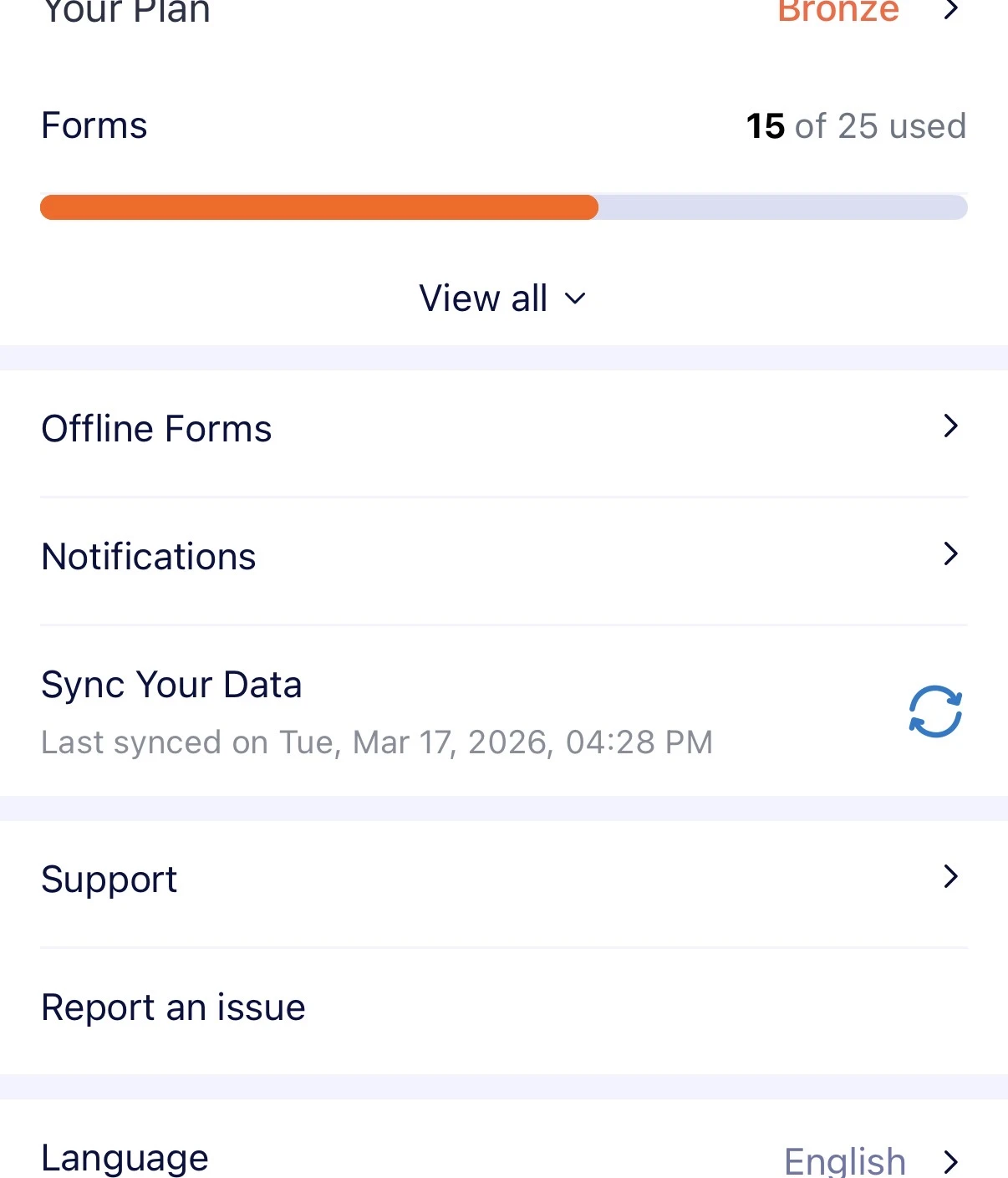 so I’m still having the same issue.