-
 All_Out_Graphics
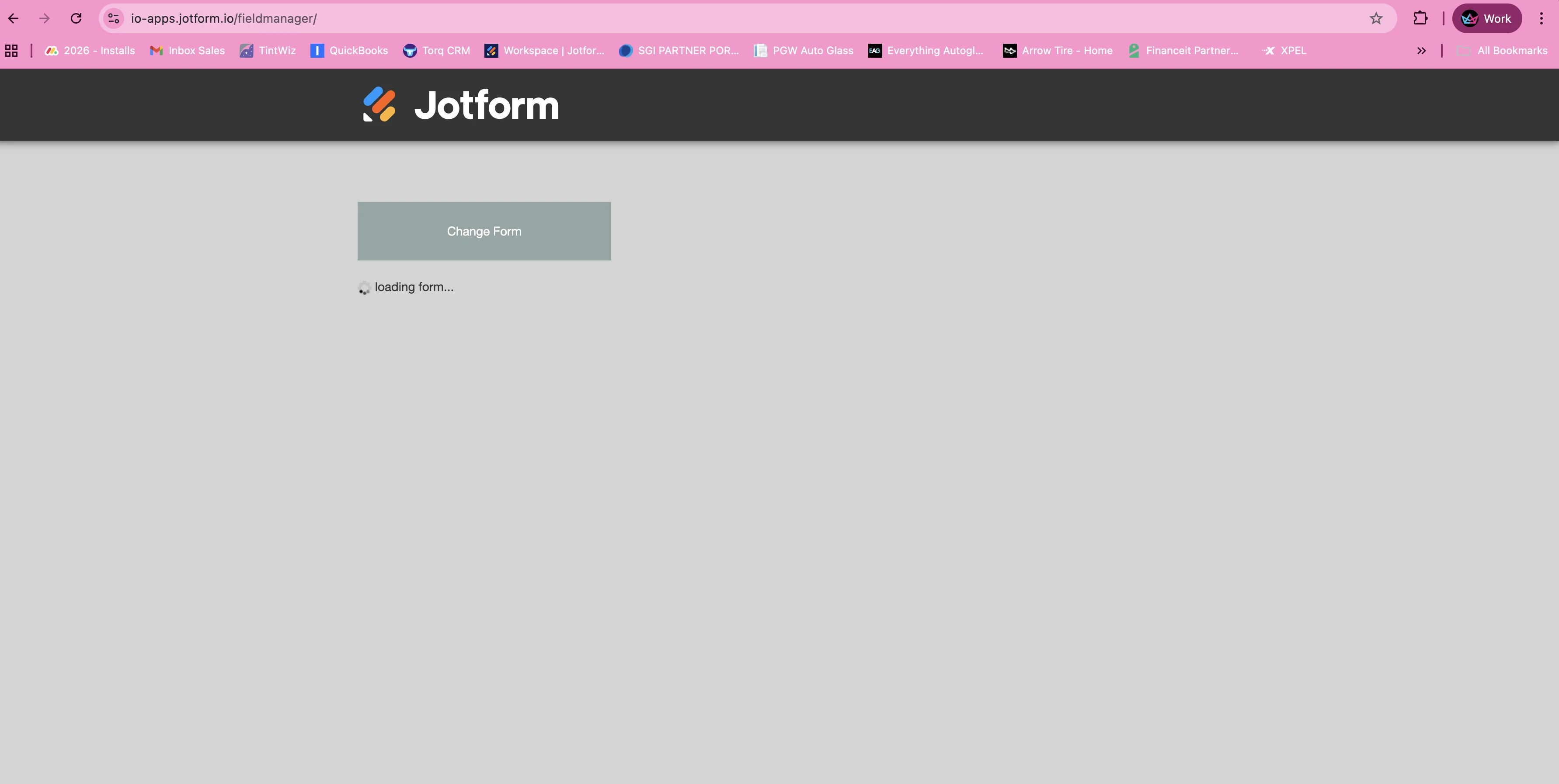
Field manager will open all my other forms but not the one I need to copy from. It just says loading form and spins and spins. All other forms will open.

-
 Podo: Support Specialist
Hi All,
Thanks for reaching out to Jotform Support. I'm an AI assistant here to assist you.
Regarding the issue where Field Manager opens all other forms but not the one you need to copy from, showing a continuous loading spinner, this can sometimes happen due to temporary loading or connection issues.
Let me help you with that:
- Clear your browser cache and cookies, then try opening the form again.
- Try a different browser or device to see if the issue persists.
- Ensure you have allowed Field Manager access to your forms properly during the integration setup.
If the problem continues, it might be related to the specific form's data or settings, but these steps usually resolve loading issues.
Give it a try and let us know how it goes.
-
All_Out_Graphics
Still not working
-
Podo: Support Specialist
Hi All,
Since the initial troubleshooting steps did not resolve the issue with Field Manager not loading the specific form, here are some additional suggestions to try:
- Check the form's size and complexity: Very large or complex forms may take longer to load or cause loading issues.
- Review any conditional logic or widgets: Sometimes specific widgets or complex conditional logic can cause loading problems.
- Try duplicating the form: If possible, create a copy of the problematic form and see if Field Manager can load the copy.
- Check your internet connection: Ensure you have a stable and strong internet connection while using Field Manager.
- Disable browser extensions: Some browser extensions can interfere with loading; try disabling them temporarily.
If none of these steps work, the issue may be related to the form itself or an internal issue with Field Manager. Unfortunately, I don't have direct access to fix this, but our support team will be able to investigate further.
After we hear back from you, we’ll have a better idea of what’s going on and how to help.
-
All_Out_Graphics
Still not working
-
Podo: Support Specialist
Hi All,
One of our Support Team members will take it from here to follow up shortly.
-
All_Out_Graphics
It wont load the whole form, just keeps saying loading form, it's not a complicated or long form
-
 Mary JotForm Support
Hi All_Out_Graphics,
I went ahead and created a ticket and escalated this to our Developers. Although we don't know exactly when it'll be fixed, we’ll circle back to this thread when we have an update.
-
 Ege
EgeHi All_Out_Graphics,
We have implemented a fix related to the issue. Could you give it a try and get back to us.


Your Reply
Something Went Wrong
An error occurred while generating the AI response. Please try again!