-
 Technology_HAC
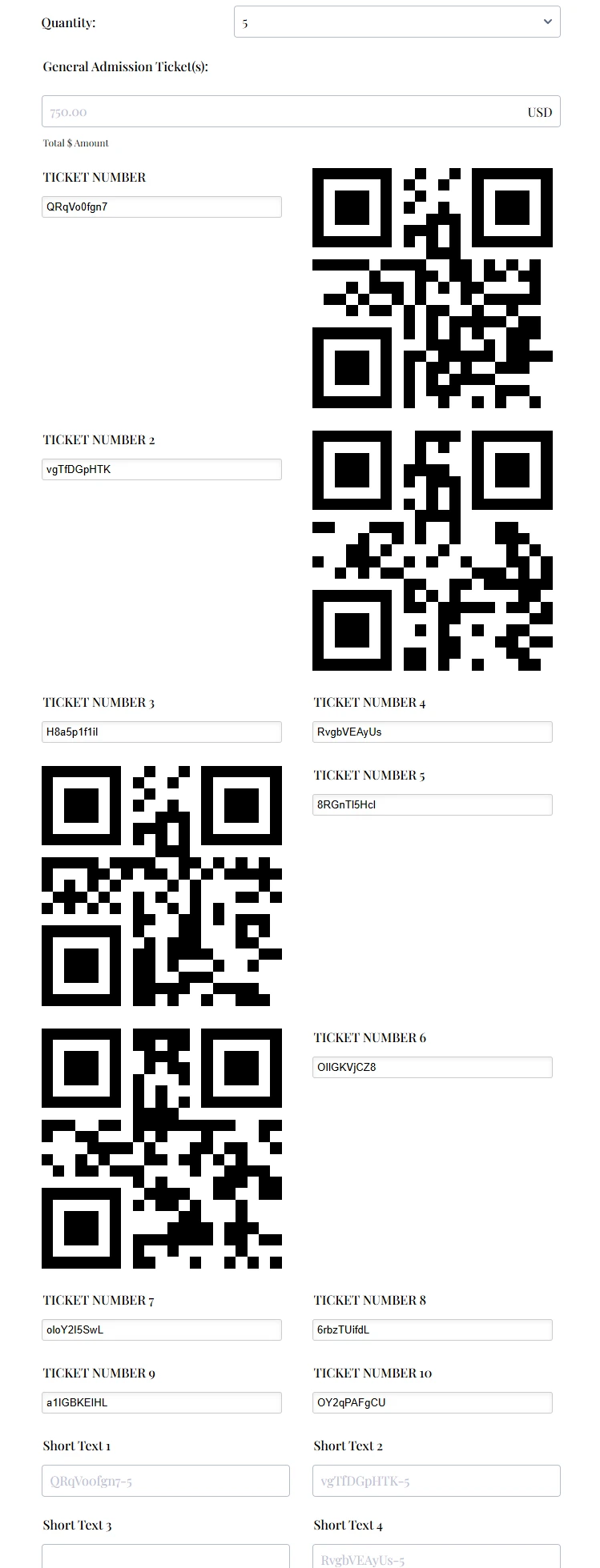
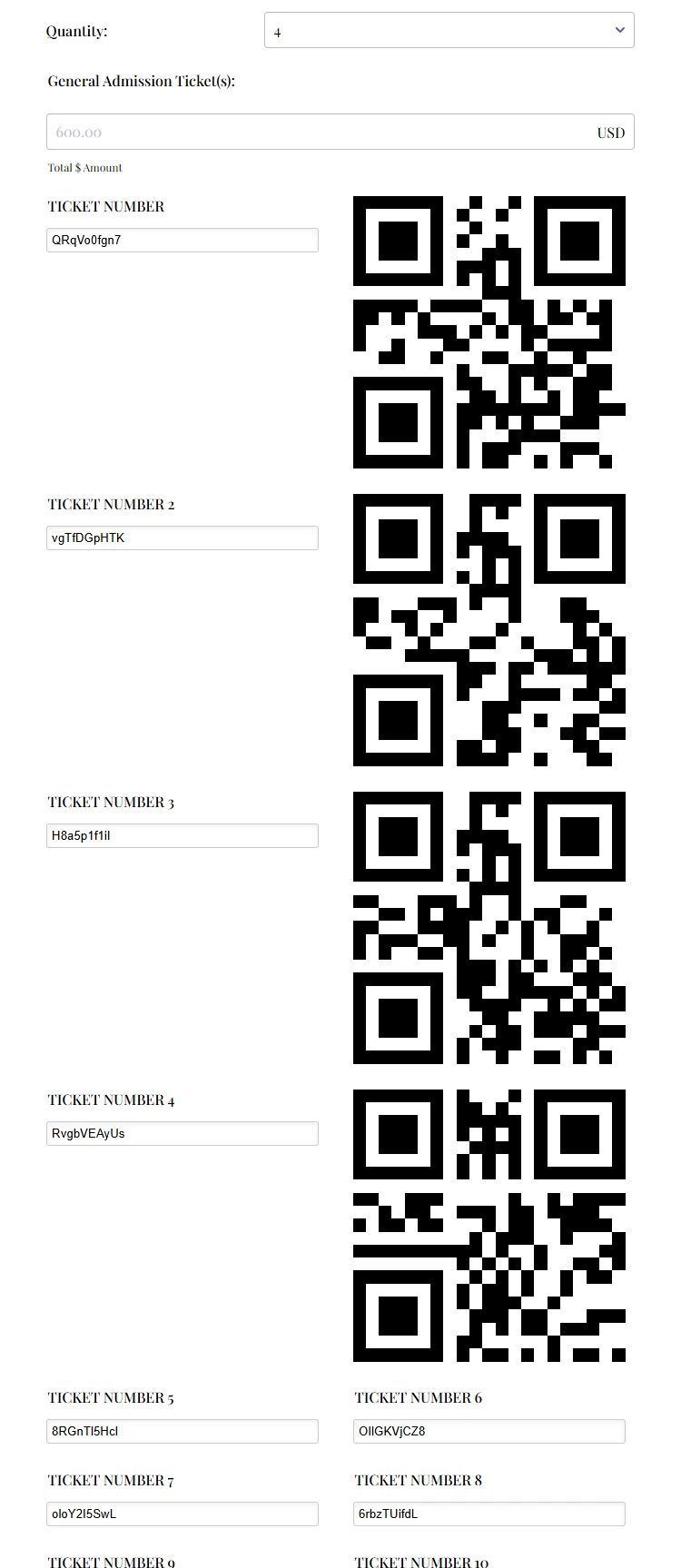
I am attempting to use JotForm to simulate a QR Code entry for the Gala. The condition logic works for creating 4 Ticket QR Codes, but not for 5 or more. I need to create up to 10. The form link is below. I've also added the screenshots for Quantity = 4 and Quantity = 5. Is it possible to create more than 4 QR Codes in the same form?
 Page URL: https://form.jotform.com/260605684936062
 -
Technology_HAC
I'm not sure whether the Quantity = 4 was attached, as I do not see it on the previous screen. I'm including it in the response.
-
 Raymond JotForm Support
Hi Technology_HAC,
Thanks for reaching out to Jotform Support. I checked your form, and it seems that you're trying to conditionally show the QR codes based on the quantity selected. We can use conditional logic to fix this. First, let's set your QR code widget to take the ticket number field. Let's do it:
- In Form Builder, click on one of your Dynamic QR code widget, and on the Wand icon next to it.
- Next, enter the label of the Random Value Generator widget next to it and click on the Update button.
- In Form Builder, click on the Settings tab in the navigation bar at the top, and click Conditions on the left side panel.
- Next, click on the Add Condition button, and select the Show/Hide field button.
3. Create a similar condition below and click on the Save button.
Repeat the same for other widgets and you'll conditions like so:That's it. Feel free to test this cloned demo form or clone it to your account to inspect it further.
Reach out again if you need any help.
-
Technology_HAC
This is perfect! Thank you!
-
 Podo: Support Specialist
Hi Technology HAC,
Your request has been answered and the thread is closed.
If you have another question or need more help, feel free to reply here and we’ll assist you right away.
-
Technology_HAC
In an effort to validate the QR Codes that were created above, I created clone of the form - https://form.jotform.com/260717560899168 to remove the Payment Calculation so that I could submit the form. I then created a Verification Form with QR Code Reader and Spreadsheet to Form using the respective widgets - https://form.jotform.com/260547417500048. I am only able to validate the 1st QR Code and receive an error when any of the other 9 codes (2 - 10) are scanned. I can only use one Access Code; however, is it possible to validate all of the codes?
Ticket Creation:
https://form.jotform.com/260717560899168
Ticket Validation Form:
https://form.jotform.com/260547417500048
Screenprint of Invalid Scan:
-
 Mary JotForm Support
Hi Technology_HAC,
I’ve gone ahead and moved your other question to a separate thread to keep things tidy, and someone from our Support Team will help you out with it here.
Let us know if you have any other questions.
 Repeat the same for other widgets and you'll conditions like so:


