-
 globalart.socal
Hi. I was searching my settings to disable submission edits, but I could not find it. Is there a way for that option to exist for my form or for it to be turned off? Thank you

-
 Podo: Support Specialist
Hi,
Thanks for reaching out to Jotform Support. I'm an AI assistant here to assist you.
Regarding your question about disabling submission edits on your form, Jotform does not have a direct setting to disable editing of submissions by users once they have been submitted. However, you can control submission editing in a few ways:
- Submissions can be edited manually by you through Jotform Tables or Inbox, but this does not affect the original submission editing option for users.
- You can disable the form itself conditionally by setting a submission limit or expiration date, which will prevent new submissions but does not specifically disable editing of existing submissions.
If you want to prevent users from editing their submissions, you would typically avoid enabling the "Edit Submission" option in the form settings or the thank you page. If you have enabled submission edits via an edit link, you can remove or not share that link to prevent editing.
Unfortunately, there is no explicit toggle to turn off submission editing once enabled, but controlling the availability of the edit link is the way to manage this.
Give it a try and let us know how it goes.
-
 Raymond JotForm Support
Hi globalart.socal,
Your form submitters are unable to edit their submission by default. The only way for them to edit it is to have the edit link or their submission ID sent to them. When I checked your form, neither the edit link nor the submission ID was being shared with them through your form. This means your submitters will not be able to edit their submissions.
While the feature you're looking for to disable form submission edits in Form Builder is not available, we've gone ahead and escalated your request to our developers. Exactly when or if it's developed depends on their workload, how viable it is, and how many other users also request it. If there are any updates, we’ll circle back to this thread and let you know.
Thanks for your patience and understanding, we appreciate it.
-
 scotchoakburn
Is there a way to view the edits being made, it appears that the notification that comes through after editing does not show the edits
-
Raymond JotForm Support
Hi globalart.socal,
Right now, the only way to find the changes made is by comparing the notification emails from before and after the edit is made or through table revision history. As a workaround to disabling submission changes, we can use a widget and a condition. This'll allow us to hide the submit button on the edit page. Let me show you how:
- In Form Builder, click on the Add Element button on the left and click on the Widgets tab.
- Next, search and select the Get Form Page URL widget to add it to your form.
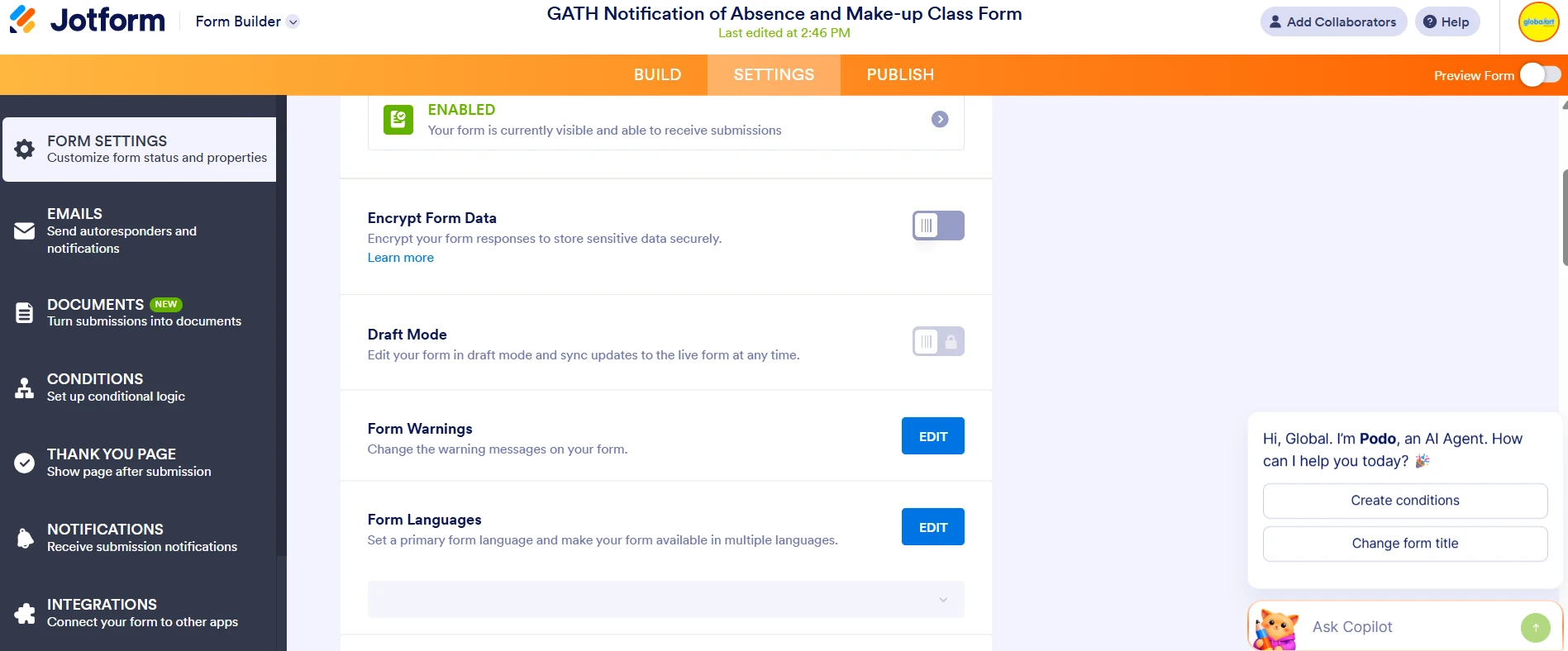
- Now, click on the Settings tab in the orange navigation bar at the top, and click Conditions on the left side panel.
- Click on the Show/Hide field condition.
5. Create a similar condition below, and click on the Save button.
That's it. We also have a guide on How to Show or Hide Fields on Edit URL that you can check out.Give it a try and let us know if you need any help.
-
PpHqghUme
can I ask you a question please?

 That's it. We also have a guide on
 Your Reply
Something Went Wrong
An error occurred while generating the AI response. Please try again!