-
RRudy Marín
how can I make a sort of codependant dropdown list? In other words, if there are seven main provinces, each one has several counties and each county has several districts associated to them. I need to make a dropdown list that once I choose one of the provinces, it will take me to its corresponding counties and thereof to ist associated districts
-
 Jotform Support Former Jotform Support
Hi Rudy,
Thanks for reaching out to us for help. Dynamic Dropdown widget allows you to add exactly the feature you want to your form. You can learn how to configure it here. Also, you can see its usage in a sample form here. If you want to implement it in your own form, you can do it in just a few clicks—here’s how:
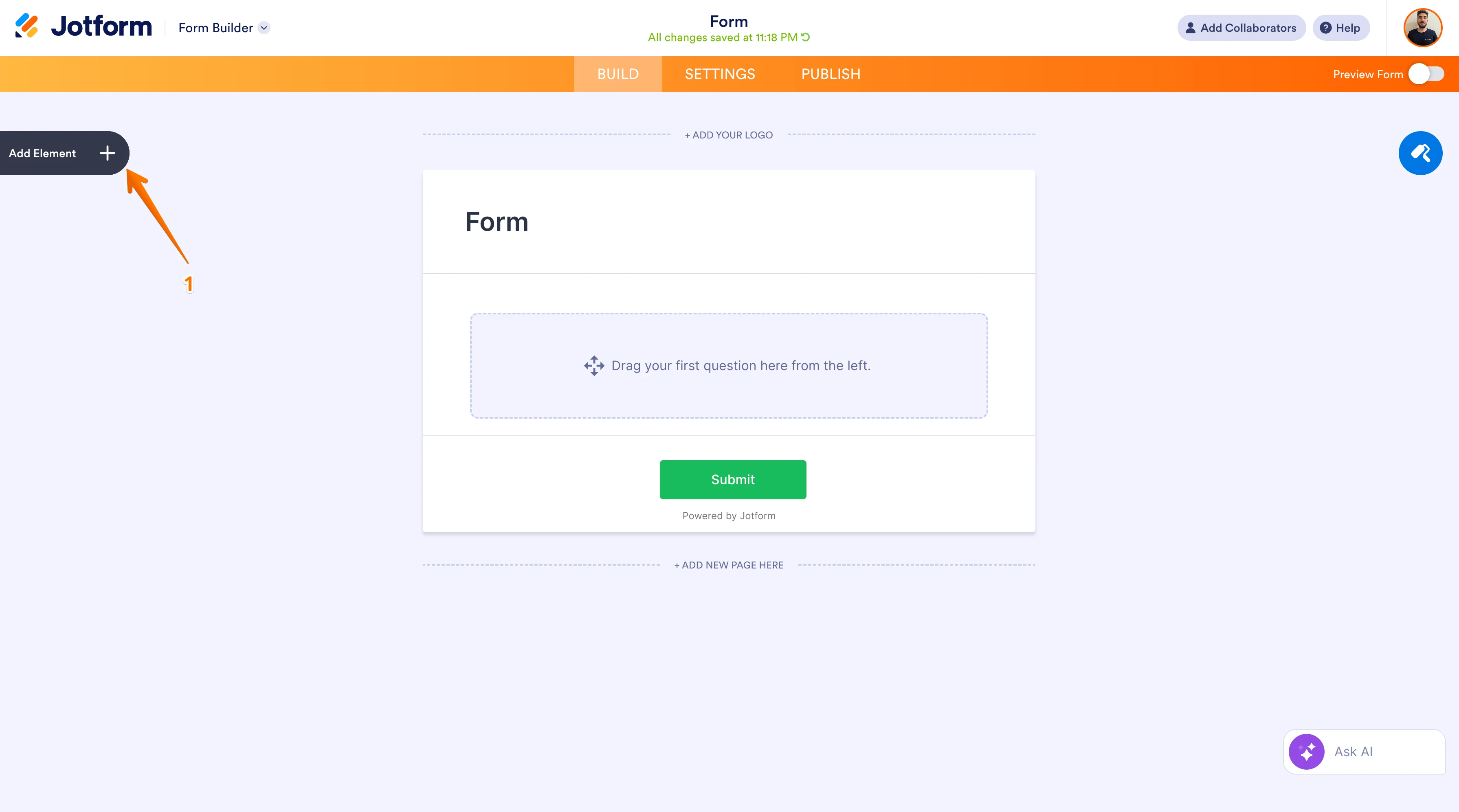
First, open the “Add Element” section.

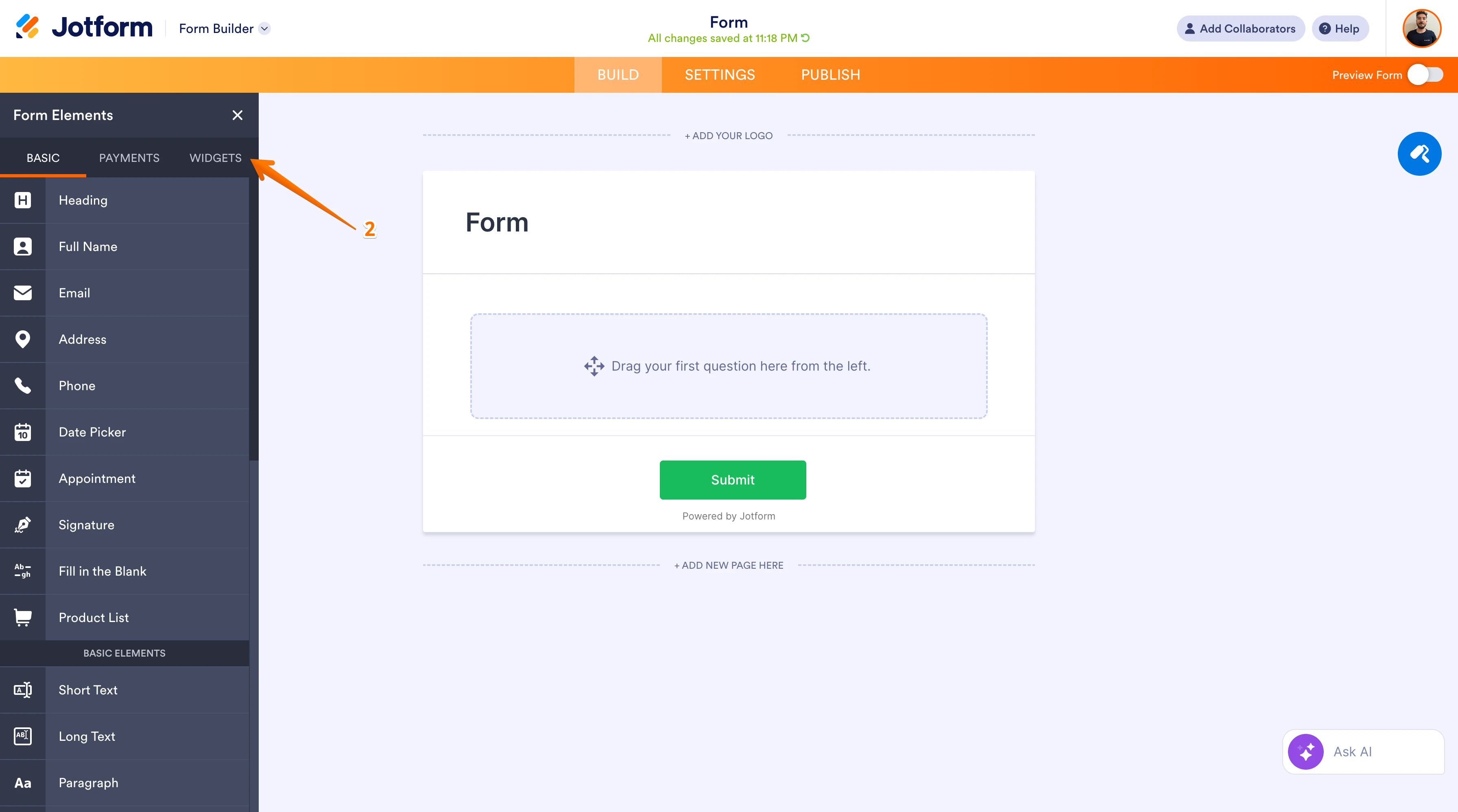
Then click on the “Widgets” tab.
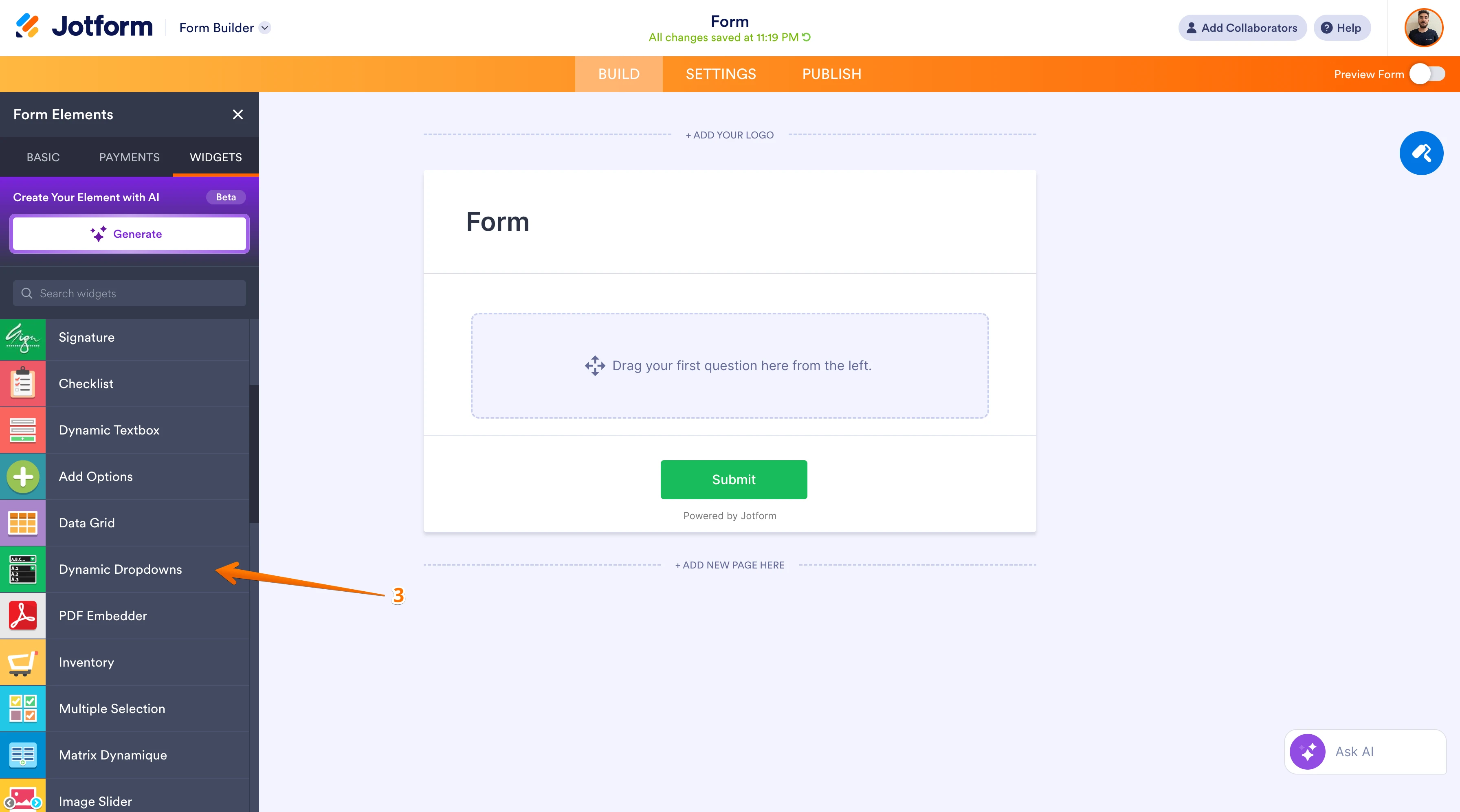
Add the Dynamic Dropdown widget to your form.
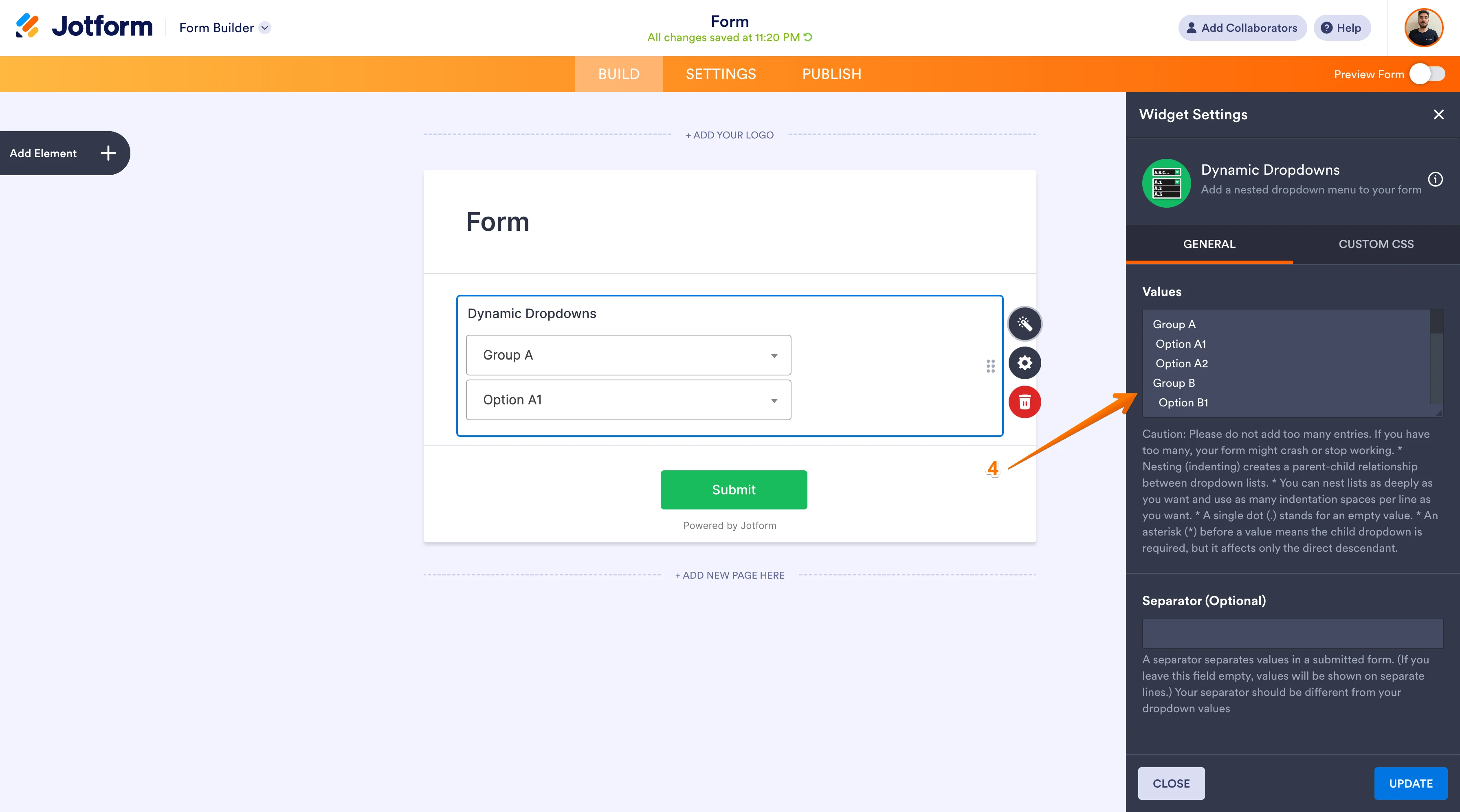
You can adjust the widget's settings according to the conditions you want.Let us know if you need any other help.
-
 rudymarin
Thanks for your support. I went trough your material.
I am afraid it will not work for me because the list of Provinces, Counties and Districts I need to input is just way too large and might exceed the 65,000 character limit. However I will give it a try. The positive side is that now I know it is possible as long as the max amount of characters is not exceeded.
Kind regards,