# AI Chatbot for WordPress Education websites

# Jotform AI Chatbot for WordPress education websites

Transform your education website into a smart assistant for students, parents, and staff. Jotform AI Chatbot helps you answer questions, provide resources, and guide visitors 24-7 — all without coding.

[Get the Plugin — It’s Free](https://link.jotform.com/1zP9zkjpi2)

## Build. Customize. **Publish.**

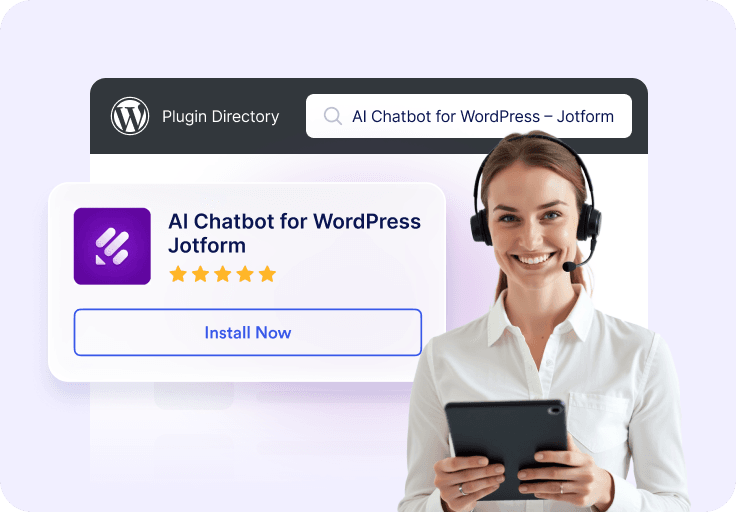
![Image 1: Connect your WordPress](https://cdn.jotfor.ms/image/r/aHR0cHM6Ly9jZG4uam90Zm9yLm1zL3AvYWkvY2hhdGJvdC1mb3Itd29yZHByZXNzL2Fzc2V0cy9pbWctbWluL3VzZS1jYXNlcy9lZHVjYXRpb24vaG93LTEucG5n/how-1.png?w=768&t=1)

### Connect your WordPress

Install AI Chatbot WordPress plugin directly from your WordPress dashboard. **No coding** or complex setup required.

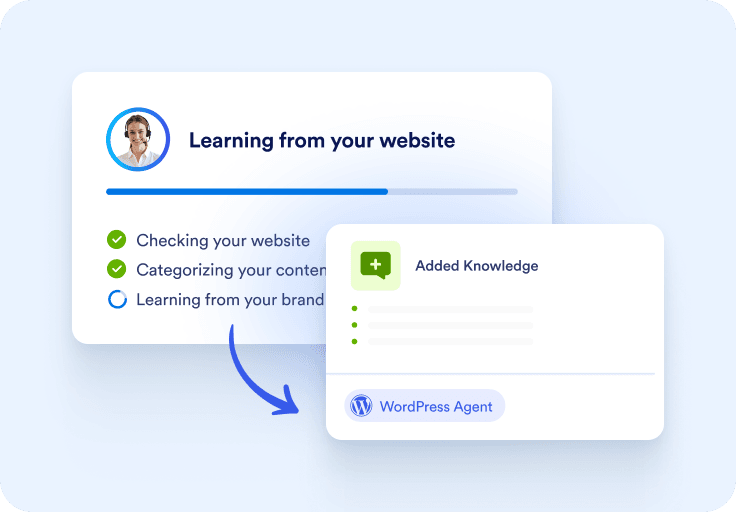
![Image 2: Customize your chatbot](https://cdn.jotfor.ms/image/r/aHR0cHM6Ly9jZG4uam90Zm9yLm1zL3AvYWkvY2hhdGJvdC1mb3Itd29yZHByZXNzL2Fzc2V0cy9pbWctbWluL3VzZS1jYXNlcy9lZHVjYXRpb24vaG93LTIucG5n/how-2.png?w=768&t=1)

### Customize your chatbot

Personalize the design, responses, and conversation flow to match your brand. Add FAQs, product recommendations, and checkout support **tailored to your store**.

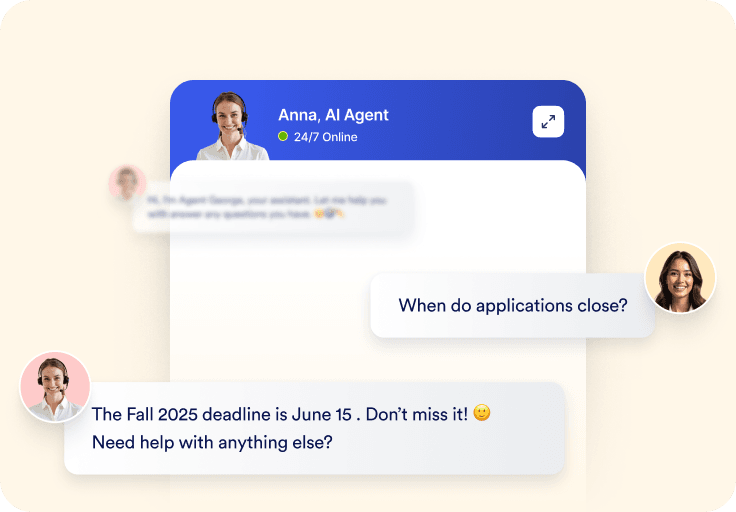
![Image 3: Ready to go](https://cdn.jotfor.ms/image/r/aHR0cHM6Ly9jZG4uam90Zm9yLm1zL3AvYWkvY2hhdGJvdC1mb3Itd29yZHByZXNzL2Fzc2V0cy9pbWctbWluL3VzZS1jYXNlcy9lZHVjYXRpb24vaG93LTMucG5n/how-3.png?w=768&t=1)

### Ready to go

Activate your agent and start engaging shoppers **instantly**. Whether answering questions or guiding purchases, your e-commerce chatbot will be live and **working for you** around the clock.

## Why education websites choose AI Chatbot for WordPress

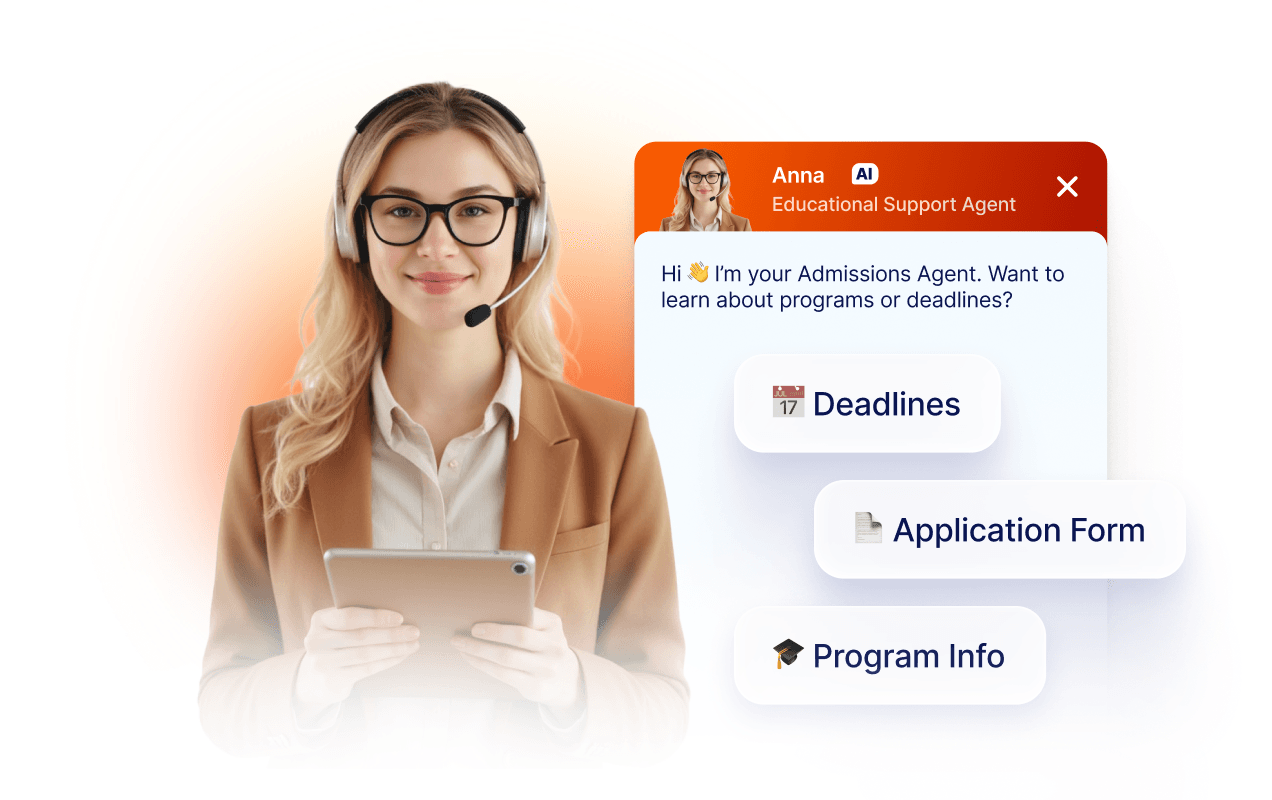
### Admissions & enrollment support

Guide prospective students and parents through the admissions process. Jotform AI Chatbot for WordPress plugin can provide application instructions, deadlines, and program information to reduce staff workload.
![Image 4: Admissions & enrollment support](https://cdn.jotfor.ms/image/r/aHR0cHM6Ly9jZG4uam90Zm9yLm1zL3AvYWkvY2hhdGJvdC1mb3Itd29yZHByZXNzL2Fzc2V0cy9pbWctbWluL3VzZS1jYXNlcy9lZHVjYXRpb24vc2VjdGlvbi0xLnBuZw==/section-1.png?w=40&t=1)

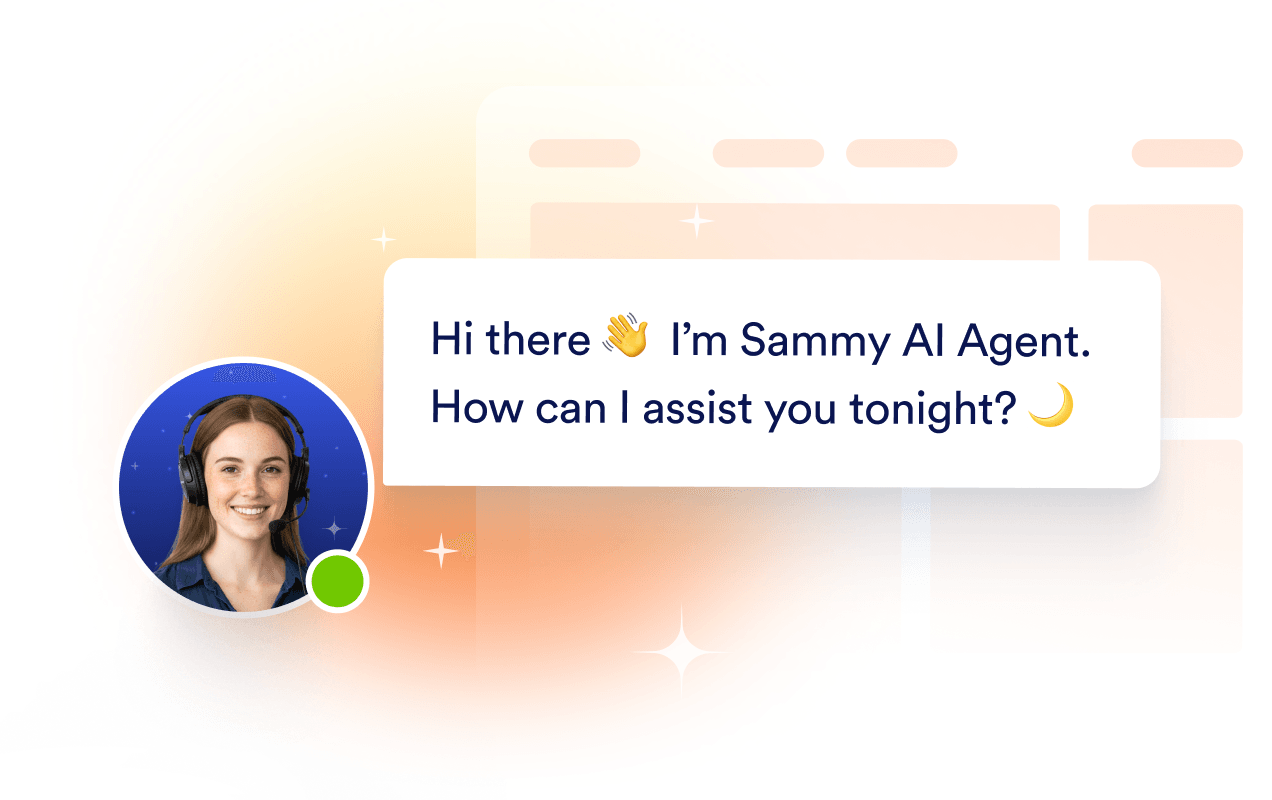
### 24-7 information desk

No more unanswered questions outside office hours. The chatbot delivers instant answers about schedules, tuition fees, events, and policies for round-the-clock support.
![Image 5: 24-7 information desk](https://cdn.jotfor.ms/image/r/aHR0cHM6Ly9jZG4uam90Zm9yLm1zL3AvYWkvY2hhdGJvdC1mb3Itd29yZHByZXNzL2Fzc2V0cy9pbWctbWluL3VzZS1jYXNlcy9lZHVjYXRpb24vc2VjdGlvbi0yLnBuZw==/section-2.png?w=40&t=1)

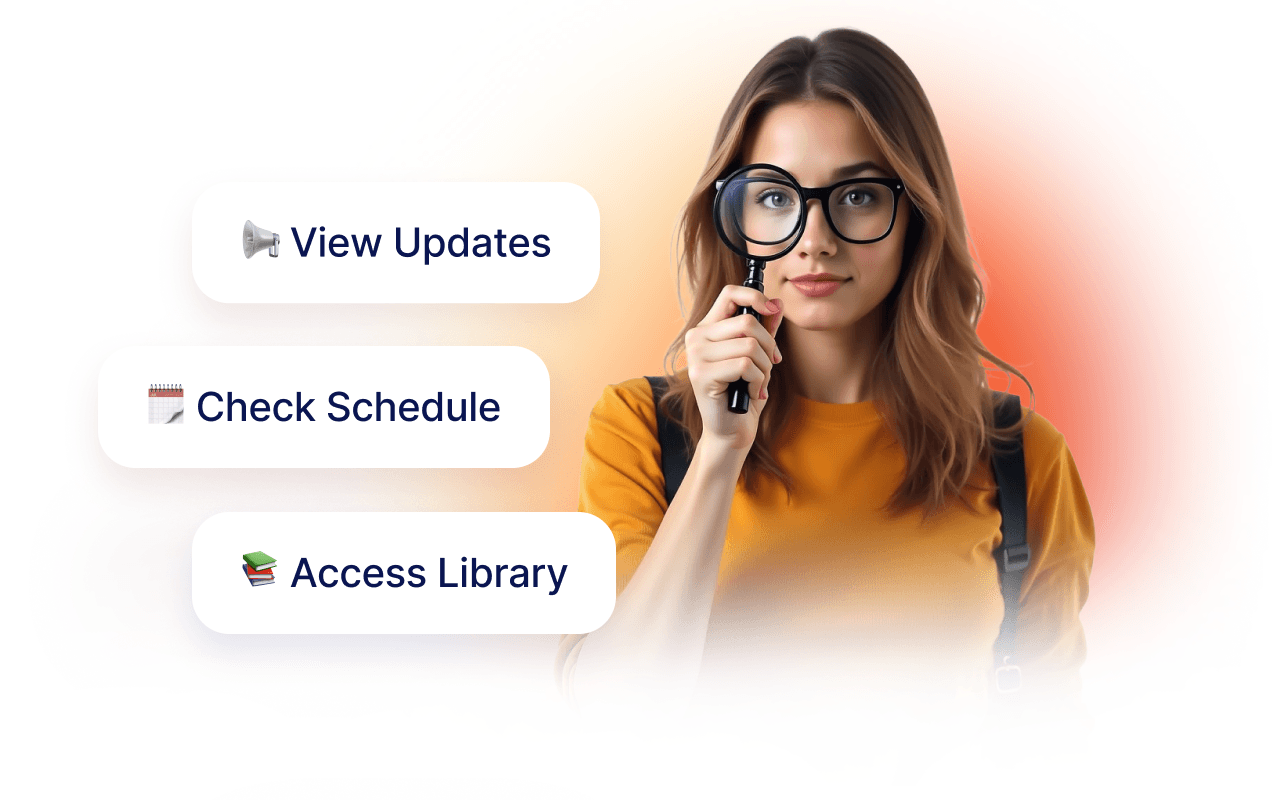
### Student engagement & resources

Help current students access the information they need quickly. Whether sharing library resources or class announcements, the chatbot becomes a digital assistant for learning.
![Image 6: Student engagement & resources](https://cdn.jotfor.ms/image/r/aHR0cHM6Ly9jZG4uam90Zm9yLm1zL3AvYWkvY2hhdGJvdC1mb3Itd29yZHByZXNzL2Fzc2V0cy9pbWctbWluL3VzZS1jYXNlcy9lZHVjYXRpb24vc2VjdGlvbi0zLnBuZw==/section-3.png?w=40&t=1)

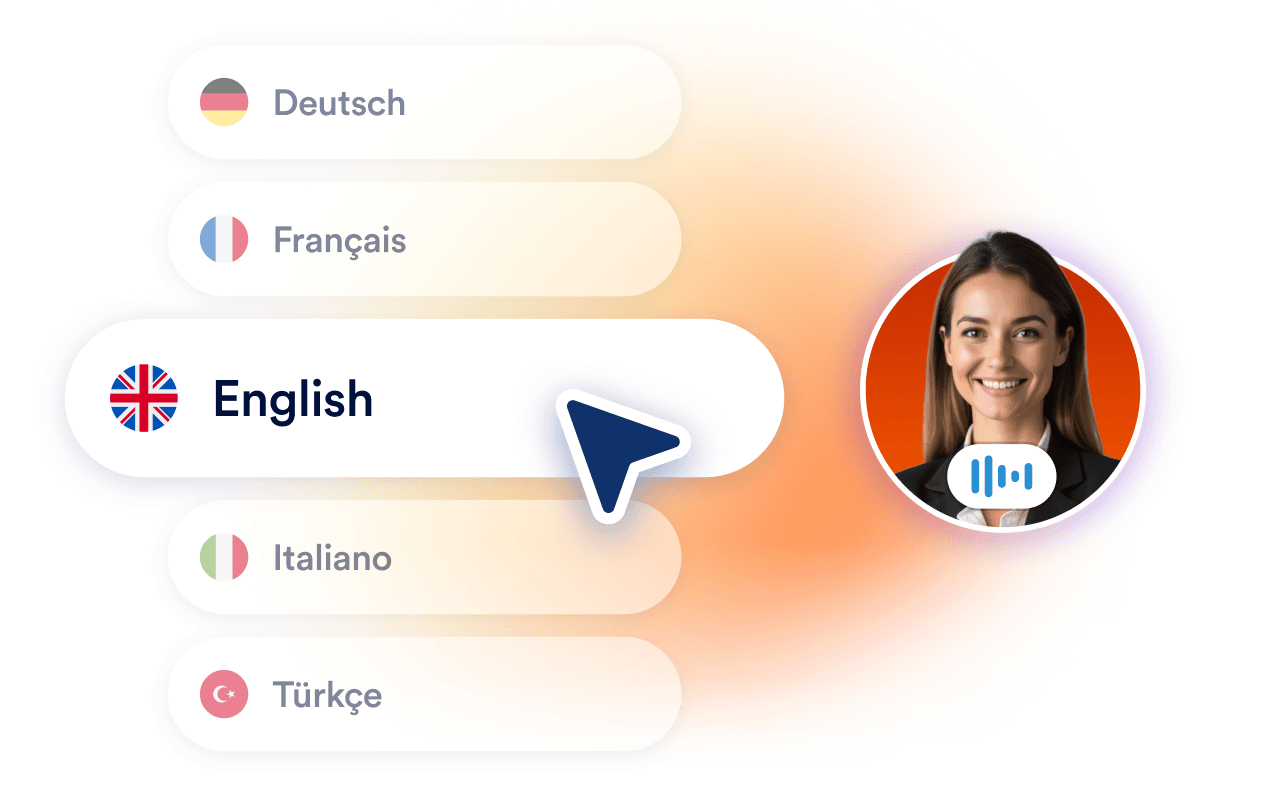
### Multilingual communication

Reach international students and families with built-in multilingual support. Jotform AI Chatbot ensures inclusivity by answering questions in the visitor’s preferred language.
![Image 7: Multilingual communication](https://cdn.jotfor.ms/image/r/aHR0cHM6Ly9jZG4uam90Zm9yLm1zL3AvYWkvY2hhdGJvdC1mb3Itd29yZHByZXNzL2Fzc2V0cy9pbWctbWluL3VzZS1jYXNlcy9lZHVjYXRpb24vc2VjdGlvbi00LnBuZw==/section-4.png?w=40&t=1)

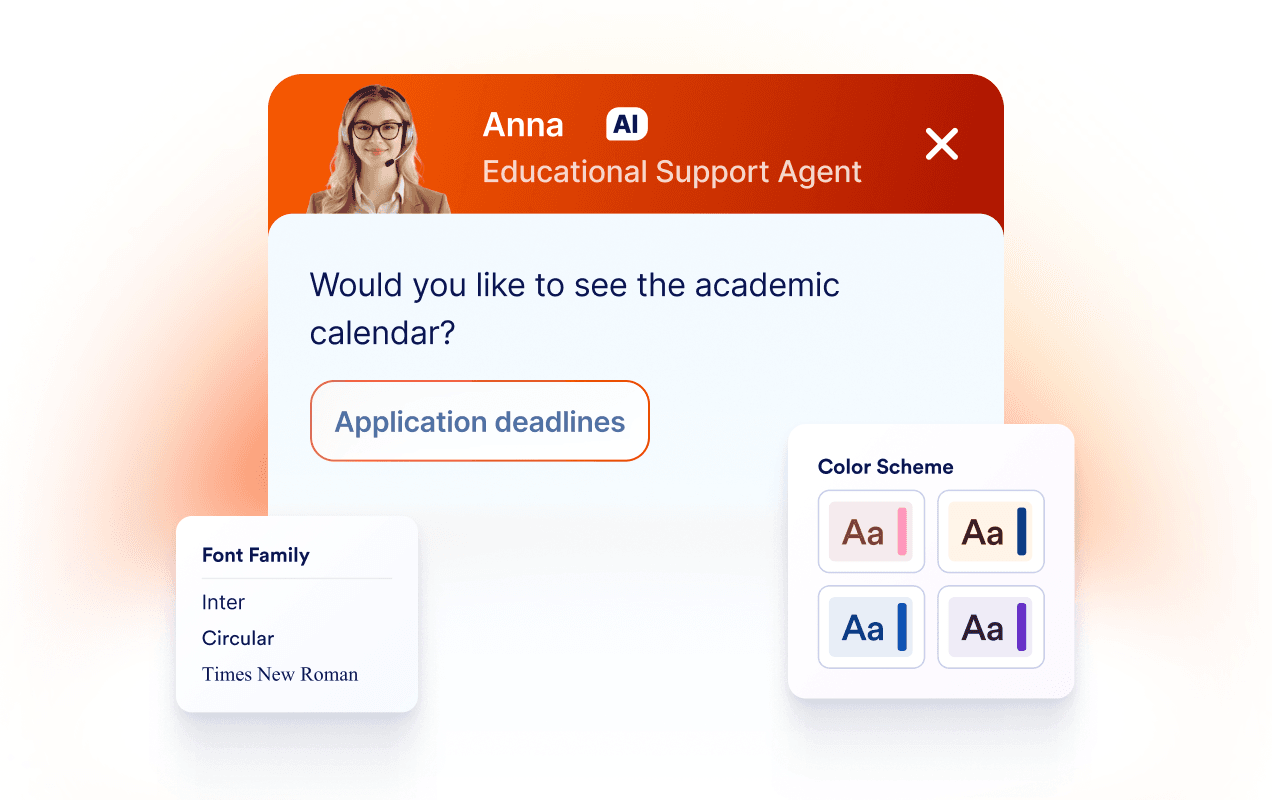
### Easy customization & branding

Adjust design, tone, and responses to reflect your institution’s identity. Staff can easily update FAQs or training data to keep content fresh and relevant without any complicated setup or coding.
![Image 8: Easy customization & branding](https://cdn.jotfor.ms/image/r/aHR0cHM6Ly9jZG4uam90Zm9yLm1zL3AvYWkvY2hhdGJvdC1mb3Itd29yZHByZXNzL2Fzc2V0cy9pbWctbWluL3VzZS1jYXNlcy9lZHVjYXRpb24vc2VjdGlvbi01LnBuZw==/section-5.png?w=40&t=1)

5/5 Trusted by 4,000+ websites

## Proven impact, shared by our users

Every result tells a story. Explore the journeys of those who turned challenges into opportunities with us.

The AI chatbot is super simple to train, that is usually the hardest part in implementing a chatbot. They make it super easy.

![Image 9: Avatar of jumpstartlearn](https://cdn.jotfor.ms/image/r/aHR0cHM6Ly9jZG4uam90Zm9yLm1zL3AvYWkvY2hhdGJvdC1mb3Itd29yZHByZXNzL2Fzc2V0cy9pbWctbWluL3VzZS1jYXNlcy9lZHVjYXRpb24vanVtcHN0YXJ0bGVhcm4ucG5n/jumpstartlearn.png?w=40&t=1)jumpstartlearn 

I have been using Jotform for over 15 years. I have always been extremely happy with the forms, tables and the recently introduced AI Agents. This plugin helped me add my agent to my website in no time.

![Image 10: Avatar of tranlanguage](https://cdn.jotfor.ms/image/r/aHR0cHM6Ly9jZG4uam90Zm9yLm1zL3AvYWkvY2hhdGJvdC1mb3Itd29yZHByZXNzL2Fzc2V0cy9pbWctbWluL3VzZS1jYXNlcy9lZHVjYXRpb24vdHJhbmxhbmd1YWdlLnBuZw==/tranlanguage.png?w=40&t=1)tranlanguage 

We setup this chat bot just a few weeks ago, and it has already managed to slash our customer support requests by about 80%.

![Image 11: Avatar of jonathanemg](https://cdn.jotfor.ms/image/r/aHR0cHM6Ly9jZG4uam90Zm9yLm1zL3AvYWkvY2hhdGJvdC1mb3Itd29yZHByZXNzL2Fzc2V0cy9pbWctbWluL3VzZS1jYXNlcy9lZHVjYXRpb24vam9uYXRoYW5lbWcucG5n/jonathanemg.png?w=40&t=1)jonathanemg 

## Support every learner, anytime

From answering admissions inquiries to providing course details, Jotform AI Chatbot keeps your education website responsive day and night — helping applicants, students, and families get answers without delays.

[Get the Plugin — It's Free](https://link.jotform.com/1zP9zkjpi2)

## FAQ

*    
### What is Jotform AI Chatbot for WordPress? Jotform AI Chatbot for WordPress is an AI-powered chatbot for WordPress websites. You can add the agent to your site by installing the Jotform AI Chatbot WordPress plugin. The plugin lets you add a customizable AI Agent to your WordPress website to engage visitors, answer questions, and improve conversions. It enables websites to enhance user engagement by providing real-time assistance, answering questions, and guiding visitors through forms.

The plugin is user-friendly, requires no technical expertise or coding knowledge to set up, and integrates seamlessly with WordPress websites. Whether you’re looking to improve customer support, streamline operations, or increase lead generation, this plugin is a versatile tool to help you meet your goals.   
*    
### What types of questions can the chatbot answer? The chatbot is designed to handle a wide range of queries, from **general FAQs**, like business hours and contact details, to **more complex, business-specific questions**. It can provide detailed answers based on the data you’ve trained it with, such as product descriptions, return policies, and pricing structures.

Additionally, the chatbot can dynamically respond to context-sensitive questions, guide users through decision-making processes, and offer troubleshooting assistance. Its advanced AI capabilities ensure it learns and adapts to user interactions, improving its accuracy over time.   
*    
### How does the plugin simplify chatbot embedding on WordPress? Traditionally, embedding a chatbot required you to copy and paste embed codes or use shortcodes, which could be cumbersome for non-technical users. Jotform AI Chatbot WordPress plugin simplifies the process to just a few clicks.

Once you’ve created and customized your chatbot in the WordPress admin dashboard, you can directly publish it to your site without additional steps. The plugin automatically integrates the chatbot into your website, ensuring seamless setup and a consistent user experience across all pages.   
*    
### Can I customize the chatbot through the plugin? Yes, the plugin offers extensive customization options to ensure your chatbot aligns with your brand. You can adjust its appearance by changing colors, fonts, and avatars to match your website’s design. Beyond appearance, you can customize the chatbot’s tone and conversational style to reflect your brand’s voice, whether formal, casual, friendly, or professional.

The plugin automatically crawls your site content and also allows you to train the chatbot with specific data, such as FAQs, product details, and business policies, enabling it to deliver highly relevant responses tailored to your audience’s needs.   
*    
### Can I train chatbot plugin with my own content? Yes, the plugin **automatically crawls your site content** and also allows you to **train the agent with specific data**, such as FAQs, product details, and business policies, enabling it to deliver highly relevant responses tailored to your audience’s needs.   
*   
 
### How do I install Jotform AI Chatbot WordPress plugin on my site? 

**How to install Jotform AI Chatbot from the WordPress plugin directory:**

    1.   Log into your WordPress admin dashboard.
    2.   Click **Plugins** in the sidebar.
    3.   Click **Add New** and search for “Jotform AI Chatbot.”
    4.   Install the plugin and activate it.
    5.   The Jotform icon will appear in the sidebar of your WordPress admin panel.

**How to install Jotform AI Chatbot from the admin panel:**

    1.   Go to your WordPress administrator panel (http://my-wordpress.url/wp-admin).
    2.   Download the repo’s zip and extract it to your WordPress Plugins folder ({wordpress-folder}/wp-content/plugins).
    3.   Activate the plugin in the Plugins section.
    4.   The Jotform icon will appear in the sidebar of your WordPress admin panel.

After activating the plugin, you can create your agent from the admin panel. You can customize the agent within WordPress or access the full array of customization options from the Jotform interface.

*    
### Do I need coding skills to use the plugin? Nope! Jotform Jotform AI Chatbot is designed with simplicity in mind. Its intuitive wizard interface allows users to create, train, and manage chatbots **without any coding knowledge.**

Users can access all features, including those for customization and training, through a **user-friendly dashboard in WordPress**. Whether you’re a small business owner or a seasoned developer, the plugin ensures you can deploy a fully functional chatbot with minimal effort.   
*    
### Can the chatbot be trained with my business data? Yes! The plugin includes powerful training tools that let you upload your own data, such as FAQs, documents, or product catalogs, to train the chatbot. This ensures the chatbot understands your business and provides accurate, relevant responses to user queries about your services, policies, operational processes, and more. As you update your business information, you can easily retrain the chatbot to stay up-to-date and deliver consistent, helpful interactions.   
*    
### How does the chatbot improve form submissions? The chatbot revolutionizes the form-filling process by guiding users step-by-step in a conversational manner. Instead of overwhelming visitors with lengthy forms, the chatbot asks questions to collect information. For example, it might start with, “What’s your name?” followed by, “What’s the best email to reach you?” This approach reduces user fatigue, minimizes errors, and ensures all required fields are completed correctly. The result is a smoother user experience and higher form completion rates.   
*    
### Is the plugin compatible with all WordPress themes? Yes, the plugin is designed to work seamlessly with all modern WordPress themes. It ensures that the chatbot integrates smoothly into your website’s design and functionality, regardless of your theme. Whether your website has a minimalist layout or a complex, feature-rich design, the plugin can adapt to deliver a consistent and visually appealing user experience. Additionally, the plugin is regularly updated to maintain compatibility with the latest WordPress versions and themes.   

View More

WordPress is a registered trademark of the WordPress Foundation. This plugin is not affiliated with or endorsed by [WordPress.org](https://wordpress.org/).