# Microsoft Outlook Takvimi için Jotform Randevuları | Jotform

Jotform Randevular
# Sync your forms with Microsoft Outlook Calendar

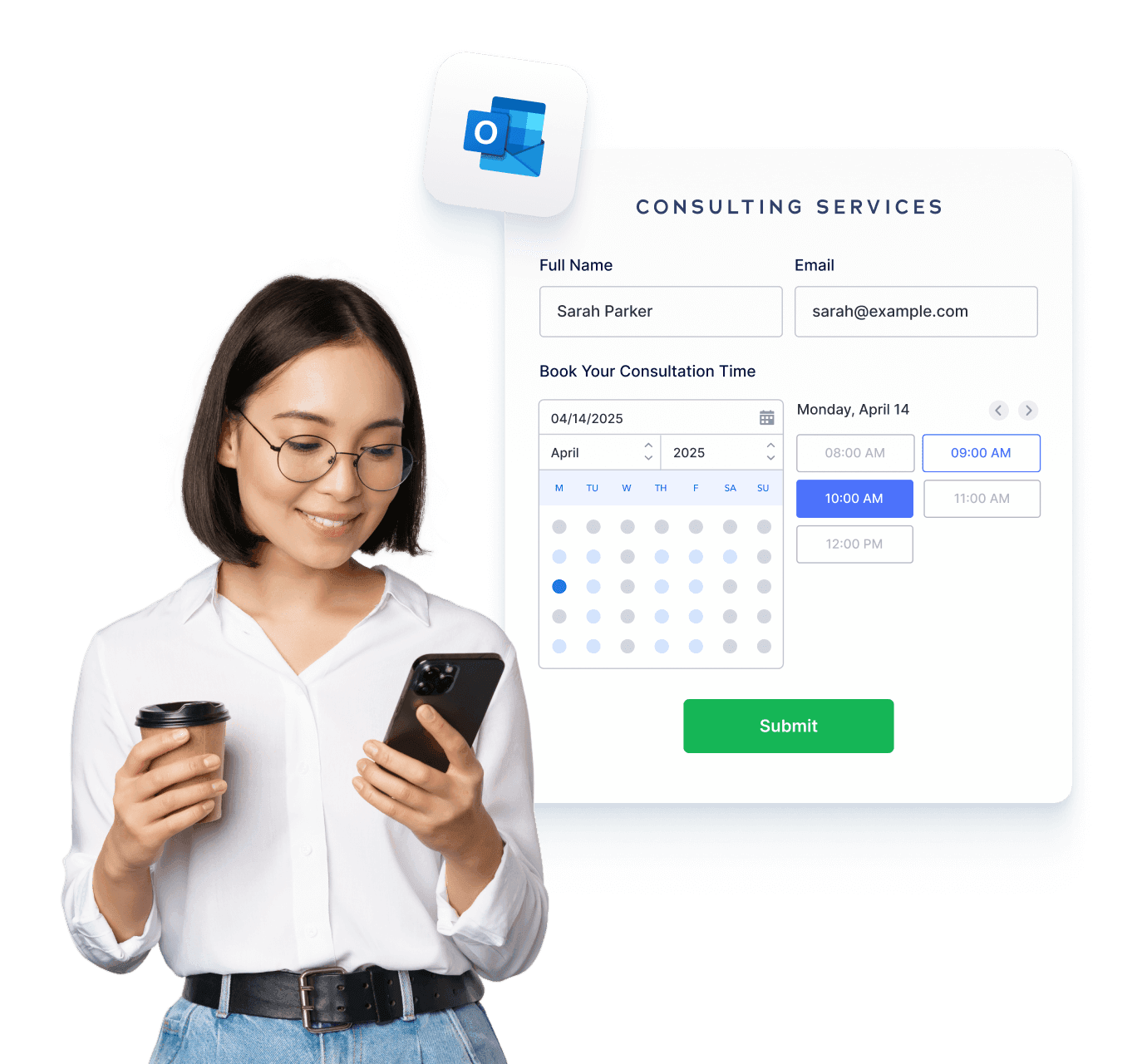
Jotform Randevular ile güçlü ve özelleştirilmiş bir rezervasyon deneyimi oluşturun. Microsoft Outlook Takvimi ile otomatik senkronizasyon sağlayın, çift rezervasyonları önleyin, onayları otomatikleştirin ve birden fazla hizmeti kolayca yönetin.

[Planlama Formu Oluşturun](https://www.jotform.com/tr/build/?question=appointment)

![Image 1: Sync your forms with Microsoft Outlook Calendar hero](https://cdn.jotfor.ms/image/r/aHR0cHM6Ly9jZG4uam90Zm9yLm1zL3AvcHJvZHVjdHMvYXBwb2ludG1lbnRzL2Fzc2V0cy9pbWctbWluL3BsYXRmb3Jtcy9taWNyb3NvZnQtb3V0bG9vay9oZXJvLnBuZw==/hero.png?w=1368&t=1)![Image 2: Introducing Jotform Appointments BG](https://cdn.jotfor.ms/p/products/appointments/assets/img-min/homepage/hero-bg.png)

Entegrasyonlar
## How to connect Microsoft Outlook Calendar with Jotform

Jotform kolayca entegre olarak randevu sürecinizi hızlandırır. Tekrarlayan görevleri ortadan kaldırın ve işletmenize mükemmel uyacak özel randevu iş akışları oluşturun.

### Randevu formlarını özelleştirin

Add form fields, conditions, disclaimers, or anything else you need for a complete workflow.

### Connect Microsoft Outlook Calendar

Müsaitlik durumunu gerçek zamanlı olarak senkronize ederek rezerve edilmiş alanları yansıtın ve çakışmaları otomatik olarak engelleyin.

### Takibi Otomatikleştir

Biri rezervasyon yaptığında e-postalar, takvim davetleri veya entegrasyonlar otomatik olarak tetiklensin.

Özellikler
## A smarter way to manage appointments

You can focus on what matters most. Keep everything running smoothly while delivering exceptional client experiences.

## Akıllı takvim senkronizasyonu

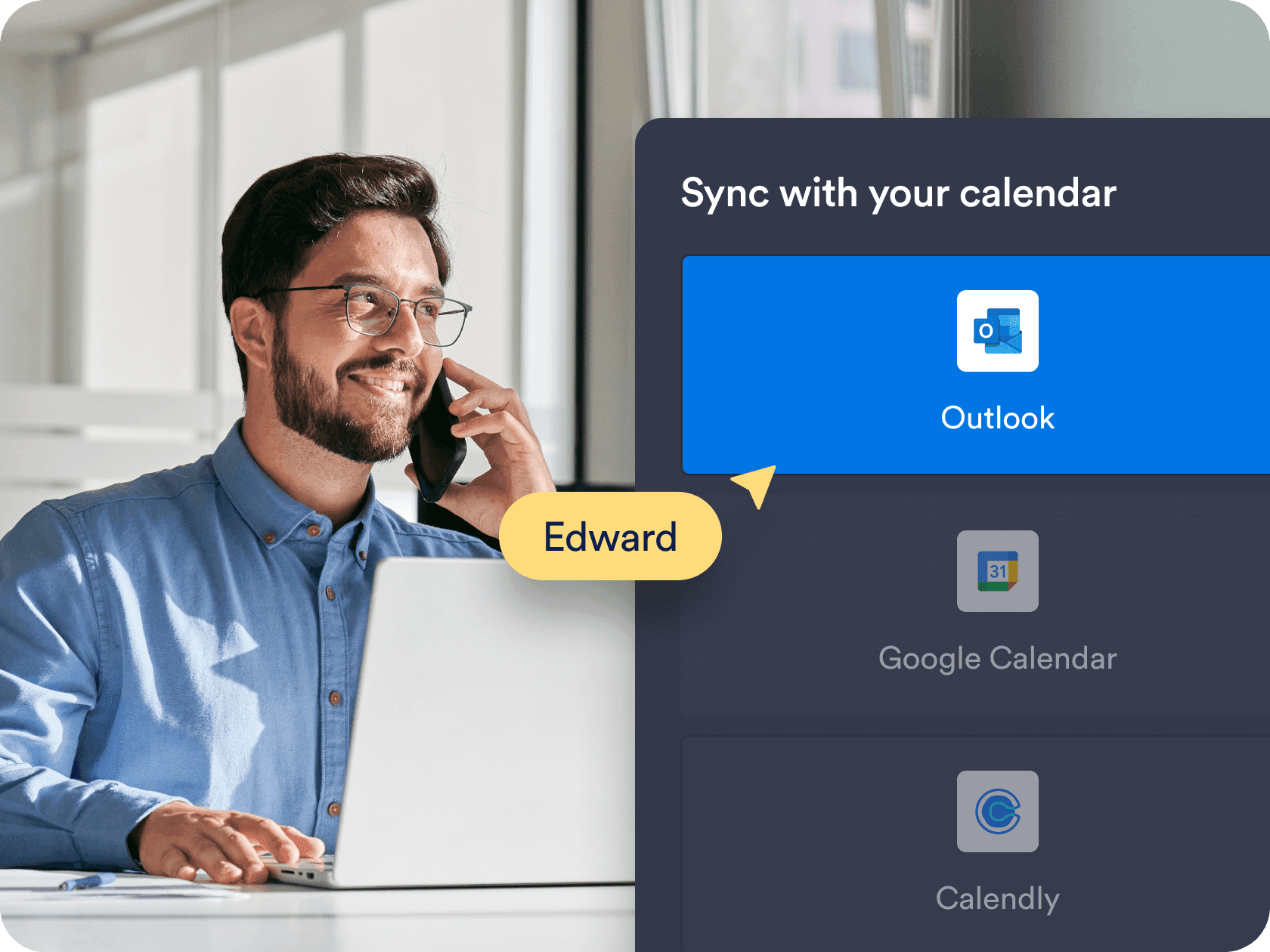
Sync appointments in real time with **Microsoft Outlook Calendar**, ensuring your form always shows accurate availability. Booked time slots and existing calendar events are automatically blocked to prevent overlaps.

[Ücretsiz Planlama Formu Oluşturun](https://www.jotform.com/tr/build/?question=appointment)

![Image 3: Smart calendar sync](https://cdn.jotfor.ms/image/r/aHR0cHM6Ly9jZG4uam90Zm9yLm1zL3AvcHJvZHVjdHMvYXBwb2ludG1lbnRzL2Fzc2V0cy9pbWctbWluL3BsYXRmb3Jtcy9taWNyb3NvZnQtb3V0bG9vay8xLnBuZz92PTAuMQ==/1.png?w=40&t=1)

## Özel kullanılabilirlik ve zaman kontrolleri

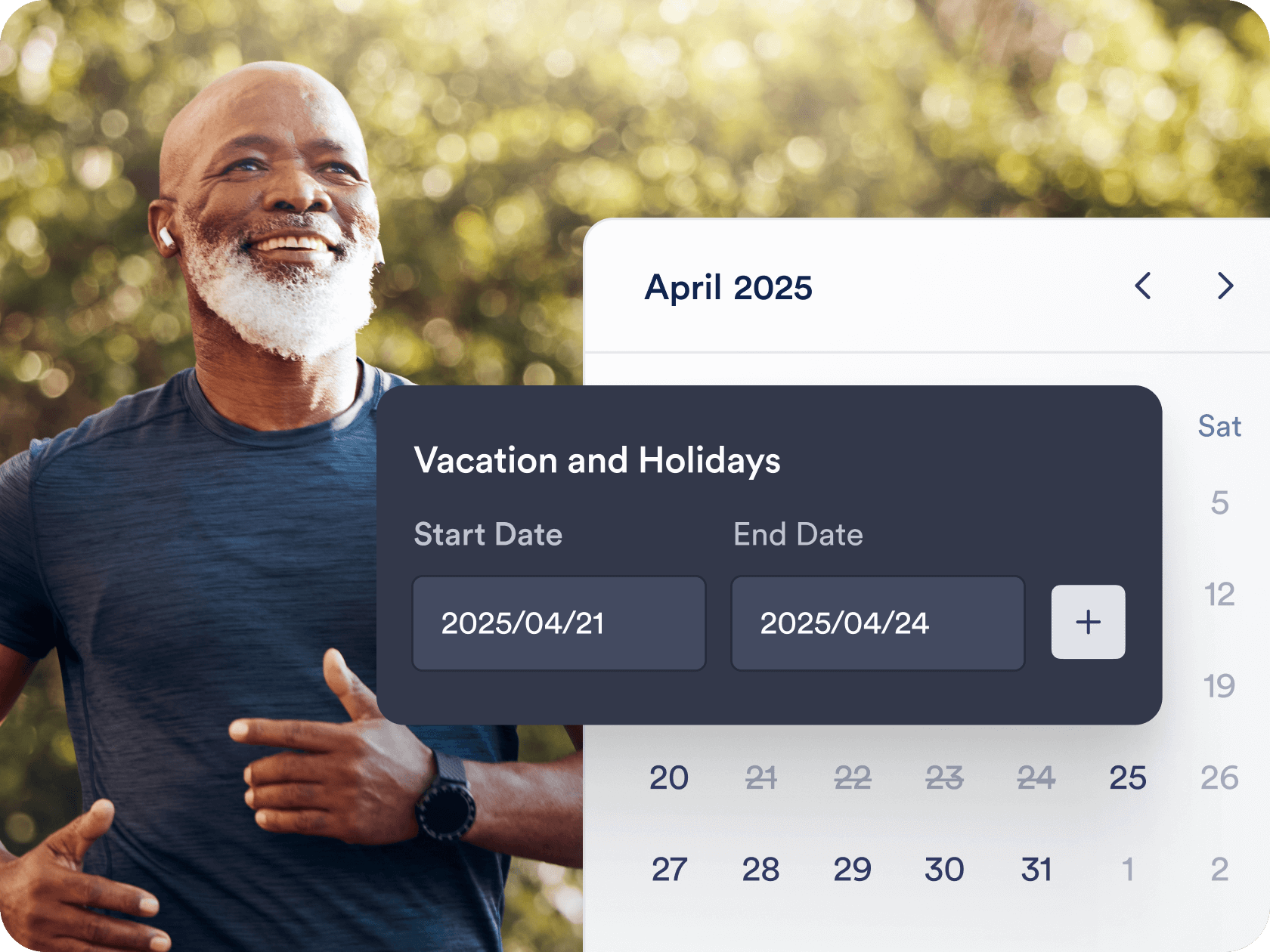
Choose the exact days, hours, and appointment durations that work for you. Add buffer times, daily limits, and blackout dates to fit your personal or business schedule.

[Ücretsiz Planlama Formu Oluşturun](https://www.jotform.com/tr/build/?question=appointment)

![Image 4: Custom availability and time controls](https://cdn.jotfor.ms/image/r/aHR0cHM6Ly9jZG4uam90Zm9yLm1zL3AvcHJvZHVjdHMvYXBwb2ludG1lbnRzL2Fzc2V0cy9pbWctbWluL3BsYXRmb3Jtcy8yLnBuZw==/2.png?w=40&t=1)

## Otomatize iş akışları ve entegrasyonlar

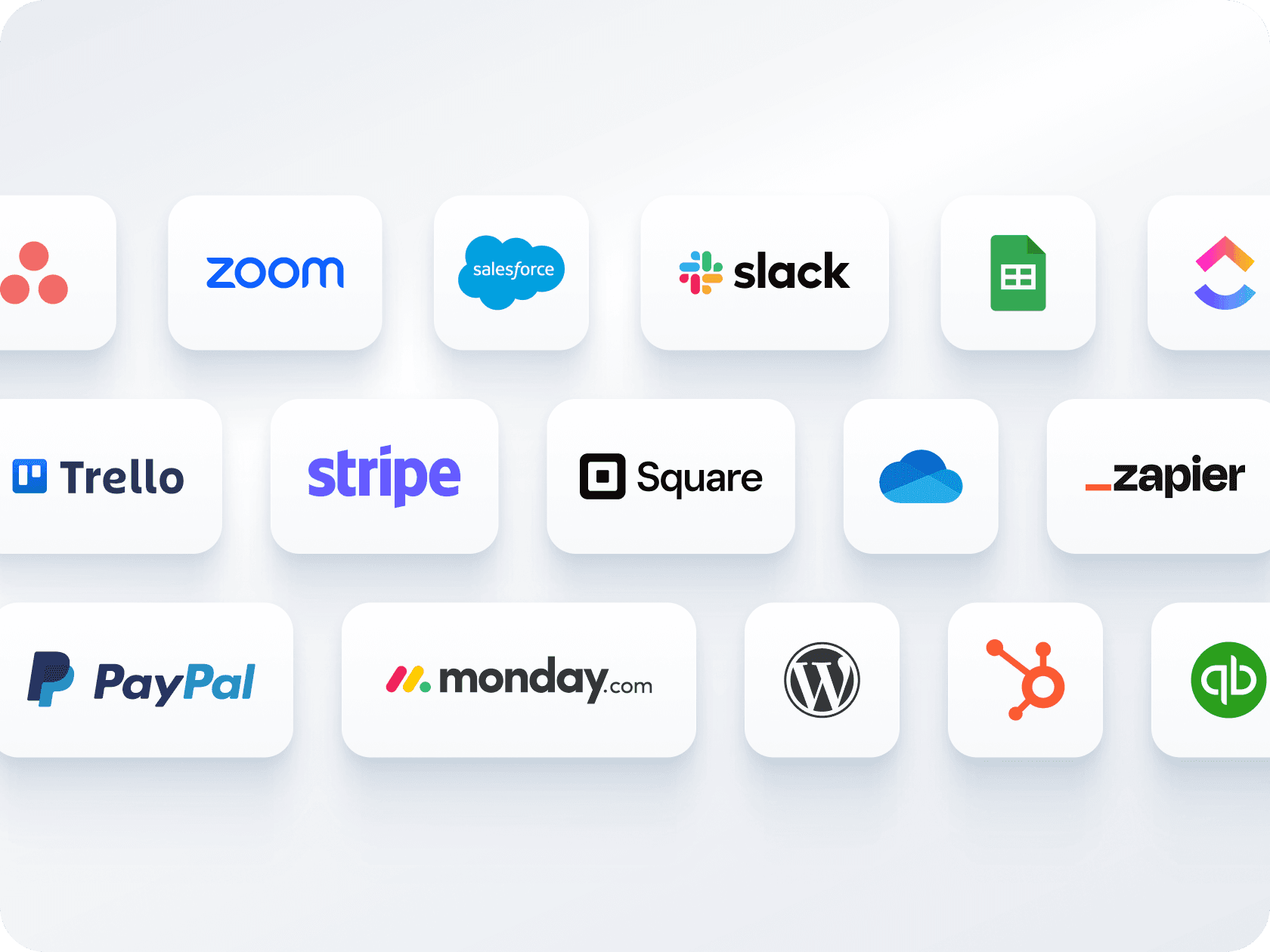
Send confirmation emails, automate reminders, and connect with tools like **Zoom, Slack, or CRMs**. Jotform helps you create a seamless workflow around each booking — without manual follow-up.

[Ücretsiz Planlama Formu Oluşturun](https://www.jotform.com/tr/build/?question=appointment)

![Image 5: Automated workflows and integrations](https://cdn.jotfor.ms/image/r/aHR0cHM6Ly9jZG4uam90Zm9yLm1zL3AvcHJvZHVjdHMvYXBwb2ludG1lbnRzL2Fzc2V0cy9pbWctbWluL3BsYXRmb3Jtcy81LnBuZw==/5.png?w=40&t=1)

## Birden fazla form, tek takvim

Tek bir form üzerinden ödemeler alın ve randevular planlayın — ayrı araçlara gerek yok. Rezervasyon sırasında müşterilerden ödeme almak için **Stripe, PayPal, Square** veya diğer ödeme ağ geçitleriyle bağlantı kurun.

[Ücretsiz Planlama Formu Oluşturun](https://www.jotform.com/tr/build/?question=appointment)

![Image 6: Multiple forms, one calendar](https://cdn.jotfor.ms/image/r/aHR0cHM6Ly9jZG4uam90Zm9yLm1zL3AvcHJvZHVjdHMvYXBwb2ludG1lbnRzL2Fzc2V0cy9pbWctbWluL3BsYXRmb3Jtcy9taWNyb3NvZnQtb3V0bG9vay80LnBuZw==/4.png?w=40&t=1)

## Kolay paylaşım ve yerleştirme seçenekleri

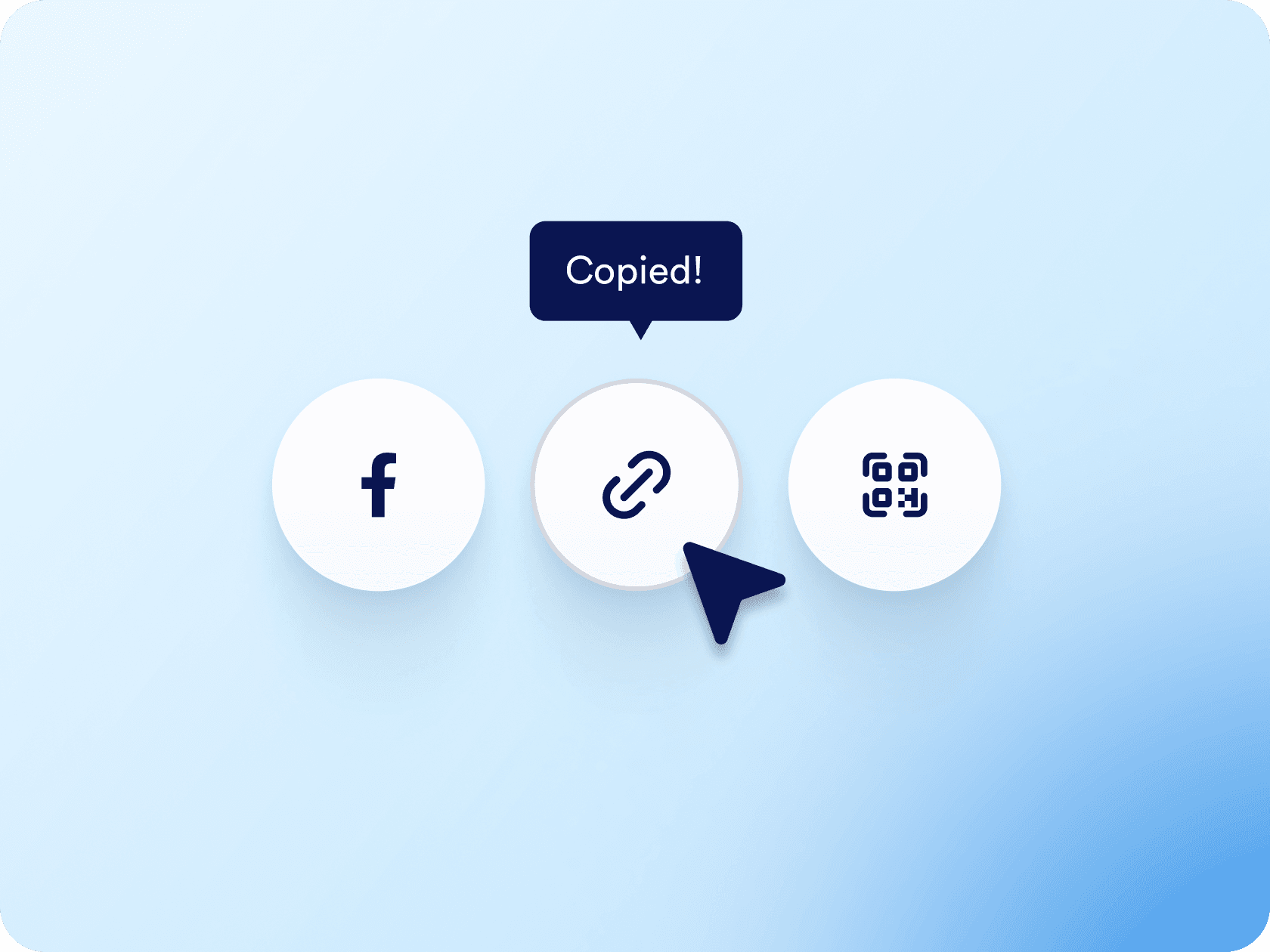
Randevu formunuzu bağlantı veya QR kod aracılığıyla dağıtın ya da doğrudan web sitenize yerleştirin. E-posta, sosyal medya veya açılış sayfaları üzerinden paylaşım yapmak için sadece birkaç tıklama yeterli.

[Ücretsiz Planlama Formu Oluşturun](https://www.jotform.com/tr/build/?question=appointment)

![Image 7: Easy sharing and embedding options](https://cdn.jotfor.ms/image/r/aHR0cHM6Ly9jZG4uam90Zm9yLm1zL3AvcHJvZHVjdHMvYXBwb2ludG1lbnRzL2Fzc2V0cy9pbWctbWluL3BsYXRmb3Jtcy9lbWJlZC5wbmc/dj0wLjE=/embed.png?w=40&t=1)

## YZ Asistanınız her yerden randevu alsın

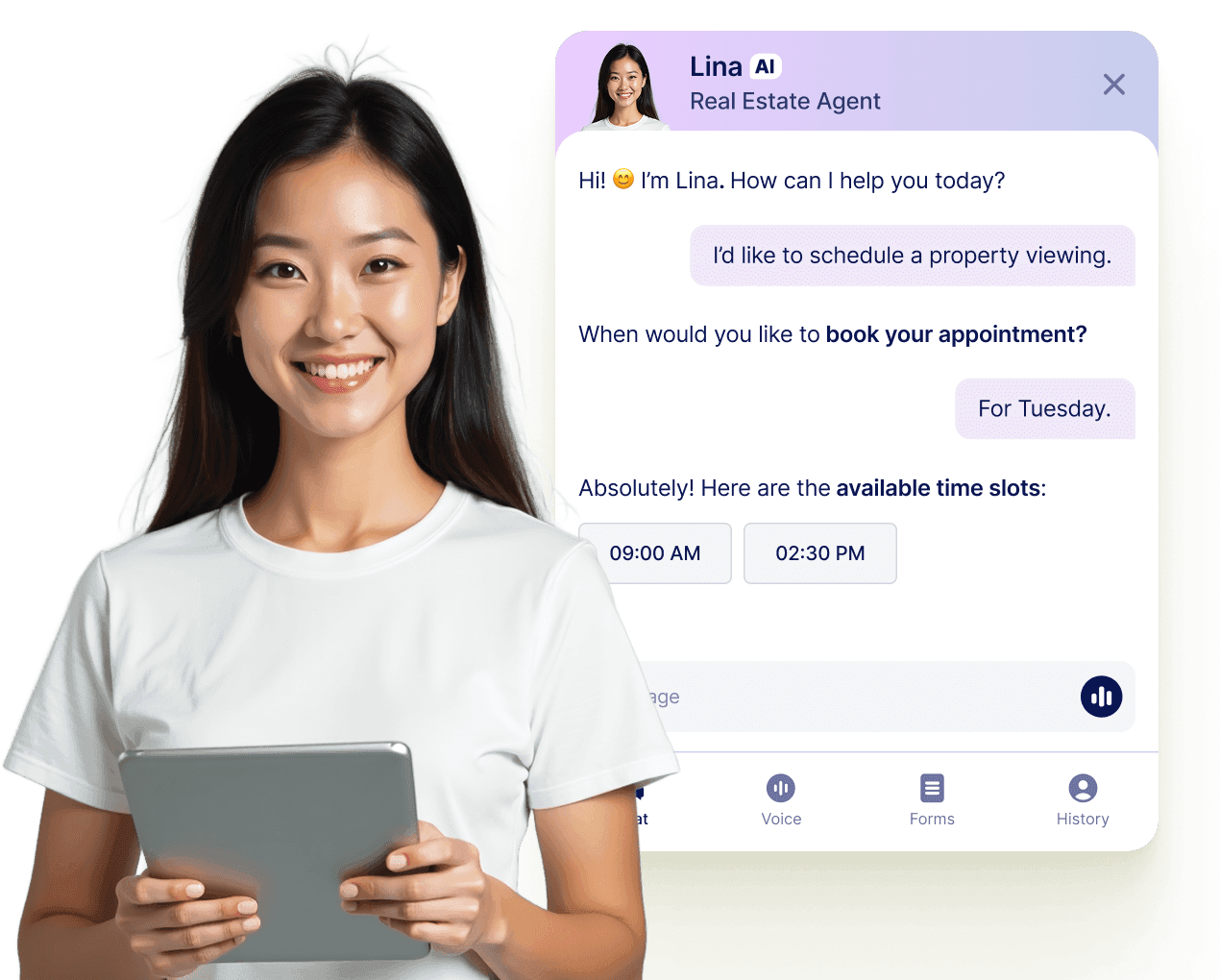
Jotform Yapay Zeka Asistanları ile her konuşmayı kesin bir rezervasyona dönüştürün. Asistanınız, web sitenizden, e-postanızdan, WhatsApp'tan, Messenger'dan, Slack'ten ve daha fazlasından gerçek zamanlı olarak randevular planlayabilir, böylece bağlantı kurma fırsatını asla kaçırmazsınız.

[Daha fazla bilgi edin](https://www.jotform.com/tr/ai/agents/features/multi-channel-support/)

![Image 8: Let your AI Agent book appointments anywhere](https://cdn.jotfor.ms/image/r/aHR0cHM6Ly9jZG4uam90Zm9yLm1zL3AvcHJvZHVjdHMvYXBwb2ludG1lbnRzL2Fzc2V0cy9pbWctbWluL3BsYXRmb3Jtcy9hZ2VudC1jYXJkLXVzZWNhc2UucG5nP3Y9MC4x/agent-card-usecase.png?w=40&t=1)

## Sıkça Sorulan Sorular

*    
### Can I sync Jotform appointments with Microsoft Outlook Calendar? Yes, Jotform offers full two-way sync with Outlook Calendar. When someone books through your form, the appointment is automatically added to your calendar, and existing calendar events are used to block off unavailable times.   
*    
### Jotform çift rezervasyonları nasıl önlüyor? Jotform uses built-in logic and live Outlook Calendar sync to block off already-booked time slots. Whether a slot is filled through your form or directly in your Outlook Calendar, it becomes instantly unavailable to others — so you’re never accidentally double-booked.   
*    
### Can I offer different services or appointment types through a single form? Yes. You can build a single form with dropdown menus or conditional logic that displays different appointment options, durations, and instructions based on what the user selects. It’s ideal for consultants, coaches, or clinics that offer varied services under one calendar.   
*    
### Can I collect payments as part of the booking process? Absolutely. Jotform integrates with payment processors like Stripe, PayPal, Square, and more, allowing you to charge for appointments directly through the form. You can also set pricing based on appointment type or add-ons selected during booking.   
*    
### Are confirmation and reminder emails sent automatically? Yes. Once an appointment is submitted, Jotform can send a confirmation email with all booking details. You can also schedule automated reminder emails (or SMS through integrations) to reduce no-shows and keep clients informed. All email content is fully customizable.   
*    
### How flexible is the availability setup for appointments? Very flexible. You can define your available days, working hours, appointment duration, and buffer times between appointments, and even cap how many sessions can be booked per day. You can also block off holidays or custom dates to prevent appointments during time off.   
*    
### Can I customize the form layout and design? Yes, Jotform offers a drag-and-drop form builder with full control over layout, colors, fonts, and branding. You can also use conditional logic to show or hide fields, require certain responses, and personalize the user experience based on how they interact with the form.   
*    
### Can I automate tasks after someone books an appointment? Yes, Jotform includes built-in automation tools through Jotform Workflows and Form Settings. You can automatically send confirmation emails, notify team members, start an approval flow, update your CRM, or even trigger conditional follow-up action — all without any manual work. These workflows can be customized based on how users fill out the form, helping you manage bookings more efficiently from start to finish.   
*    
### Can I connect multiple appointment forms to the same Outlook Calendar? Yes, Jotform allows you to connect one Outlook Calendar to multiple appointment forms. This means you can manage bookings from different forms — such as separate forms for services, staff members, or locations — all in one centralized Outlook Calendar, giving you a complete overview of your schedule in one place.   
*    
### What do I get with Jotform’s free plan? The free plan includes core appointment features like form customization, one Outlook Calendar integration, submission notifications, email confirmations, and access to the appointment field. As your business grows, you can upgrade for higher submission limits and advanced automation options.   

Daha fazla görüntüle