AI Email Writer Logo

Write Emails Faster with the AI Email Writer & Draft Agent for Gmail™

Tame your inbox in no time using Jotform’s AI Email Writer & Draft Agent for Gmail™. Generate ready-to-send email drafts, customize responses, and reply faster without leaving Gmail™.

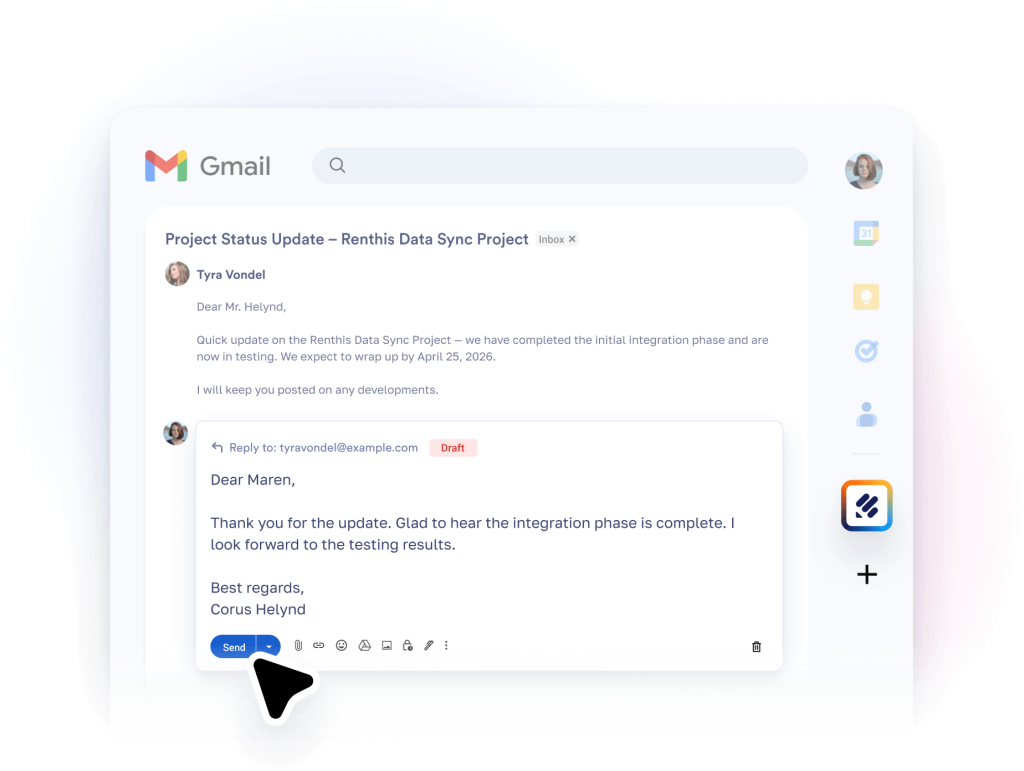
AI Email Writer hero
Install now — It’s free

How to write emails faster in Gmail™
Install the app

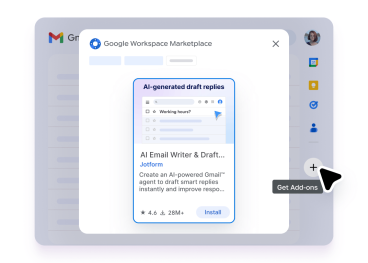
Install the app

Open Gmail. Click the plus icon in the sidebar, and then install the Jotform AI Email Writer & Draft Agent add-on.

Open and connect in Gmail

Open and connect in Gmail

Launch the Jotform add-on from the sidebar, and authenticate your account to get started.
Generate, customize, and send drafts

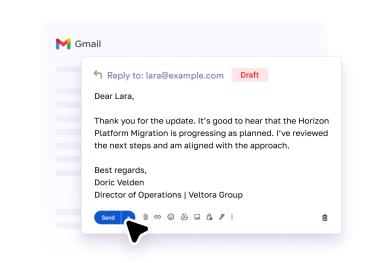
Generate, customize, and send drafts

Create draft replies for any email, adjust the tone and content, preview your message, and send when ready.

Write emails faster in Gmail

Check out this helpful video tutorial to learn how to generate and customize email drafts directly from Gmail™ using the Jotform AI Email Writer & Draft Agent.

Generate, customize, and send drafts Introducing Jotform Products on Google Workspace

Why Jotform?

Smart email drafts in seconds

Create ready-to-send email replies to incoming messages. Save time and reduce repetitive writing by generating drafts instantly.
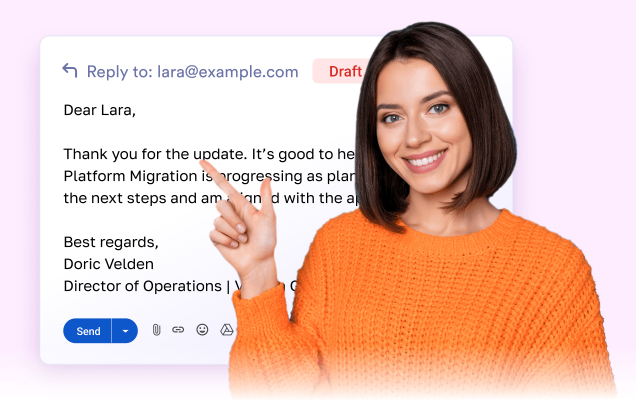
Smart email drafts in seconds

Personalized and consistent communication

The Email Writer & Draft Agent composes drafts based on your past emails, maintaining your tone and ensuring consistent messaging across all conversations.

Personalized and consistent communication

Seamless Gmail integration

Work directly inside Gmail™ without switching tools. Generate, edit, and send drafts from your inbox while maintaining full control over every message.
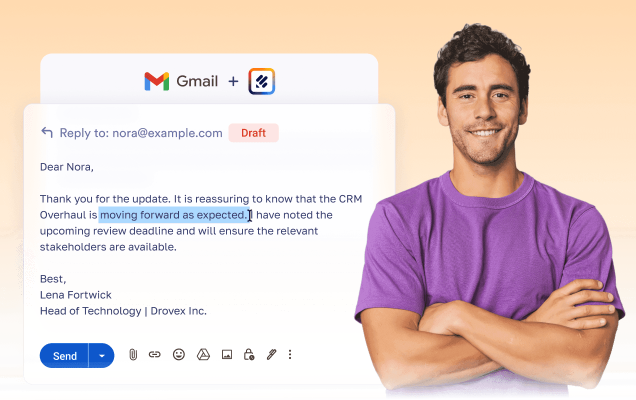

Seamless Gmail integration

Jotform apps on Google Workspace

Form Builder by Jotform

Create forms without coding. Collect signups, registrations, leads, payments, e-signatures, and more on any device.

Try now
AI Form Builder

AI Form Builder

Instantly create Google Forms™ with AI. Import questions from Google Docs™, Google Sheets™, Google Slides™, and more.

Try now

Sign PDF

Turn PDFs into e-sign documents that can be filled out and signed on any device.

Try now

Chat with PDF by Jotform

Interact with uploaded PDFs using a chat interface. Ask questions, summarize information, and ask for explanations.

Try now

PDF Filler by Jotform

Turn PDFs into fillable web forms. Easily share forms and collect responses online. Save completed forms in the original PDF layout.

Try now

Mobile App Creator for Google Forms by Jotform

Create your own app without coding. Add Google Forms™, links, images, and more.

Try now

Merge PDF by Jotform

Combine multiple PDF files into a single document, simplify file organization and sharing.

Try now

Compress PDF by Jotform

Reduce PDF file sizes without compromising quality, use them for easy file sharing and storage.

Try now

Split PDF by Jotform

Separate multipage PDF files into smaller documents for easier organization and sharing.

Try now

Forms to Chatbots by Jotform

Turn Google Forms™ into interactive chatbots for real-time user engagement and more innovative data collection.

Try now

AI Agents by Jotform

Enhance user experiences with AI Agents by Jotform, offering instant assistance, personalized interactions, and cross-platform scalability.

Try now
AI Email Writer & Draft Agent for Gmail™

AI Email Writer & Draft Agent for Gmail™

Use an AI-powered email writer to instantly draft smart replies in Gmail™ and improve your response time.

Try now