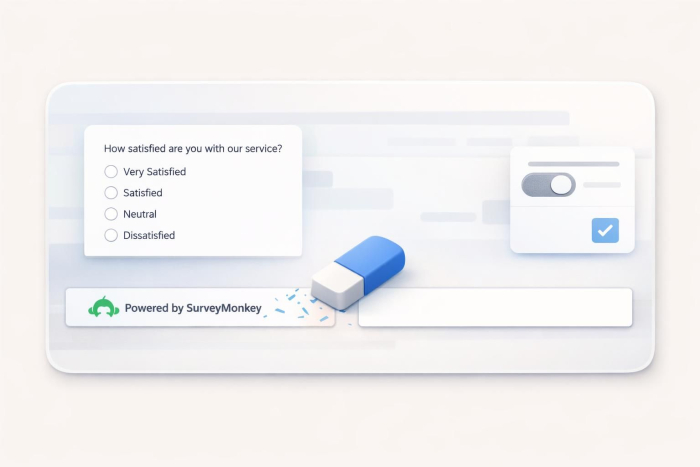
SurveyMonkey is one of the most recognizable names in online survey software. With its drag-and-drop builder, premade question templates, and built-in analytics, SurveyMonkey is a go-to platform for businesses, researchers, and educators who need to collect feedback without building a survey tool from scratch.
But the SurveyMonkey logo in the footer of every survey is a constant reminder to respondents that they’re on a third-party platform. For businesses that have invested time and money in their brand, that small footer undermines the professional experience they’re trying to create.
If you prefer your surveys to reflect your business rather than SurveyMonkey’s, the platform does offer the option to remove SurveyMonkey branding — but only with a paid subscription plan.
How to remove SurveyMonkey branding from surveys
Removing SurveyMonkey branding from the footer is straightforward. But before you start, note that the footer appears in a few different places, such as your survey design, email invitations, embedded surveys, and shared data pages. Each of these must be switched off separately.
This means it takes a few extra clicks to fully remove SurveyMonkey branding. So if you’re sending your survey through multiple channels, make sure to update each one; otherwise, respondents will still see SurveyMonkey branding somewhere along the way.
To hide the footer from your survey design
- Log in to SurveyMonkey and open the survey you want to edit.
- Go to the Design Survey section.
- Click Style in the left sidebar.
- In the Settings tab, click Footer.
- Select None to hide the footer.
- If you want to soften the branding rather than remove it, select Subtle to make the footer a lighter gray that blends in with your theme.
If you’re sending your survey via email invitations or embedding it on a website, you’ll need to hide the footer in each place. The steps will be slightly different for each.
Which SurveyMonkey plans let you remove branding?
Removing the “Powered by SurveyMonkey” footer requires a subscription to the top-tier Premier Annual plan ($139 per month for individuals) or Team Premier plan (starting at $92 per user per month). The entry-level paid plans, Standard and Advantage, don’t include this option. So even if you’re paying for a subscription, without the right plan tier, you’ll still have SurveyMonkey’s branding on every survey you send.
If you’d rather not upgrade to Premier just to remove a footer, or if you’re open to exploring another form-building tool, alternatives like Jotform handle branding differently.
With Jotform, branding removal is included on every paid plan, starting with Bronze ($34 per month), the lowest-priced tier. This way, you choose your plan based on what you need, such as submission volume, team size, and advanced features, instead of upgrading just to have your own name on your forms.
How to remove Jotform branding
The branding removal process with Jotform is a single account-level setting. That means all you have to do is toggle it once and the change will be applied to every form, report, app, and sign document on your account. No per-form toggling and no need to follow different steps or look through different menus for email, embed, or web link. It’s one of those small things that saves you time when you’re managing a handful of forms (or more).
To remove Jotform branding from your forms
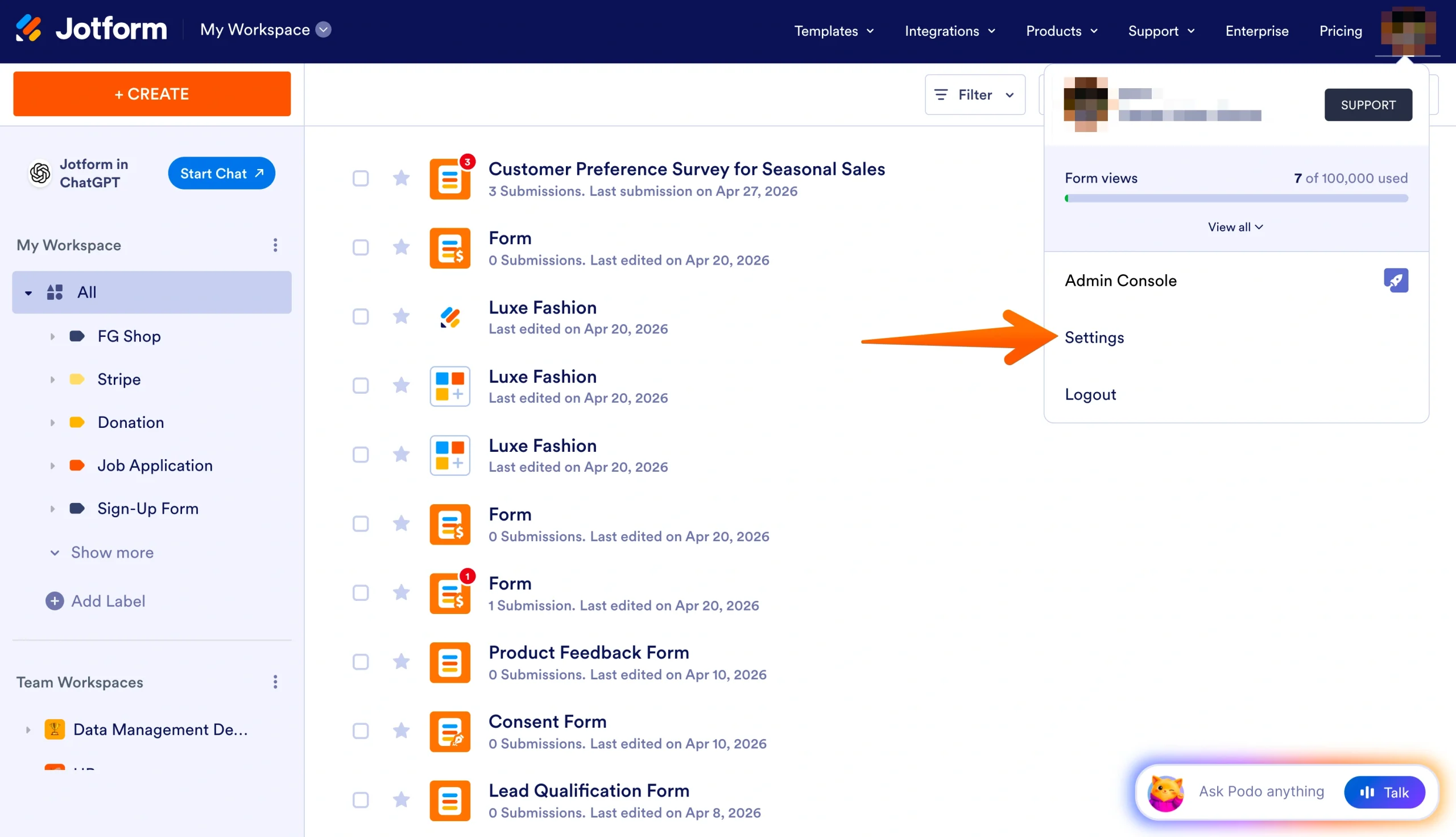
- Go to your Workspace page and click your profile picture or avatar in the top-right corner.
- In the menu that opens, click Settings to open your Account Settings page.
- Scroll to the Jotform Branding section.
- Uncheck the box next to Show ‘Powered by Jotform’ on My Forms.
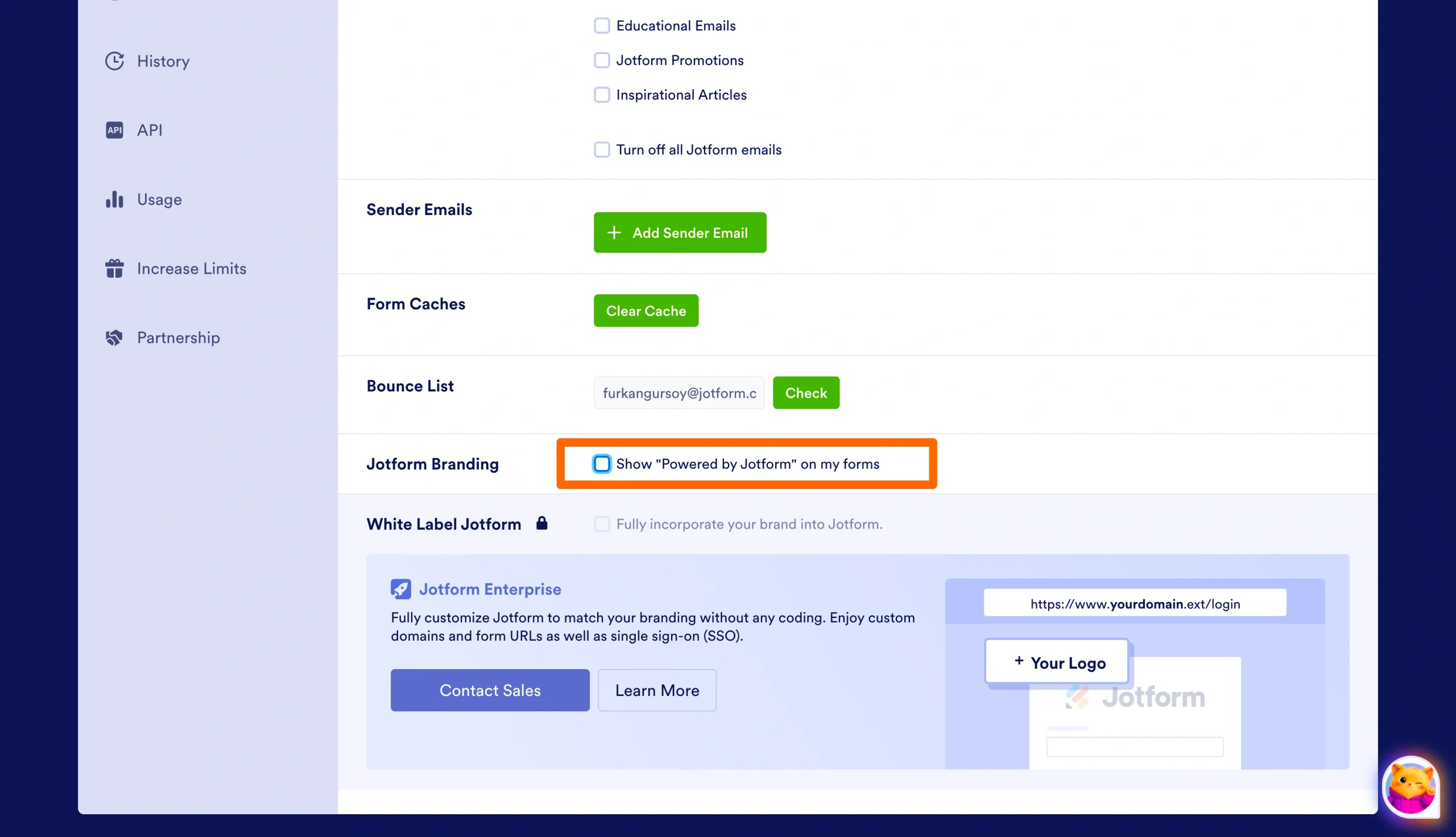
That’s it. Your forms, visual reports, apps, and sign documents will now display without Jotform branding.
Pro Tip
Any autoresponder emails you set up before upgrading to a paid plan will still include Jotform branding, so you’ll need to update those manually from the Form Builder.
Take branding further with Jotform Enterprise
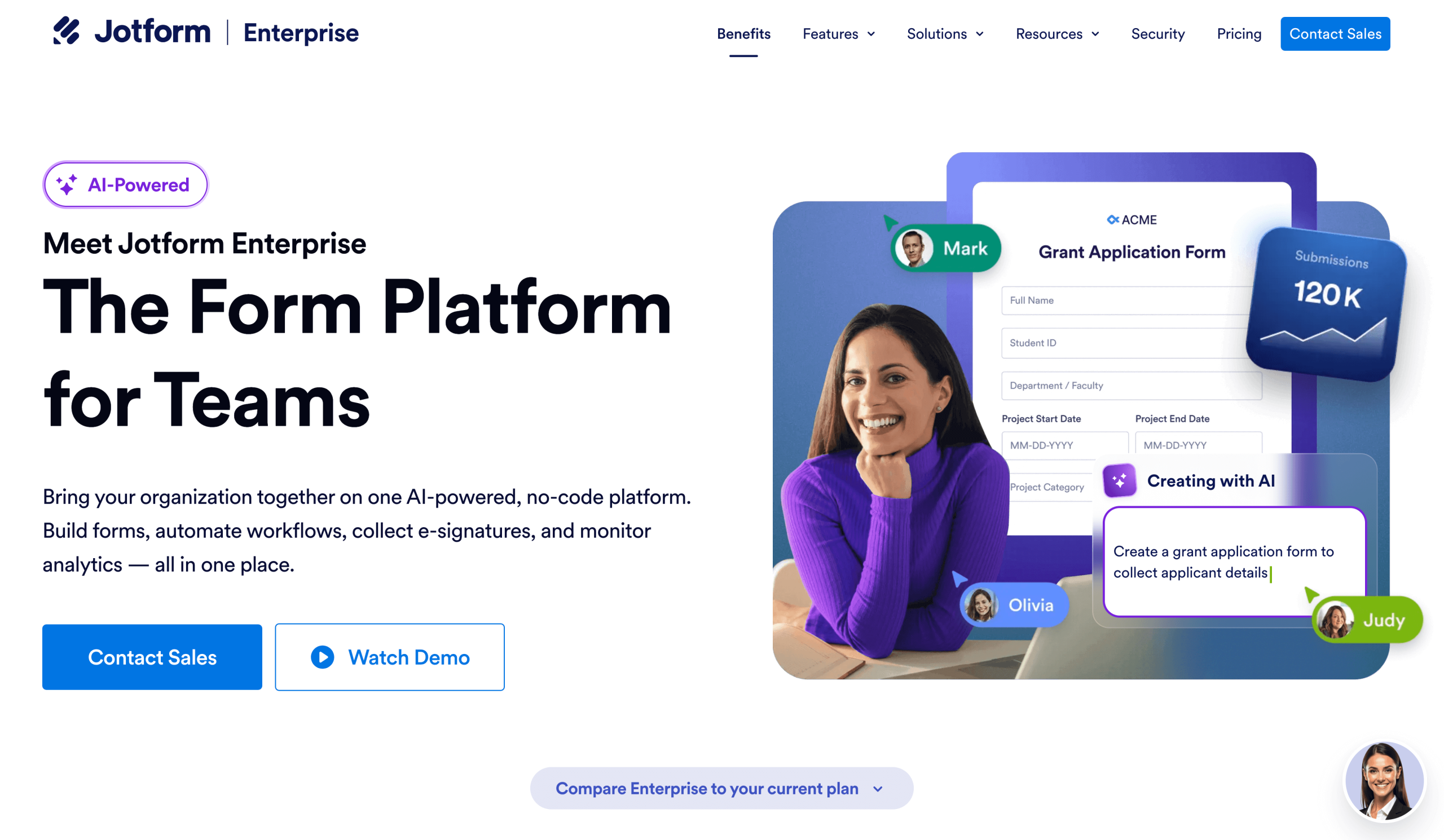
If your organization needs more than basic branding removal, Jotform Enterprise offers white labeling. It’s a deeper level of customization for businesses that want every touchpoint to feel unmistakably theirs.
With white labeling, you can go beyond simply removing the Jotform name. You can customize forms to match your brand’s look and feel, connect your own domain so your form URLs reflect your business, and host your data in the region that meets your organization’s privacy and compliance requirements.
The result is a seamless, fully branded experience for your respondents, from the URL they click to the form they fill out to the confirmation they receive. You get it all without coding and without the cost of building your own form infrastructure from scratch.
Keep your brand front and center with Jotform
A form with your logo and colors, delivered cleanly without a third-party footer, reflects the same care you put into the rest of your business. Whether you remove SurveyMonkey branding from your current surveys or try an alternative like Jotform, the goal is the same: a clean, on-brand experience for every respondent who fills out your form.
With Jotform, branding removal is included on day one of any paid subscription, so your forms reflect your business.
This article is for business owners, content managers, marketing teams, researchers, educators, and anyone who wants to remove third-party branding from online surveys and forms to create a more professional, on-brand respondent experience.


































































































Send Comment: