

Alternatives to SharePoint
When corporations need somewhere to point to as the one place to share things, SharePoint is the Microsoft tool many reach for. It started life as a spin-off of Microsoft Site Server, an early content management system launched in 1996 as an easy way to build and host websites. SharePoint in 2001 turned that base into a tool to “ensure that the valuable corporate knowledge stored in documents, Web servers, file servers and e-mail is readily available to employees making important decisions each day,” as SharePoint general manager Jeff Teper described it.
SharePoint still helps teams keep internal knowledge accessible over 25 years later. It’s a tool teams use to build internal websites, share files in a OneDrive-style document management interface, and collaborate on them in Word, Excel, and PowerPoint web apps. Quickly finding corporate info, whether it’s been painstakingly documented or is buried in a forgotten Office document, is easy when everything is in the same place.
For teams that don’t center their work around Microsoft 365 but aren’t quite ready for more modern apps like Notion or internal social networks like Workvivo or Microsoft Viva Engage (formerly Yammer), other intranet tools may be more appealing. Here are some of the best SharePoint alternatives in 2026 to build an intranet for your team — everything from simpler document-centric workflow tools to established competitor platforms.
Pro Tip
Already using SharePoint? Connect it to Jotform to automatically send form submissions, attachments, and PDFs straight to your SharePoint folders — no manual uploading required.
SharePoint alternatives: At a glance
| Tool | Best for | Key features | Main limitation | Ideal team |
|---|---|---|---|---|
 Box |
Storing company files together |
Unlimited file storage, AI to find hidden data |
Less full-featured sites than SharePoint |
Enterprises with large file libraries |
 Confluence |
Documentation and project-centric workflows |
Build internal documentation and keep up to date with a social media-style feed |
Less flexible file sharing |
Startups and tech companies |
 Google Workspace |
Collaborating in Google-centric workplaces |
Simple collaboration in Google Docs, Sheets, and Slides |
Intranet portals limited to Google Sites |
Companies using the Google ecosystem |
 Ideagen Collaboration Portal |
Companies with stringent security requirements |
File approval workflows, client portal for external stakeholders |
Requires Microsoft 365 for full document creation and editing features |
Government, healthcare, finance, and other companies in regulated industries |
 Appspace |
Sharing internal data on digital signage |
Share company news on an internal social network and on TV screens |
More extensive setup for signage |
Deskless workforce teams |
 Intranet Connections |
Deploying an intranet on company servers |
Keep teams engaged with discussions and announcements |
Requires ongoing IT maintenance and support |
Enterprises with internal hosting and IT support |
1. Box
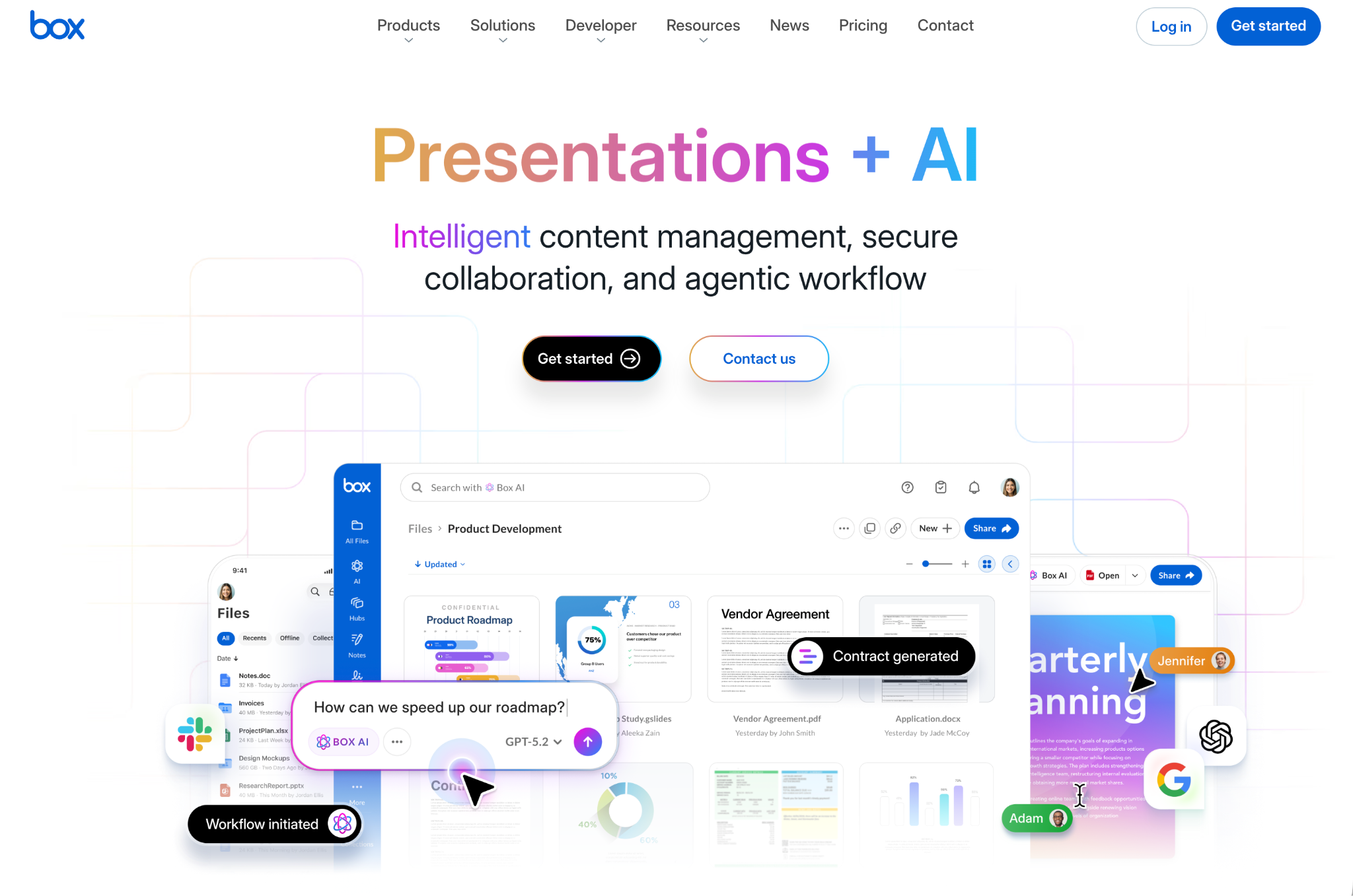
- Recommended for: Storing company documents together, organized in content portals
- Pros: Unlimited storage in Business plans; apps including Sign, Relay, Canvas, and Hub, along with Microsoft Office web apps; Box AI to automate tasks and find data hidden in files
- Cons: Less full-featured sites than SharePoint offers, HIPAA and other compliance features require Enterprise plans
Box was started in 2005 with a simple goal: “It should be really, really easy to be able to share and access files from anywhere,” said founder Aaron Levie. Unlike many cloud storage apps, it was designed from day one for enterprise document management. That’s reflected in its granular file permission settings, security options like custom encryption keys, document watermarking, and more. It’s also reflected in the bundled apps that let teams do more with documents.
Files alone do not make an intranet. Teams need to highlight important files, document processes and workflows, and search through everything to uncover needles in the data haystack. Box has several features to facilitate this. Box Hubs let you build portal pages to write info and link to important files in a single place. Canvas gives you a digital whiteboard to brainstorm and save ideas in a more visual way. Relay lets you build automated workflows around files. Built-in Microsoft Office web app integrations enable you to view and edit Word, Excel, and PowerPoint documents directly. And there’s also AI-powered search to surface data from files and Box apps.
It’s a more ad hoc, file-centric approach to an intranet that lets teams build as much or as little of a portal as they want around their shared files — with tools like Jotform’s Box integration to build workflows that bring files into your shared repository.
Box pricing
Free for one user with up to 10 GB file storage. The Starter plan is $8 per user per month for up to 10 users, and Business plans start from $24 per user per month for unlimited storage.
2. Confluence

- Recommended for: Documentation and project-centric workflows
- Pros: Quickly build internal documentation from templates, organize projects and data in databases, catch up quickly with a social media-style home feed
- Cons: Limited file storage in Standard plan, no built-in Office apps
Confluence is a modern take on the traditional intranet. You can share files, but that’s not its primary focus. Instead, it’s built around pages to take notes, document internal processes, brainstorm, draft blog posts and other content, and tackle any other text-focused work. Pages include comments, reaction emojis, and real-time collaborative editing to include the whole team.
Beyond documentation, Confluence also includes whiteboards to brainstorm ideas in digital ink, Loom screen recording to explain how to use tools or capture a bug report in detail, and databases to list and organize anything from projects to product inventory. You can link to external work in Google Docs, Figma, and more, too, as well as pull in projects from Atlassian’s other products like Jira and Trello or import files to share them alongside content created in Confluence.
Confluence then pulls all your team data together in a social network-style home feed. It shows every page update across your site alongside notifications about comments and reactions and posts to drive discussions around new topics. Confluence also includes Rovo AI to chat about plans, search across your company’s entire Confluence account, and clean up call notes into clear outlines to save for later reference. It’s document management software with a wide-ranging set of collaboration features and note-style documents that are more flexible than Office-style files.
Confluence pricing
Free for up to 10 users. Paid plans start from $5.42 per user per month for Rovo AI search, chat, and agents, as well as free guest access and 250 GB of storage.
3. Google Workspace
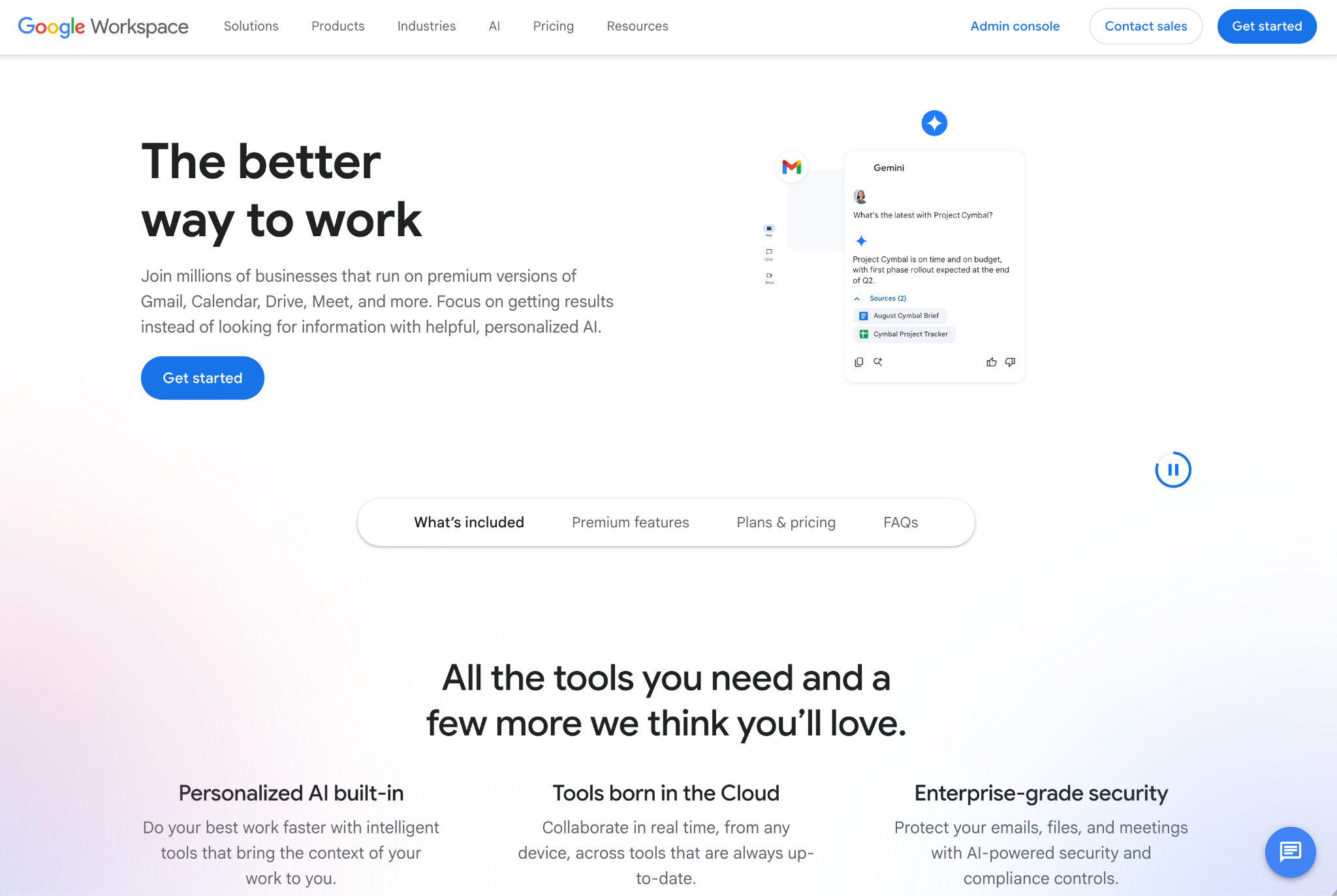
- Recommended for: Collaborating in Google-centric workplaces
- Pros: Familiar, easy-to-use apps for office work; simple collaboration in Google Docs; Google Sites for easy-to-build internal websites
- Cons: No true portal that combines everything across the company, core collaboration and documentation happens in documents
Google Workspace is less of a traditional intranet than even Box. Yet it, too, can fit the same workflows that intranets were originally designed around. Google Workspace is the search giant’s answer to Microsoft 365, and centers around Gmail on your company’s domain, Google Drive for file sharing, and Google Docs, Sheets, and Slides for online collaborative office tasks. Each behaves exactly like their consumer counterparts, making them instantly familiar to anyone already accustomed to Google Docs and Gmail. It also supports the same workflows that power businesses, such as Jotform’s Google Workspace integrations to add data to Google Sheets or save files to Google Drive directly from forms.
Pulling everything together into an intranet portal does require a bit of additional work, though. Google Workspace includes Google Sites, an easy tool to build internal sites that are shared through the same collaboration features used in Google Docs. Google Groups, meanwhile, simplifies emailing entire departments or teams inside companies.
With Gemini, Google’s AI chatbot, built into Google Workspace, it’s easier to find info from documents and kickstart new projects inside Google’s sprawling app suite. And instead of paying for both office software and an intranet, you’ll have everything in one place — similar to what SharePoint offers in Microsoft 365.
Google Workspace pricing
Starter plan is $5.60 per user per month with annual billing for 30 GB storage and core Google apps. The Standard plan is $11.20 per user per month with annual billing for 2 TB storage and additional Google apps features including e-signatures, appointment booking, NotebookLM, and granular Drive file sharing.
4. Ideagen Collaboration Portal
- Recommended for: Teams working in regulated industries
- Pros: Client portal to invite in external collaborators or stakeholders; approval process to sign off on documents; FedRAMP, ISO 27001, HIPAA, UK G-Cloud 14 certification
- Cons: Integrates with, but does not replace, Microsoft 365; focused more on files than intranet-style documentation pages
Ideagen is a suite of software built around compliance and risk management for healthcare, finance, and governmental teams. Since acquiring Huddle in 2020, the rebranded Ideagen Collaboration Portal has become a leading intranet option for companies working in regulated industries. It’s compliant with most leading security standards, including the U.S.’s FedRAMP and the U.K.’s G-Cloud 14 for government usage, and saves audit logs tied to every interaction.
The tool is built around document management workflows. Ideagen Collaboration Portal’s core dashboard shows lists of files awaiting sign-off or with recent feedback from others, where you can quickly greenlight or reject files that have been sent to you, add comments to collaborate, or jump back into files you’d shared with others. It integrates with Microsoft 365, too, providing an audit log and approval process while you’re using Office software to create and edit documents.
It’s also designed to work with external teams. You can invite collaborators and stakeholders to view shared files with the same logs, versioning, and collaborative features to ensure nothing is lost along the way. And it even includes version control to reconcile differences between documents when they’ve been worked on by multiple teams before signing off on the final copy.
Ideagen Collaboration Portal pricing
Requires a sales call.
5. Appspace
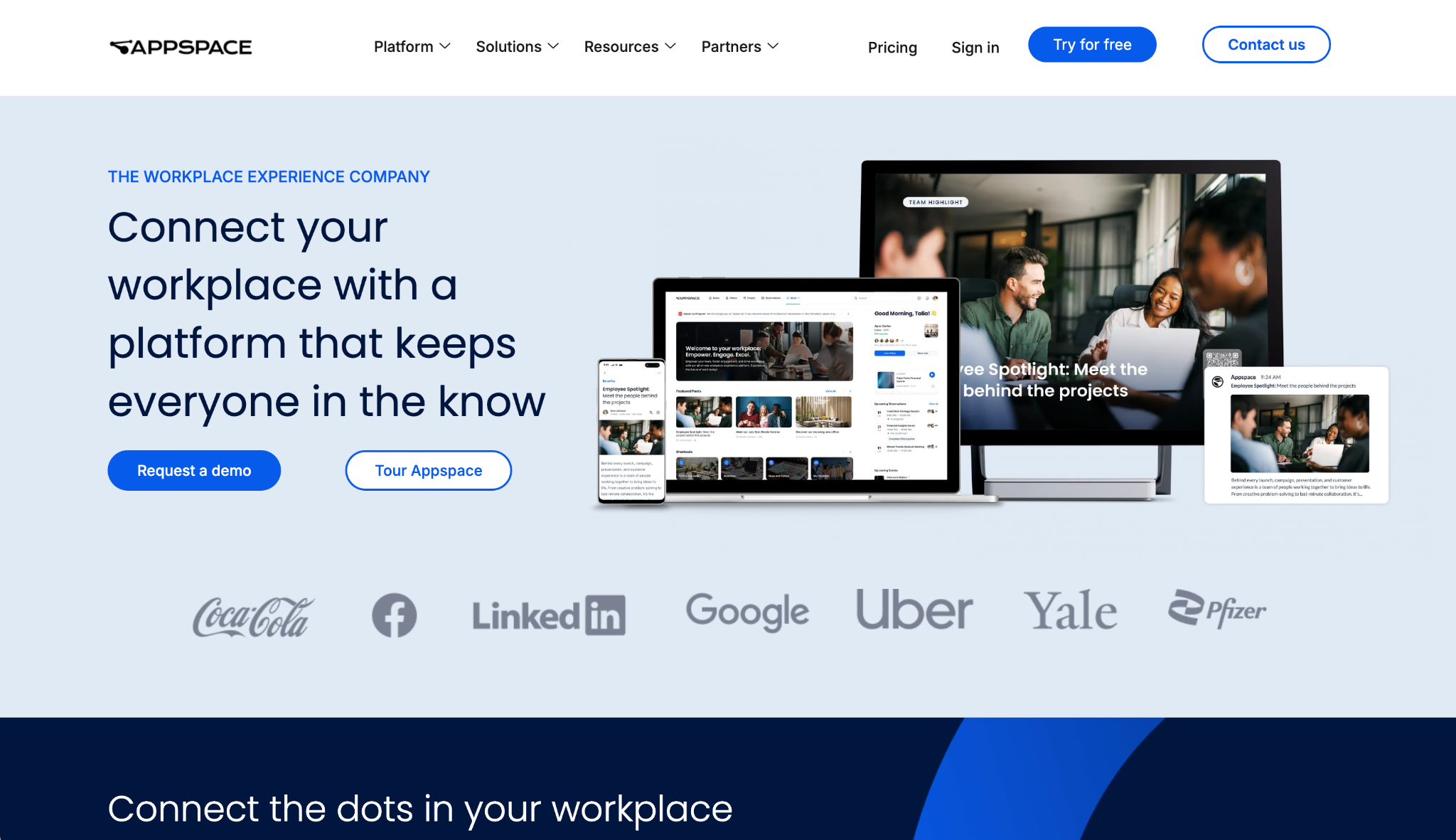
- Recommended for: Sharing internal data on digital signage
- Pros: Social network-style intranet portal to share ideas from across the company; digital signage integration for company-wide, real-world messaging; integrations with Slack, Zoom, Salesforce, Google Workspace, and Microsoft 365
- Cons: Both software and physical signage is complex to set up, built around shared knowledge instead of file sharing
Appspace is an intranet designed for teams on the go. Built from both Breezy’s and Igloo’s intranet features after acquisition, alongside Appspace’s original digital signage features, it can keep teams informed of what’s going on in the company wherever they are.
It starts with a social media-style intranet built around a portal to publish internal news and updates, comment on projects and ideas, and share status reports. Team members can open Appspace online, or jump into conversations in mobile apps. Everything’s pulled into one place. Appspace’s internal content creation tools also let you publish news alongside content pulled in from integrations with popular work apps including Slack, Salesforce, and Microsoft Teams.
Appspace’s digital signage then keeps teams informed as they move around your workspace. You can publish announcements or build internal training slides, then have them displayed on TVs and signage walls to be seen at a glance. It’s a great way to make productive use of break time and to keep deskless floor staff informed without needing to open the company intranet.
Appspace pricing
Free for two users and one signage device. Paid plans are custom and require a sales call.
6. Intranet Connections
- Recommended for: Deploying an intranet on company servers
- Pros: Keep teams engaged with discussions, anniversary and birthday announcements, as well as centralized notifications; track metrics around read messages, approval completion, and more; built for compliance with logs, risk assessment, and on-site hosting
- Cons: Limited integration support, local hosting requires IT admin support
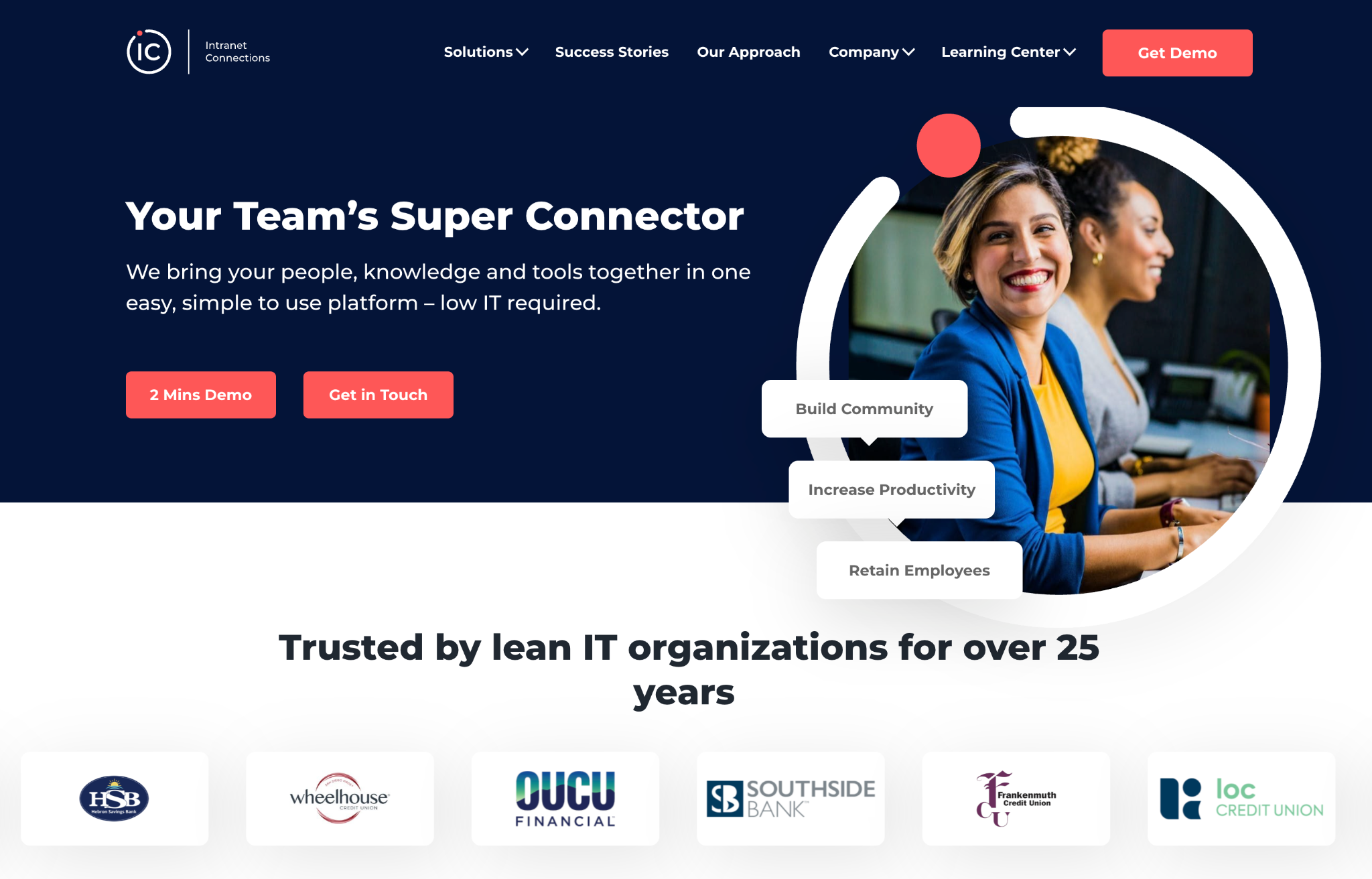
Intranet Connections is one of the original intranet software providers. Originally launched in 1999, two years before SharePoint was released, it’s grown from a family of apps into a suite of collaboration tools. Intranet Connections bundles the features from what were originally three separate apps: the intranet software Source, the multi-channel messaging tool Push, and the services framework Drive. Every tool it offers can run online in Intranet Connections’ cloud or on your team’s internal servers.
Much like other classic intranet tools, Intranet Connections is built around a portal with company news. It showcases business announcements alongside personal details like birthdays and anniversaries to keep team members engaged. Below the announcements, teams can customize the portal to showcase what’s most important to them, from discussions to file approval workflows. Every step is logged for compliance. And with internal pages to document processes and workflows, teams can list their most important files on the top of the portal to preempt common questions and free up teams to focus on their work.
Intranet Connections can also help teams see their intranet’s impact. Onboarding flows, for example, list every step that’s been completed, while audit logs track if team members check their notifications or reply to approval requests. Built-in surveys can also keep tabs on how well onboarding and other processes are working to improve the intranet and help it stay relevant over time.
Intranet Connections pricing
Requires a sales call, but reported to start at $9,500 per year.
How to choose the right SharePoint alternative
SharePoint brings together everything that Microsoft offers for businesses into a single portal. Here you can store and access files, brainstorm ideas, and search across everything that’s been shared in your company.
Most alternatives approach collaboration and intranets in their own ways, each with strategies designed for specific teams:
- Choose Box or Ideagen Collaboration Portal to organize and share company files backed by approval workflows, ensuring nothing falls through the cracks.
- Choose Appspace to organize internal info and share it on digital signage for deskless workers.
- Choose Confluence or Intranet Connections for a social network-style portal intranet that keeps teams up to date and helps them share and collaborate across the company.
- Choose Google Workspace if you want to replace SharePoint, along with everything else in Microsoft 365, for team email, file sharing, and document editing alongside internal portal-style sites with Google Sites.
The best SharePoint alternative depends on your team’s needs, how you prefer to collaborate, and whether you primarily work around Office files or text documents and notes. It also depends on your company’s size and compliance needs. And, for an intranet to stick, it needs to be something your team enjoys using for their daily work. That matters almost as much as the features themselves when choosing software.
FAQs about SharePoint alternatives
OneDrive is Microsoft 365’s file sharing and storage tool. Use it to save and back up your core files. SharePoint, as its name suggests, is more for sharing data.
Ultimately, OneDrive lets you share the file and SharePoint helps you collaborate around it. You would typically upload files to OneDrive, then share them in SharePoint with details about why this file is important and what feedback or other info you need from your team around the file.
Microsoft Teams, the team chat tool included with Microsoft 365, is often seen as a SharePoint replacement. SharePoint, however, isn’t going away. It’s still the core intranet solution that works alongside Teams chat to bring all of the tools in Microsoft’s Office suite together.
No. Microsoft SharePoint is still supported and is actively developed, with new features added regularly. It’s a core part of the modern Microsoft 365 experience for businesses, tying together features and files across Office, Teams, and other newer Microsoft apps.
Absolutely. Microsoft rolled out a new SharePoint experience in early 2026, so it’s still in active development. New features are regularly launched along with updates to Microsoft 365. You can see a full list of upcoming features on Microsoft SharePoint’s Roadmap site, along with a list of everything that’s been added over the past few years — from Copilot and Teams integrations to e-signatures, advanced analytics, PDF compression, and more.
Microsoft SharePoint 2026 updates have focused on a new SharePoint experience, including AI-centric features and an updated, modern design. It now includes AI-powered PDF review, audio overview of pages through Microsoft Viva Engage, and Copilot actions to create Office files with AI and start automated workflows while previewing SharePoint files. It also includes a new dark theme for sites and SharePoint’s Admin Center, along with modern SharePoint Page Templates.
SharePoint is slated to gain AI citations, an updated file and folder sharing experience, AI code generation, and more over the latter half of the year.
SharePoint’s key downside is its flexibility. Teams can use it to make internal sites for anything, which can quickly leave company data scattered across a sprawling tangle of non-maintained pages. It, along with many intranet tools, also has a steep learning curve. But with newer templates and AI-powered search tools, it’s easier to use SharePoint to locate internal data — no matter how well a team keeps it organized.
This article is for IT leaders, operations teams, content managers, and business decision-makers evaluating intranet, document management, and collaboration tools, as well as anyone who wants to compare SharePoint alternatives for secure file sharing, internal knowledge management, and team communication.





















Send Comment: