
A quick guide to the best Excel alternative
- Google Sheets is the best choice for real-time collaboration and browser-based spreadsheet work.
- Airtable is the best choice for database-style organization and collaborative work tracking.
- Jotform Tables is the best choice for no-code workflows and real data collection.
- Smartsheet is best for project tracking and operations management.
- Coda is a strong choice for teams that want documents, tables, and collaboration in one workspace.
- Notion is best for teams that want a wiki and embedded databases in one workspace.
- LibreOffice Calc is the best open-source desktop alternative.
Excel is a popular and powerful professional app. But with that popularity and power comes a lot of baggage. While you can use Excel to do advanced financial modeling, track complicated inventories, and even run AI models, it’s a complicated tool that wants you to do things in specific ways. (Here’s a Microsoft Excel Tutorial if you want to dig deeper). If you don’t need Excel’s advanced features, such as Power Query and VBA macros, then there is probably a better Excel alternative out there for you.
This isn’t a list of spreadsheet clones. Instead, these are apps that do something different from what Excel does. If you want tools that offer easier collaboration, better end-to-end workflows, or more flexible data collection and reporting, you’ll find them here. You’ll also find modern takes on spreadsheets, database-style workspaces, and full apps you can use to run every aspect of your business.
| Tool | Best for | Key features | Pricing |
|---|---|---|---|
 Google Sheets |
Real-time browser collaboration |
Live editing, Excel-style formulas, Gemini AI in paid plans |
Free with a Google account; Workspace from $8.40/user/month |
 Airtable |
Database-style work tracking |
Typed columns, multiple views, linked records, automations |
Free for up to 5 editors; Team plan from $24/seat/month |
 Jotform Tables |
Replacing Excel as a data inbox |
Forms, Tables, Workflows, approvals, Report Builder |
Free Starter plan; Bronze from $39/month |
 Smartsheet |
Project and operations tracking |
Gantt charts, dependencies, approvals, cross-sheet reporting |
Pro plan from $12/member/month (up to 10); Business from $24/member/month (3-member minimum) |
 Coda |
Docs and tables in one workspace |
Cross-doc tables, buttons, Packs, formulas across tables |
Free tier; Pro plan from $12/Doc Maker/month |
 Notion |
Wikis with embedded databases |
Databases with multiple views, AI agents, huge template library |
Free tier; Plus from $12/seat/month |
 LibreOffice Calc |
Open-source desktop spreadsheet |
.xlsx-compatible, offline functionality, pivot tables, basic macros |
Free, open-source |
1. Google Sheets
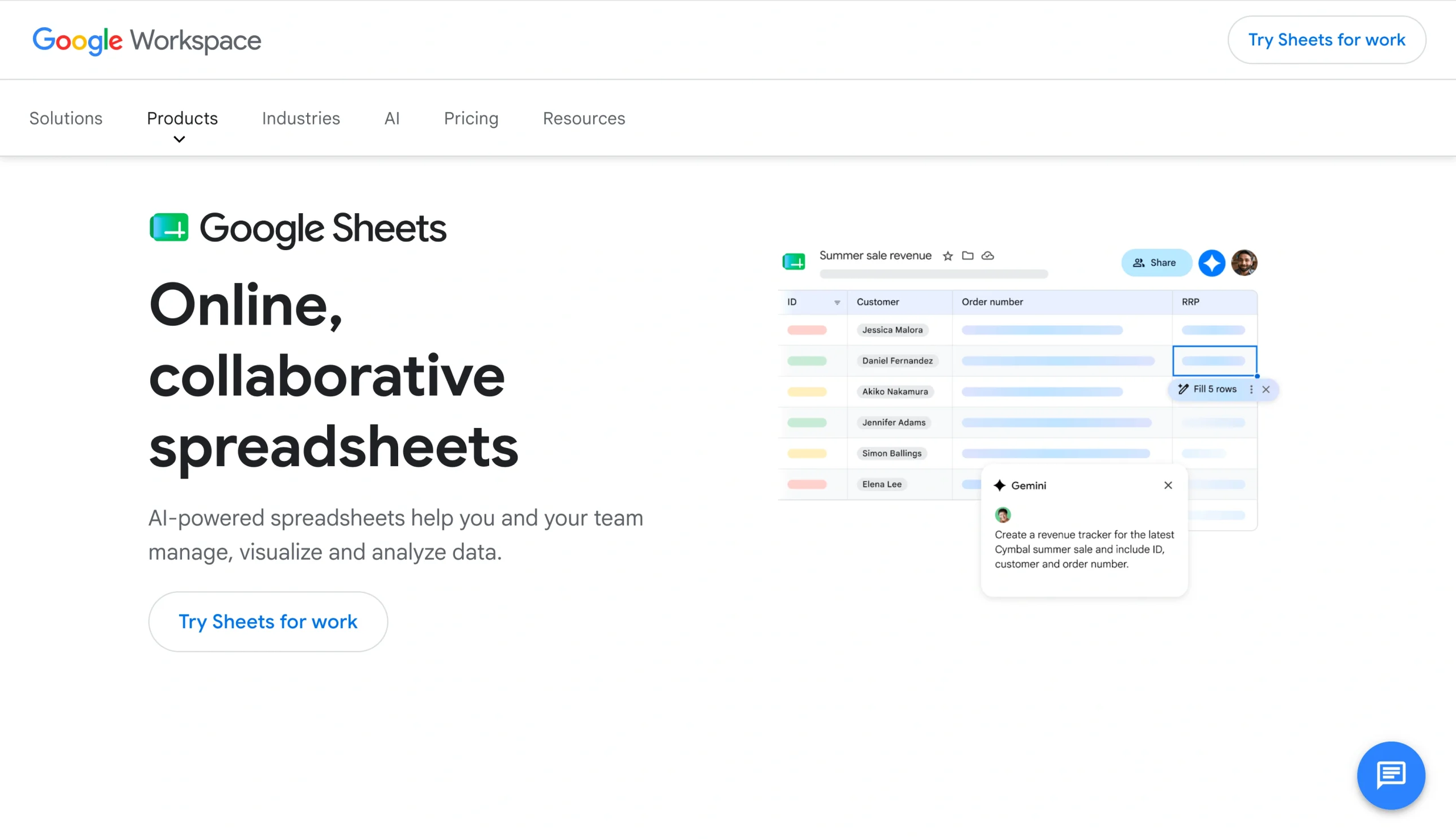
Google Sheets is one of the most obvious Microsoft Excel alternatives. You’ve almost certainly used Google’s browser-based spreadsheet, and it’s easy to convert Excel files to Google Sheets.
Google Sheets, alongside Docs and Slides, is part of Google Workspace. All three tools use Google Drive for storage and set the benchmark for modern collaborative software. Share a link with your coworkers, and all of you can work in the same spreadsheet at the same time. The edit history shows who’s made which changes.
For experts, the formula syntax is similar enough to Excel’s, so if there’s a spreadsheet superfan on your team, they won’t be disappointed. The biggest downside is that because Sheets runs in your browser, it can’t handle massive datasets. The hard ceiling is 10 million cells, but things will start to feel slow before that, especially if you have lots of complex formulas or calculations.
While Sheets is free for anyone with a Google account, the paid Workspace plans are bundled with Gemini AI, which can suggest formulas and help with data analysis. They also include a lot more data storage, but that’s a bigger deal for Google’s other apps; it’s unlikely you’ll have more than 15 GB of spreadsheets.
Instantly populate your spreadsheets with form data
Stop playing intermediary between your data and your spreadsheet: With the Jotform Google Sheets integration, every submission becomes a new row instantly—no exports, no CSVs, and zero manual cleanup.
Whether you’re tracking leads or managing an inventory, let your data organize itself so you can spend your 2026 focusing on the decisions, not the data entry.
Best for
- Teams already using Google’s other Workspace apps, such as Gmail and Docs
- Easy collaboration on shared spreadsheets
- Light day-to-day data work, such as calendars, trackers, and budgeting tools
Not ideal for
- Advanced financial or scientific modeling that relies on Excel’s advanced features
- Very large datasets
- Working offline (possible as a fallback solution)
Pricing
- Free with 15 GB of storage with a Google account.
- Google Workspace plans start at $8.40 per user, per month, though they don’t include a lot of extra Sheets features.
2. Airtable
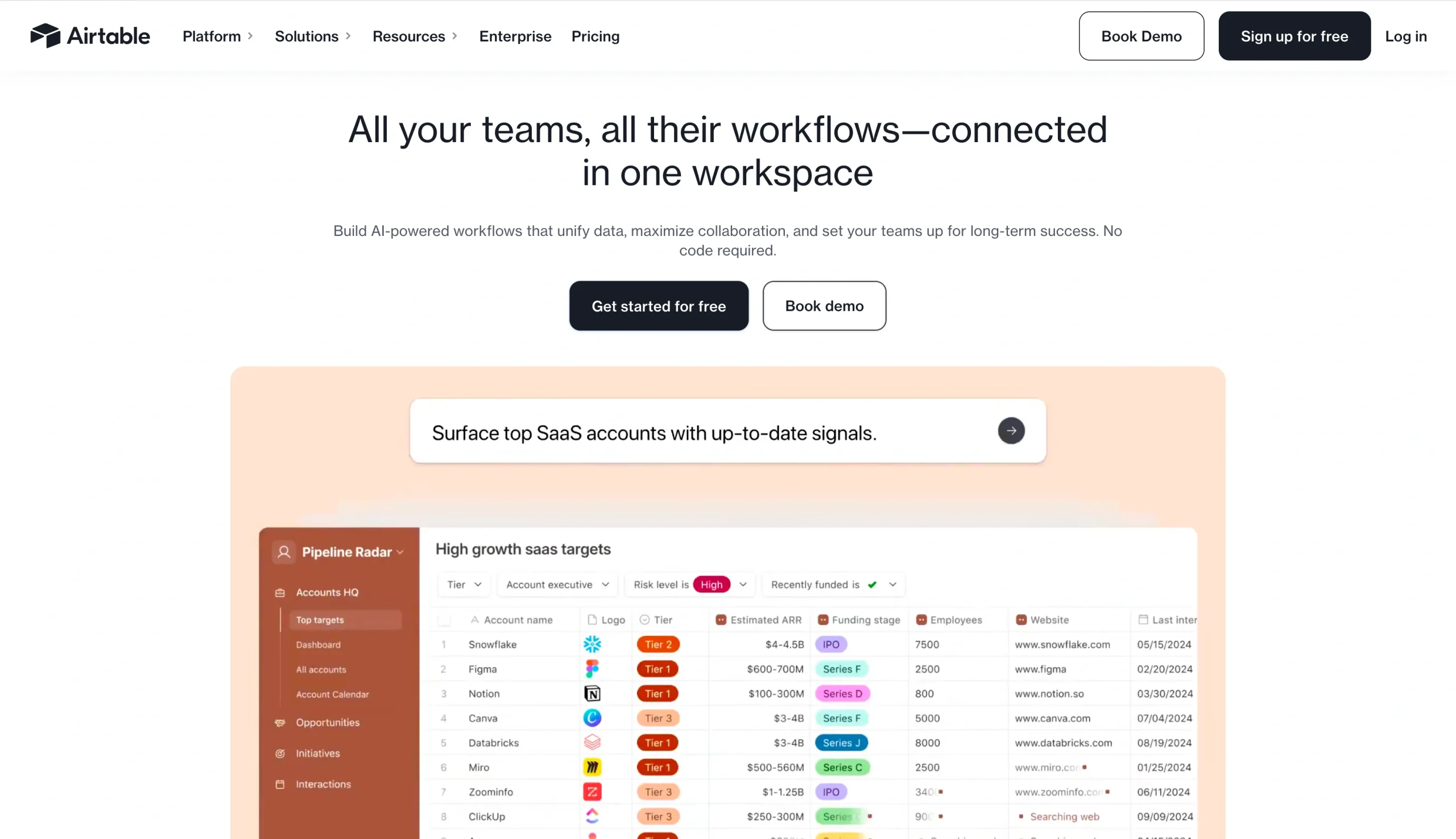
Airtable looks like a spreadsheet but acts like a database. Every column has a type (text, single-option, attachment, linked record), and it’s strictly enforced. You can’t stick a phone number into the wrong cell and break a whole heap of formulas, as you can with Excel.
Of course, this is both Airtable’s best feature and biggest compromise. If you want a fast, free-flowing spreadsheet where you can quickly do calculations in any cells you like, then Airtable is not for you. On the other hand, if you want a database that enforces data hygiene, it’s a great fit.
Airtable also allows you to build on top of its database layer. You can build custom views and apps, use AI to access information, or stick to the default calendar, grid, gallery, and kanban views. For things such as content planners, CRMs, and project trackers, it’s a far better tool than Excel and one of the best spreadsheet alternatives for business.
Best for
- Content calendar, CRMs, and project trackers that benefit from multiple views of the same core data
- Teams that need structured and interlinked data, such as client records, projects, and resource libraries
- Building apps and workflows with a controlled data layer
Not ideal for
- Teams on a tight budget
- Spreadsheet-style calculations or quick workflows
- Unstructured and rapidly changing data
Pricing
- Free for up to five editors and 1,000 records per base; from $24 per seat per month for 50,000 records per base.
3. Jotform Tables
Jotform Tables is the spreadsheet-powered database layer that underpins Jotform’s wider platform. While Excel, Google Sheets, and Airtable largely assume your data is already in the spreadsheet, Jotform Tables can bring it in from elsewhere: a customer filling in a form, a team member submitting a request, or an event attendee registering through your website.
Jotform Tables isn’t just a catch-all inbox, though it’s a great alternative if that’s what you’re using Excel for. You can also use Tables to create automations with Jotform Workflows, generate reports with the Report Builder, and otherwise make your data actionable. It’s a tool for teams that want to turn heaps of messy spreadsheets into a structured end-to-end workflow.
For example, Jotform Tables makes it easy to collect data through forms, organize it in Tables, automatically send it to other applications or tools with Workflows, and wrap the whole process up in a shareable app. It’s not a tool for advanced financial models, but it’s a great Excel alternative.
Best for
- Teams using Excel as an inbox, signup sheet, to-do list, or scratch pad
- Automated end-to-end data collection workflows
- Turning workflows such as approvals and report generation into shareable apps
Not ideal for
- Financial modeling and advanced spreadsheet formulas
- Teams with all their data already collected in large spreadsheets
- Teams that don’t need access to Jotform’s suite of powerful tools
Pricing
- Free plan available; from $39 per month for Bronze with more features.
Pro Tip
Automate your Excel workflow by instantly syncing Jotform submissions with Jotform’s native Microsoft Excel integration, no downloads or manual updates required.
4. Smartsheet
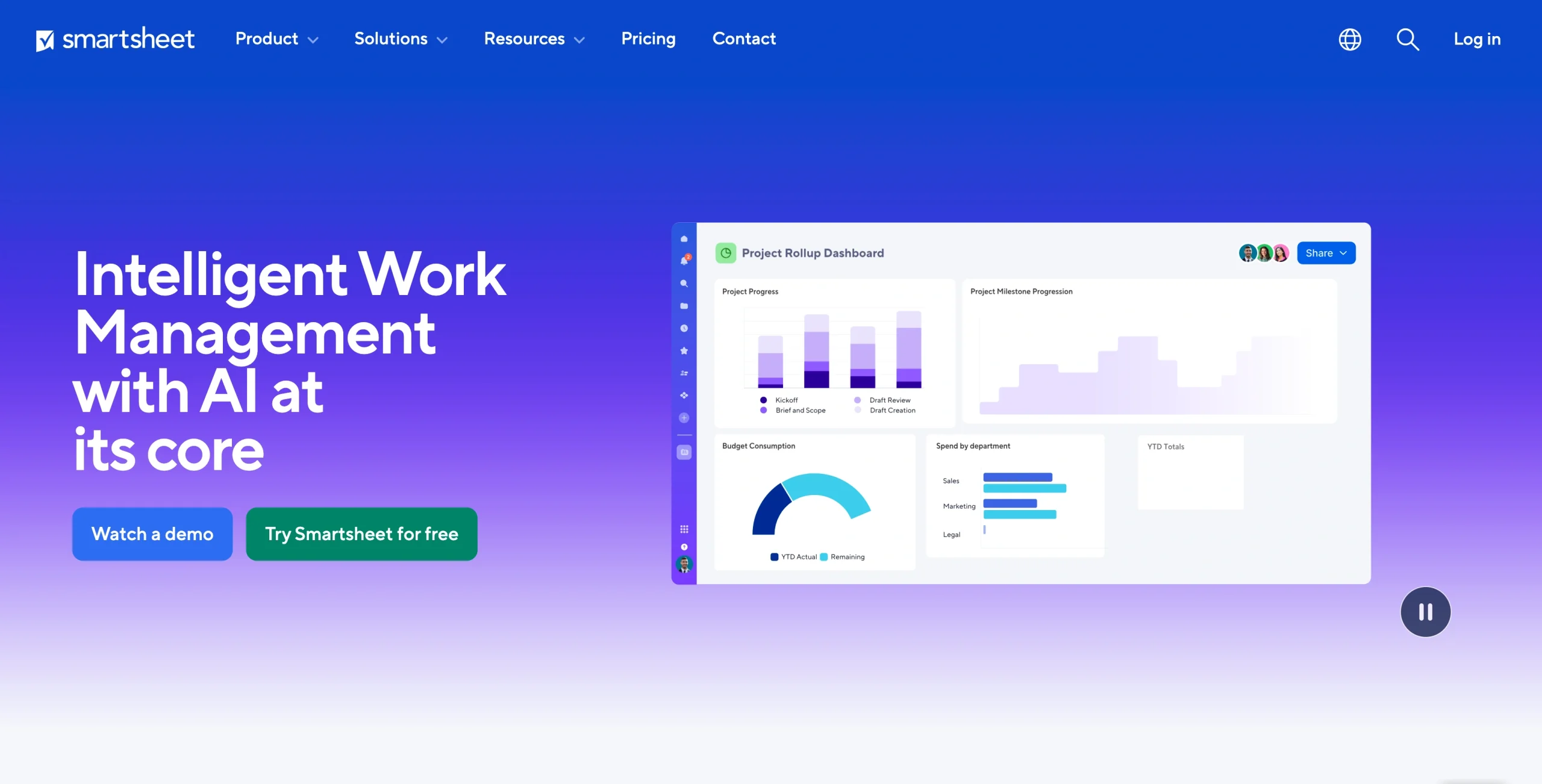
Smartsheet is a mash-up of a spreadsheet and a project management tool. It looks like a spreadsheet, with cells, rows, columns, formulas, filters, and all the flexibility to type anything anywhere. But underneath that there are Gantt charts, task management features, automated workflows, approval controls, and reports that can pull from multiple spreadsheets. It’s aimed at teams that outgrow Excel as a project management tool but want to stick with something that looks and feels like a spreadsheet.
The flip side is that Smartsheet is designed for organizations first, not solo users. It’s for teams that prioritize collaboration, not the creation of personal tracking tools. There’s no free plan, just a 30-day free trial, and there are seat constraints on the different pricing tiers. The interface also has a lot going on. This isn’t a simpler take on Excel but a project management tool with its own learning curve and features.
For a small team that needs simple collaborative spreadsheet apps, it’s overkill. But for an operations team that wants the spreadsheet shape with real project management features, it might be a great fit.
You can also check out this list of Smartsheet competitors for similar tools that might fit your needs.
Best for
- Operations and project management teams running multiple projects that want something resembling a spreadsheet
- Teams that think in terms of Gantt charts and deliverables
- Companies that need strong data, security, and regulatory compliance
Not ideal for
- Solo users and small teams that need basic collaboration
- Quick ad-hoc spreadsheet work
- Anyone looking for an easy-to-use tool with no learning curve
Pricing
- Pro from $12 per member, per month for up to 10 members; Business from $24 per member, per month, with a minimum of three members. Guests and contributor accounts are free.
5. Coda
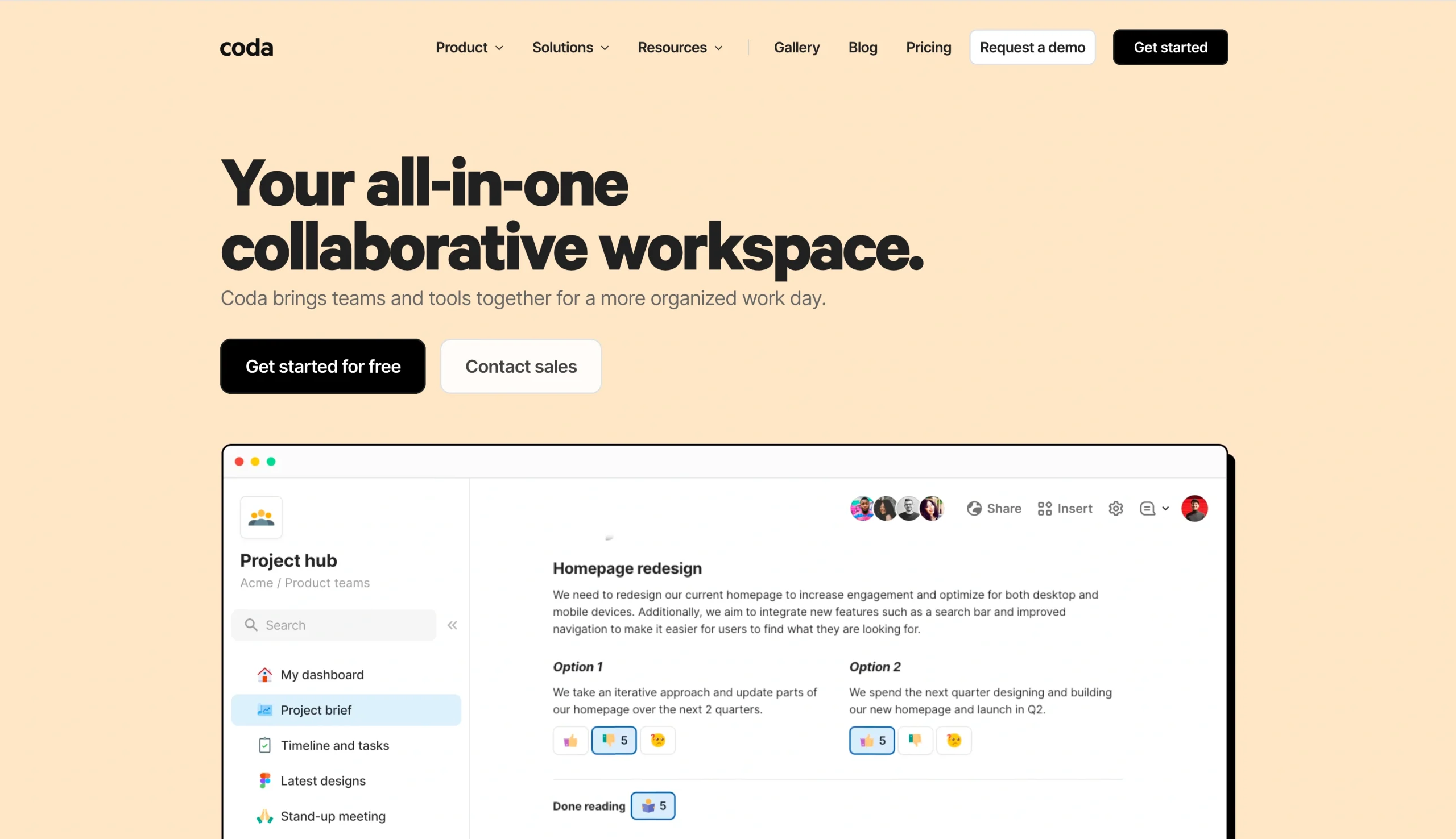
Coda is a documents app with tables inside it. The basic unit is a doc, as with Google Docs or Notion, but tables are included prominently. Formulas work between tables, buttons can trigger actions, and tables never feel bolted on. A team handbook can have a road map table embedded in it, and the road map table can roll up into a quarterly report on a different page that pulls live data from yet another table.
If you’re used to Excel, the big adjustment is that Coda isn’t a spreadsheet-first tool. You don’t open Coda and see a grid of columns and rows. You have to open a doc and add a table. Once you do, you get a lot of the same power as you do with Excel, but it is a big change. The advantage is that for cross-functional teams, words, images, and other non-numeric data can live alongside full-blown spreadsheets. For cross-team tracking and planning tools, it can make life a lot easier.
While Coda is a good fit for many teams, similar options exist. Check out this list of Coda alternatives if you like the sound of what Coda can do but want a slightly different spin on it.
Best for
- Teams that mix written docs with structured spreadsheet data
- Internal wikis, tracking tools, planning tools, handbooks, and other resources that need live tables
- Teams trying to combine multiple tools into one workspace
Not ideal for
- People who want a spreadsheet for serious number crunching, not a doc with a table
- Teams that want to quickly throw together a spreadsheet for rough ad-hoc analysis
- Teams that want a simple collaborative spreadsheet, not a whole productivity tool
Pricing
- Free plan with limited features; from $12 per month per Doc Maker, with doc editors and viewers free.
6. Notion

Notion is a mash-up of a wiki and a database tool. The basic unit is a page, but pages can have embedded databases. These databases can be viewed as tables, kanban boards, calendars, galleries, or timelines. For most teams, it’s a way to hold company documents, project trackers, meeting notes, and other resources all in the same workspace. The documents you need to work live alongside the project management tools you need to track the work.
How does this track for Excel converts? The trade-off is similar to that of Coda. Notion is not a spreadsheet app, and if you try to use it to do spreadsheet-style calculations and modeling, you will have a subpar experience. But if you use Excel as a tracking and documentation tool, then Notion will easily replace both uses and do a much better job of it. It has an enormous template gallery, AI features, and great collaboration tools.
Best for
- Teams that want to combine project management, project tracking, and internal docs in one tool
- Startups and small companies that want a single workspace operating system
- Doc-heavy teams that need some database features
Not ideal for
- Teams that need real spreadsheet-style capabilities
- A lot of offline work
- Teams that want something plug-and-play without much setup
Pricing
- Free plan available; from $12 per seat, per month for Plus with unlimited Pages for teams; from $24 per seat, per month for full Notion AI access.
7. LibreOffice Calc
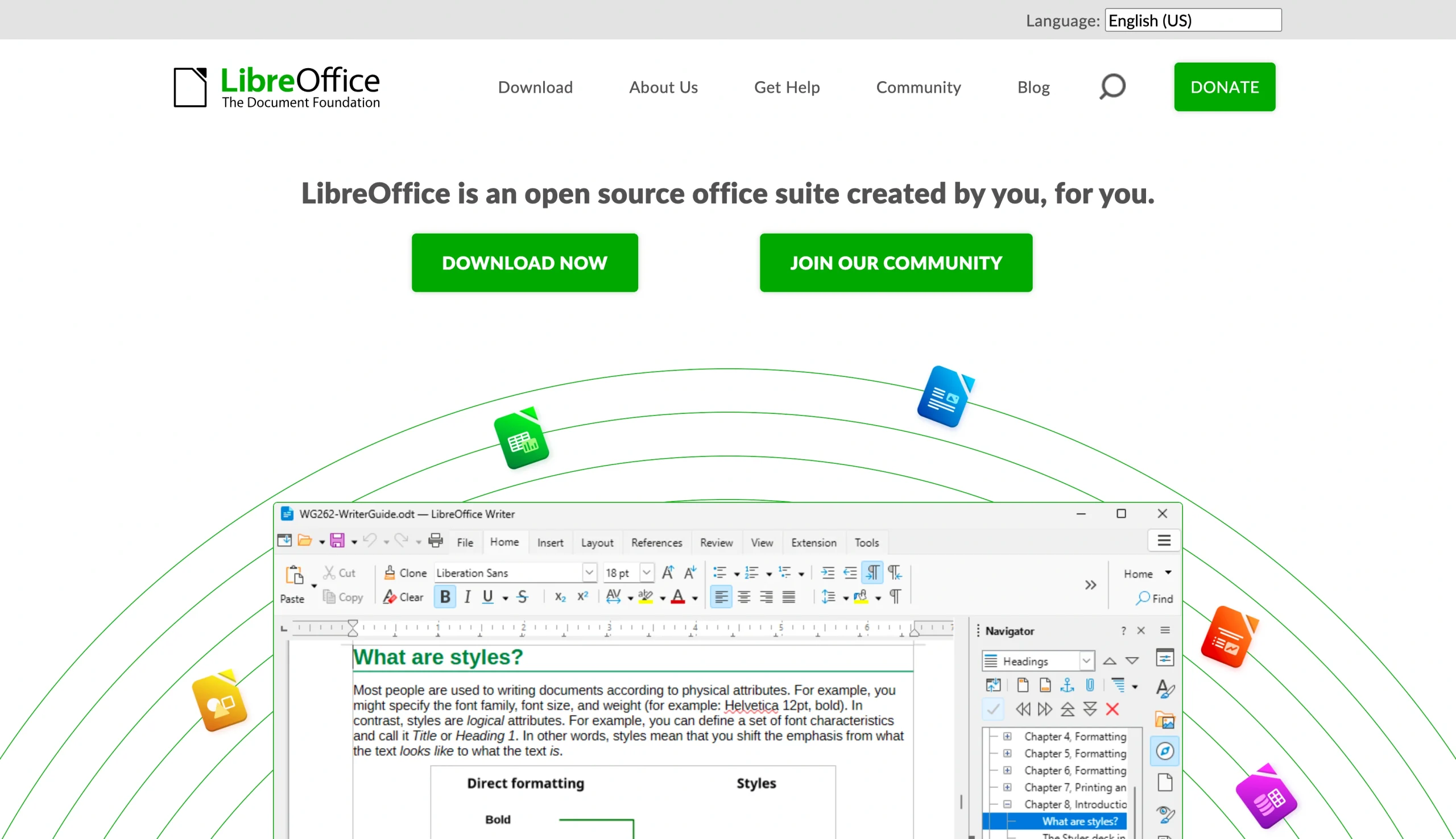
LibreOffice Calc is the open-source desktop alternative to Excel. It’s free; runs on Windows, Mac, and Linux; and can open .xlsx files. It also has features similar to Excel’s: There’s massive overlap in the functions and formulas, and there are basic macros, pivot tables, and charts. If you need a spreadsheet app on your computer but don’t want to pay for a Microsoft subscription, it’s hard to do better.
Of course, LibreOffice Calc has a few compromises. The interface is dated, and there are no real-time collaboration features. It can also struggle to import large or complicated Excel files. For solo users, students, Linux fans, and anyone who wants an Excel alternative without the license requirements, it’s a great tool. For a team that wants a modern Excel alternative or one of the more feature-filled collaborative spreadsheet apps, it won’t do the job.
Best for
- Solo users, students, and anyone who wants Excel-like functions without paying Microsoft
- Linux users
- Privacy-conscious users and open-source fans who want local files and an app they can audit themselves
Not ideal for
- Teams that need real-time collaboration on shared files or project management features
- Advanced Excel users who need 100% feature parity
- Anyone looking for a polished, modern experience
Pricing
- Free and open-source; enterprise support and service-level agreements are available through third-party partners.
The best Excel alternative is the one that suits you
There are multiple Microsoft Excel alternatives. The best one for you depends on what you are doing.
If your team needs to collaborate without creating a nightmare of incompatible and out-of-date spreadsheets, Google Sheets is a great choice. If you’ve been using Excel as an ad-hoc database, then a real database such as Airtable is probably the right call; it enforces a level of data hygiene that’s impossible with a spreadsheet. If project management is the key feature for you, then Smartsheet is the right upgrade. Coda and Notion are great tools for teams that need documentation alongside their spreadsheets. LibreOffice Calc is a completely free spreadsheet tool that runs on every desktop operating system.
For teams who are editing spreadsheets and using them to collect information, track requests, and coordinate work across people and departments, Jotform Tables is a practical upgrade. Jotform Tables gives you a spreadsheet-style workspace to organize submissions and imported data, while forms collect cleaner information from the start. Workflows (and other no-code workflow tools) can handle approvals and routing, and Reports can keep everyone in the loop. It’s a powerful way for teams to go further with spreadsheets. You can even create app-style experiences, making Jotform Tables a total operational tool for businesses that have outgrown Excel. You can get started for free today.

Really, the big takeaway is that “Excel alternative” doesn’t mean just “spreadsheet software” anymore. Most teams aren’t replacing Excel with another grid-based spreadsheet app; instead, they’re using a tool that adds features such as collaboration and project management. They aren’t outgrowing Excel because it lacks power, but because they’re trying to use it to do things it’s not designed for, such as collecting customer requests, coordinating signoffs, and running multiple projects. The best Excel alternative is the app that does the job you’ve been trying to make Excel do.
If Excel has gone from a spreadsheet to an operational tool or inbox, give Jotform Tables a try. It’s the tool that’s actually designed for it.
This article is for operations teams, project managers, small business owners, marketers, admins, and growing teams looking for an alternative to Excel for collaboration, automation, data collection, and day-to-day workflow management.













Send Comment: