
A Yoga Tracking App gives you one place to log each practice, explore routines, and look back on your history as your skills grow. Use it to capture session details in seconds, add progress notes after class, and keep a personal record you can actually stick with. It works well for individual yogis, instructors who want a simple way to track their own training, and studios offering a lightweight self-service experience for students who prefer digital check-ins over notebooks.
With Jotform app templates, you can turn routine tracking into an organized, mobile-friendly experience without needing code. Customize pages with a drag-and-drop interface, connect buttons to forms for fast data collection, and keep your yoga logs in a connected workflow you can update anytime. Share your Jotform app through a link or QR code, adjust branding to match your style, and evolve the tracker as your practice goals change.
Related templates
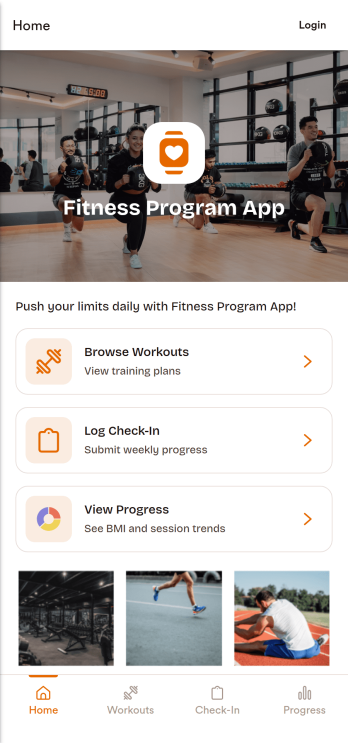
Fitness Program App
A fitness program app brings your training plan into one place so people can find workouts, stay consistent, and see momentum over time. This template fits personal trainers, gyms, wellness coaches, and anyone running a structured program for clients or a community. Participants can browse workouts, log a check-in after each session, and review progress without searching through messages or spreadsheets. It works well for multiweek challenges, small-group coaching, or self-guided routines where you want clear next steps and simple habit tracking.Jotform helps you turn this experience into a branded, shareable app using app templates and a no-code app builder with a drag-and-drop interface. Connect workout lists and check-in forms to keep data collection organized, route updates through a simple workflow, and give clients a self-service way to interact with your program from any device. You can publish quickly, update content as your plan evolves, and keep everything aligned with how your program actually runs.
Go to Category:Personal Training Apps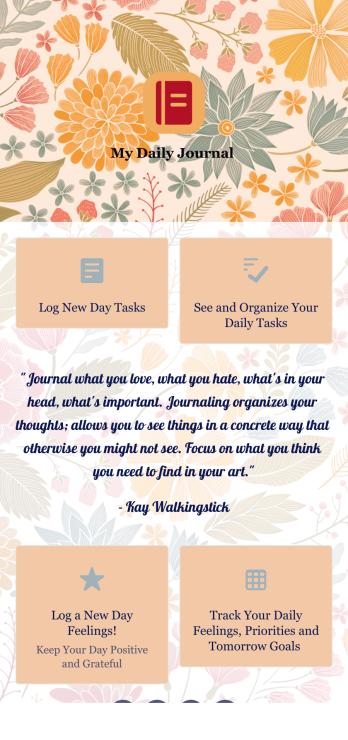
Daily Journal App
A daily journal app lets you keep track of your daily tasks as well as manage important goals and priorities. With the help of this free Daily Journal App from Jotform, you can turn your phone into a quick and convenient journal — easy to fill out and view entries on any device. Simply customize the app if you’d like, then download it onto your iOS or Android device.Feel free to customize this Daily Journal App’s forms, upload images, change fonts and colors, or add a custom background or app icon. If you’d like to send your journal entries to your other accounts — like Google Drive, Dropbox, or Airtable — explore 100+ free integrations to do it automatically. Go from a messy paper to a powerful way to track thoughts and information.
Go to Category:Activity Tracking Apps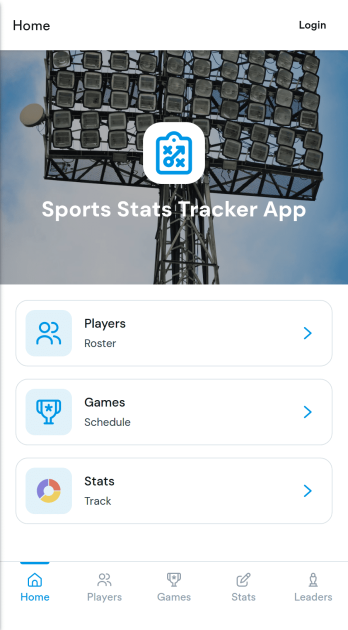
Sports Stats Tracker App
Sports Stats Tracker App helps teams record and review player and game performance in one place. Use it to keep a player list, log games, and add stat lines as results come in, making it easier to stay consistent across practices, tournaments, and full seasons. Coaches, team managers, club administrators, and even adult rec leagues can use the app to reduce missed details and create a reliable history of performance without juggling scattered notes.Jotform makes it simple to turn this sports tracking workflow into a polished, shareable experience. With Jotform’s no-code app builder and drag-and-drop interface, you can customize the pages for Players, Games, and Stats, connect forms for data collection, and keep records organized as your roster changes. Publish your app in minutes and share it with staff so everyone can support the same workflow and self-service access to up-to-date stats.
Go to Category:Sports Apps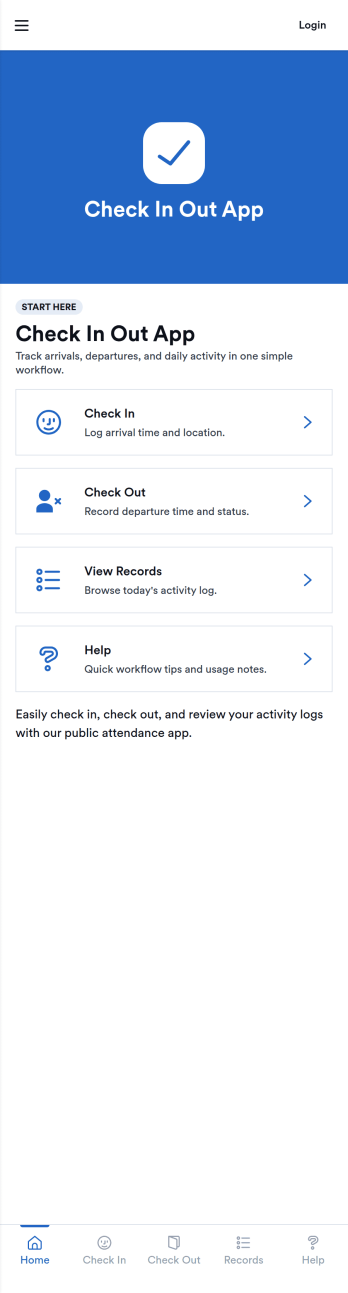
Check In Out App
Check In Out App helps you track when people arrive and leave, giving teams a simple way to maintain daily attendance records without chasing paper sign-in sheets. Use it in offices, schools, studios, clinics, coworking spaces, volunteer programs, or any environment where you need a clear view of who is currently on-site and a reliable log of activity. The app supports adding people to a list and logging check in and check out actions through connected forms, then viewing today’s records for quick confirmation during busy hours.Jotform makes it easy to turn this check in and check out workflow into a polished self-service experience using App Templates and a no-code app builder. Customize pages with a drag-and-drop interface, connect forms and tables for consistent data collection, and share the app by link or QR code so staff can log entries from any device. With Jotform, teams can keep day-to-day workflows organized and accessible while maintaining a central source of truth for attendance tracking.
Go to Category:Sign In Apps
Work Times App
Work Times App gives teams a simple way to record daily hours, review time entries, and route common time-related requests from one place. Employees can quickly clock in or log time through a connected form, then open the time log to see what was recorded today or view past entries. It’s a practical fit for hourly workforces, shift-based operations, field teams, and growing businesses that want a consistent process for capturing work time without relying on scattered messages or spreadsheets.Built with Jotform, this app template pairs a no-code app builder with a drag-and-drop interface so you can adjust the layout, add pages, and match your internal process in minutes. Connect your time logging forms to lists for easy browsing, keep records organized as your team scales, and support self-service time tracking by sharing a single link employees can access on any device.
Go to Category:Human Resources Apps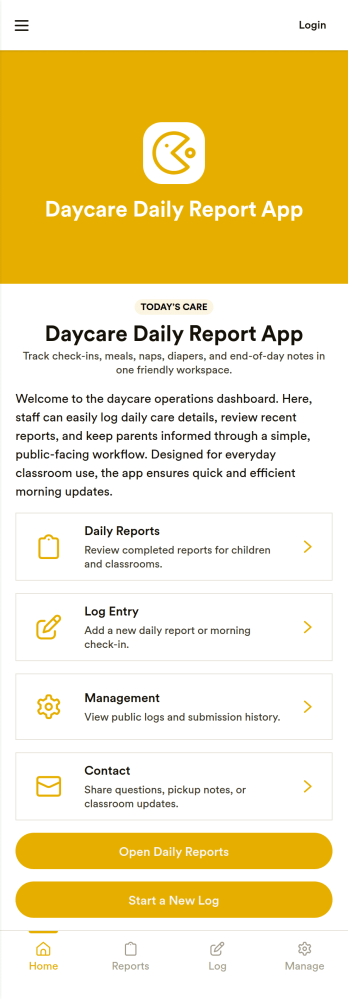
Daycare Daily Report App
Daycare Daily Report App helps childcare teams document and share each child’s day in a consistent, parent-friendly format. Staff can start a new daily report, add quick logs for key moments, and include essentials like meals, naps, and diaper changes without juggling paper sheets or scattered notes. With easy navigation to past records, the app also supports smoother handoffs between teachers and clearer follow-ups with families when questions come up later.Built with Jotform, this app template turns routine daycare reporting into a simple self-service workflow that works on any device. Customize pages, visuals, and the connected Daily Child Report form to match your classroom routines, then publish and share with your team using a link or QR code. As entries come in, keep information organized for faster review and better day-to-day communication.
Go to Category:Education Apps