Work Status App helps teams collect and share quick work updates in one place, so everyone knows what’s in progress, what’s blocked, and what needs attention next. It’s a practical fit for remote and hybrid teams, department leads, and operations managers who want a consistent way to capture updates without chasing messages across channels. With a dedicated flow to submit an update, a space to view statuses, and a simple dashboard for visibility, this app supports day-to-day coordination for shifts, projects, and cross-functional work.
Built with Jotform, this app template can be customized with a no-code app builder and a drag-and-drop interface to match how your team reports status. Connect the update experience to a form and keep records organized for easy review, handoffs, and follow-ups. Share the app through a link so employees can use self-service reporting from any device, and route updates into the workflow that fits your internal operations.
Related templates

Custom Fire Department App
A fire department app is used by fire departments to track and manage important tasks and activities. This type of app can be used for fire truck inspections, new firefighter applications, shift tracking, equipment logging, performance reviews, and more. To create a custom Fire Department App for your station, use this ready-made template.Personalizing the design of this Fire Department App Template is easy and quick with Jotform’s no-code app builder. Simply drag and drop to make any design or content changes you need. Pick a unique icon for your app, add or remove forms, change colors and fonts, integrate with useful platforms and widgets, and more. Keep your fire department running smoothly with Jotform Apps.
Go to Category:Company Portal Apps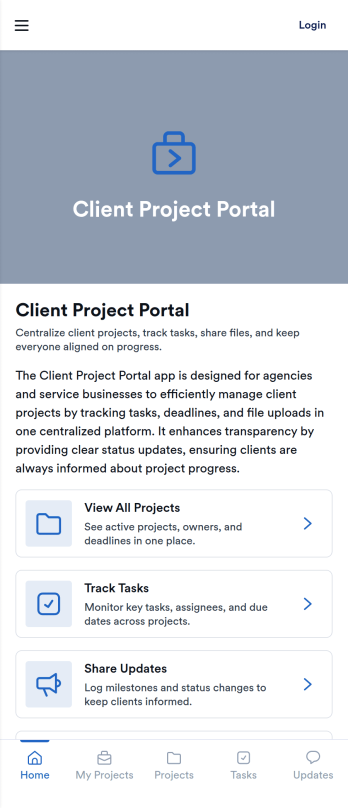
Client Project Portal
Client Project Portal is an app template designed to streamline project management and improve transparency between agencies, freelancers, service-based businesses, and their clients. This all-in-one platform brings together tasks, timelines, files, and updates, providing teams with a centralized system for managing ongoing client work. Users can seamlessly share progress, upload deliverables, and keep clients informed with status updates. The easy-to-read table view allows both teams and clients to quickly see project milestones, deadlines, and current status, while the dashboard provides a high-level overview of progress and next steps. This app is particularly beneficial for designers, developers, marketers, and consultants, but small teams also find value in the improved transparency and simplicity compared to complex project management systems.Jotform's Client Project Portal template provides a no-code, user-friendly solution to improve project transparency and streamline client communications. With its drag-and-drop interface, users can easily customize the portal to align with their brand identity, choose fonts and colors, and upload their logo without any coding. The cross-platform compatibility ensures that clients can access the portal on any smartphone, tablet, or desktop. Plus, with the added advantage of Progressive Web Apps (PWA), clients can download the app directly onto their home screen for easy access. Embrace a seamless project management experience and improve client relationships with Jotform's Client Project Portal.
Go to Category:Service & Support Portal Apps
Auto Post App
Auto Post App brings your social content workflow into one place so teams can draft posts, organize what’s coming up, and keep a clear record of what’s already gone out. It’s a practical fit for social media managers, small business owners, creators, and marketing teams who want a simple way to build drafts, move them into a queue, and reference past publishing activity without relying on scattered notes or multiple tools.With Jotform App Templates, you can publish a branded, self-service app experience powered by Jotform’s no-code app builder and drag-and-drop interface. Connect your draft form to collect content details, use lists to review items in your queue and history, and share the app with teammates so everyone follows the same workflow from planning to tracking.
Go to Category:Social Media Management Apps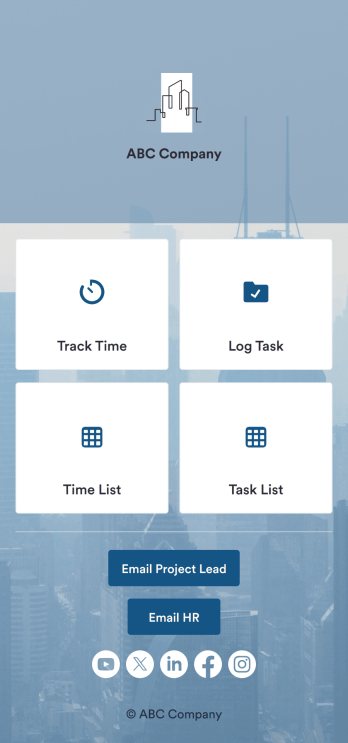
Custom Time Tracker App
A time tracker app is used to keep track of employees’ hours and tasks. With Jotform’s free Time Tracker App, managers can keep a complete record of the times employees punch in or out, task details and the amount of time employees spend on them, and view all the information in a professional spreadsheet. All submissions are stored securely in your Jotform account and ready to access on any device.Need to make changes to this app template? Be sure to add your logo, change the background image, and choose new fonts and colors for a personalized touch. You can also customize the spreadsheet layouts and make changes to the app’s forms to collect other types of information — then share the app for your employees to download onto their devices. Better manage employee information with a free Time Tracker App from Jotform.
Go to Category:Management Apps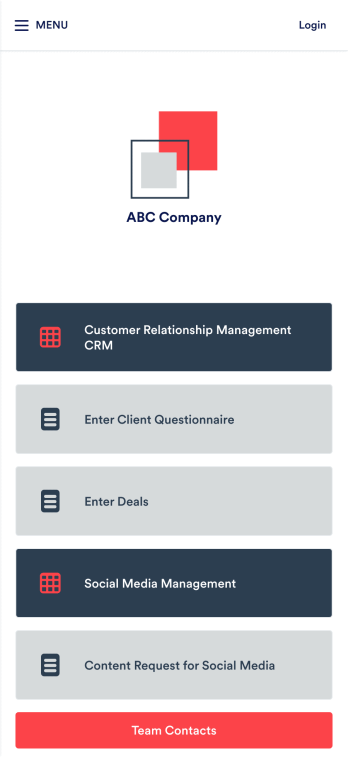
Small Business CRM App
A small business CRM app is used by small businesses for customer relationship management (CRM). This Small Business CRM App lets you receive client questionnaires, track and manage deals, submit content requests for social media, and more. Simply customize the app to perfectly match your needs with no coding required, then share the app to start collecting form submissions.Need to customize this free app template? Drag and drop to get the design you want. Add your company logo and branding, update the included forms, split your app into multiple pages, and make other changes in seconds. You can even integrate the app with 200+ other platforms to automatically sync submissions to your other accounts! Streamline your business’ workflow with a ready-made Small Business CRM App from Jotform.
Go to Category:Company Portal Apps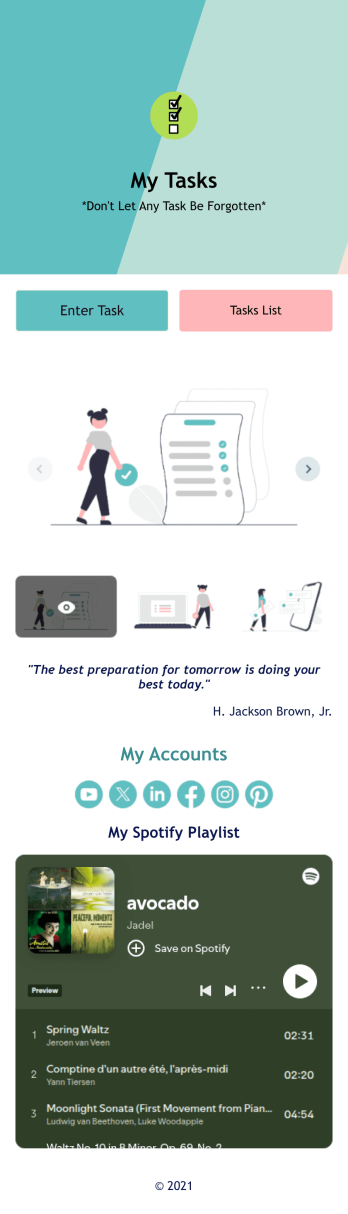
Recurring Tasks App
A recurring tasks app is used to track and manage daily tasks. Whether you’re organizing tasks for school, work, or at home, do it directly from your desktop or mobile device with a free Recurring Tasks App from Jotform! All tasks are stored securely in your Jotform account and easily accessible on any device — including as a spreadsheet, calendar, or individual cards with Jotform Tables’ Daily Task List!Feel free to update the design by adding other forms, changing colors, uploading your logo, and making other changes for a personalized touch with our no-code builder. You can even copy and paste the app link to send it to members of your team, so they can download it onto their devices too! Organize your tasks more efficiently with this Recurring Tasks App.
Go to Category:Management Apps