
Talent Acquisition App brings open roles, candidate applications, and recruiter review into one place so hiring stays organized from the first click to the interview. Use it to publish a clear list of open positions, invite candidates to apply, and give recruiters a dedicated workspace to review all candidates, manage a pipeline view, and schedule interviews. It’s a practical fit for HR teams, recruiting agencies, fast-growing startups, and department leaders who need a simple way to keep roles and candidate records easy to find and up to date.
With Jotform App Templates, you can launch a branded talent acquisition experience quickly and tailor it to your process using a no-code app builder and a drag-and-drop interface. Connect pages to forms and tables to support consistent data collection, route updates through the right workflow, and share a single self-service link for applicants and a separate space for internal hiring teams, all without writing code.
Related templates
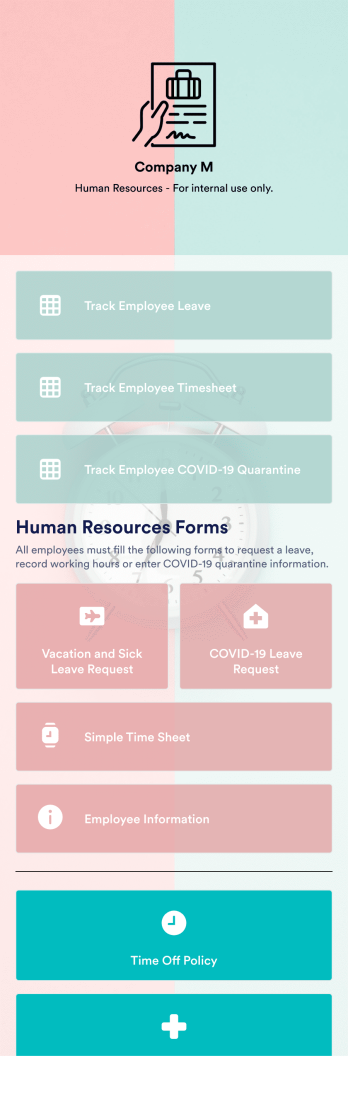
Vacation Tracker App
A vacation tracker app helps HR teams keep track of employee vacation time. No matter your company vacation policy, track PTO or employee vacation time with Jotform’s free Vacation Tracker App. The app comes together with Leave Request Form that automates the leave request processes. This fully customizable mobile app includes multiple HR forms and timesheets to collect and track employee time off requests. All submitted requests through your attached time off form will automatically be synced to your tables as well as your Jotform account.Customize this Vacation Tracker App for your company in just a few minutes. No coding required — simply drag and drop to add logos, text, images, forms, tables, links, documents, and other app elements. Then share the app with your HR team — teammates will be able download the app onto any computer, tablet, or smartphone for easy access. Making tracking employee vacation time a breeze with a fully custom Vacation Tracker App for your company.
Go to Category:Company Portal Apps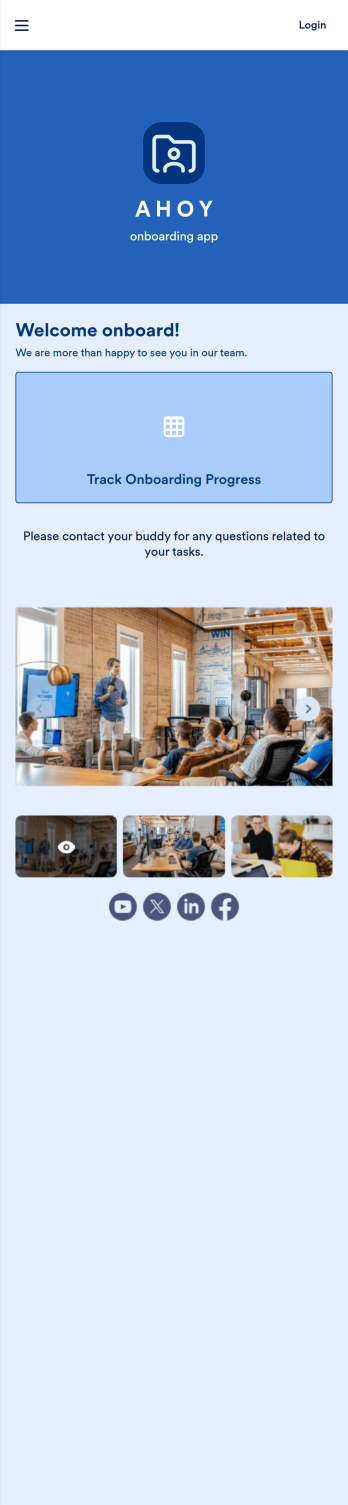
Custom Employee Onboarding App
An employee onboarding app makes it easier to integrate a new employee into your company by making important internal resources available on any device. Simplify the transitional period and successfully onboard new hires with a fully custom Employee Onboard App powered by Jotform. This ready-to-use mobile app includes a table for tracking onboarding progress, company photos and social links, and a separate page with team contact information. New hires can download the app onto their mobile device or computer for easy access at any time.Customize this Employee Onboarding App for your company in just a few clicks. Without coding, you can use our drag-and-drop builder to add forms and tables, embed links, upload documents and training videos, create new pages, update fonts and colors, and much more. When your app is ready to use, it can be sent directly to new hires via email invites or the app link. Successful employee onboarding can be the key to business success — so get started with an efficient, easy-to-use Employee Onboarding App tailored to your company.
Go to Category:Company Portal Apps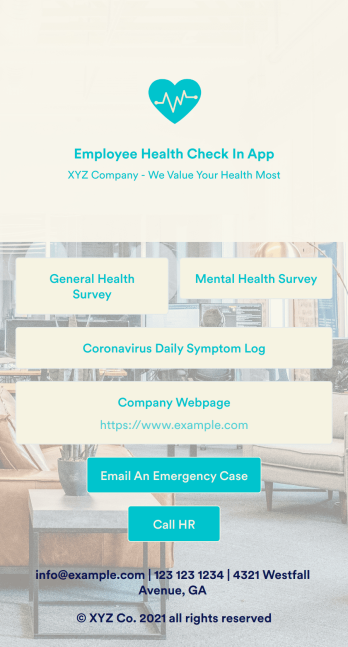
Employee Health Check In App
Screening your employees can help keep your workplace safe and free of contagious diseases. Conduct company health screenings and surveys in one place with our free Employee Health Check In App. Employees will be able to record possible coronavirus symptoms through the COVID-19 Daily Symptom Tracker and answer surveys from any smartphone, tablet, and computer.Customize your Employee Health Check In App for your company in just a few clicks. No coding necessary — simply drag and drop to add forms, surveys, spreadsheets, links, text, images, and more. You’ll even be able to modify the app name, icon, and splash page for a more professional and personalized look. When it’s ready, your app can be shared with employees via link and downloaded onto any device. Take care of your employees’ health and your business with a custom Employee Health Check In App for your company.
Go to Category:Human Resources Apps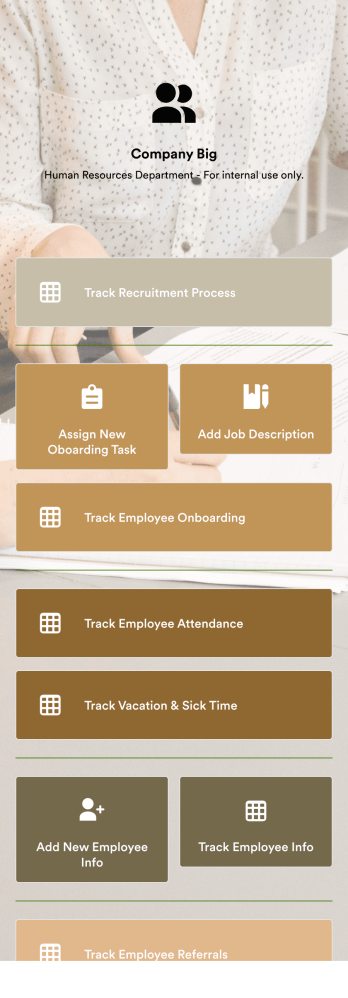
HR Management App
An HR management app keeps all your recruiting tools in one place that can be accessed from any device. Support your human resources team with a fully custom HR Management App powered by Jotform. This ready-to-use template includes multiple HR forms and tables to help you keep all of your data organized in one central location. You and your HR team can download the app onto any smartphone, tablet, or computer for easy access to your forms, tables, and other resources.Want to modify this app template for your company? You won’t need any coding knowledge – with our intuitive builder, all you need to do is drag and drop to add or update forms, tables, links, documents, pages, buttons, and other app elements. You can even change the app name, icon, fonts, colors, and splash screen to match your branding. When it’s ready to use, share it with your HR team by sending email invites or the app link. Manage new and existing employees effectively with a HR Management App built just for your HR team.
Go to Category:Company Portal Apps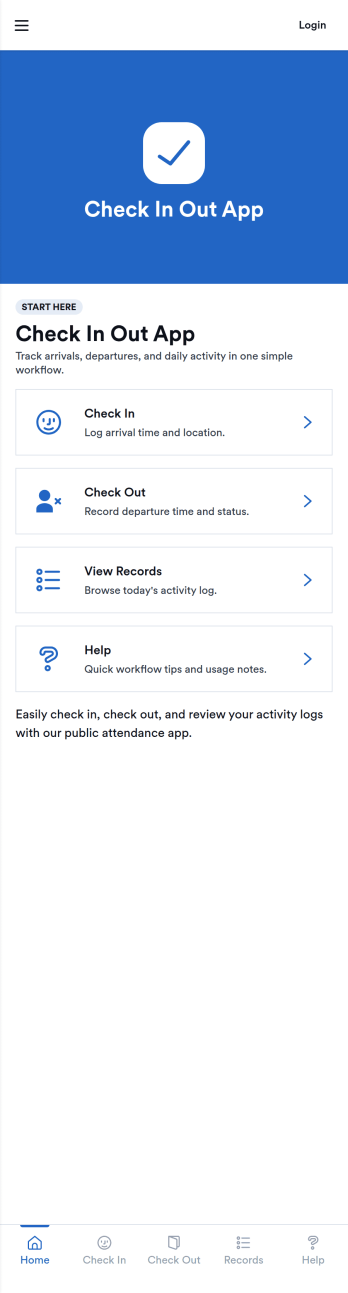
Check In Out App
Check In Out App helps you track when people arrive and leave, giving teams a simple way to maintain daily attendance records without chasing paper sign-in sheets. Use it in offices, schools, studios, clinics, coworking spaces, volunteer programs, or any environment where you need a clear view of who is currently on-site and a reliable log of activity. The app supports adding people to a list and logging check in and check out actions through connected forms, then viewing today’s records for quick confirmation during busy hours.Jotform makes it easy to turn this check in and check out workflow into a polished self-service experience using App Templates and a no-code app builder. Customize pages with a drag-and-drop interface, connect forms and tables for consistent data collection, and share the app by link or QR code so staff can log entries from any device. With Jotform, teams can keep day-to-day workflows organized and accessible while maintaining a central source of truth for attendance tracking.
Go to Category:Sign In Apps
Sign In and Sign Out App
Sign In and Sign Out App helps organizations record when people arrive and leave, creating a simple digital log that’s easy to reference later. It’s a practical fit for front desks, school offices, shared workspaces, job sites, studios, and community programs that need a clear sign-in and sign-out history without relying on paper sheets. With guided navigation and an Add Entry button that opens a connected form, staff or visitors can log a new entry quickly, while a list view makes it easy to browse names and open individual records.Jotform makes it easy to publish and manage app templates like this with a no-code app builder and a drag-and-drop interface, so you can match the experience to your workflow in minutes. Add your logo image, adjust pages and buttons, and share the app by link or QR code for fast self-service check-ins. Entries submitted through the form can be organized for ongoing tracking, giving your team a dependable way to keep sign-in activity consistent across locations and shifts.
Go to Category:Sign In Apps