A student tracking app brings key classroom details into one place so educators can keep up with who is enrolled, who is attending, and what progress notes have been recorded. This template organizes a student roster you can browse into individual student details, then connects that view to an attendance log and academic notes so patterns are easier to spot over time. It fits K–12 classrooms, tutoring centers, after-school programs, and small academic teams that need a simple way to stay consistent with recordkeeping without digging through scattered spreadsheets or paper binders.
Jotform makes it easy to turn this Student Tracking App into a working, shareable experience using App Templates and a no-code app builder. With a drag-and-drop interface, you can adjust navigation, add or remove pages, and connect the app to forms and tables for ongoing data collection and workflow needs. Share the app as a self-service hub for staff, keep attendance entries organized, and maintain up-to-date student information as your program changes throughout the year.
Related templates
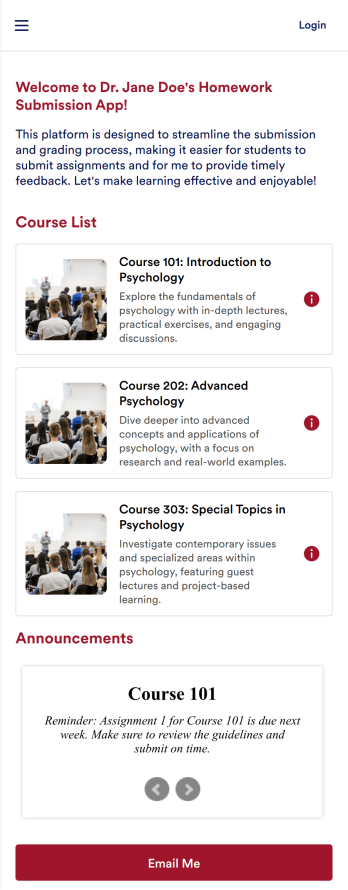
Customizable Homework Submission App
A homework submission app is a type of mobile application used by educators to collect student homework assignments. Build your own custom Homework Submission App with Jotform Apps. List your courses, add homework submission forms, set up automated responder emails, and streamline your own overall grading process.Customize the look and feel of your Homework Submission App by using our drag-and-drop app builder. Add or remove forms, change your app’s color scheme and font, select a unique app icon, include helpful form elements, add our Card element to organize your app, and so much more. Once you’re satisfied with your app, simply share it with your students to start collecting homework assignments on any device.
Go to Category:Classroom Management Apps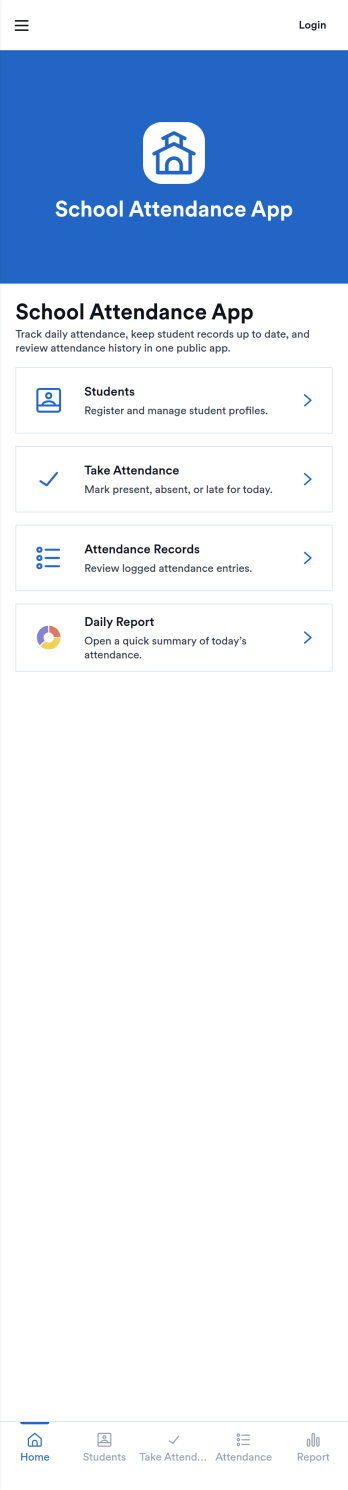
School Attendance App
School Attendance App helps schools take daily attendance, keep organized records, and follow up on absences without juggling paper rosters or scattered spreadsheets. Use it to quickly mark attendance, review individual student entries, and keep absence notes in one place, making it easier to spot patterns like frequent tardiness or repeat absences. It’s a practical fit for teachers, homeroom advisors, front offices, and school administrators who need a consistent routine for tracking presence across classes, dates, or student groups.Built with Jotform, this app template can be customized with a no-code app builder and a drag-and-drop interface so your team can match the layout to your attendance process. Connect it to forms for data collection, route updates through a simple workflow, and share a self-service link with staff who need access. As your needs change throughout the school year, you can update pages, add fields, and keep attendance information easy to find and manage from anywhere.
Go to Category:School Management Apps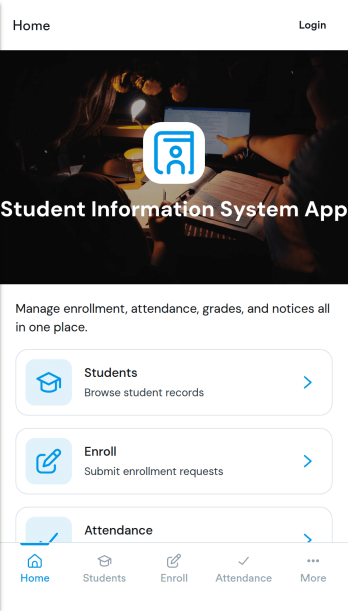
Student Information System App
Student Information System App brings key student records into one place so schools and education programs can keep day-to-day details organized without juggling spreadsheets. Use it to browse a student list, complete student registration, and capture ongoing updates like attendance and grades as the term progresses. It’s a practical fit for admins, registrars, coordinators, and teachers who need quick access to current information for classes, advising, and student support.Built with Jotform, this app template helps you turn data collection into a connected workflow using a no-code app builder and a drag-and-drop interface. Link your forms to lists so records stay easy to find, add navigation buttons for faster self-service across pages, and share the app with your team using a simple link. As needs change, you can adjust the layout, update fields, and keep information flowing to the right place with Jotform’s flexible app templates.
Go to Category:School Management Apps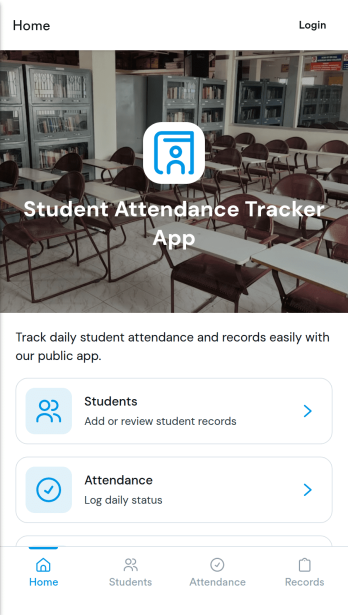
Student Attendance Tracker App
Student Attendance Tracker App helps schools and educators record daily presence, keep a clear student list, and review attendance records in one place. Use it to quickly navigate between Students, Attendance, and Records pages, log attendance as classes start, and pull up an individual student’s details when you need context for follow-ups. It’s a practical fit for teachers, homeroom advisors, after-school coordinators, and administrators who want consistent attendance tracking across periods, programs, or campuses without relying on paper sheets.With Jotform, you can turn this app template into a branded, shareable self-service experience using a no-code app builder and a drag-and-drop interface. Connect the app to your attendance form and underlying data collection so updates flow into organized records, then tailor pages, buttons, and navigation to match your schedule and policies. Share the app by link for fast access on any device and keep your workflow simple for staff members who need to log and review attendance throughout the day.
Go to Category:School Management Apps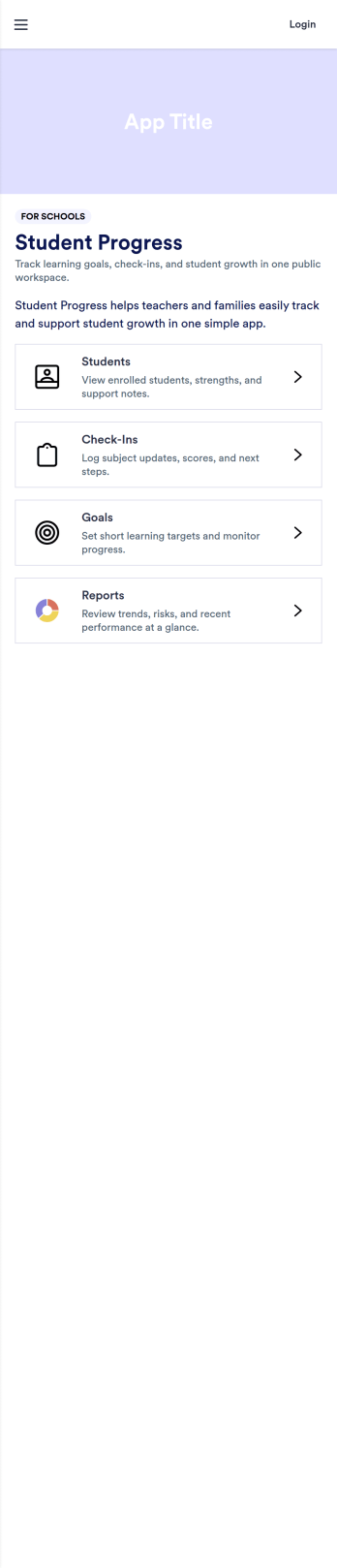
Track Student Progress App
Track Student Progress App helps educators and academic teams monitor learner growth in one place, using a roster view for quick navigation and progress logs to capture updates over time. It works well for classroom teachers, tutors, special education staff, and program coordinators who need a reliable way to review student profiles, record subject-level notes, and quickly see who is on track versus who needs support.With Jotform, you can turn this workflow into a shareable self-service app experience without coding. Use a no-code app builder with a drag-and-drop interface to connect forms for data collection, keep records organized, and support a consistent workflow for adding students and logging progress. Publish the app as a simple link for staff access, then refine the layout, branding, and pages as your tracking process evolves.
Go to Category:Education Apps
Class Scheduling App
A class scheduling app makes it easier for students to register for classes from their smartphone, tablet, or computer. Whether you’re looking to streamline class registrations for your school, gym, or certification program, do it with Jotform’s free Class Scheduling App. This readymade app template includes a class registration form, course evaluation form, discount ad, and links to social networking sites. Students will be able to download the app and fill out your class forms from any device. Submissions will be received instantly and stored in your secure and easily-accessible Jotform account.Make this Class Scheduling App your own with our easy-to-use builder. No coding knowledge required — simply drag and drop to add forms, documents, links, images, videos, discounts, and much more. You can also upload logos, update fonts and colors, and change the app icon and name to match your branding. Share your app with students by sending email invites or posting the app link on your website or social media accounts. Stay organized and simplify online class scheduling for students and teachers alike with a custom Class Scheduling App.
Go to Category:Booking Apps