
Recipe Costing App helps food businesses calculate recipe costs using a simple, repeatable workflow. Use it to store ingredients with current prices, build recipes from those ingredients, and review costing details when menu planning or updating pricing. It’s a practical fit for restaurants, caterers, food trucks, bakeries, meal-prep brands, and culinary teams that need consistent numbers across locations or shifts without relying on scattered spreadsheets.
With Jotform, you can turn this app template into a branded, shareable tool using a no-code app builder and a drag-and-drop interface. Connect forms to capture ingredient and recipe data collection, keep information organized for quick self-service browsing, and update costs as pricing changes. Publish your app in minutes, share it with your team, and keep your costing workflow moving with less manual follow-up.
Related templates
Product Expiration Date App
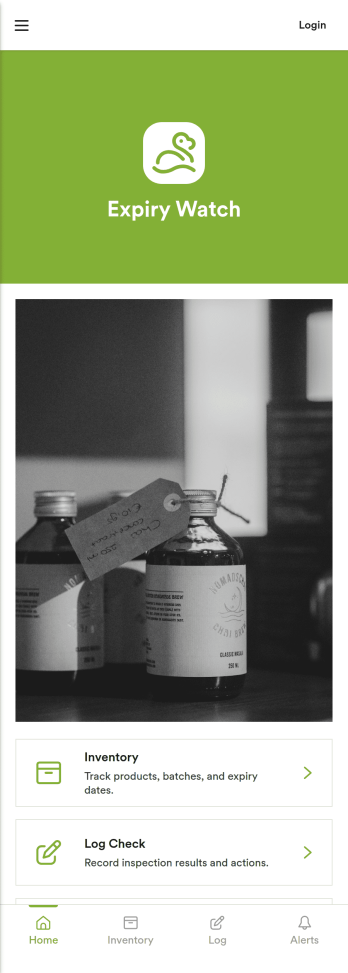
A product expiration date app helps teams track inventory by date so expiring items get flagged before they become a problem. Use it to keep product details organized, record routine checks, and review alerts for items that need attention. It’s a practical fit for restaurants, cafés, catering teams, grocery and retail stockrooms, labs, clinics, and any operation that handles dated goods and wants a clear process for rotation and removals. With quick navigation to Inventory, Log Check, Alerts, and Add Item, staff can stay consistent even across shifts and multiple locations.Jotform makes it easy to turn this workflow into a mobile-friendly experience using App Templates and a no-code app builder. Customize pages with a drag-and-drop interface, connect forms for data collection such as adding items and logging checks, and keep information organized for faster day-to-day decisions. Share the app with a link or QR code so teams can update inventory on the spot, reduce manual spreadsheets, and keep your workflow moving with fewer missed expirations.
Go to Category:Inventory Apps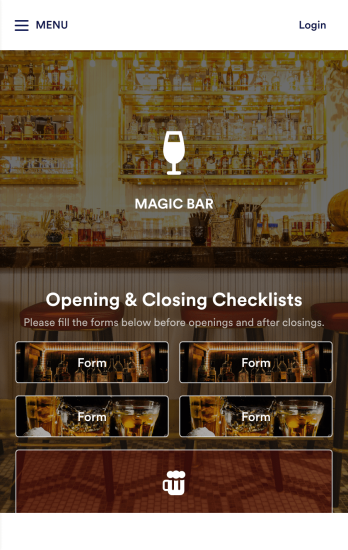
Bar Management App
Need an easy and efficient way to manage your bar’s employees? Look no further than this custom Bar Management App from Jotform. Create shift schedules, add opening and closing checklists, upload drink menus, and more. All of your bartenders will be able to use this handy app on their mobile, tablet, or desktop devices.Make this Bar Management App your own with our intuitive app builder. Simply drag and drop to upload training images and videos, add helpful integrations, create new pages, change fonts and colors, and more depending on your bar’s specific needs. Then simply share via direct link with your employees, or embed it directly into your work portal for easy access. Keep your bar running smoothly with this Bar Management App from Jotform.
Go to Category:Management Apps
Liquor Inventory App
Whether you own a bar, restaurant, grocery store, or liquor store, keeping an accurate count of your inventory is essential. With this free Liquor Inventory App, you and your employees can easily record and track liquor supplies by type, quantity, price, and proof. Your inventory is then stored in an easy-to-read Liquor Inventory Spreadsheet in your Jotform account.Want to customize your Liquor Inventory App? No problem! Our drag-and-drop interface makes it simple to add or change forms, choose fonts and colors, upload your company’s logo, update the app name or text, and more — no coding necessary. Afterwards, simply download the app onto your device or share the link with your employees and you’re ready to go. Keep every bottle accounted for with this free and fully customizable Liquor Inventory App!
Go to Category:Inventory Apps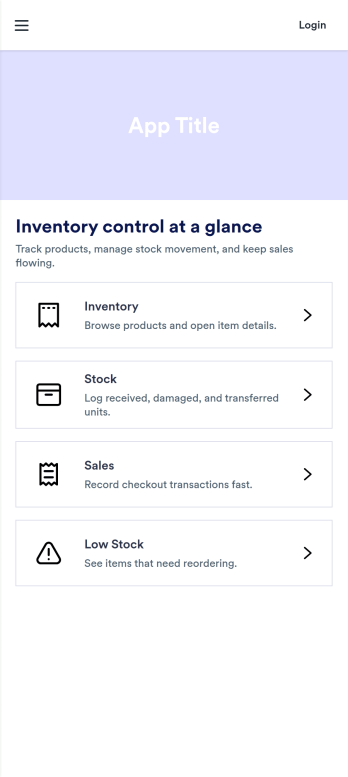
Pos Inventory App
Pos Inventory App helps retail and food service teams keep inventory control close to the register, so staff can quickly find items, review stock position, and spot what needs reordering. With an inventory list and item detail views, it’s useful for tracking inventory items, monitoring stock movement, and keeping a low stock watchlist visible for day-to-day operations. Store owners, shift leads, and back-of-house teams can use it to reduce missed restocks, avoid selling unavailable items, and maintain cleaner records across locations or departments.Built with Jotform App Templates, this app template can be customized in minutes using Jotform’s no-code app builder and drag-and-drop interface. Connect your inventory forms and data collection to keep records updated, then share the app through a link or QR code for fast staff access on mobile devices. As your workflow evolves, you can adjust pages, add steps for internal reviews, and keep sales and inventory logs organized in one place.
Go to Category:Inventory Apps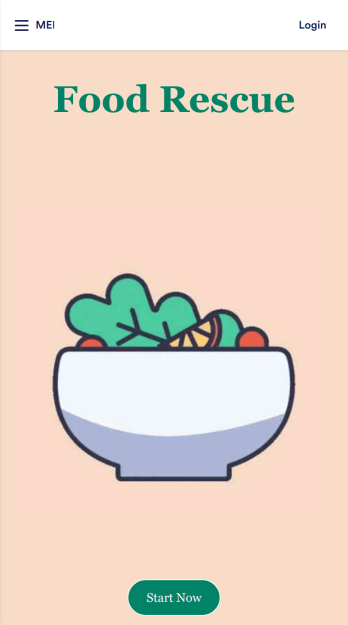
Customizable Food Waste App
Run a nonprofit organization that deals with food waste? Take action to prevent food waste and donate food to charitable organizations with this free Food Waste App from Jotform. Send food requests and schedule pickup times and locations with restaurants, airports, and catering companies by filling out online forms. Responses are stored in your secure Jotform account to be viewed and shared within your organization.Make this Food Waste App your own without any coding knowledge. Drag and drop to add or change form fields and checklist items, create new pages, choose fonts and colors, upload your organization’s unique branding, install helpful widgets and integrations, and much more. After you’re finished, share your app by sending email invites or the app link to businesses. Prevent food waste and help those in need with a fully-customizable Food Waste App that works on any device.
Go to Category:Booking Apps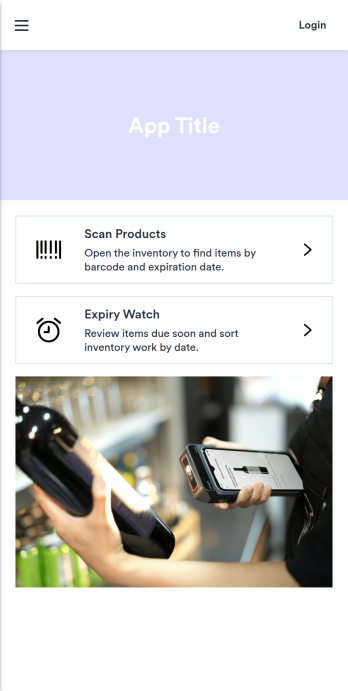
Barcode Expiration Date App
Barcode Expiration Date App helps teams track product expiration dates by scanning items, adding new products, and reviewing what is due soon. It’s ideal for restaurants, cafés, bars, catering teams, groceries, small retailers, clinics with stocked supplies, and storerooms that need a simple way to reduce waste and avoid missed expiry dates. Staff can move faster on receiving and shelf checks, keep inventory more reliable, and prioritize what to use first without relying on spreadsheets or memory.Built with Jotform, this app template can be customized in a no-code app builder with a drag-and-drop interface, so you can match it to your workflow and self-service needs. Connect the app to a form for consistent data collection when you register or add products, then organize records so your team can view inventory and open alerts from one place. Share it by link or QR code to make expiration tracking easier for every shift and location.
Go to Category:Inventory Apps