
A product expiration date app helps teams track inventory by date so expiring items get flagged before they become a problem. Use it to keep product details organized, record routine checks, and review alerts for items that need attention. It’s a practical fit for restaurants, cafés, catering teams, grocery and retail stockrooms, labs, clinics, and any operation that handles dated goods and wants a clear process for rotation and removals. With quick navigation to Inventory, Log Check, Alerts, and Add Item, staff can stay consistent even across shifts and multiple locations.
Jotform makes it easy to turn this workflow into a mobile-friendly experience using App Templates and a no-code app builder. Customize pages with a drag-and-drop interface, connect forms for data collection such as adding items and logging checks, and keep information organized for faster day-to-day decisions. Share the app with a link or QR code so teams can update inventory on the spot, reduce manual spreadsheets, and keep your workflow moving with fewer missed expirations.
Related templates
Parts Inventory App
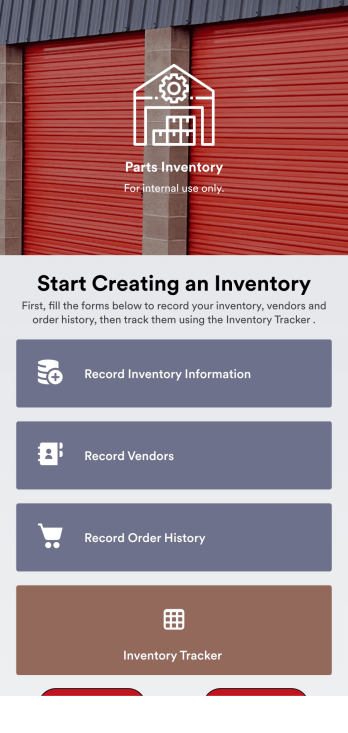
A parts inventory app is used by businesses or individuals who need to record and manage product inventory. Jotform’s Parts Inventory App bundles several forms together, allowing you to record inventory information, vendors, and order history from one convenient app. Track your submissions directly from your app with an easy-to-understand Inventory Tracker spreadsheet, which you can sort, filter, and search from your secure Jotform account.Need to make changes to this app template? Jotform’s drag and drop app builder makes it easy to customize this Parts Inventory App in seconds. You can add form elements, choose fonts and colors, upload your own branding, install widgets and integrations with a single click, and much more — all without any coding. Share your app internally by sending email invites or the app link, and employees can then fill out forms from any device. Start keeping digital records of your company’s inventory, vendor, and order history with this readymade Parts Inventory App.
Go to Category:Inventory Apps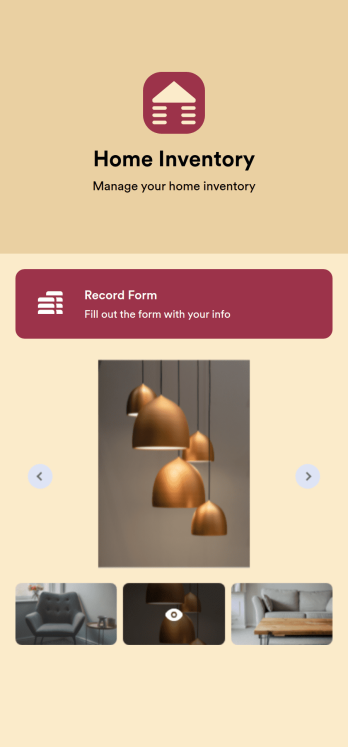
Home Inventory App
Keep track of items in your home with a free Home Inventory App from Jotform. If you’re tracking items for insurance purposes, the app includes a Home Inventory Information Record Form you can use to record details like item name, type, description, year, and more — you can even upload images of items in your home! All submissions through your app are stored securely in your Jotform account, ready to view and access at any time.Need to make changes to this app template? Add more forms, update the app background or icon, and make other design changes with no coding — just drag and drop to get the look you want. Once your app is good to go, download it onto your computer, tablet, or smartphone for quick and easy access. Stop tracking items in your home on paper and enjoy a more efficient way to get it done with this free Home Inventory App.
Go to Category:Inventory Apps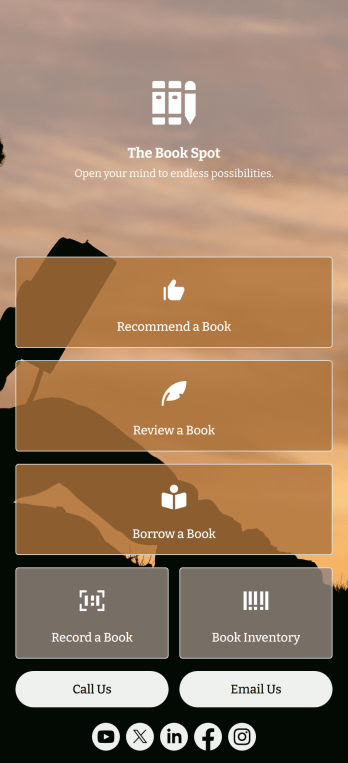
Book Recommendation App
Create an all-in-one app for your bookstore, library, or book club with Jotform’s Book Recommendation App. With this free app, you can accept submissions for book recommendations and reviews from any device. You can also record book sales and keep track of inventory and loaned books in an easy-to-understand spreadsheet with Jotform Tables.Want to make this Book Recommendation App your own? No coding required — simply drag and drop to create additional forms and pages, choose fonts and colors, link to your social media accounts, add a contact page, and anything else you want to include. Share your app with customers and readers by sending email invitations, generating scannable QR codes to place on placards or receipts, or by seamlessly embedding it in your website with a simple copy-paste code. Consolidate your forms in one convenient location with this fully customizable Book Recommendation App.
Go to Category:Inventory Apps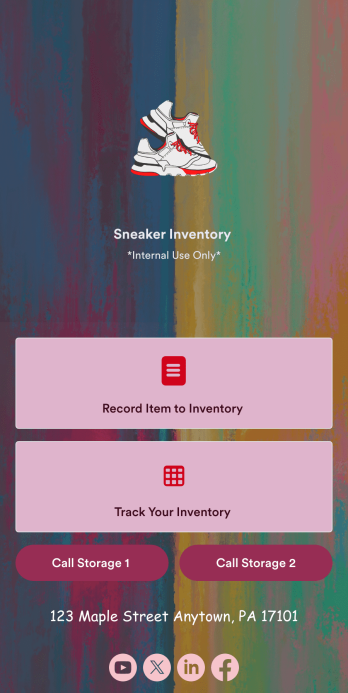
Sneaker Inventory App
Need an organized way to keep track of your shoe store’s stock? Look no further than this customizable Sneaker Inventory App from Jotform. Create an internal app for your sneaker store and include an updated inventory log, supplier delivery information, useful contact information, and much more. Once you’re finished creating your app, send it off to your team members via direct link or embed it in your company’s online portal for easy access.Personalize this Sneaker Inventory App to fit your branding with Jotform’s easy-to-use online app builder. Drag and drop to make changes to letter text, upload item pictures, pick fonts and colors, integrate with helpful widgets, and more! Give your staff an organized way to find sneakers that are in stock with this app from Jotform.
Go to Category:Inventory Apps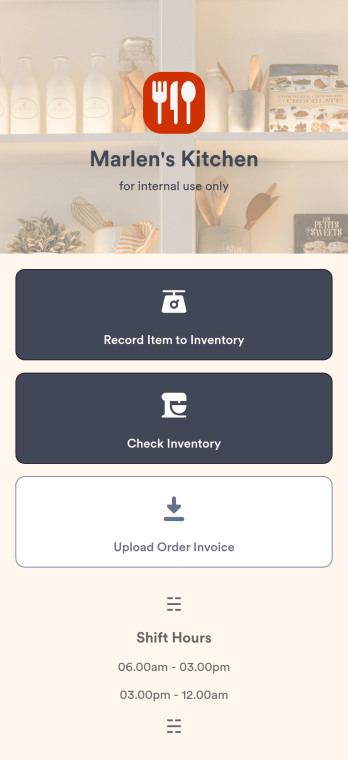
Restaurant Food Inventory App
A Restaurant Food Inventory App is used by restaurant owners and their employees to keep track of food and equipment. With this readymade app template, you can record inventory type, item name and type, quantity, and unit cost. There is also a separate form for uploading PDFs and images of invoices. Inventory submissions are instantly synced to an easy-to-read Restaurant Inventory Sheet, which is stored securely in your online account.Looking to customize your Restaurant Food Inventory App? Our drag-and-drop interface makes it easy to add forms, choose fonts and colors, upload your restaurant’s logo, update the app name or text, and more — no coding necessary. Afterwards, simply have your employees download the app onto any smartphone, tablet, or desktop, and you’re ready to go. Make inventory tracking a breeze with this Restaurant Food Inventory App!
Go to Category:Company Portal Apps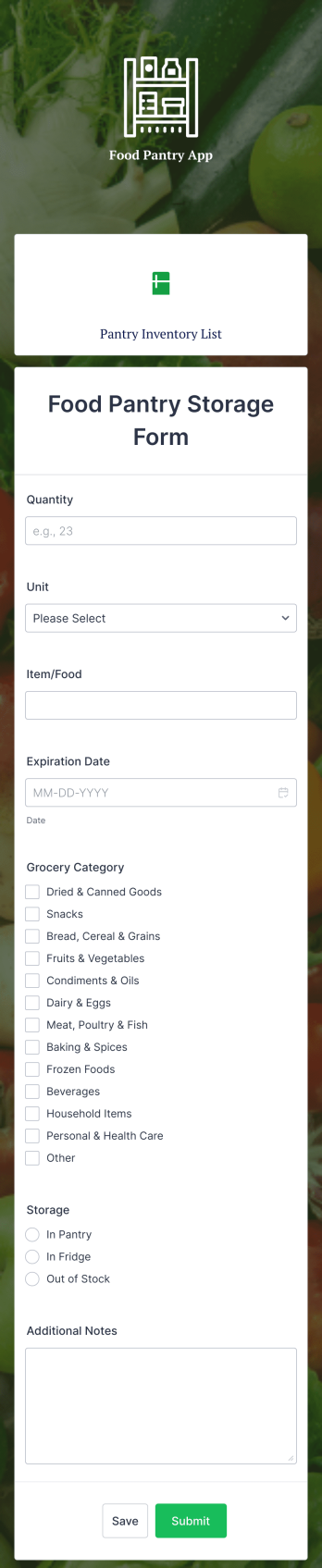
Food Pantry App
A food pantry app is a type of mobile application used by food pantries to track items and communicate to their audience what is currently available at the pantry. Use this ready-made Food Pantry App template to build your ideal app in just a few minutes. Track and manage inventory, add a contact page, collect donations, and so much more.Make any necessary design changes to your Food Pantry App that you see fit with our drag-and-drop builder. Choose a new color scheme, upload images and videos of community events, select an app icon, and more. Once you’re happy with the look and feel of your app, all you need to do is share it with your community!
Go to Category:Food & Beverage Apps