
An employee directory app is used by businesses to collect information from new employees. Jotform’s Employee Directory App allows new employees to fill out general contact information, position title, manager, days of employment, and start date. If applicable, there is also space to specify an end date for contract workers. Submissions are instantly synced to an Employee Info Sheet in your Jotform account, which you can sort, filter, and search from any device.
Customizing this app template to match your business’ branding is a snap. With our drag-and-drop form builder, you can add or change form elements, choose fonts and colors, upload your logo, and more — no coding required. You can also personalize your splash page by adding contact numbers and business address, or any other relevant information that might be useful to new employees. Share your app with a link or embed it in your website and employees can download it on any smartphone, tablet, or desktop. Streamline the onboarding process and keep all your employees’ information in one place with this Employee Directory App.
Related templates
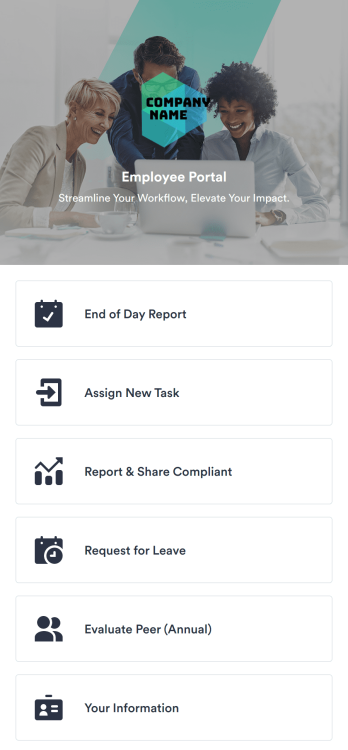
Employee Portal App
An employee portal app allows employees to access all internal company documents and links from any mobile device or computer. Create your own company portal in just a few clicks with Jotform’s free Employee Portal App. This customizable template includes a report form, task form, complaint form, leave request form, evaluation form, and employee information form all in one app. Employees will be able to fill out these forms from any smartphone, tablet, or computer, and submissions will be stored in your secure Jotform account.Customize this Employee Portal App to better meet your company’s needs. Without any coding, you can add forms, documents, links, images, buttons, videos, and much more to the template. You can also change the app icon and name and include your company branding in just a few clicks. When it’s ready to use, send email invites to employees directly or share the app link. With a fully-custom Employee Portal App for your company, your employees will enjoy more organized team collaboration and communication, no matter which device they prefer!
Go to Category:Company Portal Apps
Job Application App
A job application app is used by HR teams to post open positions for the company and collect applications from any device. No matter what roles you’re hiring for, find top candidates fast with our free Job Application App. This ready-to-use app includes separate job application forms for various manager positions as well as internship opportunities. You’ll receive submissions instantly, ready to view and share in your Jotform account.Customize this Job Application App Template in just a few clicks. No coding required — simply drag and drop to create and add new job application forms, update the provided text, upload a different background image, and even include your company branding. When you’re ready to share it, embed the link in your company careers page so prospective employees can download the app onto their smartphone, tablet, or computer. Make the application process easier for applicants and your HR team with a fully-custom Job Application App for your company.
Go to Category:HR Portal Apps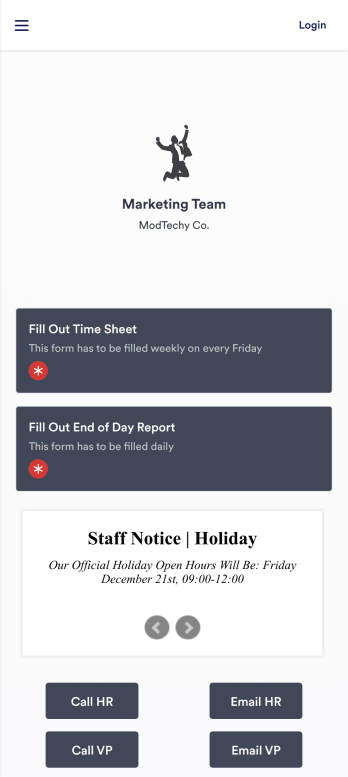
Work Management App
A work management app is used by team managers to assign tasks to others, track employee information, and fill out timesheets and end-of-day reports. Whether you work in marketing, sales, or another department, use this fully-customizable Work Management App to expertly track your team’s work from your computer, smartphone, or other mobile device. Tasks submitted through your Employee Task Assignment Form will be sent straight to your Employee Task List Table, and submissions through your Time Sheet Log Form and Employee Information Form will automatically populate your Employee Timesheet Table — no manual data entry required!Need to make changes like adding more forms, including your logo, or changing fonts and colors? Do it quickly with our drag-and-drop builder, with no coding knowledge needed. Once you’re done, share the app with a link to be saved onto any device, and start securely managing work information in your Jotform account. Get organized with a streamlined Work Management App for your team.
Go to Category:Human Resources Apps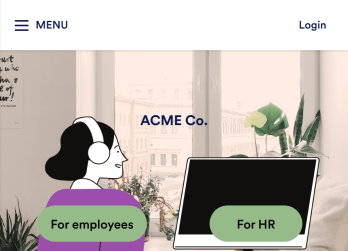
Employee Training App
Monitor your employees’ training progress from a central location with Jotform’s free Employee Training App. Employees can download this app onto any device and document when they’ve completed individual training courses, as well as evaluate the effectiveness of their courses and instructors with a detailed checklist. HR can track employee training statuses and attendance using built-in Jotform Tables spreadsheets.Customize this ready-made app template to match your company’s branding without any coding knowledge. Simply drag and drop to add or change form fields and checklist items, create additional pages, choose fonts and colors, personalize the app icon and splash screen with your unique branding — and much more. After you’re finished, simply embed your app in an internal company website or send out email invites to new employees during the onboarding process. Make sure your employees are getting the training they need with this fully-customizable Employee Training App from Jotform.
Go to Category:Company Portal Apps
Employee Scheduling App
An employee scheduling app is used by company HR, department managers, and employees for keeping track of employee data. This Employee Scheduling App from Jotform comes bundled with four useful forms, allowing employees to log weekly shifts, view assigned tasks, manage leave requests easily with Leave Request Form, and take time off to quarantine from COVID-19 exposures. Each form includes a companion spreadsheet where employee data is stored — allowing managers to easily sort, filter, and search through entries from any smartphone, tablet, or desktop.Make this app template your own with Jotform’s intuitive app builder. Just drag and drop to add or change form elements, edit the content of individual forms, upload your company’s logo, and more — all without any coding. You can also use your app’s splash screen for things like company-wide announcements or listing HR contact information. Once you’re finished, share your app with employees by attaching a link to an onboarding email or embedding it in an employee portal. Streamline scheduling and time-off requests with this fully-customizable Employee Scheduling app that can be downloaded on any device.
Go to Category:Human Resources Apps
Employee Travel Management App
An employee travel management app is used by HR departments for managing employee travel requests. With this readymade Employee Travel Management App, employees can request personal time off for vacation or seek authorization for company-related business travel. Data from both forms automatically syncs to a color-coded Travel Tracker spreadsheet in your secure Jotform account, so you can easily keep track of employee travel type, business expenses, and time off start and stop dates.Want to customize this app template to match your company’s branding? You don’t need any design or coding experience—just use our drag-and-drop app builder to add or change form elements, edit form text and fields, upload your logo, include documents and external links, and more. Use Jotform’s Rich Text element to display formatted text, tables, embed images or links, and clearly communicate instructions or information to users. When you’re done, share the app with employees by sending email invites or embedding a link in an internal-use company portal, and employees can start filling out forms from any smartphone, tablet, or computer. Create a custom all-in-one Employee Travel Management App to track employee travel details with this free app template from Jotform.
Go to Category:Company Portal Apps