

Top 3 Claude connectors
Nonprofits manage to do a lot with very little resources. Small teams often juggle everything from grant applications and donor communication to volunteer scheduling and program reporting. Yet according to the 2026 Nonprofit AI Adoption Report by Virtuous, 92% of nonprofits have adopted AI, but only 7% say it has actually expanded what their team can accomplish.
Claude is a powerful AI assistant, but the right integrations are what turn it from a general-purpose chatbot into a tool that actually moves the needle. The best Claude connectors for nonprofits connect to your organization’s data, automating routine tasks and simplifying everyday work.
Take the Blackbaud integration, for instance, which connects Claude to your constituent relationship management (CRM) data so you can make donor management and constituent engagement more efficient. Or if funder discovery is a priority, Candid Connector can link Claude to a funding database, making it easier to identify funding opportunities.
In this guide, we break down the best Claude integrations for nonprofits, what each does best, and how to choose the right option for your organization’s needs.
What are Claude connectors for nonprofits?
Claude connectors are integrations that allow Claude to access your external apps or services to extend its capabilities. Built on the open-source Model Context Protocol (MCP), connectors create secure bridges between Claude’s reasoning and your organization’s data. Your Claude then works with information from the tools you already use to help automate everyday workflows.
Instead of copying data into Claude and explaining context each time, connectors let you ask organization-specific queries because the assistant is context-aware. For example, a Claude-Google Drive nonprofit connector would connect Claude to files in your organization’s Drive so you can automate processes like
- Summarizing last quarter’s program report without opening a single file
- Retrieving volunteer data from a shared spreadsheet to draft shift reminders
- Reviewing grant proposal drafts in team folders to suggest edits
Without connectors, Claude works with what you tell it, which can be time-consuming. A connector enables the AI assistant to refer to what’s in your system. More importantly, the best Claude connectors don’t require technical expertise to set up — you simply link your account and start prompting.
3 Claude connectors saving nonprofit teams the most time
Every nonprofit is unique, but most nonprofit teams typically
- Deliver personalized donor outreach
- Run engaging fundraising campaigns
- Produce reports
- Create content
At the same time, staff capacity and budgets remain tight. To help you free up time for strategy and improve relationship-building, here are the best Claude MCP nonprofit tools.
1. Blackbaud Claude connector
Best for: Donor management and constituent engagement
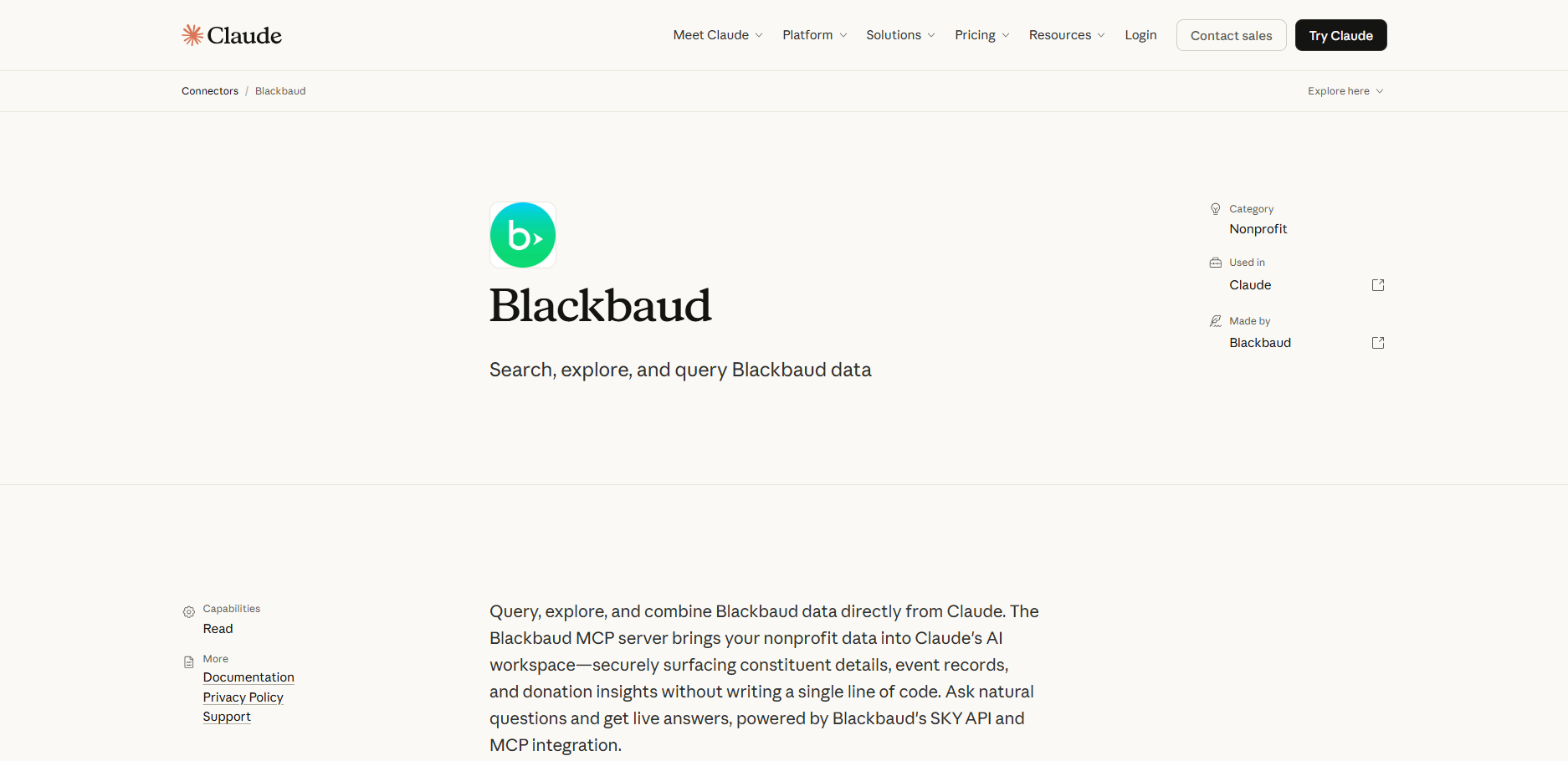
Blackbaud is one of the most widely used CRM platforms for nonprofits. If you use it to manage donors and engage constituents, the Blackbaud Claude connector brings that data into Claude’s workspace. You can look up donor profiles, pull event records, generate outreach content, summarize event details, and review gift records using natural language. Your Blackbaud permissions will govern how Claude accesses data.
- Primary workflow: Querying and acting on constituent data (giving history, event attendance, outreach, etc.)
- Developer: Blackbaud
- Key features of the Blackbaud Claude connector
- Natural language lookup of donor profiles and giving history
- On-demand access to event records and attendee lists
- Personalized outreach content generation using live constituent data
- No-code setup
- Pros of the Blackbaud Claude connector
- Cuts time spent pulling donor and event data
- Keeps CRM data and content drafting in one workflow
- Enables deep, personalized outreach using live constituent data
- Limitations of the Blackbaud Claude connector
- Only available with Claude for Teams or Enterprise, which may be costly for small nonprofits
- Requires you to install the Blackbaud for Claude Marketplace application and enable the AI feature within Blackbaud
- Read-only capabilities mean you can’t make changes to your Blackbaud records through Claude, which makes it unsuitable for teams looking for full CRM editing or workflow automation
2. Candid Claude connector
Best for: Grant research, funder discovery, and sector intelligence
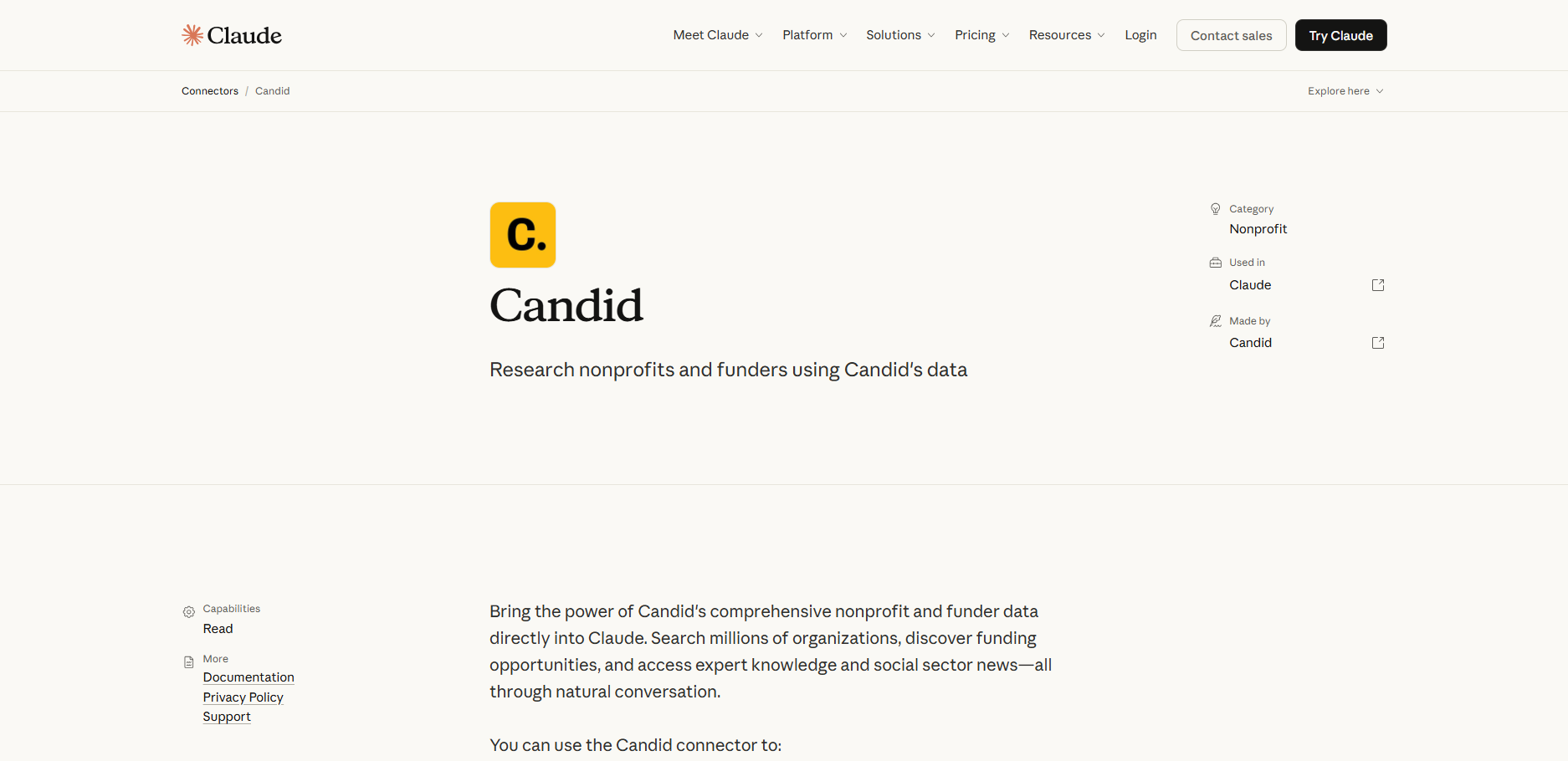
If you’re looking to start a nonprofit organization, apply for grants, discover funders, or gain sector intelligence, Candid is the tool you need. It has the resources to help you make informed decisions, and with the Candid Claude connector, you can bring all that data into your Claude conversation for deeper research. You can explore millions of organizations, access expert knowledge and social sector news, find funding opportunities, and understand the nonprofit sector using natural language.
- Primary workflow: Researching the nonprofit sector to find funding opportunities or better understand the industry
- Developer: Candid
- Key features of the Candid Claude connector
- Comprehensive nonprofit and foundation search across name, mission, location, leadership demographics, and issue areas
- Funder discovery based on program alignment and funding likelihood
- Access to Candid’s research library, training resources, and curated sector insights
- Retrieval of Employer Identification Numbers, taxonomy codes, and organizational metadata for grant applications
- Expert-informed sector knowledge base covering topics like grant writing and fundraising strategy
- Pros of the Candid Claude connector
- Huge time-saver for grant prospecting and funder research through natural language queries that return vetted funders without leaving the chat
- Expert knowledge library adds a training resource layer for grant writing and fundraising
- Improved funder targeting from customized retrievals
- Limitations of the Candid Claude connector
- Requires a Candid account to start using the connector
- Access to deeper organizational profiles, such as financial and leadership details, requires a Candid paid plan
- Read-only connector — it retrieves information and links and doesn’t allow you to execute actions on your Candid platform
- Results link to Candid profiles for deeper research, which might require switching platforms
3. Benevity Claude connector
Best for: Finding and vetting nonprofit partners with similar causes
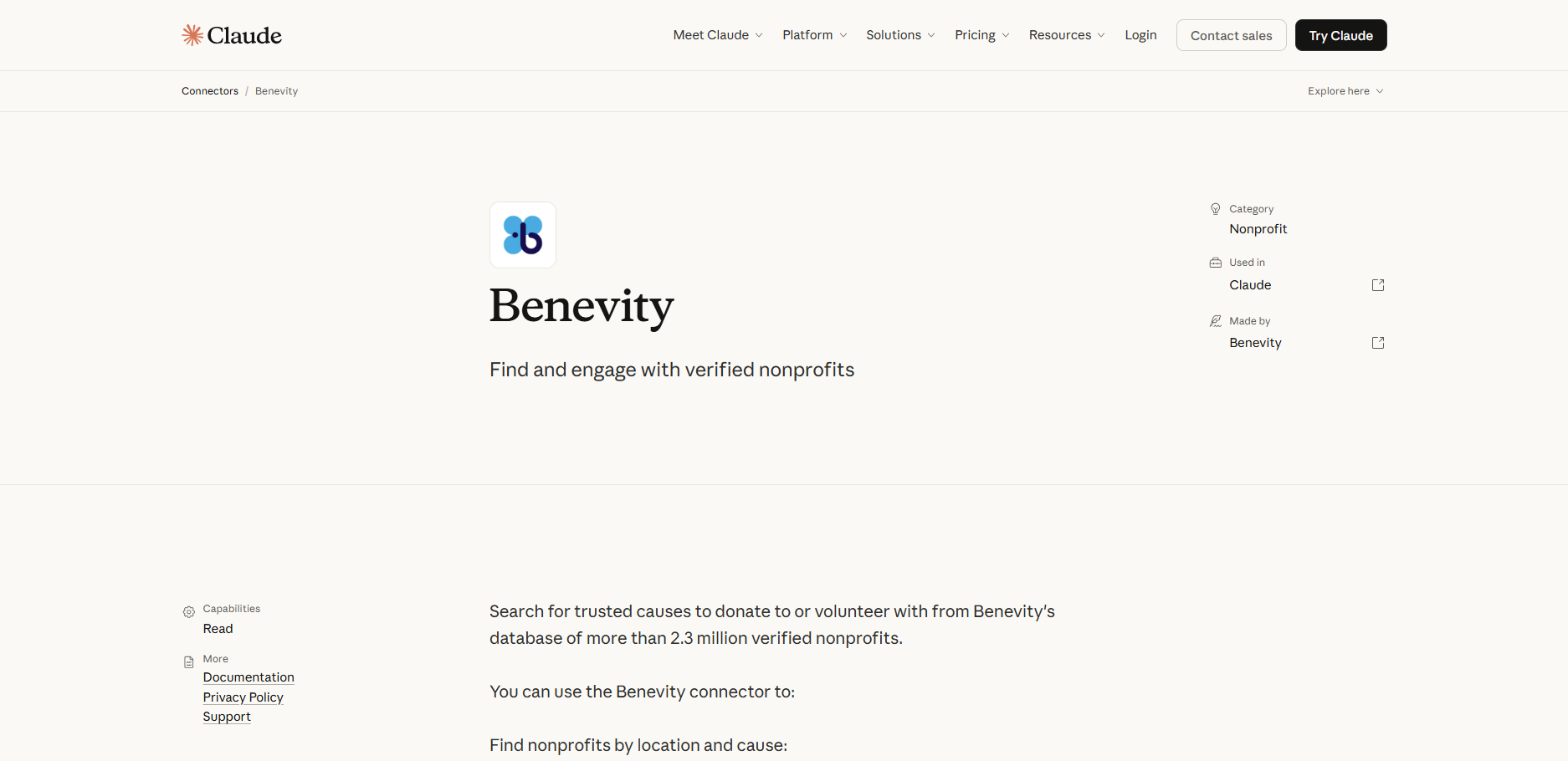
Benevity is a leading corporate social responsibility (CSR) platform, which explains why many nonprofits rely on it to connect with corporate donors and workplace giving programs. It runs one of the world’s largest databases of verified nonprofits, with over 2.5 million organizations across 200 countries. The Benevity Claude connector brings all this data into Claude to help you refine your search for other nonprofit partners, explore workplace giving opportunities, and build volunteer engagement programs.
- Primary workflow: Searching for verified nonprofits to partner with, refer donors to, or build a volunteer program around
- Developer: Benevity
- Key features of the Benevity Claude connector
- Discovery of verified nonprofits by cause, location, and program focus
- Identification of community organizations to refer beneficiaries, donors, or volunteers within Claude
- Provision of local donation and volunteer opportunities for newsletters, donor updates, and internal communication
- Pros of the Benevity Claude connector
- The scale of the database is impressive
- Verification status reduces due diligence friction
- Conversational search makes it easier to find what you’re looking for
- Limitations of the Benevity Claude connector
- Read-only connector focused on search and discovery
- Narrower use case — not designed for donor management, grant tracking, or program reporting
- Nonprofits not engaged in CSR may find less direct utility
- Best suited for nonprofits building referral networks or looking to discover verified organizations to partner with or direct donors to
How to choose the right Claude connector for your nonprofit
To select the right Claude integration for your nonprofit, start by identifying your highest-volume, most repetitive task so you can realize the fastest ROI. The right MCP tools for nonprofit organizations aren’t necessarily the most feature-rich ones, but those that address your organization’s needs. Below are the most important factors to consider when evaluating a connector.
Workflow fit
Your connector should address your primary organizational needs. For instance, if you’re looking for Claude donor management AI, the Blackbaud connector can do most of the heavy lifting for you. On the other hand, if volunteer coordination takes a toll on your team’s time, Benevity can be the right Claude volunteer management connector. Candid can be a great tool if you spend most of your time on grant prospecting and funder discovery.
Budget and plan tiers
Many connectors have free tiers with limited actions or seats. You’ll need to check that the free version covers what you need or evaluate whether the productivity gains justify a paid upgrade.
Data sensitivity
Nonprofits handle sensitive information, such as donor PII, beneficiary records, and financial data. Before you connect AI tools for nonprofits to a live organizational account, review their data access permissions and privacy policy. Check what data the connectors can read and who governs it.
Setup complexity
The best AI tools for nonprofits are plug-and-play. You simply connect the integration with Claude and sign into your account, and you’re ready to go. Some connectors, however, such as Make and Zapier, require you to set up workflow configuration. Before you choose a tool, confirm that your team has the expertise to set up and maintain the integration.
Existing tool stack
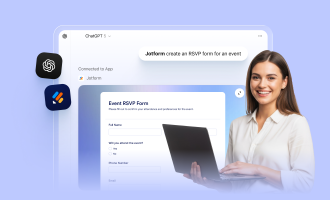
The best Claude nonprofit integrations are often the ones that involve a tool you already use. If your nonprofit collects structured data — such as volunteer applications, event registrations, donation inquiries, or organizational feedback — consider the Jotform Claude App regardless of your existing stack. The app works directly within Claude, so staff can create and edit Jotform forms using plain-language prompts and review submission data without switching tools or logging into a separate platform.
Introducing the Jotform Claude App
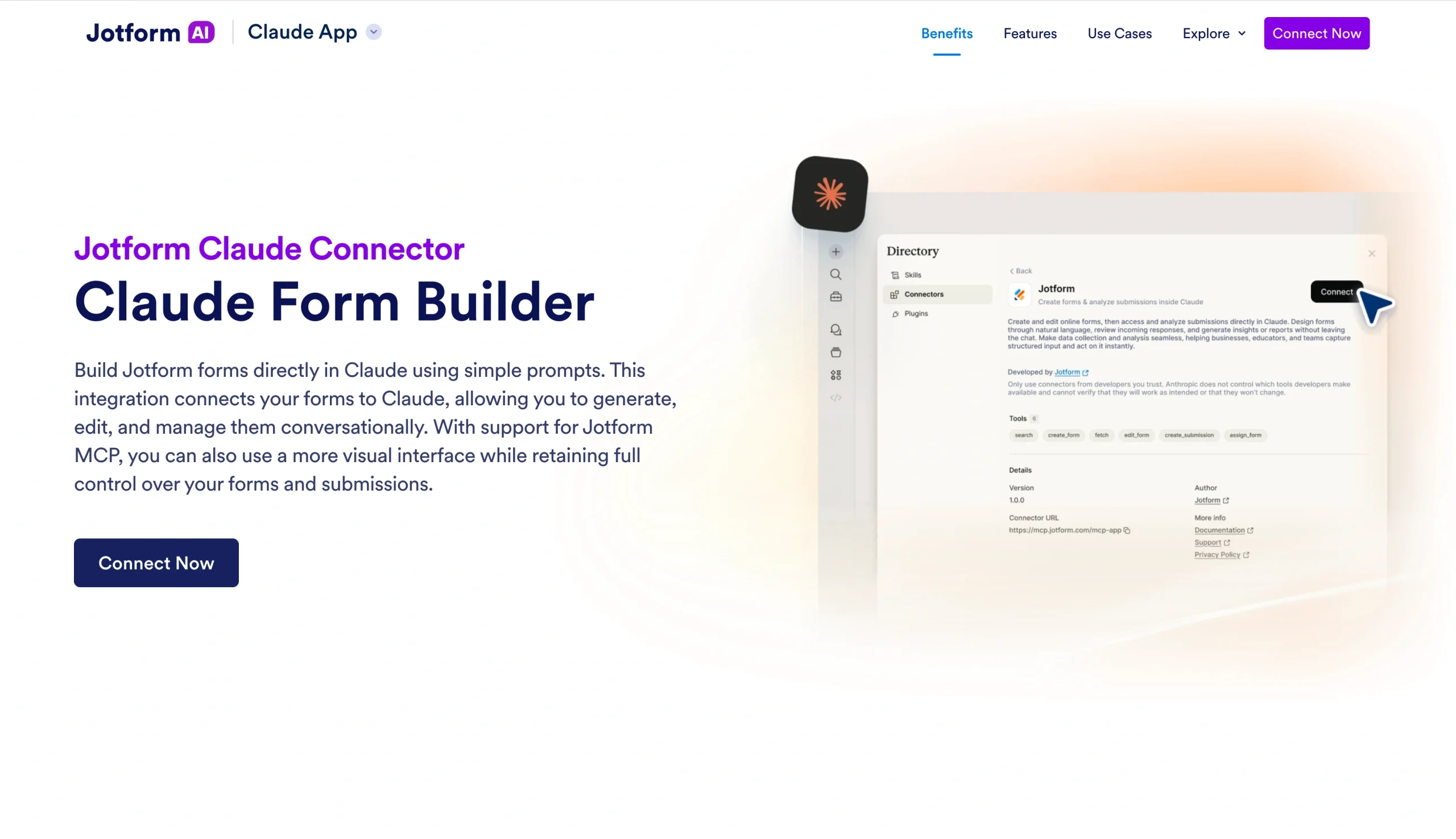
The Jotform Claude App lets you create forms and analyze submissions directly inside Claude. For a nonprofit team, you can use the app to prompt Claude to automatically build things like
- A volunteer intake form
- An event registration page
- A grant application intake form
- A donor inquiry form
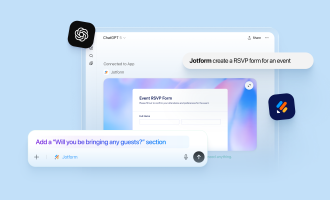
From the generated forms, you can refine fields, layouts, design, conditional logic, and structures using conversations. When the submissions come in, you can use Claude to filter responses and summarize trends without leaving the chat.
How to get started using the Jotform Claude App
Using the Jotform Claude App couldn’t be easier — just follow the steps below.
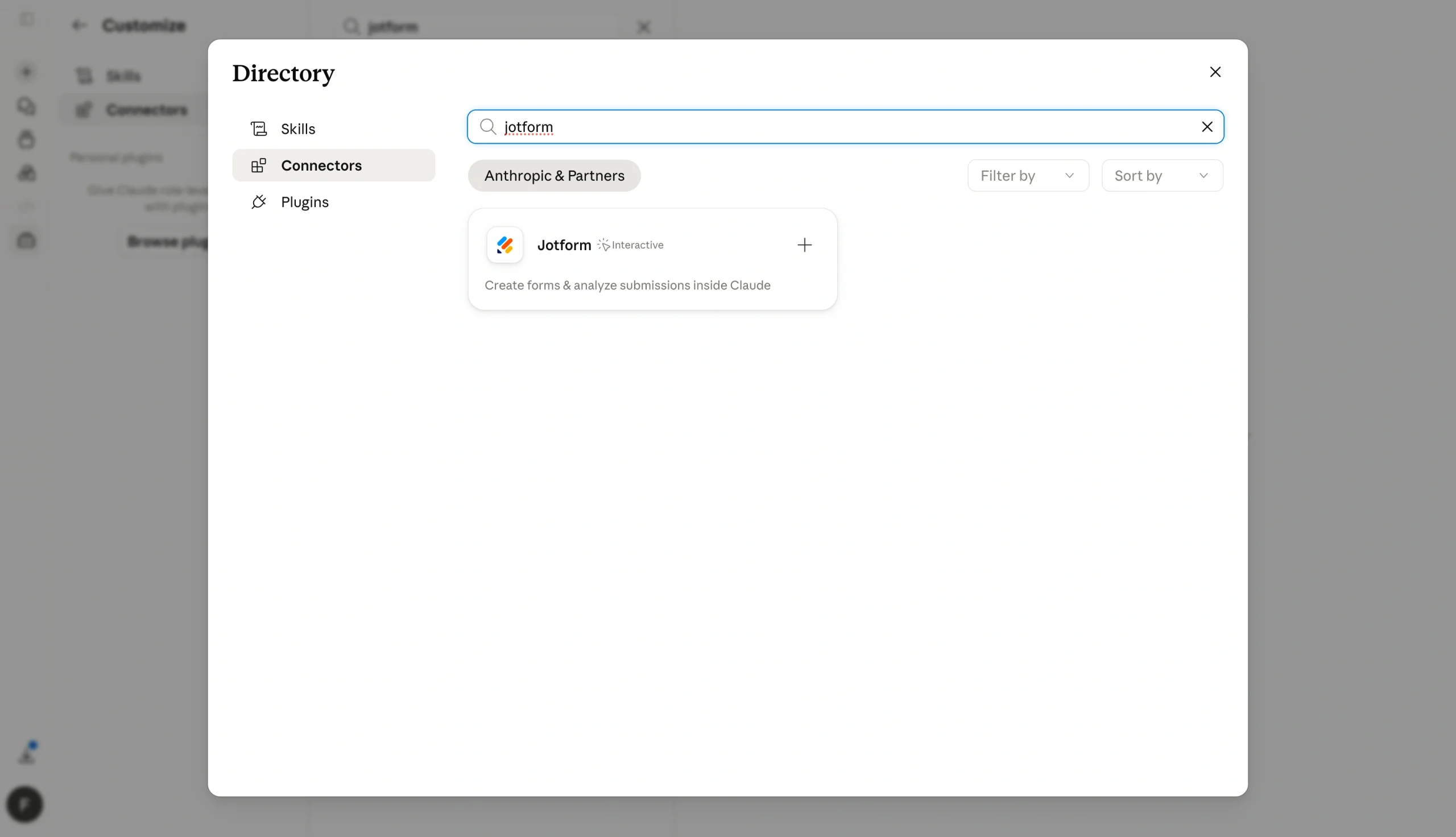
Step 1: Connect Jotform to Claude
Log into Claude and go to Connectors in Settings. Activate Jotform from the list of available integrations.
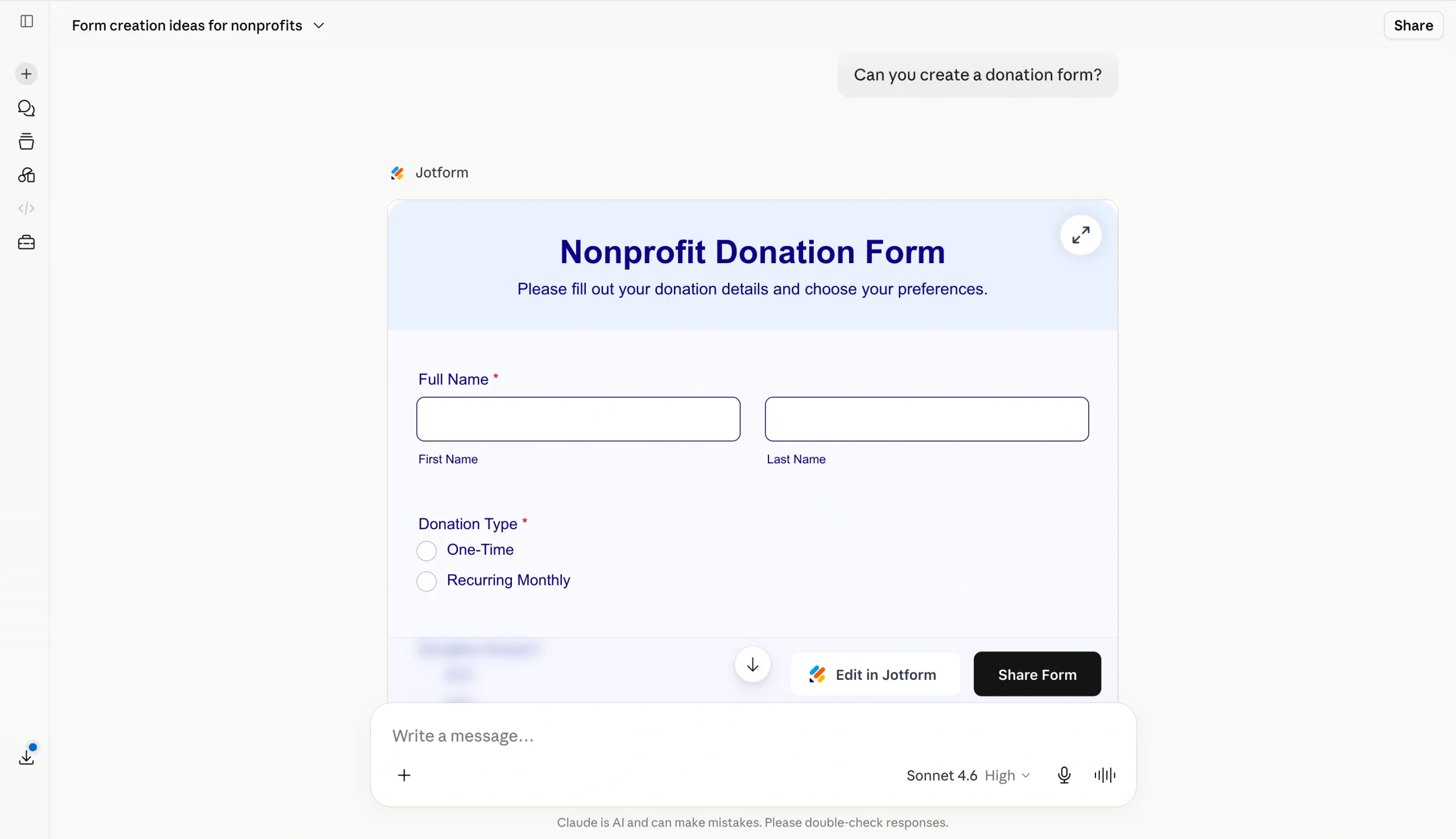
Step 2: Create and refine your form in chat
Once you’ve established the connection, prompt the AI assistant with a description of what you want to build. For example, ask the chat to create a form in Claude for volunteer intake. The Jotform Claude App will automatically create the structure. You can then refine the fields and styling from the chat.
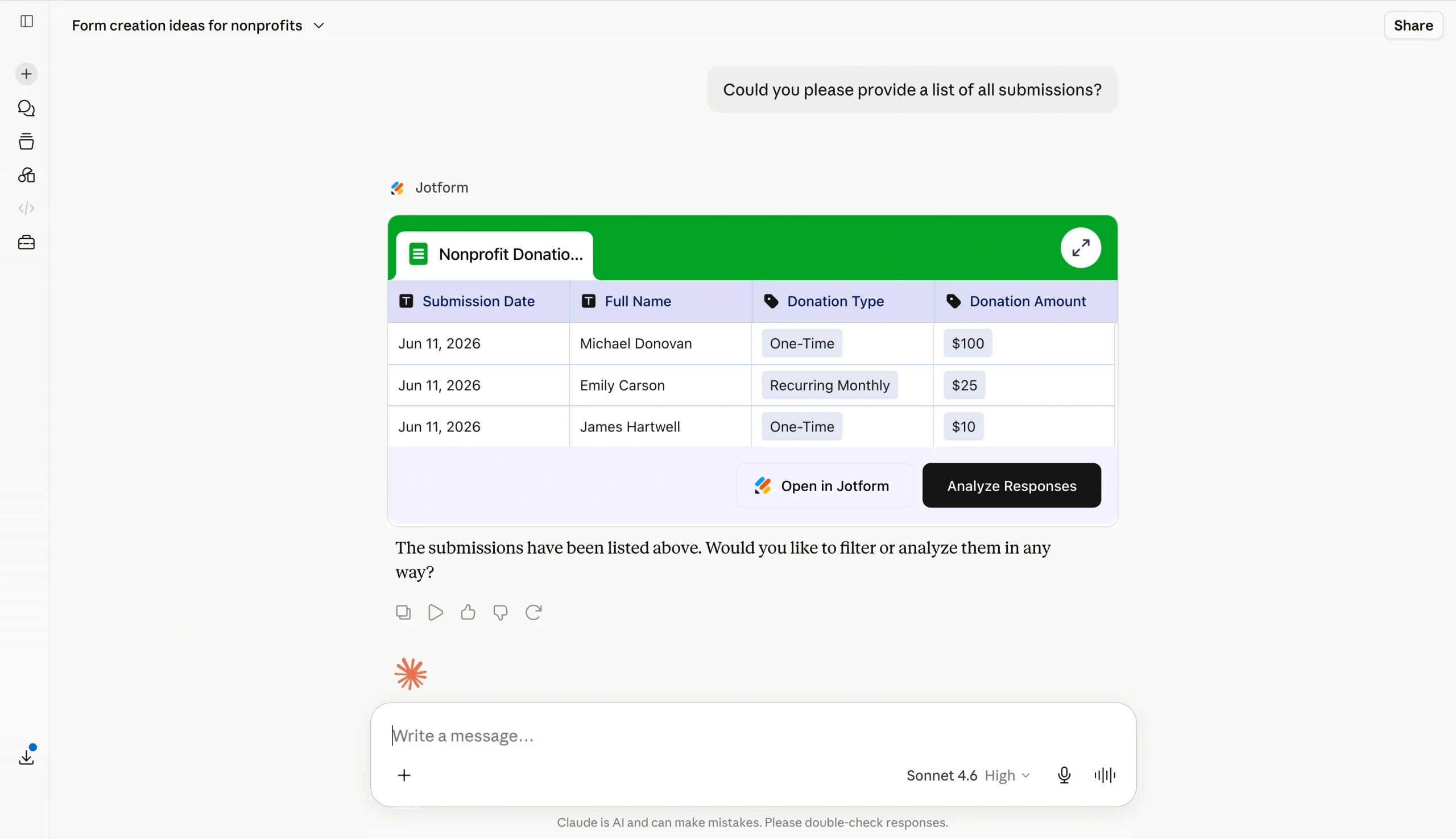
Step 3: Analyze submissions and optimize results
Once you start getting submissions, ask Claude to summarize the responses and identify common patterns. You can use it for program reporting and volunteer coordination reviews.
Why Jotform Claude App works across nonprofit tool stacks
You don’t need a specific CRM, donor management platform, or project tool to use the Jotform Claude App for nonprofits. Because the app integrates at the Claude level, it works whether your team uses Blackbaud, Salesforce, spreadsheets, or no tool at all.
Build Claude into your nonprofit’s daily workflow
To start using Claude, pick one connector that can handle your highest-volume, lowest-complexity task and build from there. The best AI tools deliver the most value when they save you time on repetitive tasks, such as drafting donor acknowledgment letters, volunteer shift reminders, and grant progress updates.
If you’re a nonprofit that regularly collects structured data, though, you’ll likely find that your most repetitive tasks are form-based workflows. The Jotform Claude App is a great starting point to automate tasks such as
- Volunteer applications
- Event registration
- Program feedback
Best of all, the Jotform Claude App doesn’t require you to change your existing tool stack or involve IT. You simply connect it to Claude, and your team can create volunteer intake forms, event registration pages, and donation inquiry forms using plain-language prompts in Claude. You can also edit existing forms on the fly and pull submission summaries without switching tabs.
Try the Jotform Claude App today and see how quickly it fits into your workflow.
This article is for nonprofit directors, operations managers, volunteer coordinators, and fundraising leads at small-to-mid-sized nonprofit organizations looking to use Claude to automate admin work, donor outreach, and program management.

























































































Send Comment: